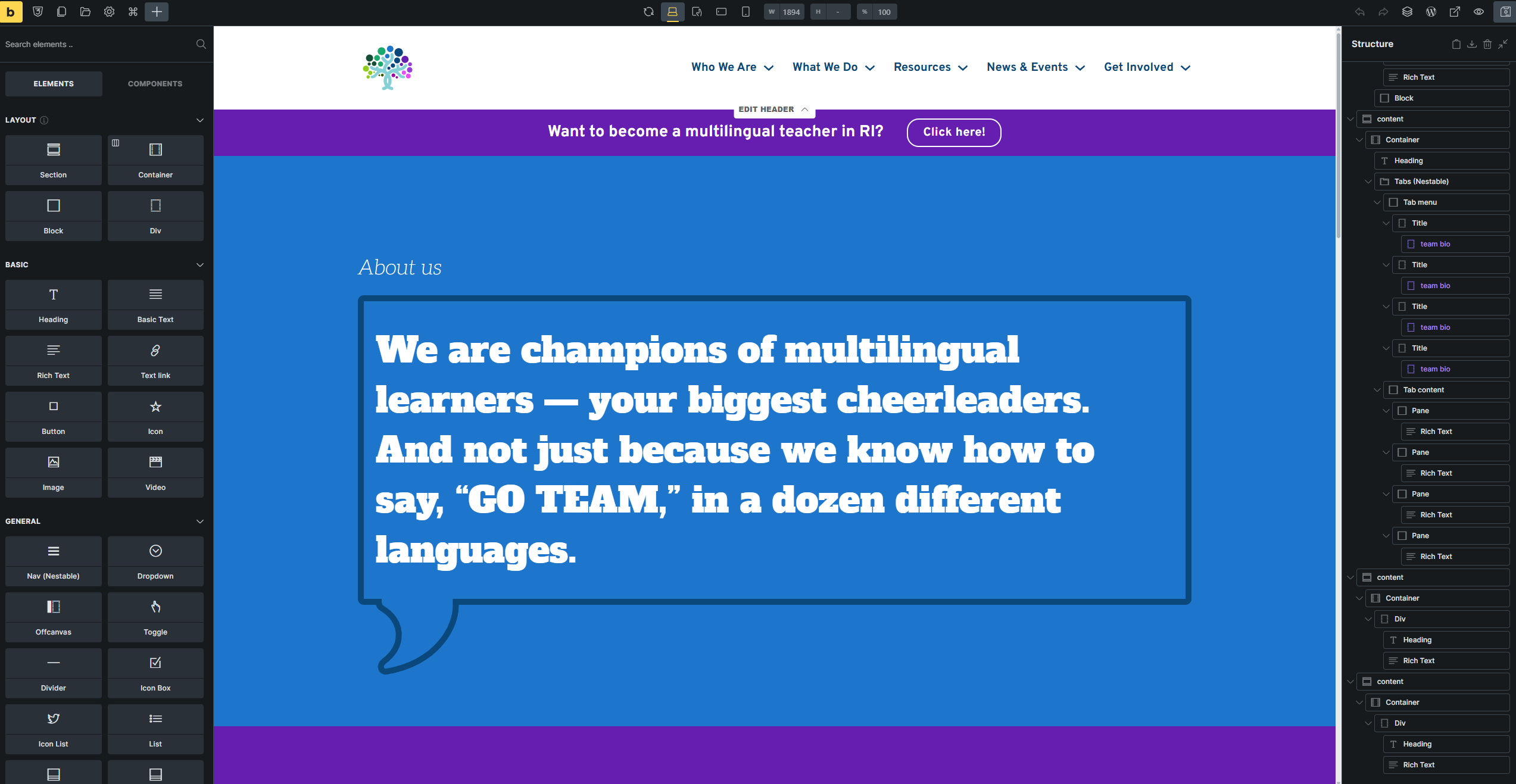
Browser: Edge
OS: Windows
URL: Link to a page that illustrates this issue
Seems like it could’ve been some custom CSS or something of the like, but there doesn’t seem to be any indication anywhere what the issue is.
Builder view:
Browser: Edge
OS: Windows
URL: Link to a page that illustrates this issue
Seems like it could’ve been some custom CSS or something of the like, but there doesn’t seem to be any indication anywhere what the issue is.
Builder view:
Hi Jonathan,
Thanks so much for your report!
It’s most-ikely caused by the missing bracket:
Best regards,
timmse
Interesting, when I went to fix the issue, it didn’t have the typo in the builder, which explains why I wasn’t able to find it before.
I believe this was more of an issue with 2.1.4 (I’ve since updated), I had typed the typoed variable into the color picker “HEX” field, then switched to raw, and typed the correct variable, but the typoed version in the HEX field must’ve been what was picked up. No longer an issue with 2.2. Thanks.