Browser: Chrome 110
OS: macOS
When placing an icon list element, Bricks Builder is adding default values of
margin:0;
padding:0;
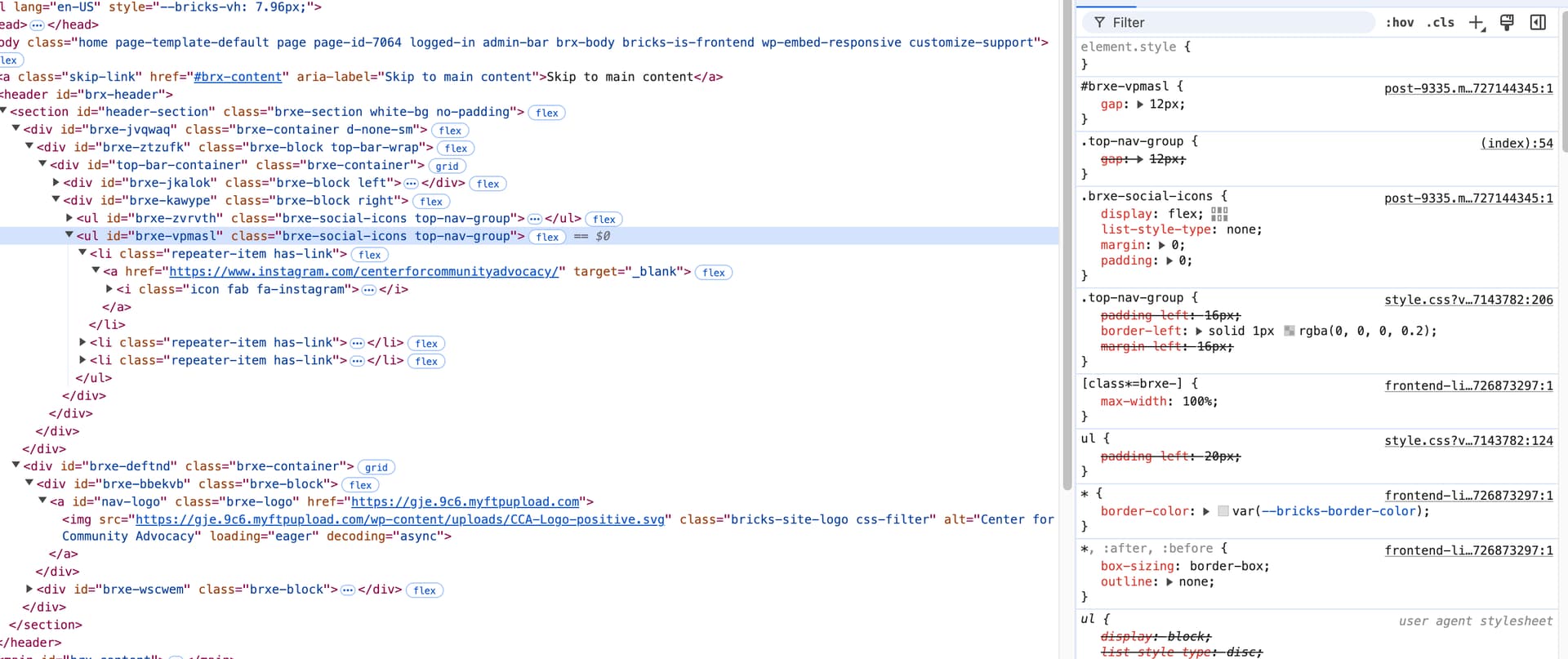
to the icon list in the individual post css using the external CSS loading method (“post.9335.css” for example). This overrides padding and margins I have set to my custom CSS class in my stylesheet. I can declare different margin or padding values and it will reflect those, but when I clear them out so that nothing is entered at all, it goes back to setting them to 0. The expected behavior would be no padding or margin declared specifically for these elements, unless the user specifies it.
Even stranger, my CSS classes are not overruled when viewing from within the builder, this only rendered on the front-end, making it extra frustrating. I have turned off and purged all caching mechanisms, regenerated CSS to no end, etc.
I can of course make a workaround for this by chaining selectors to override it and/or using an !important declaration, but that is not best practice.
Builder view (displays correctly and respects my CSS):
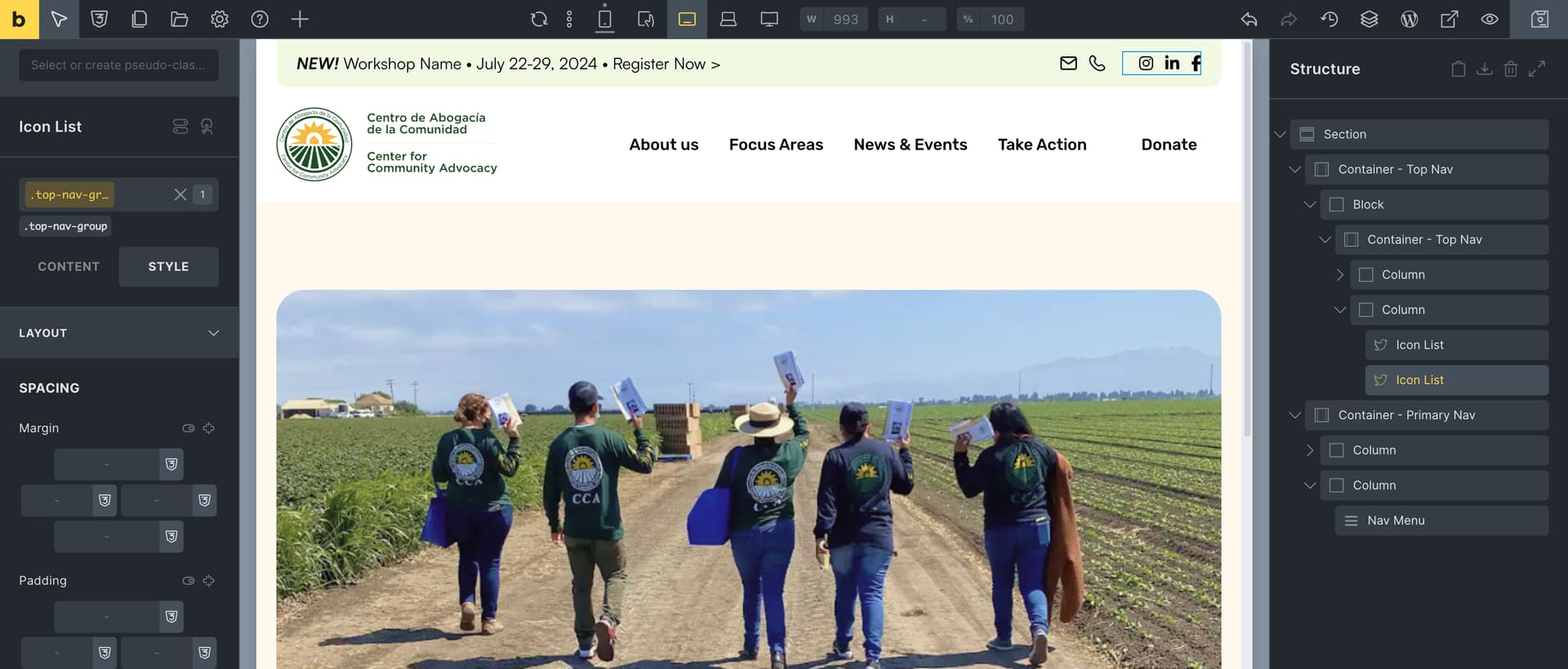
Front-end view (overwritten by generated CSS from Bricks):

Devtools showing margin and padding declarations generated by Bricks:
Thank you.