Corry
October 9, 2024, 3:22pm
1
Browser : Chrome 110OS : Linux (Ubuntu 24)Additional Plugins : GutenBricks, BricksForge
Reproduce Behaviour :
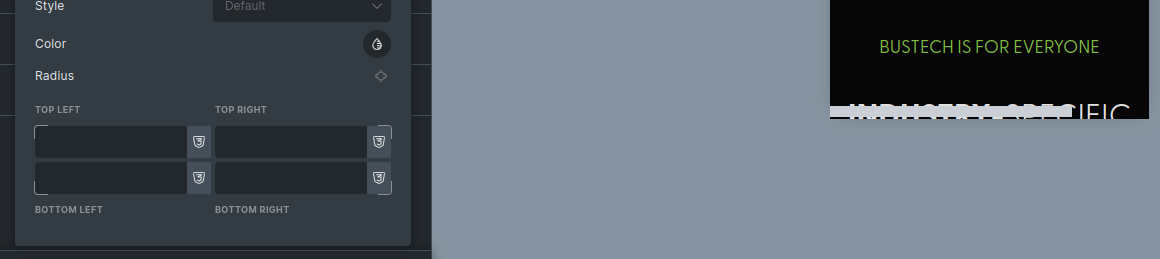
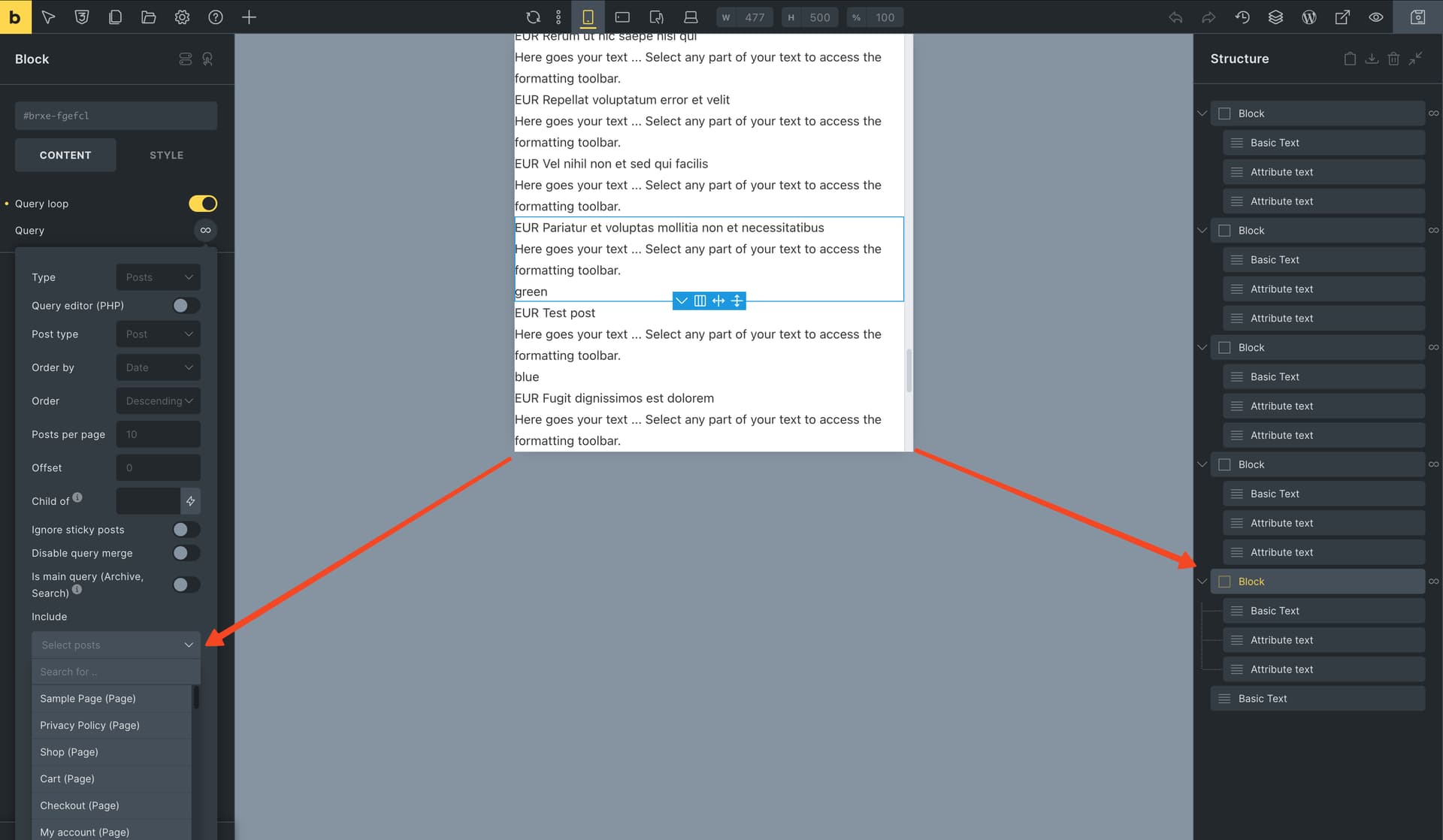
Set a height for a breakpoint view within the builder.
Try to select any option on either the Content/Style/Structure panel that is below the breakpoint’s cutoff height.
No input field below the cutoff can be focused or values inserted into unless scrolled to be above the height limit.
Additional Info
This is a mobile first approach with the base breakpoint at 320px.
Matej
October 10, 2024, 7:04am
2
Hi @Corry ,
Hmm, I was unable to duplicate the bug, and I’ve tried on a 1.10.3 and latest beta version.
Can you try to disable all plugins, just to test, and also any custom styles that you have, if this is causing it?
Thank you.
Corry
October 10, 2024, 11:46am
3
@Matej Thanks for the effort & suggestions.
I disabled Bricksforge and now it appears to function as normal.
I feel rather silly for not doing this first before posting here but I suppose at least now others may find the post.
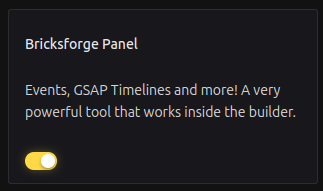
It appears that the issue is caused by Bricksforge specifically the Bricksforge Panel and not Bricks Builder .
Matej
October 10, 2024, 1:33pm
4
Hi,
thank you for your response and description of what was causing the problem.
I’ll mark this topic as a NO BUG.
Thank you,