I’m having a problem with Bricks and the WooCommerce Points & Rewards plugin.
My WooCommerce WordPress page, “My Account,” is empty. I edit it using Bricks, adding just the “My Account” element. I edit my “Dashboard” template, and everything is fine.
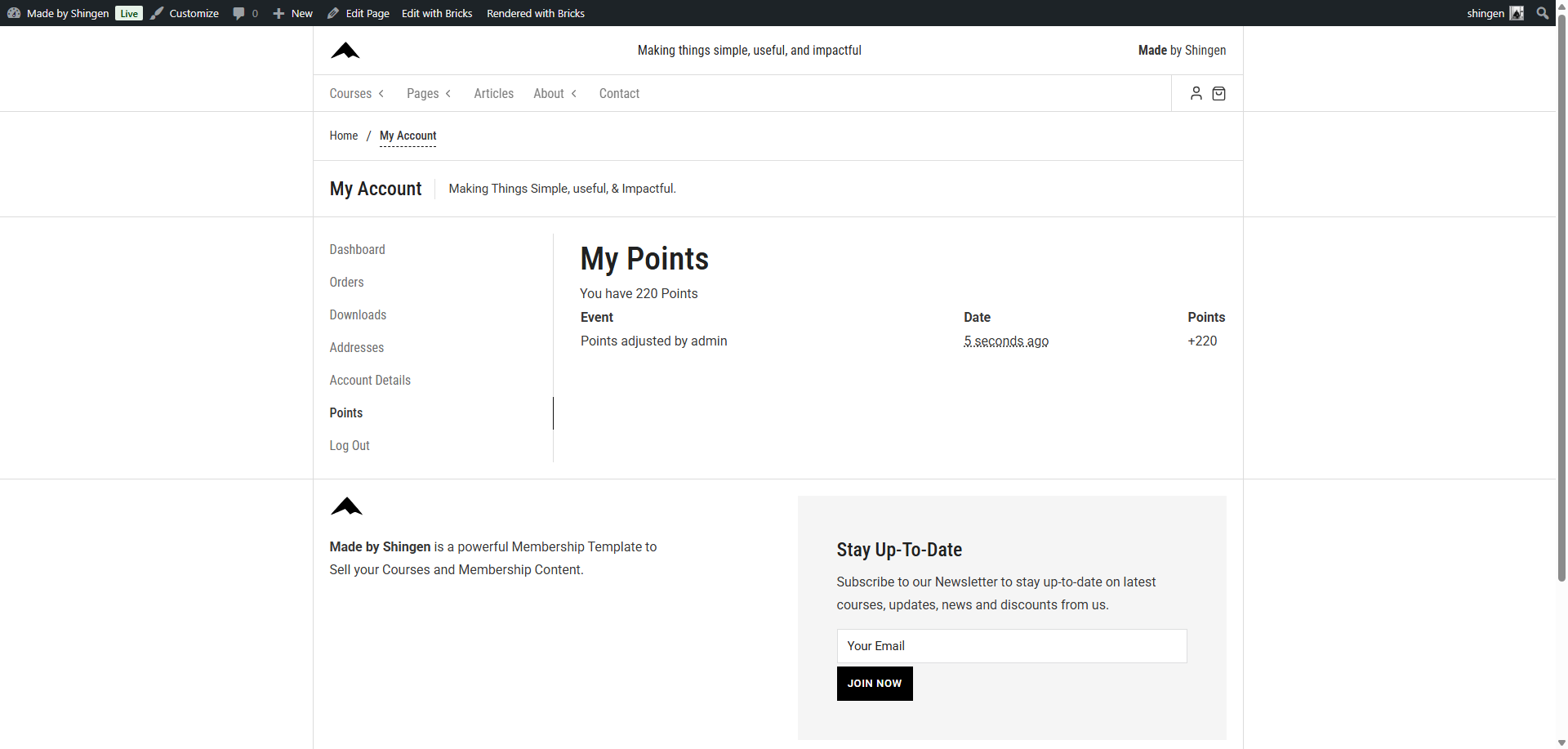
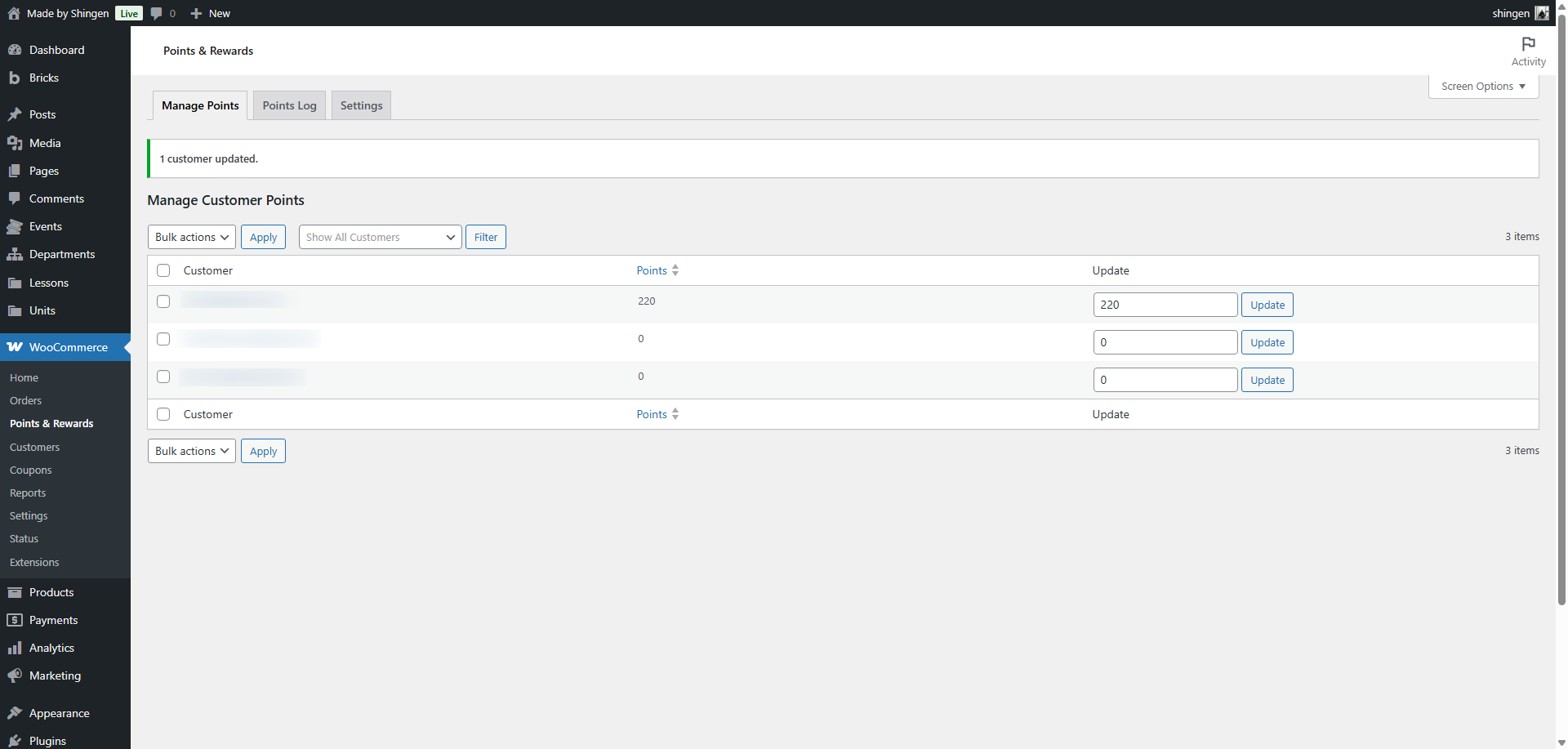
However, the WooCommerce Points & Rewards plugin creates a page.
When I go to this WordPress page and edit it, all the changes appear on the “My Account” WordPress page in Bricks… Why is this happening?
It’s as if the pages are linked; any changes on one page affect the other.
Have you setup your account page properly? WooCommerce Account Builder – Bricks Academy
The plugin adds another endpoint to that page known as “Points” … but if you do not have your Woocommerce Accounts page setup properly, it will not work.
Hi @antoineb ,
Please may I know the full URL you are editing and some screenshots?
If it’s a WooCommerce My Account endpoint, you will always be redirected to My Account page.
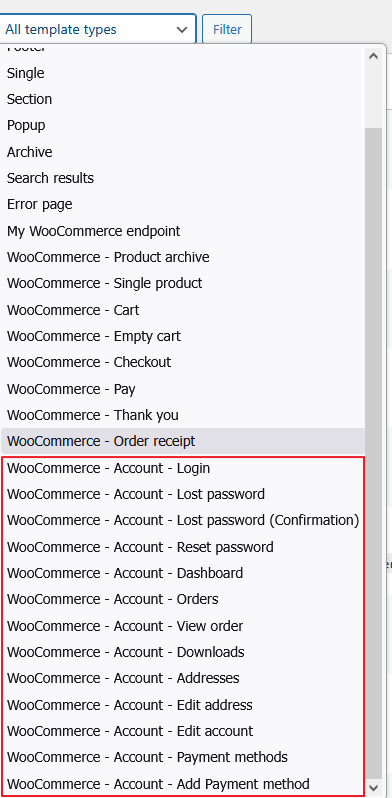
Bricks only allows you to design the native default WooCommerce My Account endpoints here:
If that is another plugin’s endpoint, you cannot design it via Bricks.
Regards,
Jenn
I think the problem in my case stems from the fact that I’m using Bricks templates for everything native to WooCommerce, but I’m using WordPress pages for the plugins that add elements to the customer account.
However, to display them on the page, since I don’t have a shortcode for the plugins, I have to use the “My Account” element from BricksBuilder, which creates a sort of loop.
In fact, there can only be one WordPress page with the “My Account” element; otherwise, the style modification is applied to all pages where the element is present.
But if the “My Account” element from BricksBuilder isn’t present, then the WooCommerce page content doesn’t display.
I’ve made a video for you.
video
For your information, I also use WooCommerce Automate with the Birthday Add-on and Referral Friend Add-on modules.
You can see that it always displays and doesn’t cause any problems because it’s displayed via a shortcode… and it doesn’t have the “My Account” element from BricksBuilder.
I’m going to test removing the Ending Points plugin from the Points and Rewards plugin and creating a shortcode for it to see if that no longer creates a loop.
I just tried this code:
add_action( 'plugins_loaded', 'wcprs_remove_par_endpoint', 20 );

function wcprs_remove_par_endpoint() {
	if ( ! function_exists( 'wc_points_rewards' ) ) {
		return;
	}

	$instance = wc_points_rewards();

	// Supprimer le lien du menu "Mon compte"
	remove_action( 'woocommerce_account_menu_items', array( $instance, 'add_menu_items' ) );

	// Supprimer l'affichage du contenu sur l'endpoint
	remove_action( 'woocommerce_account_points-and-rewards_endpoint', 'woocommerce_points_rewards_my_points' );

	// Ne plus enregistrer la règle de réécriture
	remove_action( 'init', array( $instance, 'add_endpoints' ) );
}

// Shortcode [wc_points_rewards]
add_shortcode( 'wc_points_rewards', 'wcprs_shortcode_render' );

function wcprs_shortcode_render( $atts ) {
	if ( ! is_user_logged_in() ) {
		return '<p class="woocommerce-info">Vous devez être connecté pour consulter vos points.</p>';
	}

	if ( ! function_exists( 'woocommerce_points_rewards_my_points' ) ) {
		return '';
	}

	ob_start();
	woocommerce_points_rewards_my_points( 1 );
	return ob_get_clean();
}
It works! Creating a shortcode for the plugin allows me to modify the page as I wish.
Another piece of information regarding my WordPress/WooCommerce pages:
My WooCommerce My Account page is the homepage of all my other WooCommerce plugin pages that add content to the customer account. I don’t know if this has any bearing on the issue.
I’ve made a video for you .video short code
Is this a bug or am I doing something wrong?
Hi @antoineb ,
Thanks for the video. But I am sorry that it’s hard to understand the 12minutes-long video without voice. Additionally, we don’t understand the language from your video screen. Hence, we have no idea what is the actual issue.
From your video, I don’t understand why you need to place the “Account - Page” element on the page with “My Points” title. This element is only meant for My Account page, and it’s for rendering all My Account endpoints designed in Bricks.
Also, if this is a premium plugin, kindly share the zip file with us so we can try it on our local site to understand it better.
Regards,
Jenn
I understand, I thought the same thing while making the video.
As soon as I have a moment, I’ll create a staging website.
Dear @antoineb ,
As per our PM discussion, you wish to style a non-native Woo endpoint by using Bricks, which is not supported. As a workaround, you created a custom page with the same URL to mimic the plugin’s endpoint.
You can do this, but you have to find a way to output the original data outputted by the plugin’s endpoint. (Understand you did it via your custom shortcode)
Hence, I have to mark the forum thread as “NO BUG”.
Regards,
Jenn