Clearly I’ve done something wrong, but I don’t know what:
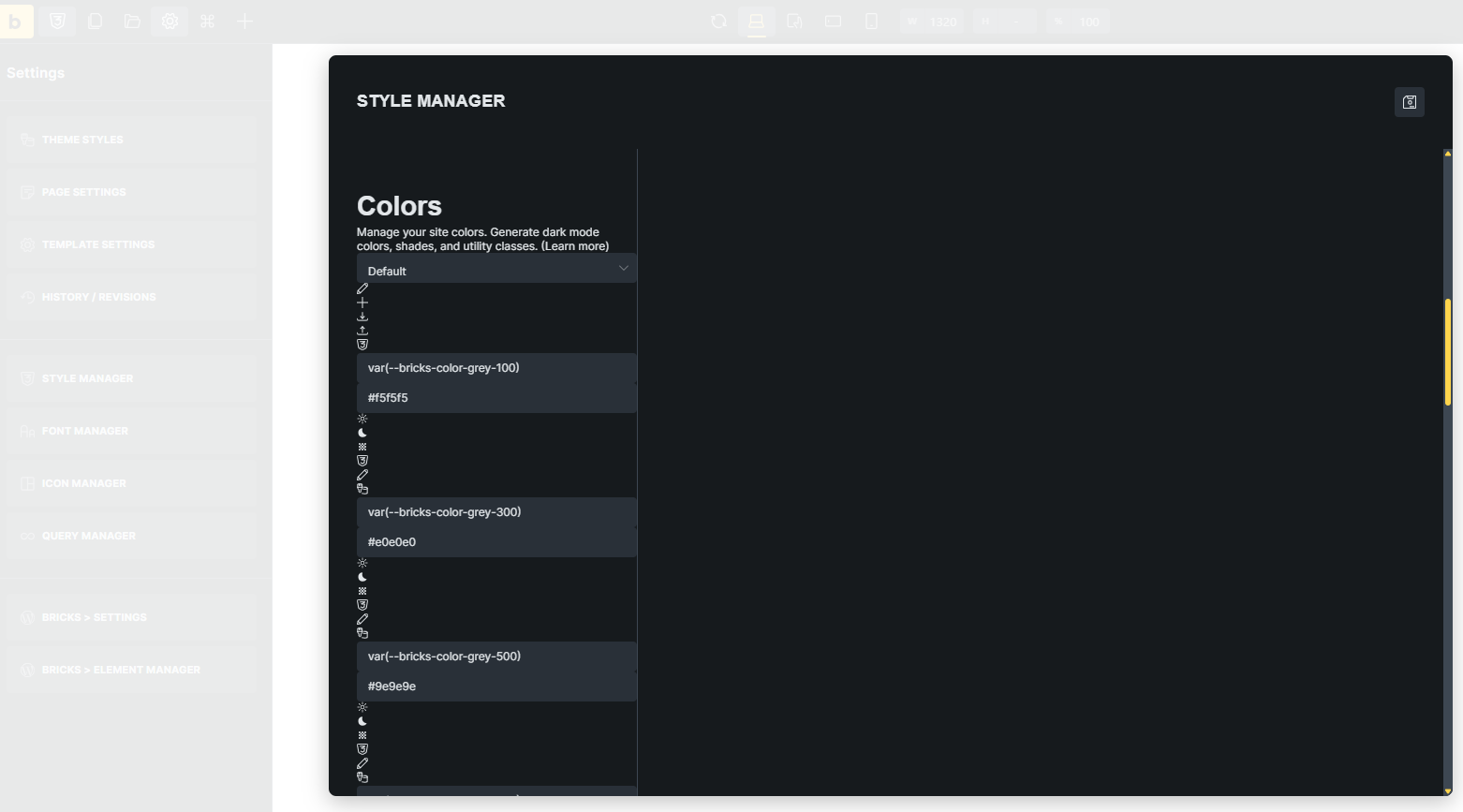
Updated the theme files manually from Bricks 2.1 to 2.2 RC on a test website, cleared all caches…
Hi Jamie,
Thanks so much for your report!
The only thing that will help here is to send login details to the website 
Btw., what do you mean by “Updated the theme files manually”? Did you install the theme manually, or did you replace everything manually via FTP? 
So, please send temporary login credentials and a link to this thread to help@bricksbuilder.io using the email address you used during the purchase.
Best regards,
timmse
Hi @timmse
I have sent you an email with the login details, as requested.
The “bricks” theme folder was replaced with the one in 2.2RC.
Troubleshooting steps:
Possibly relevant:
Thanks
Jamie
@timmse This had me completely stumped for longer than I care to admit, but it turned out to be my fault (as expected) due to a problem with my deployment process. Ultimately, the files in bricks/assets/css were not getting updated to the versions supplied in 2.2RC.
I do have a request though @timmse. Could all files that Bricks may want to write to be synced/managed in wp-content/uploads/bricks? I may have requested this before, and there may be a good reason not to, but it would help in environments where theme files are not writable.
Hey Jamie,
I’m glad you were able to find the cause! I had already looked into it before the weekend, but couldn’t figure it out (only that some of the styles were missing—for unknown reasons at the time).
Regarding your question: I’m also pretty sure there are good reasons for that  Where did you requested it? In the forum, the idea board, or by email?
Good question. To be honest I can’t recall. It may have just been a comment on another thread where I ran in to this. To me though, it makes sense that if Bricks is already writing to uploads for storage, it would do the same for other CSS files.
@timmse Found it. It was an email conversation with Jenn Lee back in September. The response was:
Yes, this is expected. Bricks need to generate CSS file on that directory.
Unfortunately, it’s fixed and not configurable.
Should I open a feature request, or do you think this is unlikely to be changed?
It depends on how much demand there is. Subjectively, I would say the chances are not so good, to be honest. But that’s just my personal opinion 
@timmse It’s probably not worth my time pursuing in that case. I know of no other plugins or themes that expect to be able to write to a location inside itself. It just makes permission hardening awkward if you are following the hardening best practices.
Instead of writing to the CSS files to essentially replace numbers relating to breakpoints, why not use CSS variables in those stylesheets and have the values for them injected as inline CSS in the HTML? No clobbering of CSS files, file writes or syncing of files required.
Edit: I guess that may not be possible if the part that is dynamic is the media query selector itself 