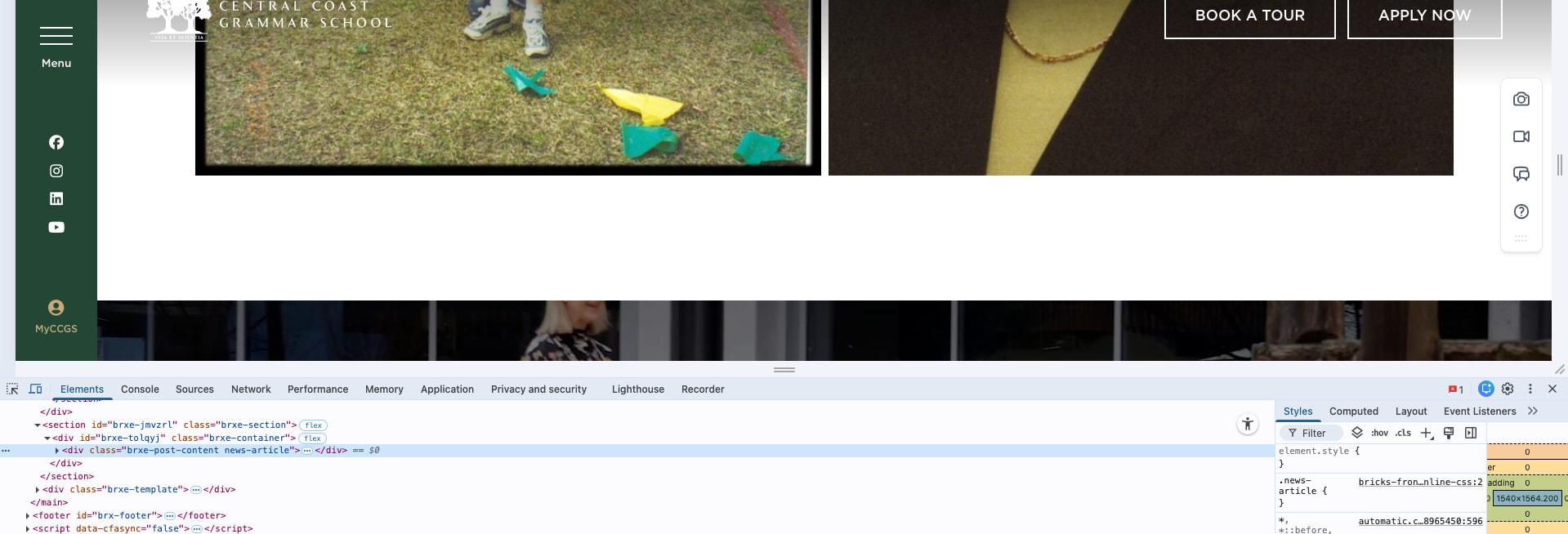
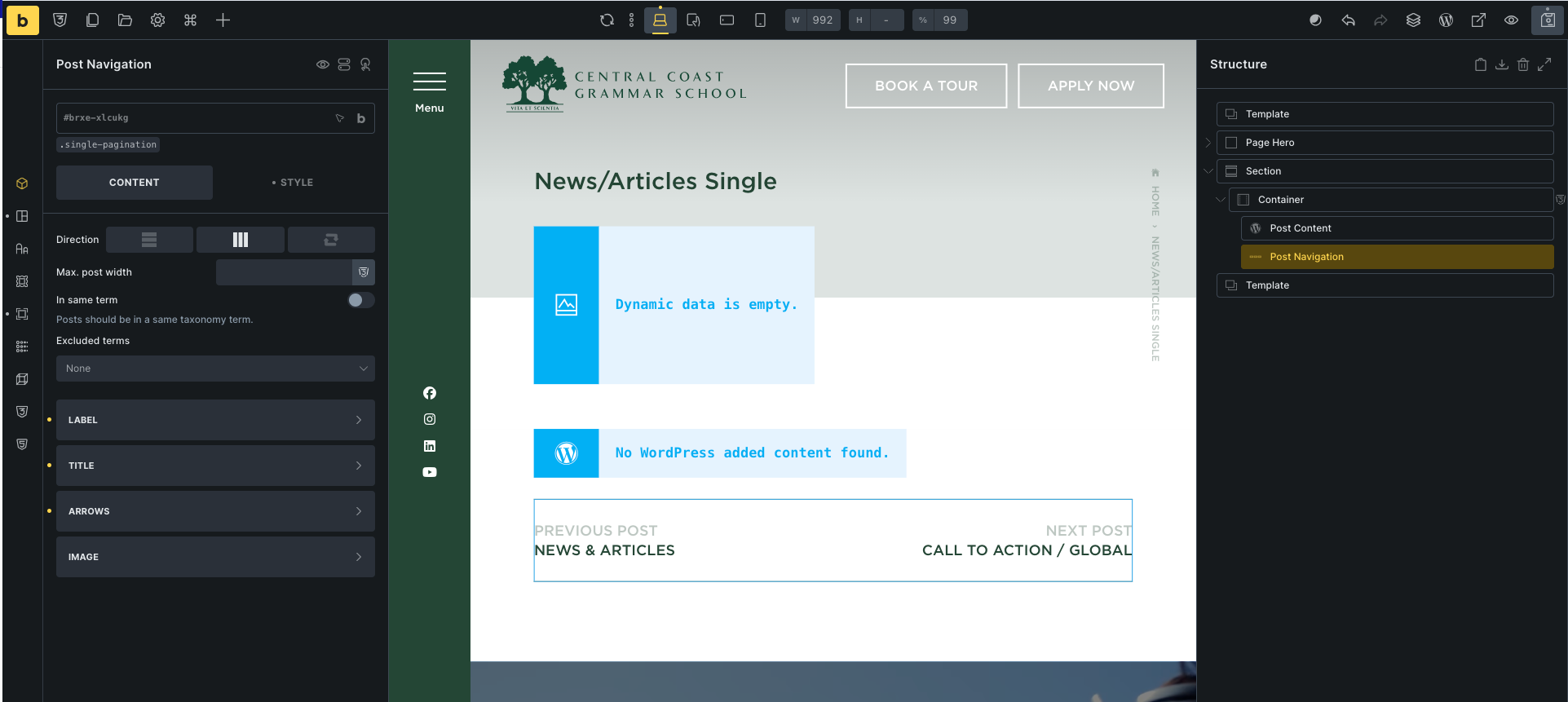
Bricks post pagination is not working or visible on the frontend. I remember vividly that it was still working before. Even when I inspect the element, I expected it was only being hidden, but it’s clearly not there at all.
Browser: Chrome 110
OS: macOS / Windows / Linux / etc.
URL: Link to a page that illustrates this issue
Video: Short screen recording that illustrates this issue (free tool: jam.dev)
[Please describe this bug in as much detail as possible so we can replicate & debug this bug]
Hi @help_hh ,
Kindly give us more details.
Are you using a Posts element with pagination enabled? Or a custom query loop + Pagination element?
Send us some screenshots of your element settings, and also a link to that page.
Based on your screenshot, it’s just showing an unexpanded “Post Content” element, and I have no idea of the actual issue.
Regards,
Jnen
Hi Jnen,
Apologies for the earlier confusion and thank you for your patience.
To clarify further:
The Previous/Next post pagination in the Single Post template is not working for my regular Posts and Videos CPT , but it does work and displays correctly for my Publications CPT .
This confirms that:
- The 3 posts has their ownSingle Post template structure
- Pagination is not hidden via CSS
You can see a working example here (Publications CPT):
However, the same pagination element does not render at all on:
I’ve attached screenshots of the Single Post template and the pagination element settings for reference.
Regards,
Danyl
Hi @help_hh ,
Thanks for the links and explanation. I amended your title to “Post Navigation”
If the element is not rendering, that means there is no other post from the same CPT. Please check if your other posts are “Published” or “Draft”.
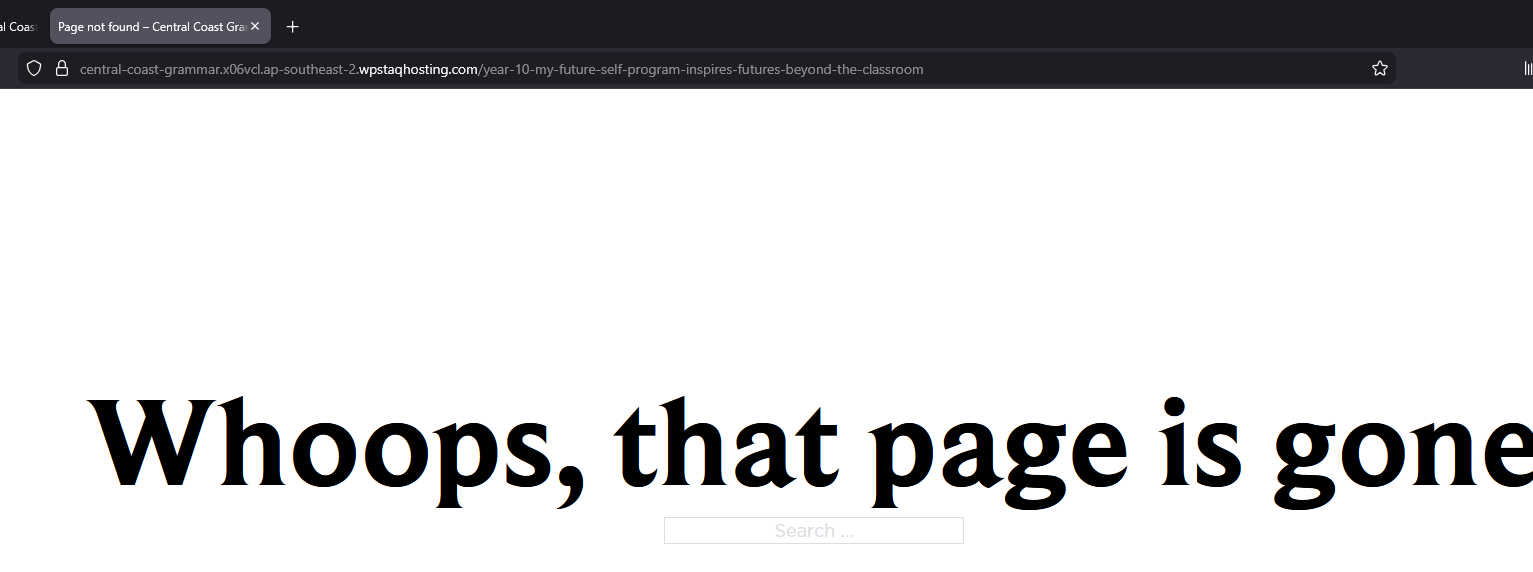
Your regular post link is not accessible and is returning “404”. Maybe it’s a draft?
Regards,
Jenn
Hi Jenn,
Apologies for that. We’ve updated the URL for the posts as part of debugging.
I’ve checked and confirmed that all posts are set to Published . Below is a sample post URL where you can review the issue:
Please let me know if you need any additional information from my end.
Regards,
Danyl
@help_hh
Kindly send admin credentials to help@bricksbuilder.io and include this forum thread URL as a reference.
I will investigate.
Regards,
Jenn
Hi @help_hh ,
As per my email reply, the “Real Custom Post Order” plugin is causing the Post Navigation element not to work.
It’s the same when using the default WP theme.
Hence, I marked this thread as “NO BUG”. Please check with the plugin support.
Thank you.
Regards,
Jenn
Hi Jenn,
Thank you so much for your support and for taking the time to look into this issue.
You guys are amazing! I really appreciate the fast response and the help so far. It means a lot.
From my side, I’ll go ahead and reach out to the WP Real Custom Post Order support team to investigate further and see if there’s anything needed there.
Thanks again for the great support.
Regards,
Danyl Marie