Browser: Version 137.0.7151.120
OS: Windows
URL: https://staging-gb.instawp.xyz/contact/
Video: YouTube
I have an issue with a query loop inside a grid.
The query results are <li> elements that are set to display: flex.
Desired situation:
<ul>set to a 3-column grid (display: grid; grid-template-columns: repeat(3, 1fr);)<li>set todisplay: flex(to structure content inside each result)
What happens:
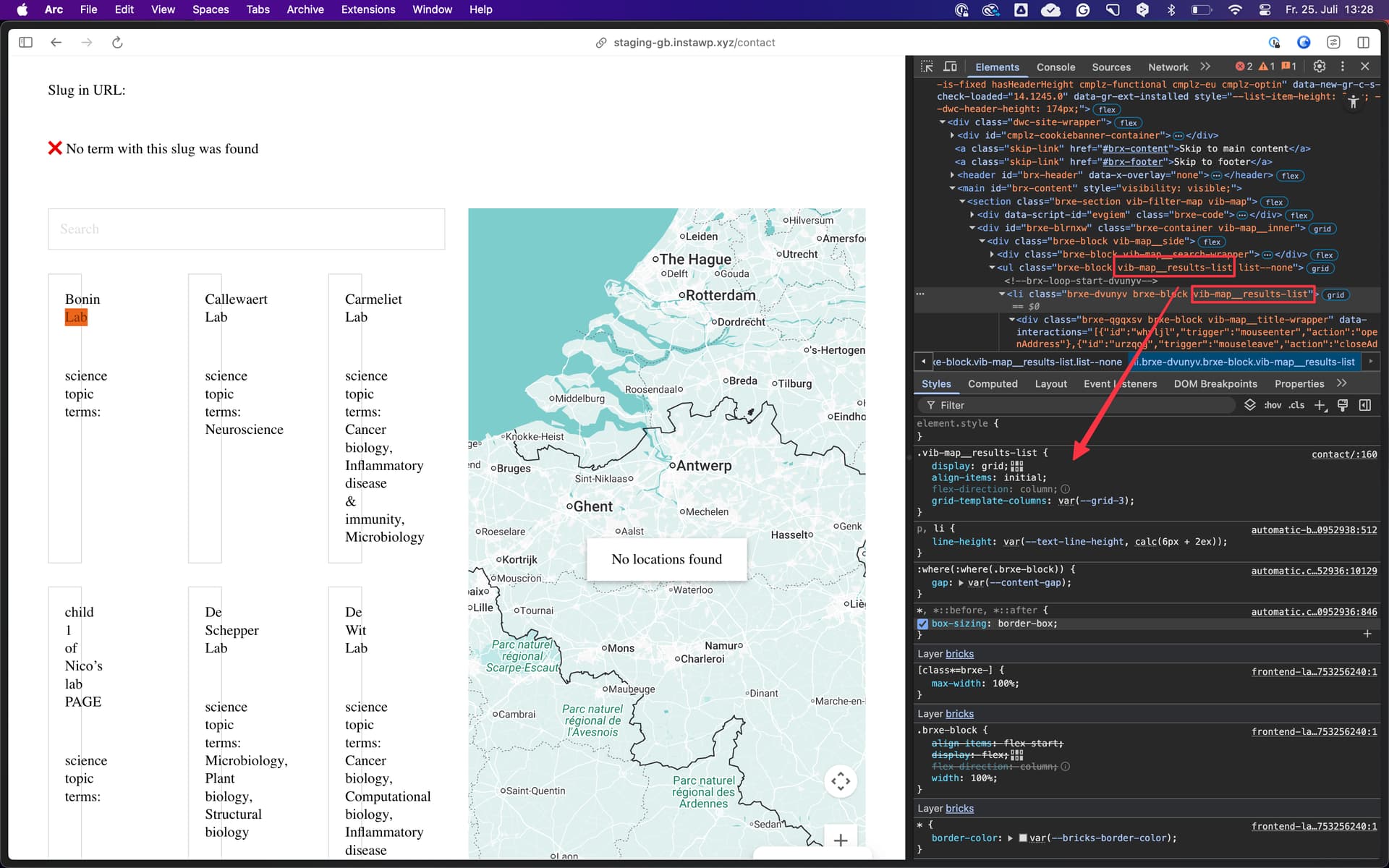
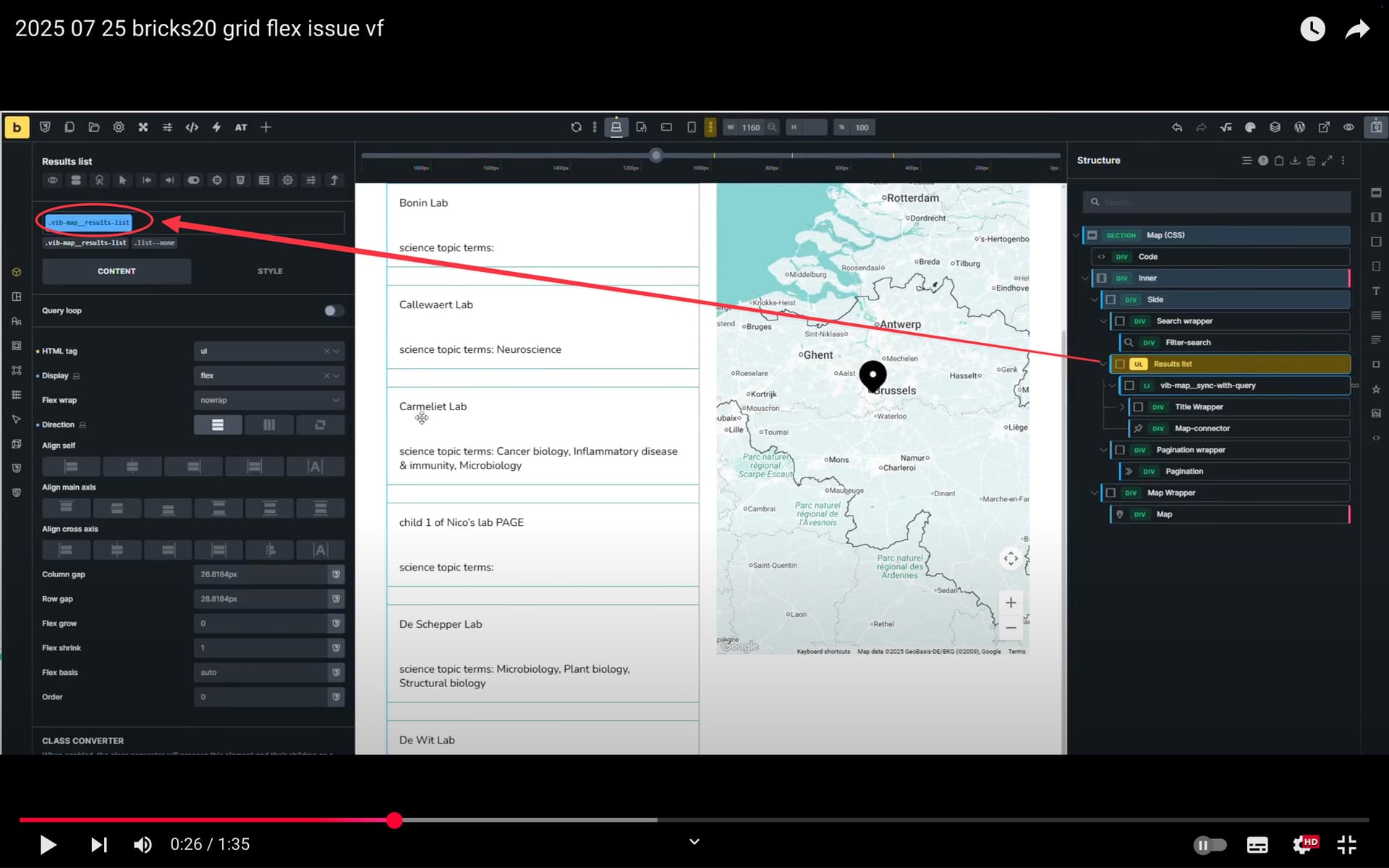
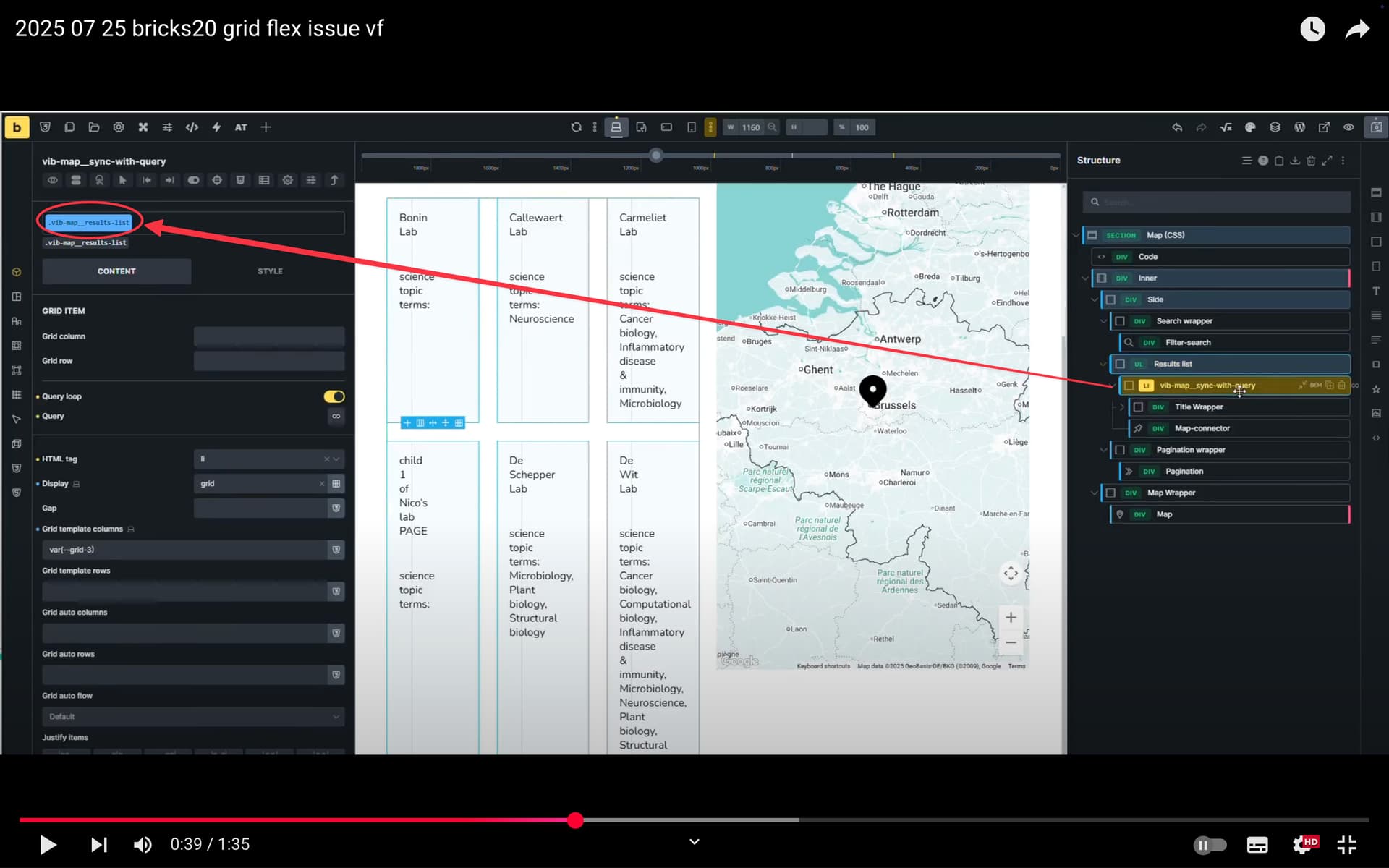
Bricks seems to incorrectly link the display settings of the <ul> and its <li> children.
- If I set the
<li>todisplay: flex, the<ul>also changes todisplay: flex. - If I then change the
<ul>back todisplay: grid, the<li>loses its flex and also becomesgrid, with the same settings as the<ul>. - When I change the
<li>back toflex, the<ul>becomes a flexbox again. - This loop continues.
This seems like a bug or improper inheritance/caching behavior inside Bricks Builder.
 Enjoy your weekend