Browser: Firefox 116 OS: Linux URL: Local Video: Short screen recording that illustrates this issue (free tool: jam.dev)
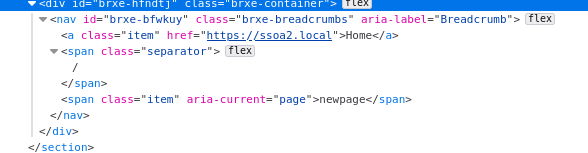
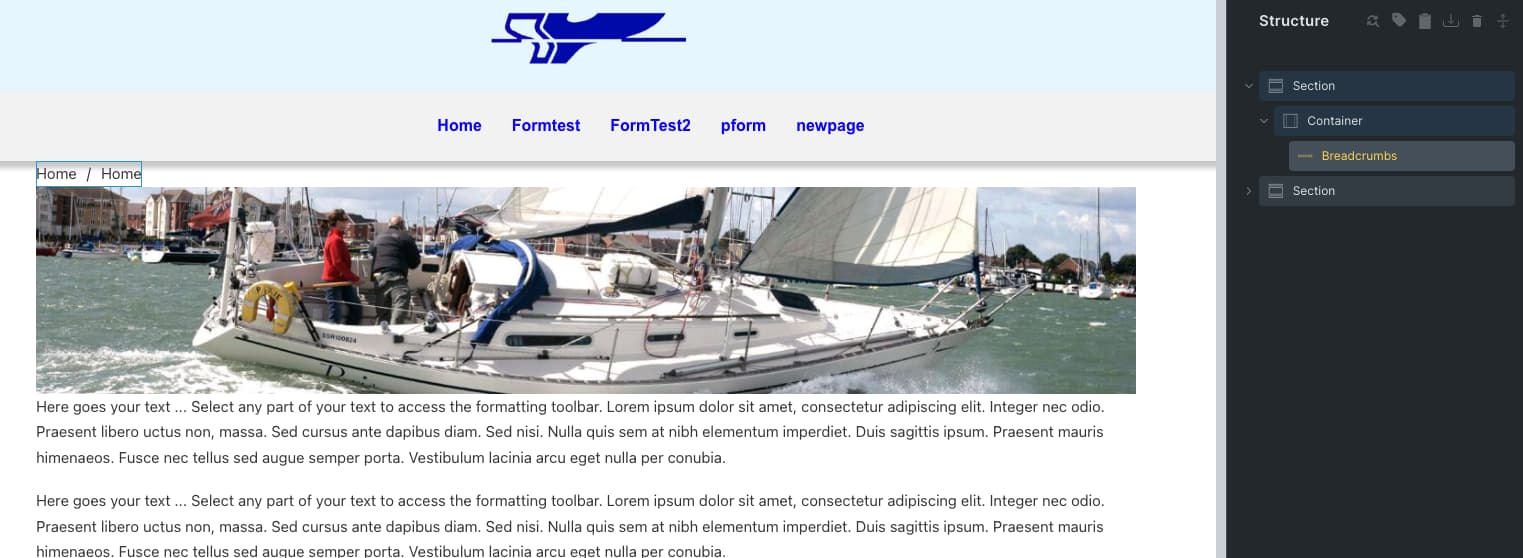
On my local test site I am seeing Breadcrumb links at the top of each of my pages.
I am not using Breadcrumb elements anywhere.
I did test them using BricksExtras Site Breadcrumbs and Bricks breadcrumbs. BE disabled now.
In the builder the breadcrumb doesn’t show.
On the front end it does. Even if I create a new page - so its not caching. ( Although I’ve cleared browser cache )
This is what i see on the Front End.
Any ideas why this is being displayed and how to get rid of it?
This couldn’t sound more like a caching issue. However, without being able to have a look at the site there is nothing I can do. So it’d be great if you reproduce this on a site that you can share with us.
Of course you can also export your site local and send it to us so we can import it and investigate.
I agree, except I cleared all caches I could find, don’t have a cache plugin installed and tried it on a fresh/different browser. On this site I just can’t get rid of the breadcrumbs that appear just above the image on each page.
Exported and sent to you. Its a 113mb I’m afraid.
Created you a user id on it … BricksSupport
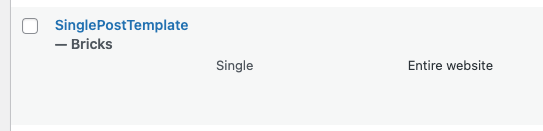
There is a SinglePostTemplate which is not actually a post template but a template that gets applied to the entire website. This template contains everything you see on your site – including the breadcrumbs element.
Really sorry to have wasted your time but huge thanks for identifying the issue.
Not only solved the Breadcrumbs but also why I couldn’t get the hero image full width!
 However, without being able to have a look at the site there is nothing I can do. So it’d be great if you reproduce this on a site that you can share with us.
 Glad I could help.