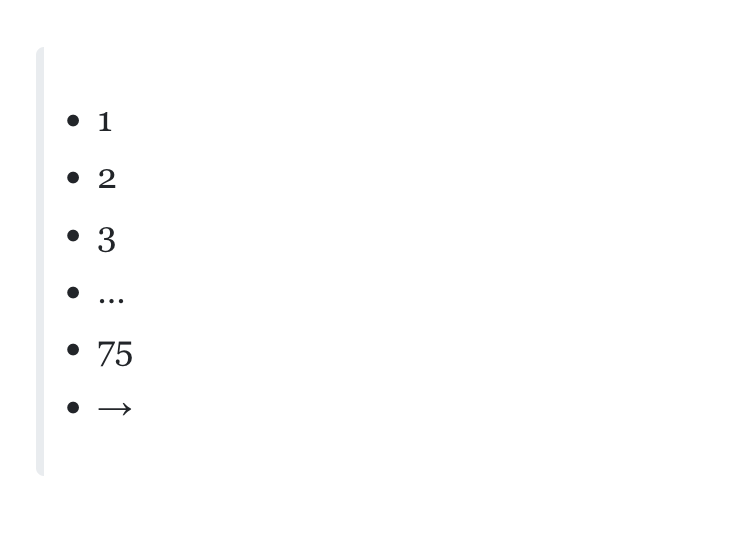
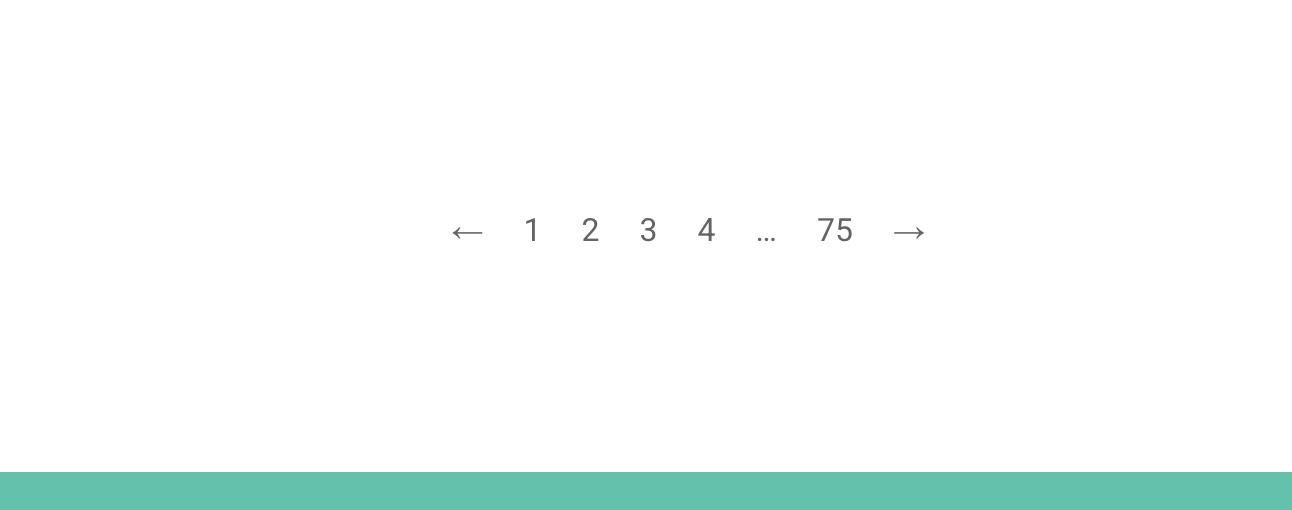
I created a blog page where everything works perfectly, and at the end, I added the pagination widget. In the query settings, I selected POSTS, and in the editor, everything displays correctly — but on the front end, it appears as a list.
This issue only occurs on the first page; on the second page, everything displays correctly.
I’ve identified the issue.
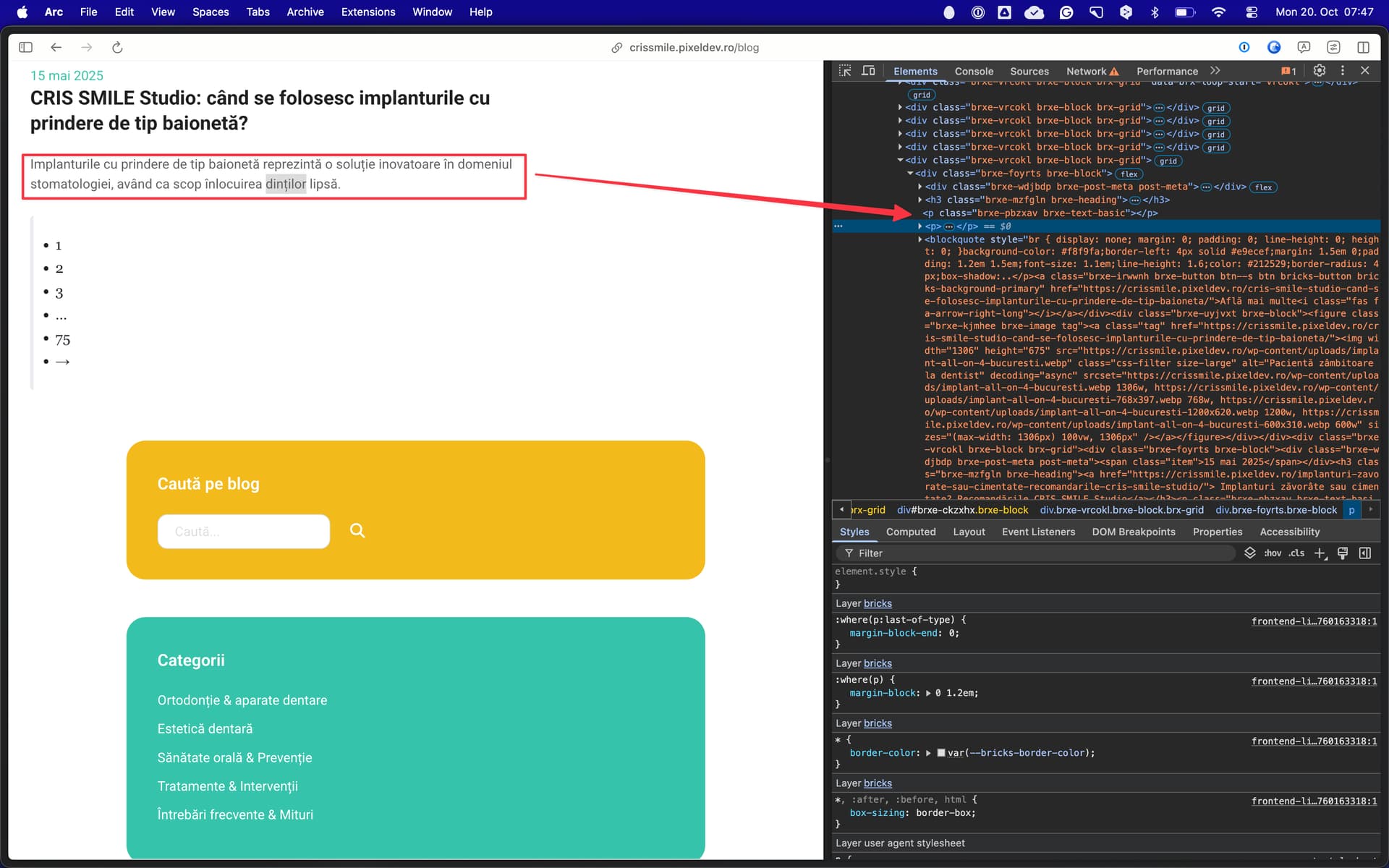
All the articles were imported into a new WordPress website, but the images originally included in those articles were not imported.
I checked the article you mentioned in your screenshot and noticed an empty space where the images should have appeared. After removing that empty space, the article now displays correctly.