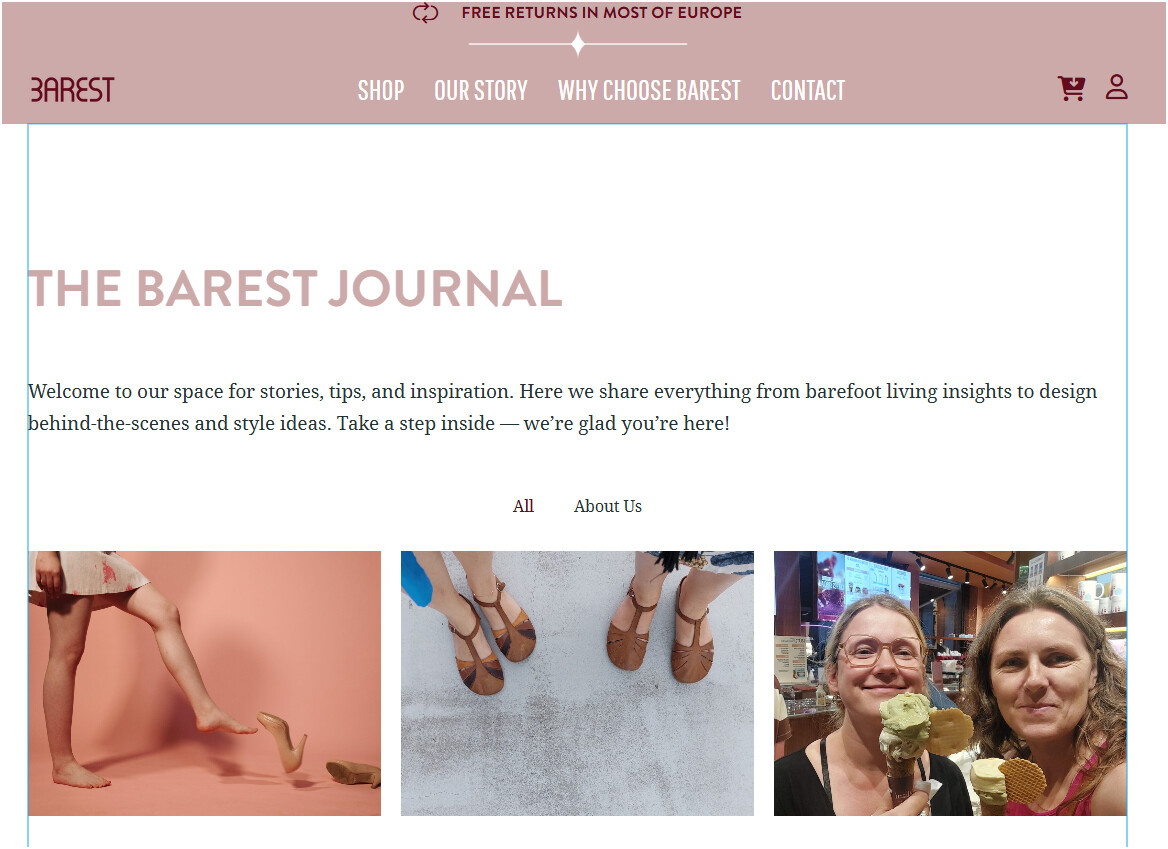
I have created templates for Blog Archive and Single Blog Post but Bricks does NOT use them for some reason and a default is used instead.
My setup (screenshots included):
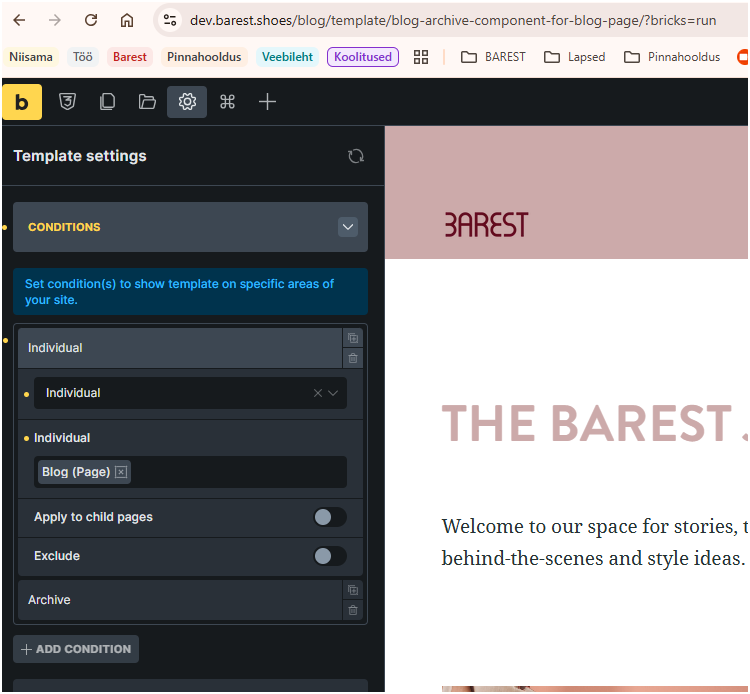
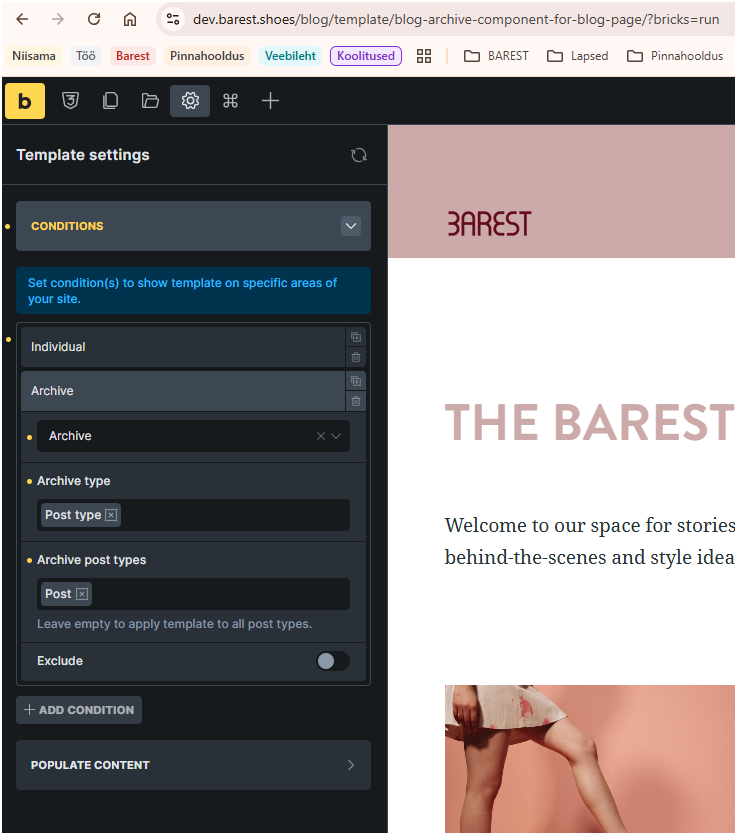
Blog Archive is set as Archive in templates and I’ve used 2 conditions (used them separately and together with no difference): Individual → referring to the Blog page AND Archive - Post type - Post (or Archive → All archives as in the video but it makes no difference).
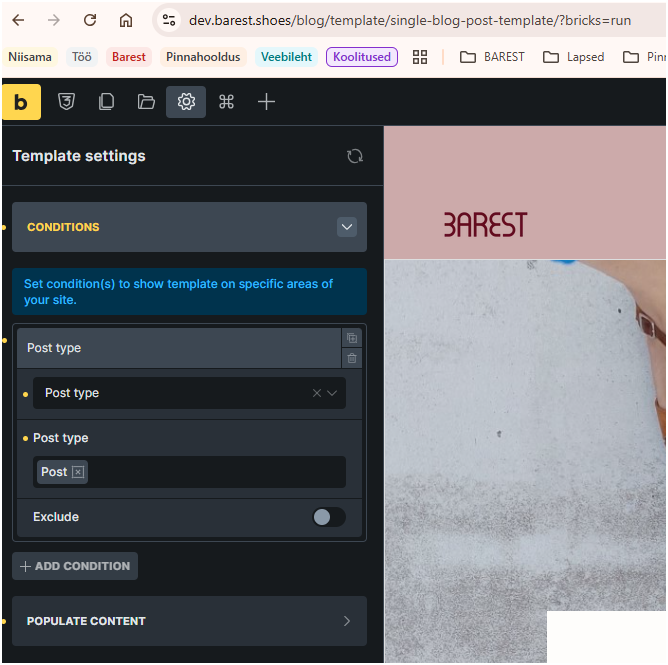
Single Blog Post is set as Single in the template and the Condition Post type → Post.
In Wordpress Settings → Reading Posts page is set as “Blog”.
I have no other Archive template, except one for the Product Archive, which has a condition Archive - Post type - Product. This archive works fine.
In the website hosts logs I saw this: [archive] => 0 when loading either of these pages. It seems that Bricks does not find my templates so goes for the default ones.
I have included screenshot of my setups. Both from the Templates page and from the Conditions I have set.
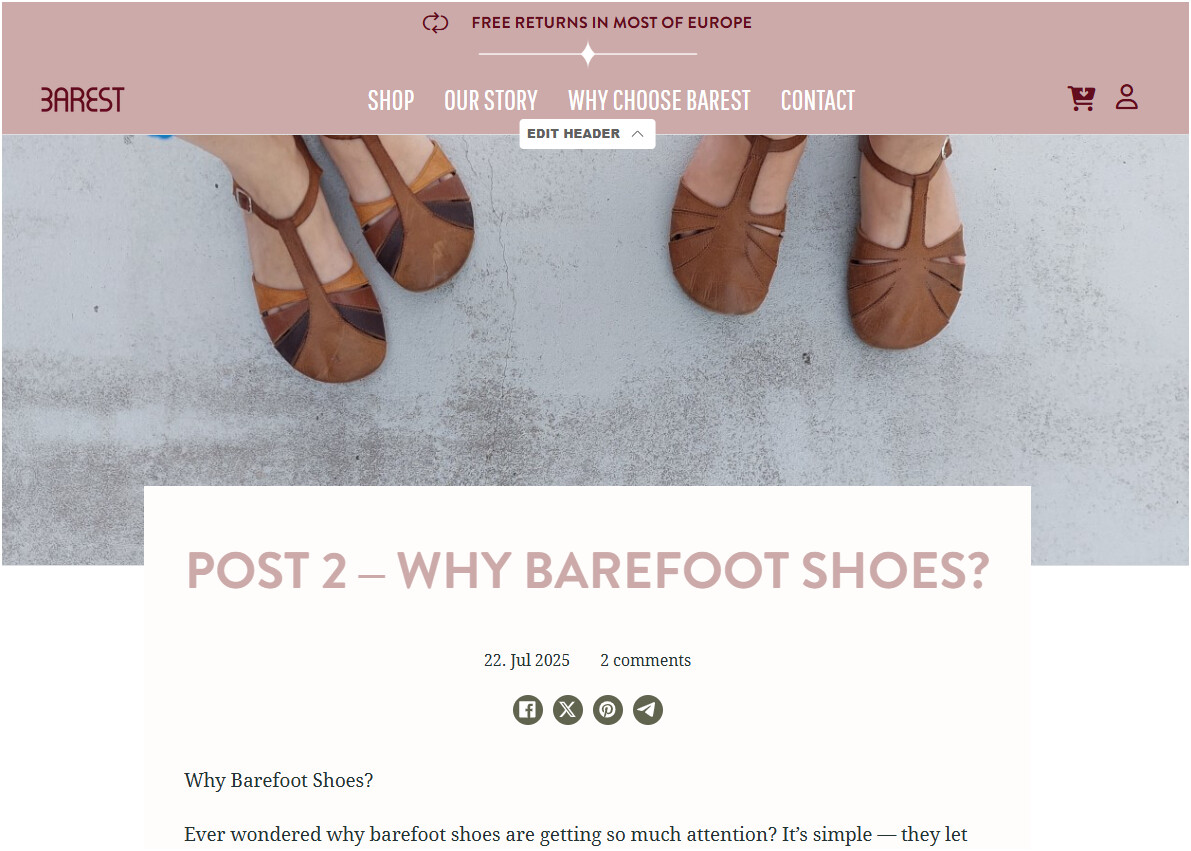
I have included screenshots of how either of these pages should look like in my templates.
I actually found a solution to this issue.
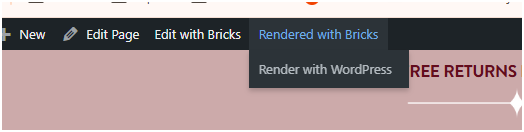
For some reason the Blog related templates for not rendered with Bricks, but with Wordpress. See the screenshot.
This honestly sounds like a bug or bad design that it happened. I didn’t conciously choose that Blog pages should be rendered with Wordpress and didn’t realise there’s a way to change this. Wasted days trying to find a solution.
Thank you so much @mirksa. Racked my brains for 2 days over this. Definitely didn’t select “Render with Wordpress” for the Blog page. Was going to give up and use a standalone design for the Blog page.
I think this is something that Bricks Builder does on its own for the Blog page. Something to look into for the team.
Thank you!! I’m in the same boat as @gauravtiq. I definitely didn’t hit “Render with Wordpress” at any point. That was the default setting for the Posts Page.
For future reference if anyone else comes here for help, simply view the page you designated as the Posts Page on the frontend, hover over “Rendered with Wordpress” in the admin bar, and select “Render with Bricks” instead. I know that’s the solution that was already proposed, but I was confused where the rendering needed to be changed.