NO BUG: Auto focus not work on popup and offcanvas

Browser: Chrome 110
OS: macOS / Windows / Linux / etc.
URL: Link to a page that illustrates this issue
Video: Short screen recording that illustrates this issue (free tool: jam.dev)

Hello,

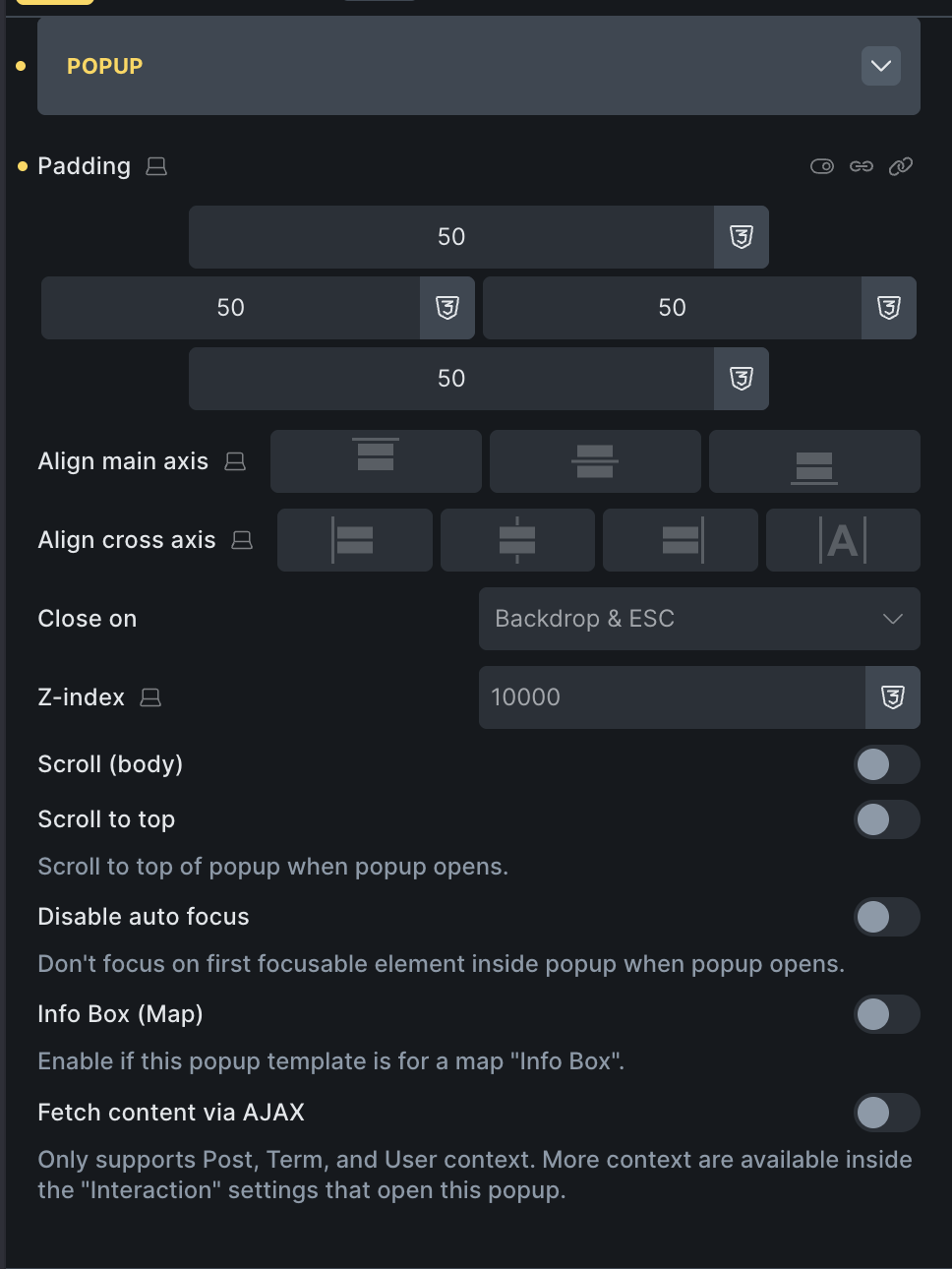
If we have an element like a form or search-filter in a popup or offcanvas, on mobile after it is opened, Auto focus does not happen and the keyboard does not activate. This was the default behavior before, but now focus does not happen at all. Even if Disable auto focus is disabled. Am I doing something wrong?

Best regards

Hey @jolia,

what is your popup settings? I can’t replicate this issue. In my case, it focuses on the first form input element.

Basically, I don’t have any special settings set.

And question for you: Is it working on desktop, and is its only issue in the mobile devices?

Matej

Hi @Matej,

It works fine on Android browsers, but it doesn’t work as well on iPhone as it does on Safari.

Can you share a link, please? I was testing on iPhone.

Matej

Hello @Matej,

{"content":[{"id":"mqnznh","name":"section","parent":0,"children":["fpnuxh"],"settings":{}},{"id":"fpnuxh","name":"container","parent":"mqnznh","children":["bqhmlz"],"settings":{}},{"id":"bqhmlz","name":"button","parent":"fpnuxh","children":[],"settings":{"text":"Offcanvas","style":"primary","_background":{"color":{"light":"#424242","raw":"var(--bricks-color-grey-800)","id":"1da04c"}},"_typography":{"color":{"raw":"hsl(0, 0%, 100%)"}},"_interactions":[{"id":"legcnm","trigger":"click","action":"toggleOffCanvas","offCanvasSelector":"#brxe-ucztpj"}]}},{"id":"ucztpj","name":"offcanvas","parent":0,"children":["bmoiyi","cbpmld"],"settings":{"direction":"bottom","height":"50%"}},{"id":"bmoiyi","name":"block","parent":"ucztpj","children":["qutady","okvkgr"],"settings":{"_hidden":{"_cssClasses":"brx-offcanvas-inner"},"_padding":{"top":"20","right":"20","bottom":"20","left":"20"},"_rowGap":"20"},"label":"Content","cloneable":false,"deletable":false},{"id":"qutady","name":"text-basic","parent":"bmoiyi","children":[],"settings":{"text":"Close offcanvas","_alignSelf":"center","tag":"span","_interactions":[{"id":"eesotw","trigger":"click","action":"toggleOffCanvas","offCanvasSelector":"#brxe-ucztpj"}]}},{"id":"cbpmld","name":"block","parent":"ucztpj","children":[],"settings":{"_hidden":{"_cssClasses":"brx-offcanvas-backdrop"}},"label":"Backdrop"},{"id":"okvkgr","name":"form","parent":"bmoiyi","children":[],"settings":{"fields":[{"type":"text","label":"Name","placeholder":"Your Name","id":"6305f5"},{"type":"textarea","label":"Message","placeholder":"Your Message","required":true,"id":"4f0335"}],"submitButtonStyle":"primary","actions":["email"],"successMessage":"Message successfully sent. We will get back to you as soon as possible.","emailSubject":"Contact form request","emailTo":"admin_email","fromName":"Try Bricks - t8f1f855","emailErrorMessage":"Submission failed. Please reload the page and try to submit the form again.","htmlEmail":true,"mailchimpPendingMessage":"Please check your email to confirm your subscription.","mailchimpErrorMessage":"Sorry, but we could not subscribe you.","sendgridErrorMessage":"Sorry, but we could not subscribe you."},"themeStyles":{}}],"source":"bricksCopiedElements","sourceUrl":"https://try.bricksbuilder.io/t8f1f855","version":"2.3.5"}
Hey @jolia,

can you try this one (you need to change target CSS Id in the interaction most likely). Now the form element is actually the first element, and in my case, it focuses correctly.

{"content":[{"id":"gqnvcu","name":"section","parent":0,"children":["xholkg"],"settings":{}},{"id":"xholkg","name":"container","parent":"gqnvcu","children":["sbhwie"],"settings":{}},{"id":"sbhwie","name":"button","parent":"xholkg","children":[],"settings":{"text":"Offcanvas","style":"primary","_interactions":[{"id":"legcnm","trigger":"click","action":"toggleOffCanvas","offCanvasSelector":"#brxe-lumbcp"}]}},{"id":"lumbcp","name":"offcanvas","parent":0,"children":["piyrud","ycuhuy"],"settings":{"direction":"bottom","height":"50%"}},{"id":"piyrud","name":"block","parent":"lumbcp","children":["oozmzz"],"settings":{"_hidden":{"_cssClasses":"brx-offcanvas-inner"},"_padding":{"top":"20","right":"20","bottom":"20","left":"20"},"_rowGap":"20"},"label":"Content","cloneable":false,"deletable":false},{"id":"ycuhuy","name":"block","parent":"lumbcp","children":[],"settings":{"_hidden":{"_cssClasses":"brx-offcanvas-backdrop"}},"label":"Backdrop"},{"id":"oozmzz","name":"form","parent":"piyrud","children":[],"settings":{"fields":[{"type":"text","label":"Name","placeholder":"Your Name","id":"6305f5"},{"type":"textarea","label":"Message","placeholder":"Your Message","required":true,"id":"4f0335"}],"submitButtonStyle":"primary","actions":["email"],"successMessage":"Message successfully sent. We will get back to you as soon as possible.","emailSubject":"Contact form request","emailTo":"admin_email","fromName":"Try Bricks - t8f1f855","emailErrorMessage":"Submission failed. Please reload the page and try to submit the form again.","htmlEmail":true,"mailchimpPendingMessage":"Please check your email to confirm your subscription.","mailchimpErrorMessage":"Sorry, but we could not subscribe you.","sendgridErrorMessage":"Sorry, but we could not subscribe you."},"themeStyles":{}}],"source":"bricksCopiedElements","sourceUrl":"https://1bricks.local","version":"2.3.5"}

Where in the try.bricksbuilder.io that you pasted can I see the example?

Matej

can you try this one (you need to change target CSS Id in the interaction most likely). Now the form element is actually the first element, and in my case, it focuses correctly.

Hi @Matej,

Where in the try.bricksbuilder.io that you pasted can I see the example?

Sorry, I forgot to mention it.

playground url/t8f1f855/sample-page/

Hey Jolia,

From what I can see, it is working correctly. It is focusing on the first focusable element, which is the “Close offcanvas” element/text that has a close interaction. If you hide that element, as I did in your install, you will notice that it focuses on a form element. The same would happen if you remove the interactions.

Can you check now and let me know?

Thanks,
Matej

Hi @Matej,

Sorry for the late reply. In the iPhone Chrome browser, after opening offcanvas, focus does not occur and the keyboard does not activate. But in android browsers it opens fine.

Hi Jolia,

I have checked this, and you are correct: it functions on Android, but it does not bring up the keyboard on iOS. I was able to replicate this behavior.

However, this does not appear to be a bug on our end. I cross-referenced the bug reports from Apple and found one comment stating that this is the intended behavior on Apple devices. You can view the exact comment here: 195884 – Autofocus on text input does not show keyboard

Due to this finding, I am not creating a separate task for this and am setting this item to “no bug,” as there is nothing we can do from our end.

Thanks for all,
Matej

1 Like