NO BUG: Archive Template Loading Issue

Hello Bricks Support Team,
Video Link: https://drive.google.com/file/d/12JfoqGD8OaP0-hnAR7PicedfXbeB_X-d/view?usp=sharing
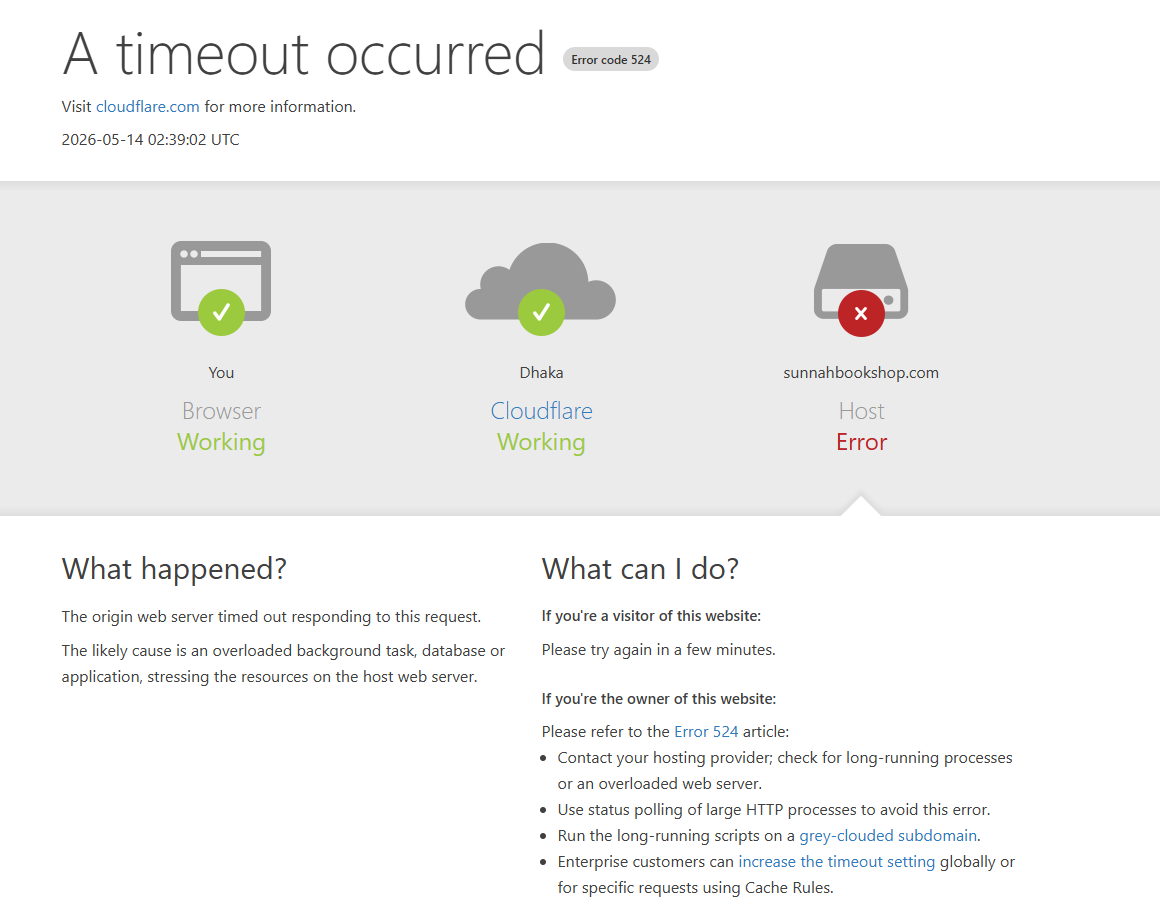

I am facing an issue with specific archive templates in Bricks Builder.

Website: sunnahbookshop.com
Bricks Version: 2.3.5
WP Version: 6.9.4
PHP Version: 8.3.30
Server: LiteSpeed
Cloudflare Enabled

I created 4 archive templates for custom post types:

  1. Publisher Books Archive

  2. Editor Books Archive

  3. Translator Books Archive

  4. Writer Books Archive

The frontend works perfectly for all templates.

However, only templates #2 and #3 open correctly in “Edit With Bricks”.
Templates #1 and #4 fail to load.

Issues I get:

  • White screen

  • 503 Service Unavailable

  • Cloudflare Error 524 / Host Error

  • Infinite loading

I already tested:

  • Increasing PHP memory & execution limits

  • Disabling plugins

  • Clearing cache

  • Different browsers

Other Bricks templates work normally.

I also noticed this warning in Bricks system info:

wp_remote_post request failed

Could this be related to:

  • archive query loop,

  • recursive dynamic data,

  • template corruption,

  • or Cloudflare blocking builder requests?

Please help identify the cause.

Hi @shahin,

Thanks for the detailed report.

As the frontend works correctly, but the builder fails with 503 / Cloudflare 524 / infinite loading, this looks more like the builder preview request is timing out or being blocked than a template/Bricks issue. :thinking:

Could you please test the following?

  1. Temporarily bypass Cloudflare
  2. Check the PHP/LiteSpeed error logs at the exact time the builder fails.
  3. If the templates contains a loop element, maybe you can set Max results settings inside Settings → Builder → Query loop to 1 or 2, just to test this.
  4. Duplicate one of the failing templates, remove the query loop, then try opening it in the builder.
  5. If it opens, add the query/dynamic data back step by step to identify the element or field causing the timeout.

In my personal observation, I’ve seen 503 server errors when my (shared) hosting runs out of resources. Please make sure to observe those as well as this might be the cause as well.

Best regards,
Matej

Settings → Builder → Query loop. After the query loop is set to 2, Template loading is fine. Thanks

Hi @shahin,

Thank you for letting me know. I’m happy that it works. I’ve also set the topic to “No Bug” because if this resolves the issue, it appears to be a performance matter rather than a bug within Bricks itself.

Thank you,
Matej