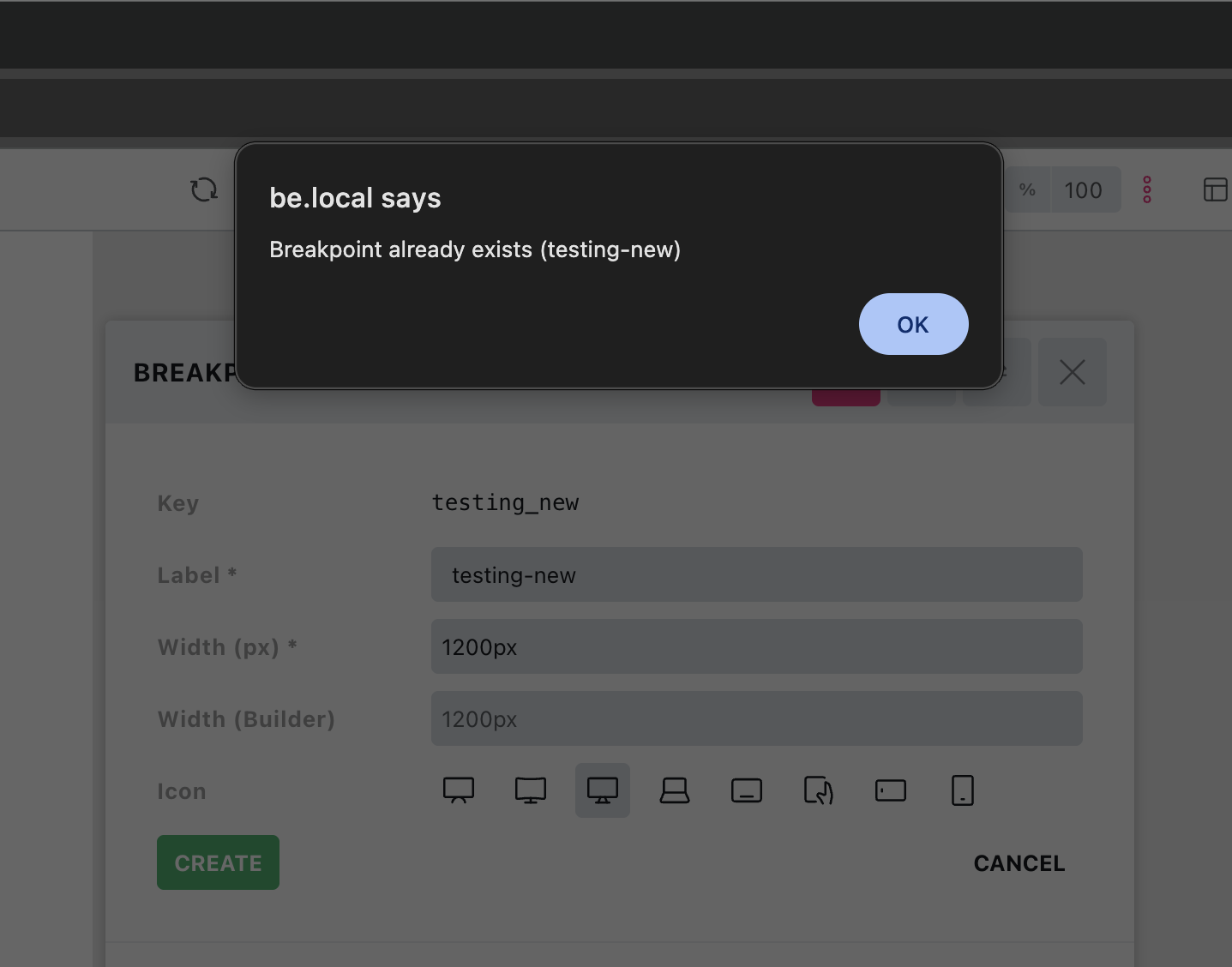
In the 2.4 beta, if you try to add a new custom breakpoint it just shows an alert with ‘Breakpoint already exists (name-of-breakpoint-here)’ instead of confirming it. if you then click save in the builder, it does actually add the breakpoint but until then there’s no indications it’s been successful and just keeps showing the alert when trying to add it.
Hi David,
Thanks so much for your report!
Unfortunately, I cannot reproduce the issue (tested in two different installations). Would you be so kind as to provide a screencast? Thanks!
Best regards,
timmse
Issue with removing also.
edit - could be related to the new ‘builder interface customiser’, because when I disabled that in the settings just now (to eliminate as a cause) and returned to the builder, all my breakpoint apart from the mobile one were gone.
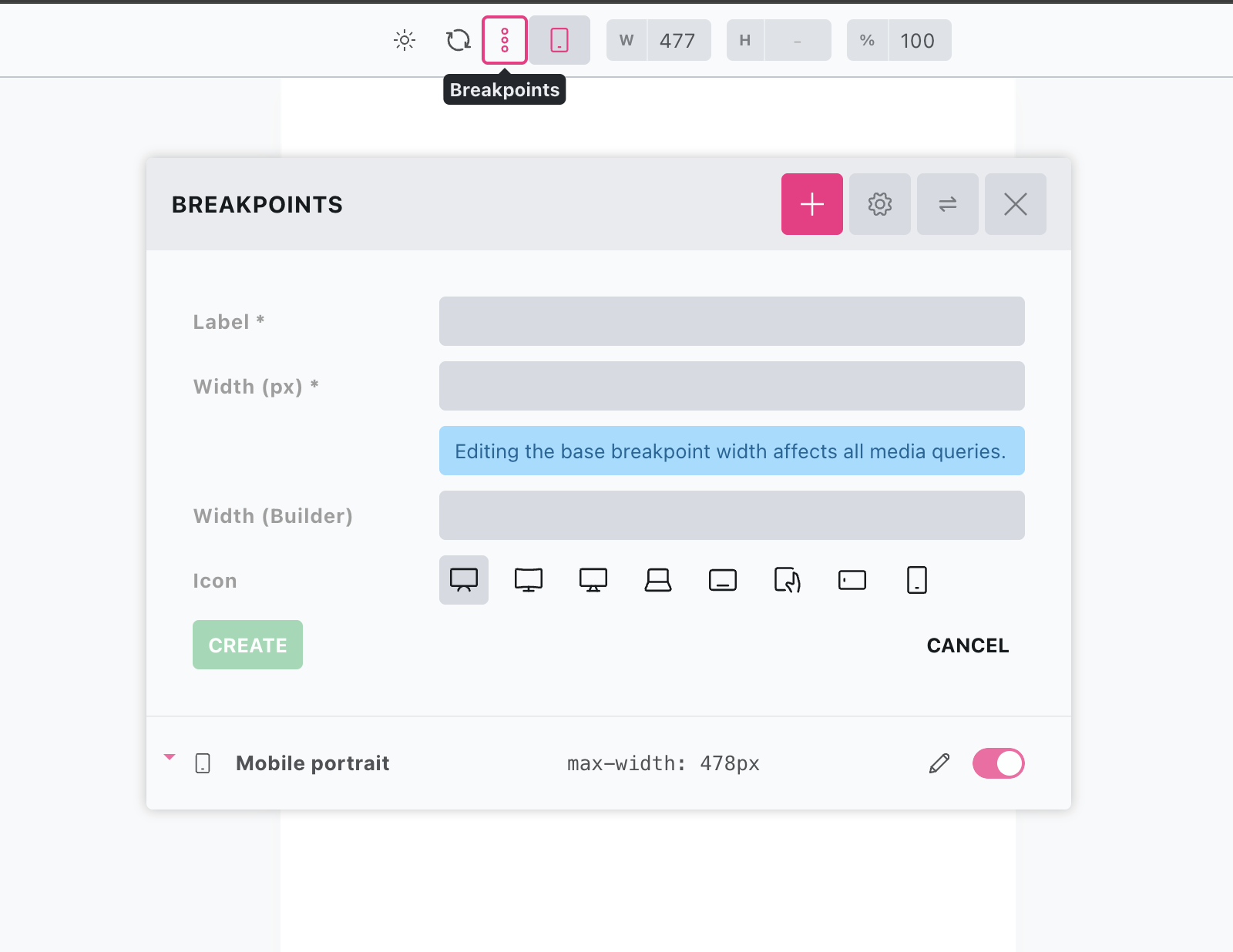
So i would check with that enabled to reproduce it.
hmm i can’t reproduce either on a different site. i’ll try to find a more reliable way to reproduce the issue.
Okay, I’ve tried again in various ways—once more in two installations, with and without interface changes—but I still can’t reproduce it 
Please let me know if you have any more insights 
I’ve got it (seems to be unique to my setup).
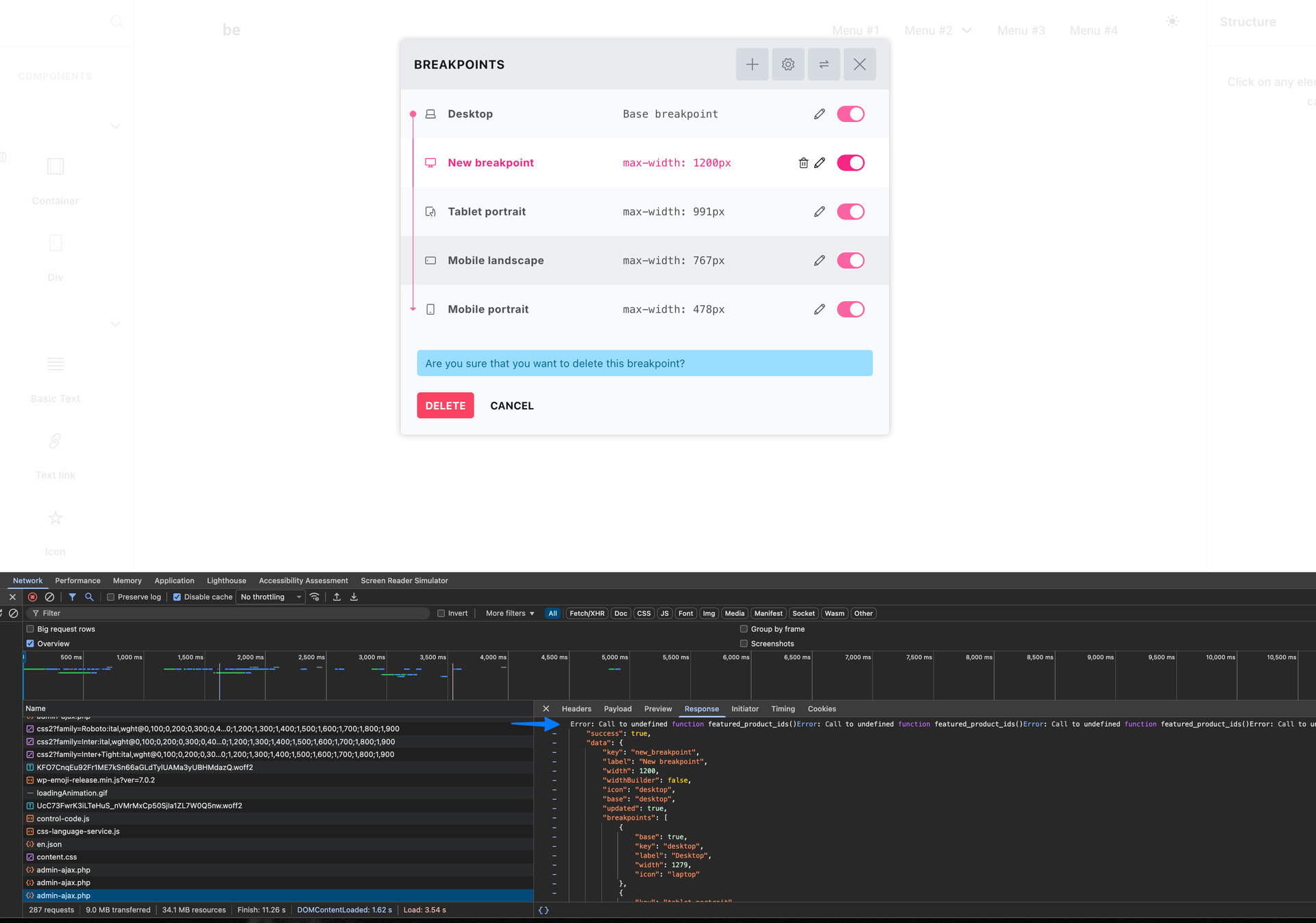
I have an error in a query loop elsewhere on the site, where i’ve used a custom function inside of the PHP query editor that now no longer exists.
When Bricks tried to regenerate the CSS across the site after adding a new breakpoint, during the AJAX request it eventually finds the query loop with the error on the other page, and that error was polluting the JSON in the AJAX response. And so I wasn’t receiving the success even though it has been added (until clicking again, where it then tried to add the same breakpoint again and showed the alert)
Thanks for tracking it down  That explains why we could not reproduce it on clean installs
For now, I tend to view this as an isolated issue that has occurred for the first time (as far as I know). If other users experience the same problem, we can look into ways to work around it 