Bricks Version: 1.6.2
Browser: any
OS: Windows
URL: site is not live yet
Hi! I have borders set up as div with an absolute position. They are 10px large and 8px large on mobile.
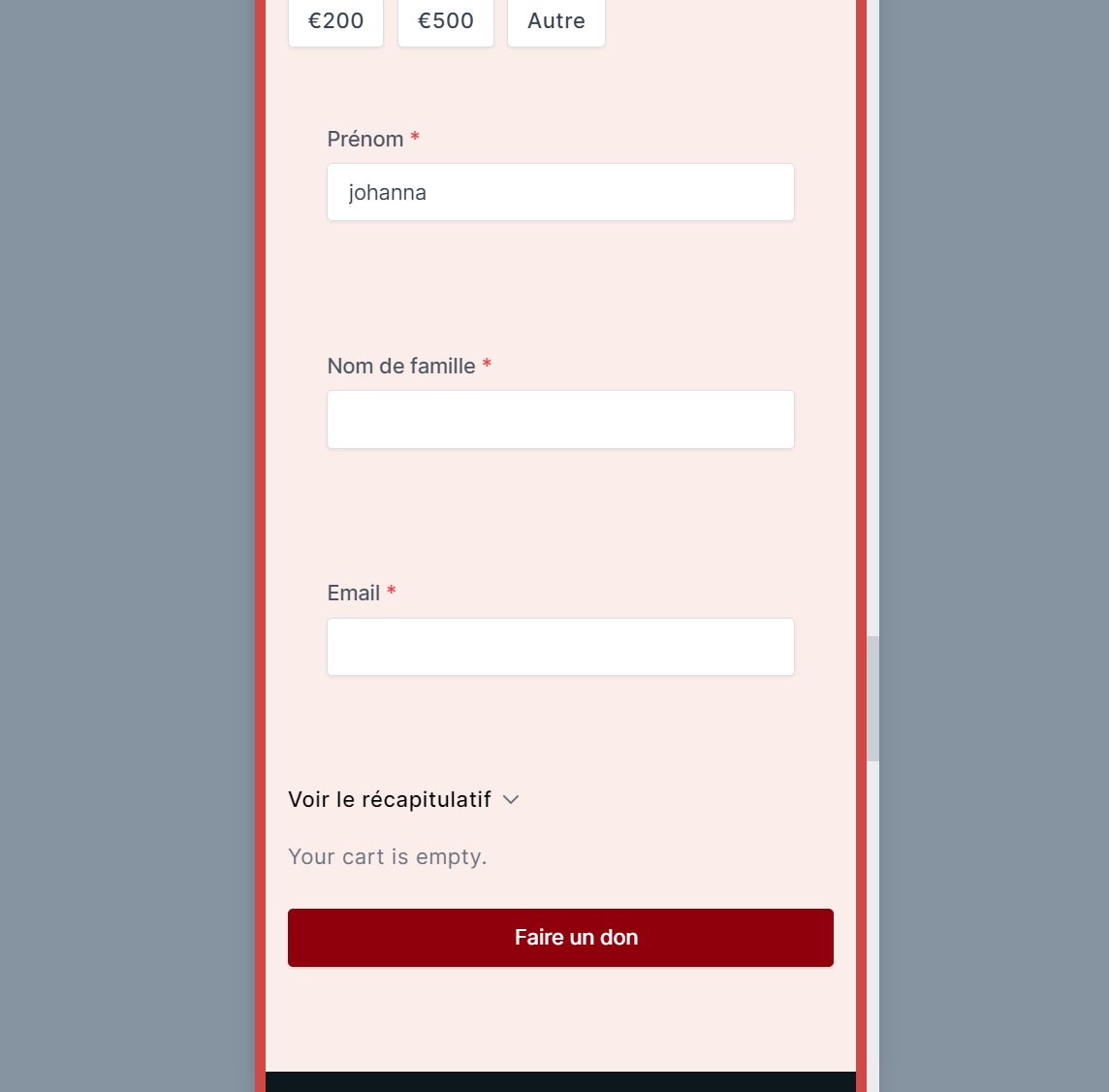
However, in the builder, they appear very large blocking the view to edit the page. Not super important but not convenient:

Hi Jo,
Thanks so much for your report!
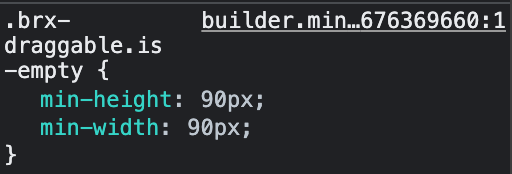
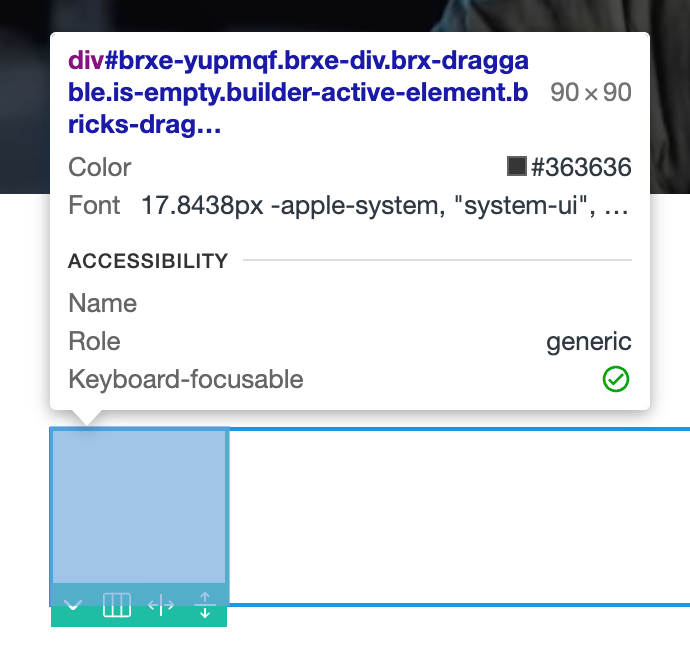
This happens because of the default min-width/height for empty elements, which would otherwise not be selectable on the canvas because their height is 0.
So if you add an empty div it shows as a 90x90px square on the canvas.
What you can do is add a class to your borders (e.g. myBorder) and unset the min-height:
.myBorder.brx-draggable.is-empty {
  min-width: unset;
  min-height: unset;
}
Best regards,
timmse
thanks a lot ofr your help! I didn’t though about the min values. So helpful, I can finally see my design 
thank you!!!