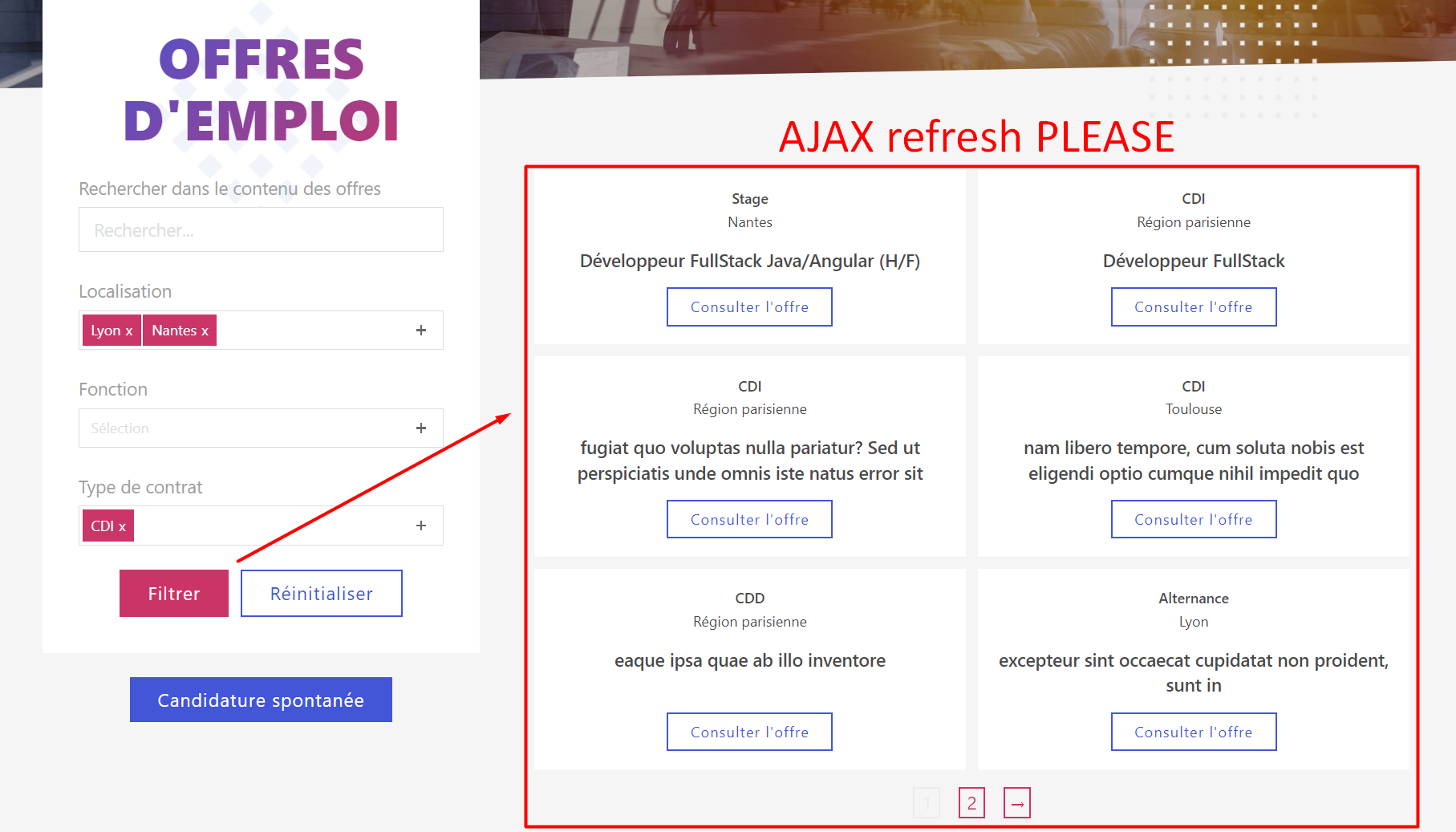
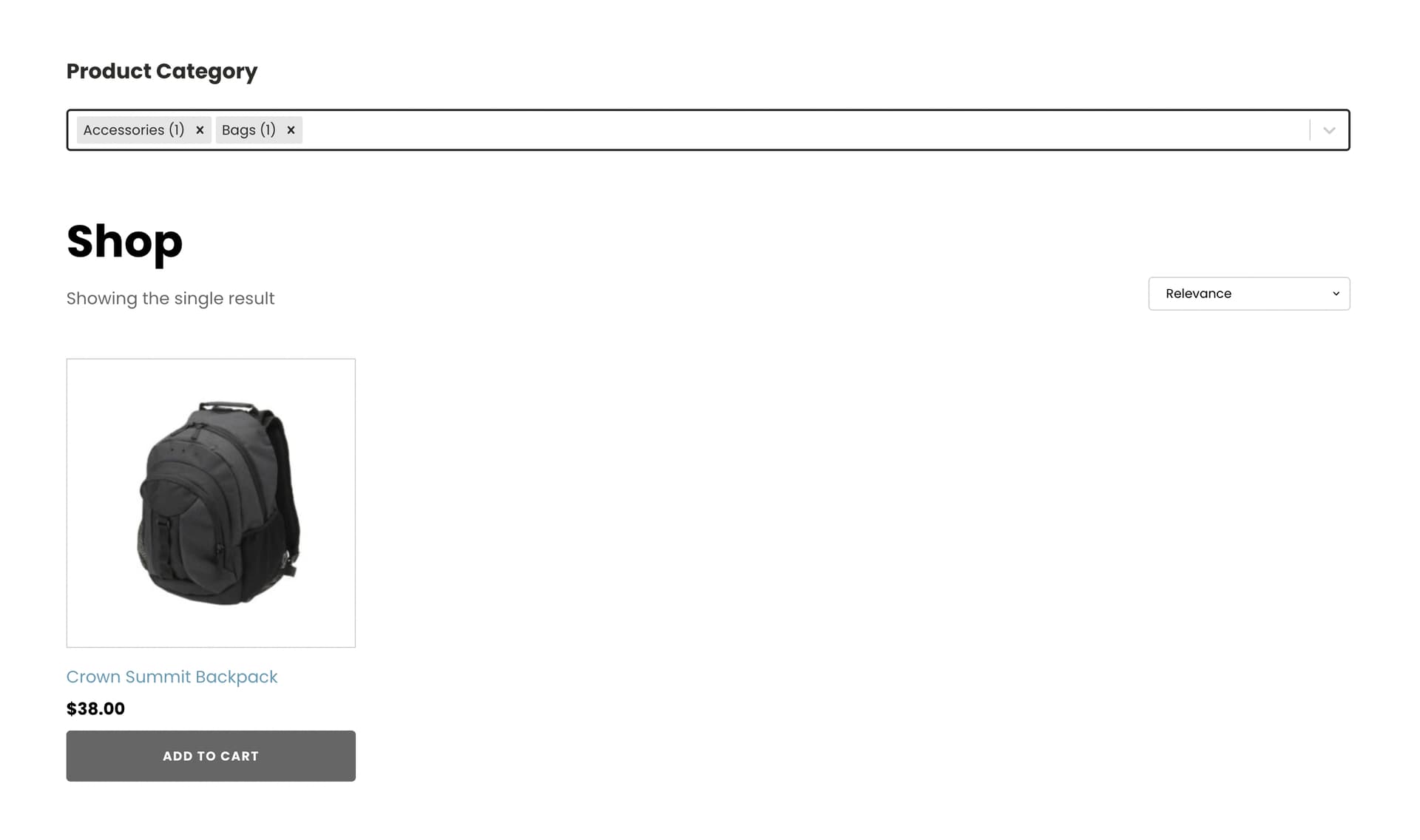
Everything works perfectly, but now I would like to transform this into AJAX or REST API filter.
Can anyone point me to a good tutorial which will preserve pagination feature or infinite scroll instead?
I think I know how to add events to my filter dropdowns to trigger the data refresh, but what I miss is the refresh itself with AJAX or REST API.
Also what would be awesome is URL update so that people can bookmark page and use browser history.
Thx in advance.
NOTE: You can also tell me that I should buy WP Grid Builder for my client because I would save a lot of hassle and time, and I may agree, but I also would be so happy to learn these technics.
Wow! I am also working on css js based filters for better performance on the sub category pages and using wp grid builder (ajax based) on the main category page. This approach allows me to generate static files for all pages except the primary category page.
In the meantime, I got REST API request work (it’s actually dead simple) and I can get a JSON response with all data, but there’s a lot to do to make it usable:
update URL and browser history so that people can browse and bookmark
request taxonomies terms ID/names associations because JSON response only sends them as IDs
get all JSON data and render it as thumbnail/card
create pagination links according to current page or use infinite scroll
maybe other things I can’t think of yet!
I guess the first time is the hardest, but as it will be different for each site, maybe the WP Grid Builder way is acceptable
Rest API is the future. Ajax should be depreciated in the future from WP Core. It will also allow me to hide & protect wp-admin completely (wp-admin/admin-ajax.php is the road block right now). Performance wise ajax is slightly better but REST API is improving.
@timmse Hey Stefan. I hope you are fine. Do you have any idea what ajax url is used for? I have noticed in the source of each page that js data mentions the site ajaxURL.
render posts with some HTML (TO IMPROVE with template)
add “load more” when total pages > current page
load page N+1 with load more button and content at the end (future: no button, just scroll event)
Performances are OK (almost instant refresh), but have only tested with 10 posts so far, so I’ll post feedback later when site is live with all client posts.
Now I need to improve things:
For instance, how can I populate in javascript a Bricks template with dynamic data from the fetched JSON instead of current post in WP loop?
For now I use some HTML, mimicking my post thumbnail template, but that’s not OK since I have to edit things in two places.
May I ask if you’ve found an answer to that question. Because I’m in the same situation and have absoluteley no clue how to do that. Right now I think it’s not possible. Hope you can help me out!