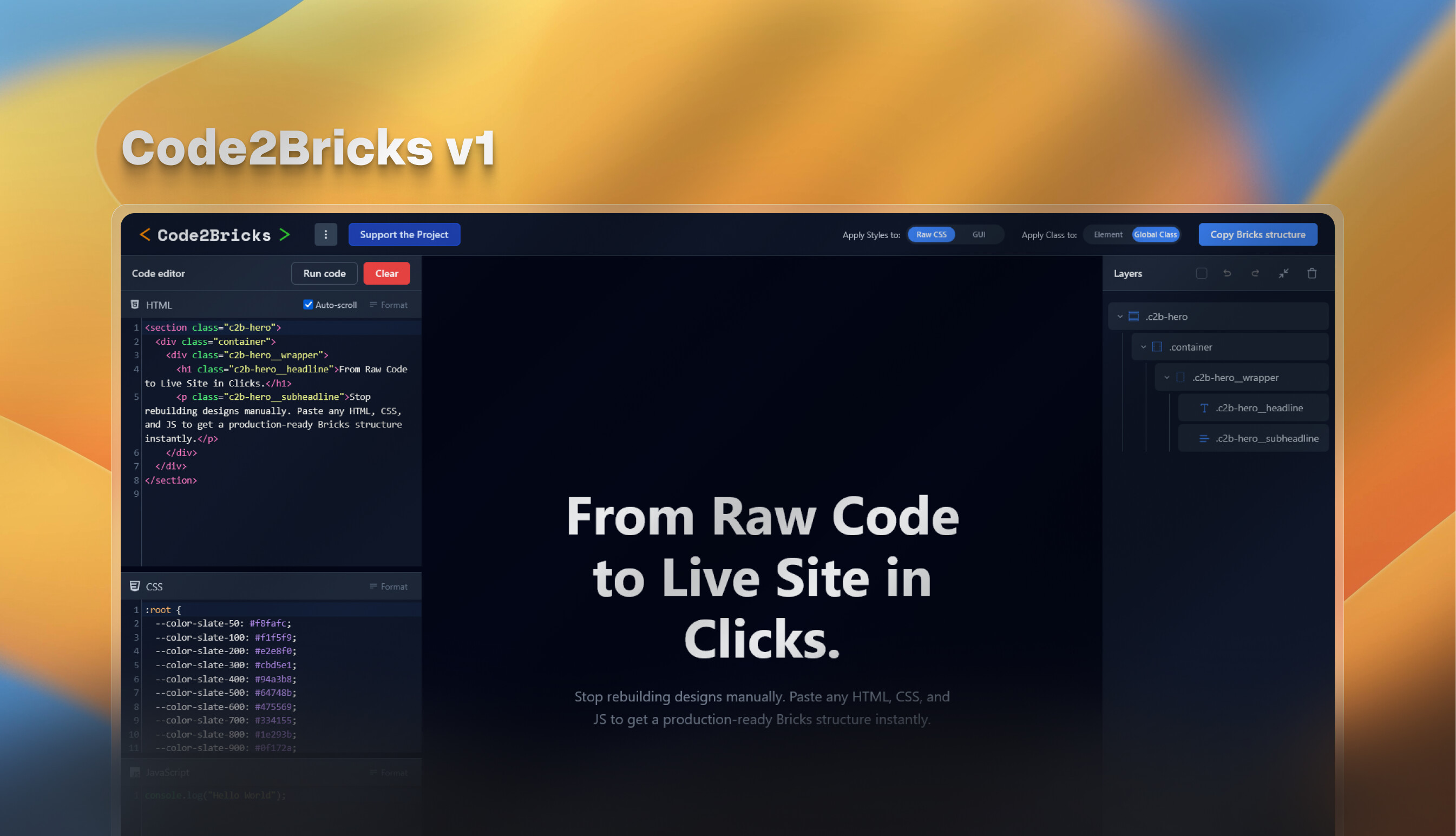
I previously shared this tool in the Facebook group and got some positive feedback, so thought I’d bring it to the forum as well for those who might have missed it.
What it does: Convert HTML, CSS, and JavaScript into ready-to-paste Bricks JSON structure.
Paste code from CodePen or custom sources → get instant Bricks structure
Visual layer panel with drag-drop reordering, renaming, and duplication
Three-way sync: click elements in preview to highlight in layers and code
“View & Edit CSS” - right-click any layer to see and edit its specific CSS rules
Intelligent layer naming based on classes/IDs
I built this as a standalone visual IDE for heavy code work outside the builder. I know some folks have been looking for features like this (similar to what Etch offers), so hopefully this fills that gap.
The tool is completely free. There’s an optional support button if it saves you time, but it’s never required.
Feedback needed: This is an early version, so please test it with your most complex layouts. Use the “Report Problem/Suggest Feature” button in the app or message me directly.
Looking forward to hearing how it fits into your workflows ; D
thanks for the report, glad u like it. I’ve actually investigated this and the problem stems from the host am hosting project on Sevalla. Because am using their name in the subdomain, most security tools flag the site as a phishing site because of the name. Am working on tranfereing the project to a custom domain name.
It worked perfectly for converting pages in an internal framework I developed. I’d like to sponsor the project; I’ve already found the repository on Github. Can you enable sponsors?
Okay, so I bought the plugin, too and tried it out right away, and everything works as promised. I generated an example using Gemini Code, something that would normally take me 30 minutes. After 1 minute, it was in Bricks, all elements nicely sorted in the Bricks structure view. The CSS is in the section. It works, it’s fast, and it invites you to play around with it. The other features, such as the BEM generator, are useful additions, especially if you’ve been doing this manually up to now. The developer is communicative and clearly has a few more ideas up his sleeve, which is great. But it’s already been a no-brainer for me, and there’s currently a 20% discount. For me, it’s the best purchase of the still young year
Hi, is this project still active? The maintainer hasn’t had any activity on GitHub since November, and there is no source code available for us to work with.
The project is still active, the main reason for the stall is the plugin addon is now in bricks for code2bricks, check it out here;
Another thing is that the bricks have announced that a native converter is on the way. This project will soon be made open source, so you can work on it yourself if needed.
I’m just using basic HTML and CSS; I’m not using any JavaScript or libraries. If I could just copy and paste it and have it display exactly as it does in HTML, I would definitely join.
this is actually very common, and it not the tools fault, the issues here is in bricks, where by default it sets the html root font size to 65% of 1rem, set it to 100% and the layout will be one to one. Can you maybe share the html and css you used, so that it it the plugin’s fault then I can fix it. Thanks.
Is this still the plan. I just learned of Code2Bricks today and have been investigating. Having purchased Core Framework shortly before it went open source, I don’t want to do the same. Also wondering about Bricks making this native.
Thank you. I see the converter has been, but not the bidirectional aspect, right? I’d like to have the option to drop in and out of coding like I’ve seen in Etch.