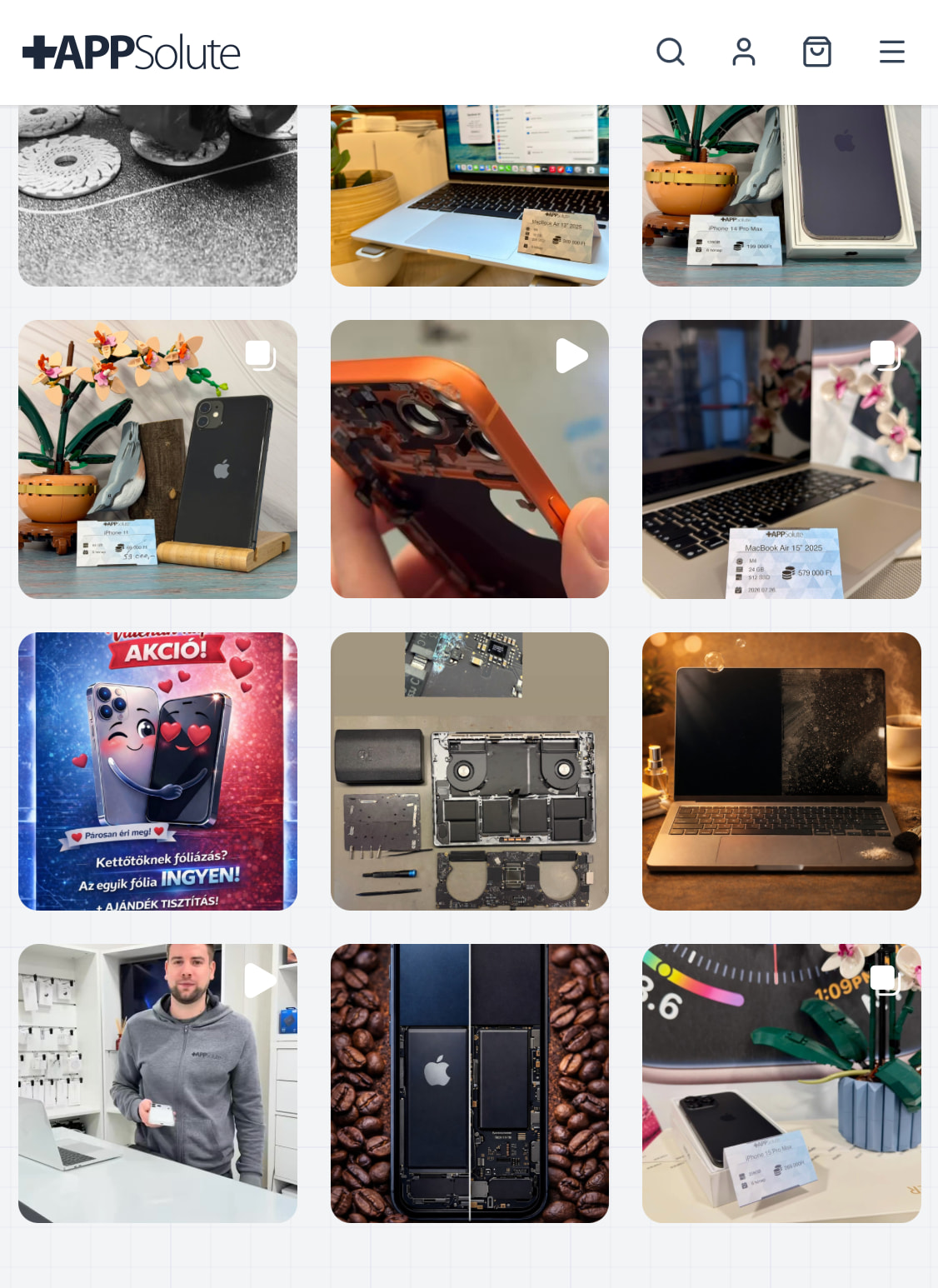
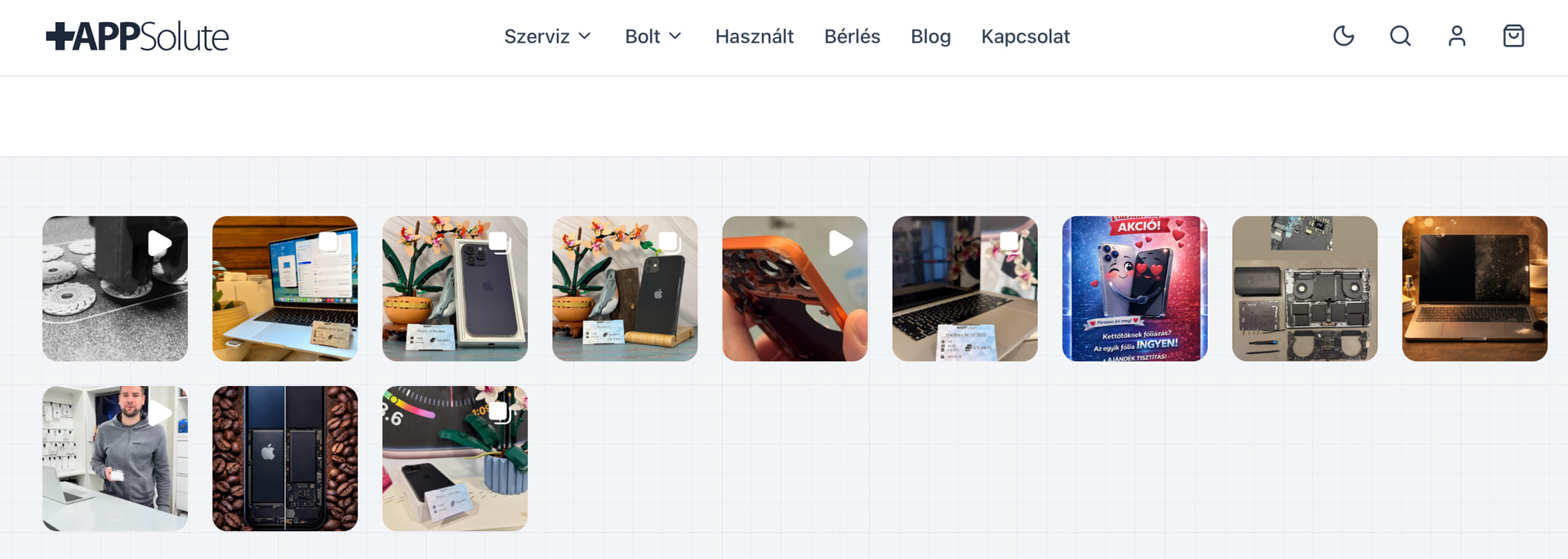
Maybe I am just tired but I couldn’t find an option in the Instagram feed element to control the displayed image count in different screen sizes. What I want to achieve:
Mobile: 9 images in 3 rows
Tablet: 12 images in 3 rows
Desktop: 18 images in 2 rows
Is it possible somehow? Sorry if this is a dumb question.
You can change the number of columns per breakpoint, but can’t change the number of posts per breakpoint, as it’s one request. Just set it to 18, and hide the unnecessary ones per breakpoint.
/* Add to tablet breakpoint */
%root% li:nth-child(n+13) {
    display: none;
}

/* Add to mobile breakpoint */
%root% li:nth-child(n+10) {
    display: none;
}
Bandwidth shouldn’t be an issue these days, and I’d say you wouldn’t even notice if it takes slightly longer. But of course: the more to load, the longer it takes.