Hello,
it would be helpful to add an option to the “product price” element to choose the product type.
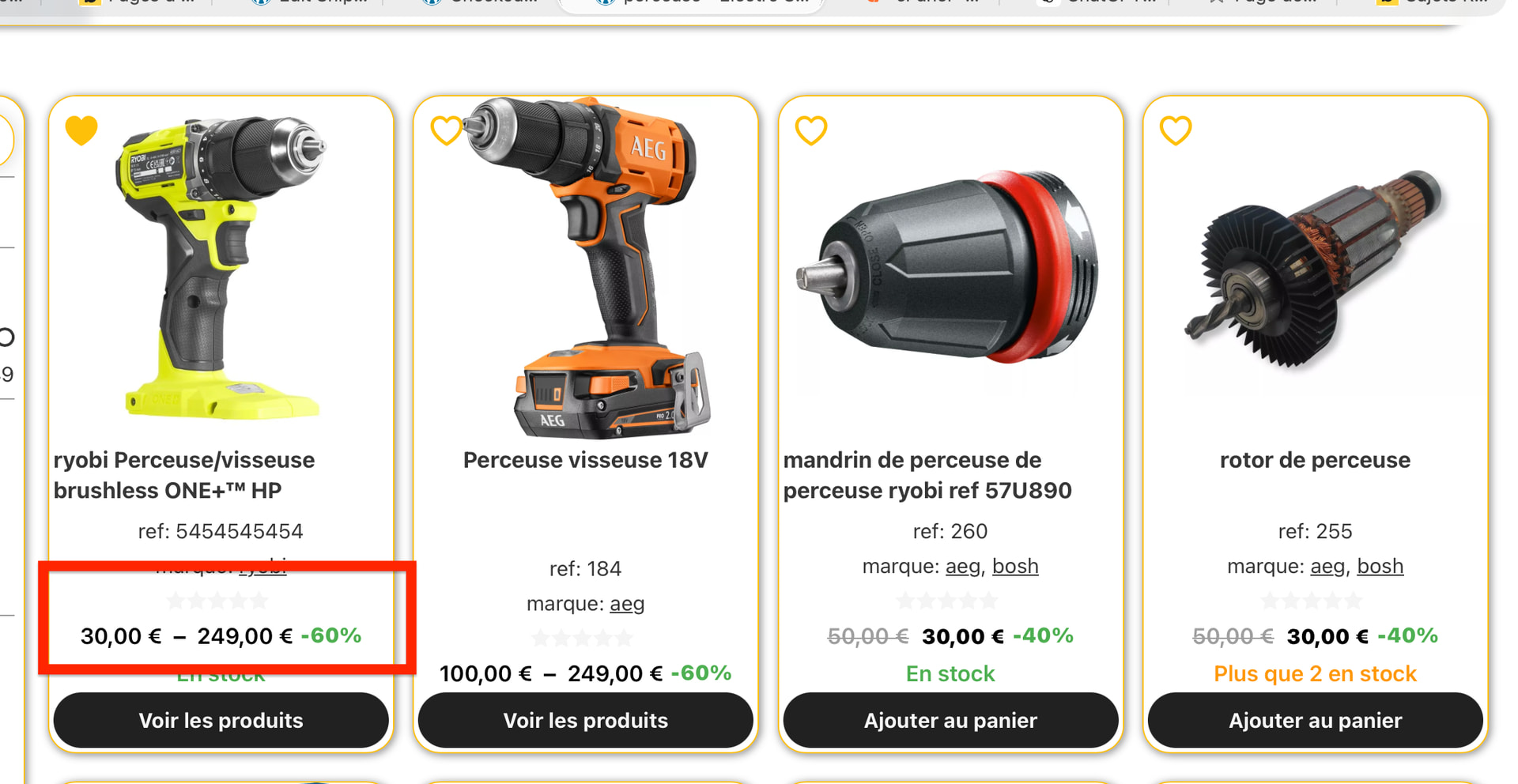
Because when you have grouped products, it automatically takes the minimum and maximum prices and the maximum discount… which can sometimes be inconsistent.
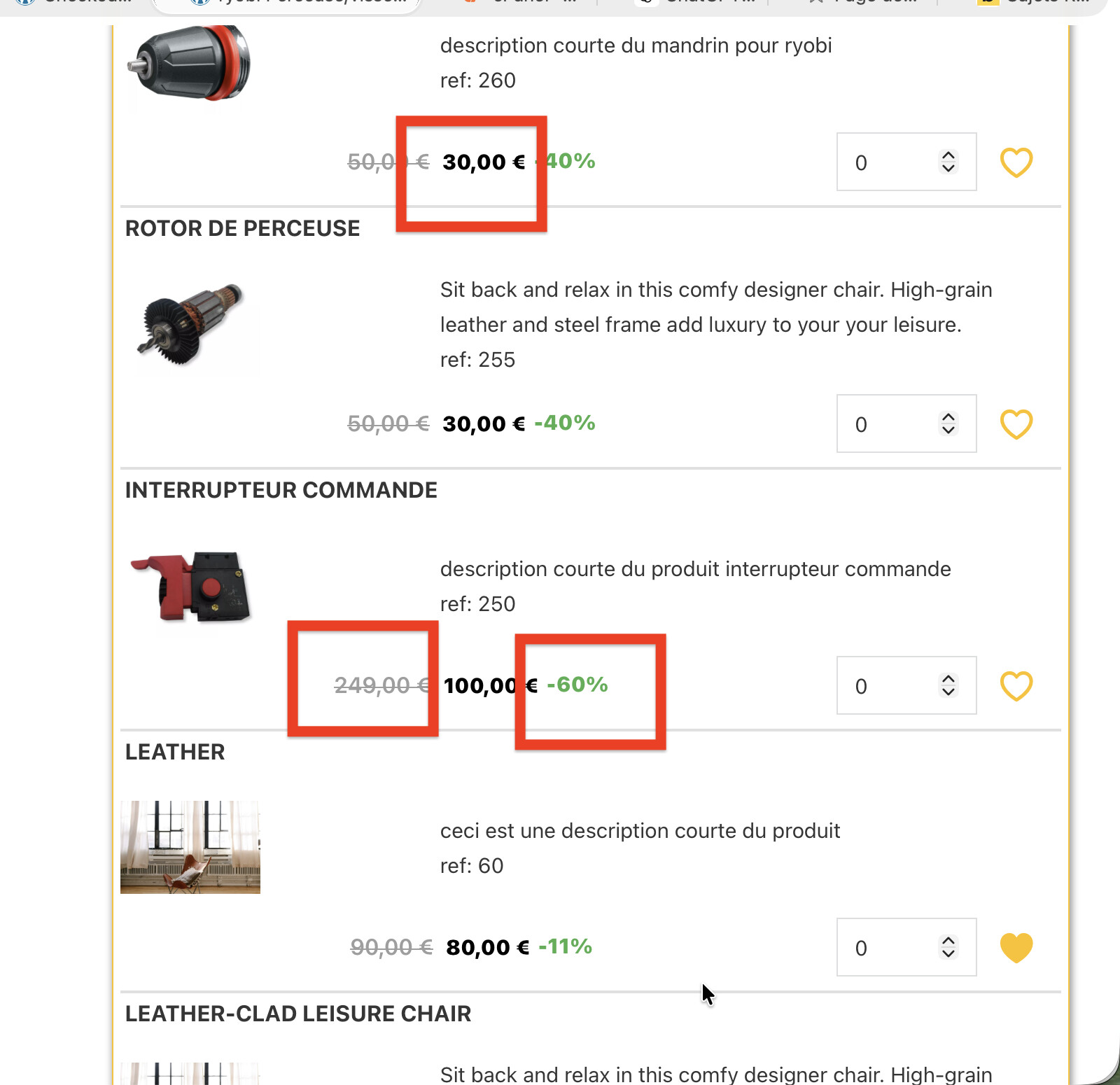
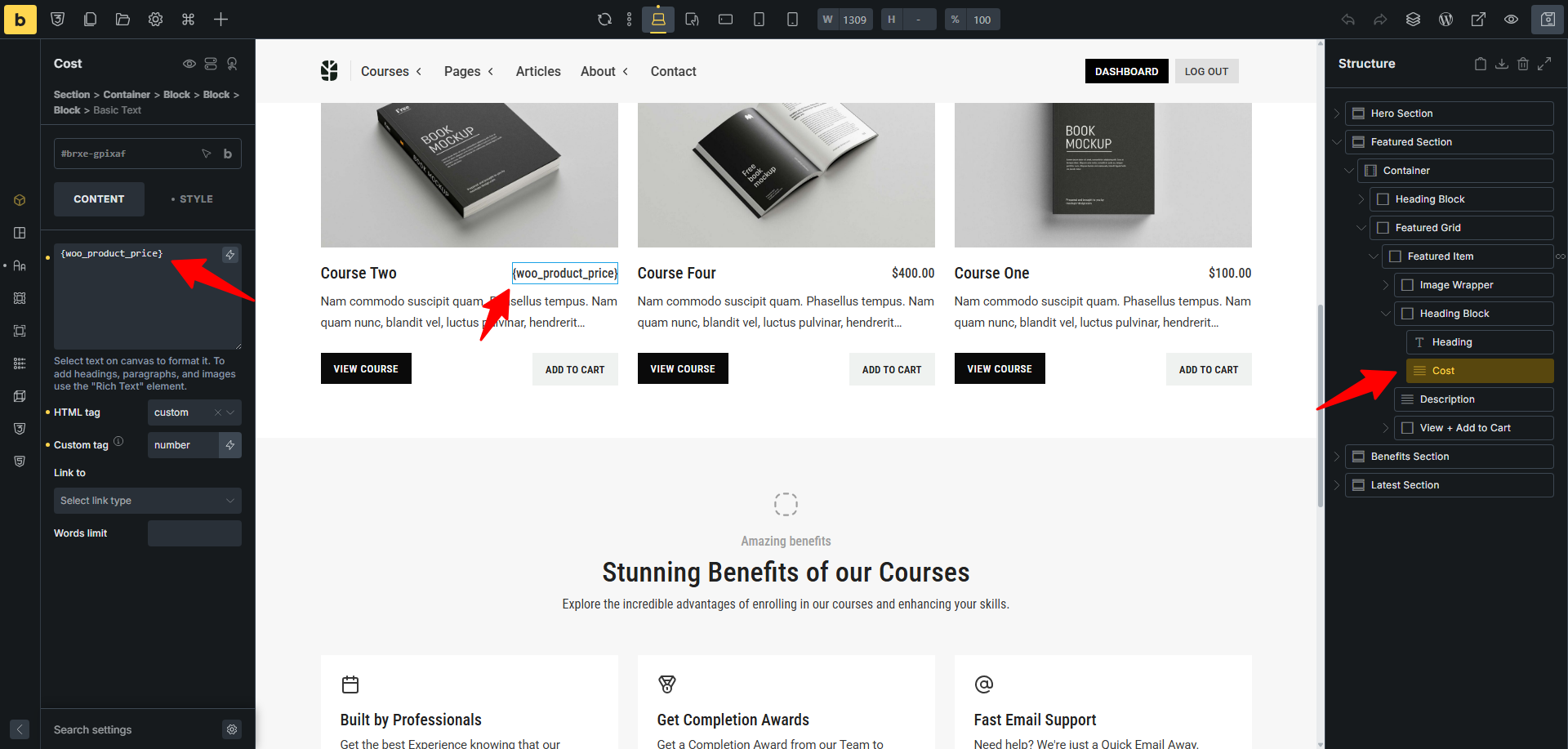
Because it doesn’t change anything…
the dynamic data will be the same as that returned by the “product price” element…
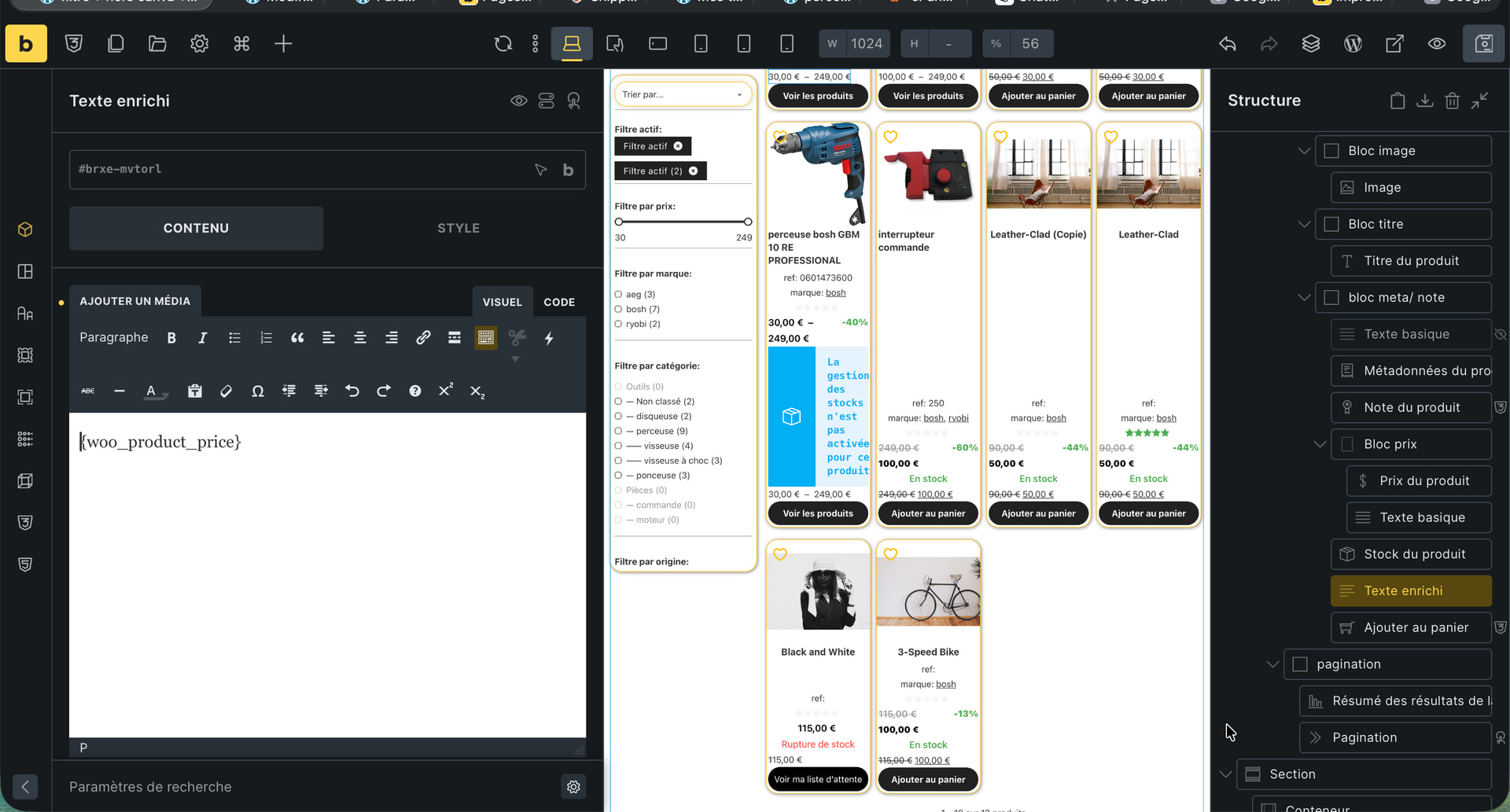
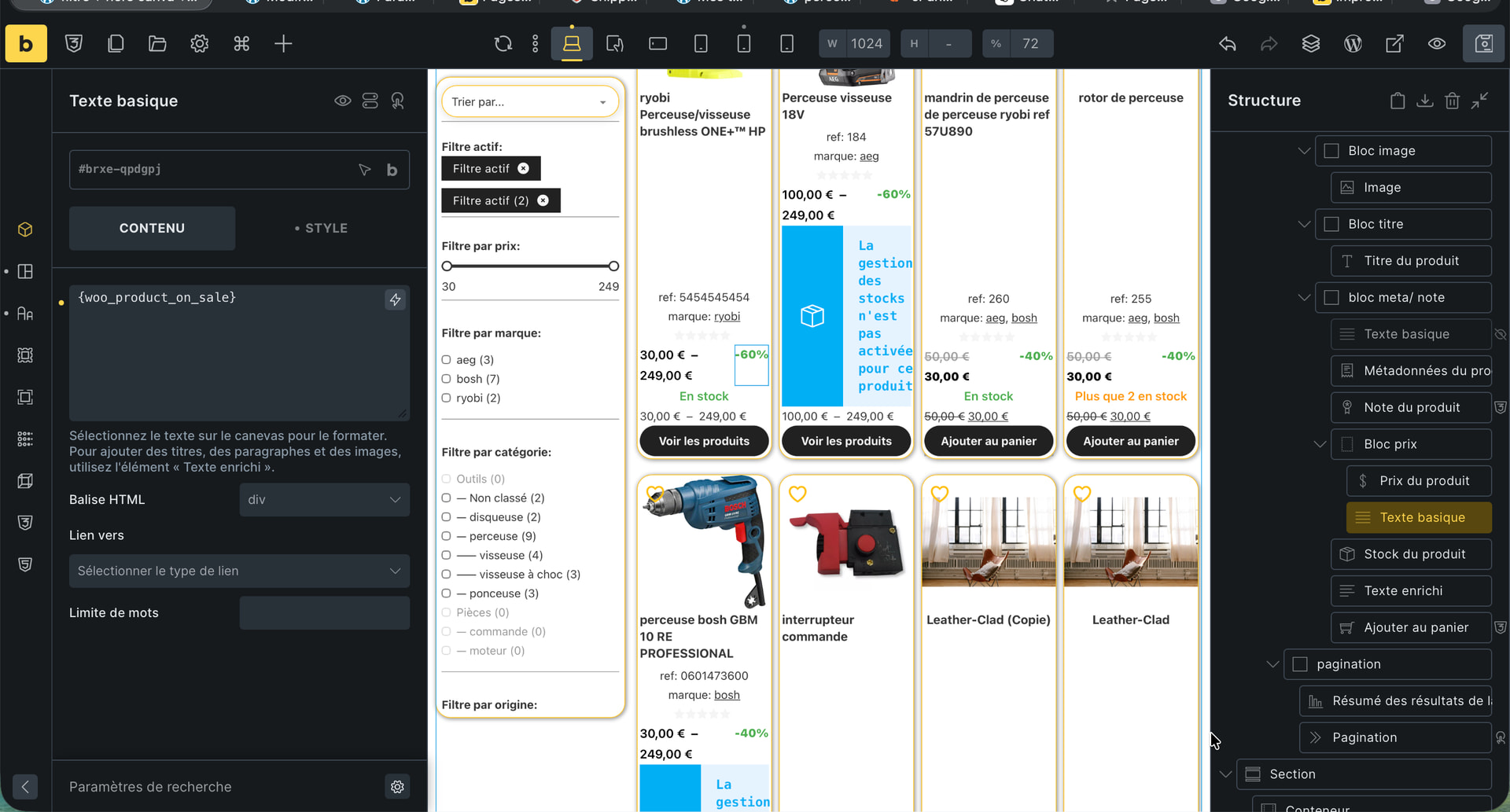

That will not work, as the dynamic tag you are calling is for the Sales Badge.
Now, you are asking for more information then just to display the sales price. If you want to add the percentage that is being saved you would need to create a custom function and then echo out that function.
You could add something like this to your functions file.
// Woo Percentage on Sales Price
function display_sale_percentage($product_id = null) {
    // If no product ID provided, try to get current product
    if (!$product_id) {
        global $product;
        $product_id = $product ? $product->get_id() : 0;
    }

    if (!$product_id) {
        return;
    }

    $product = wc_get_product($product_id);

    if (!$product) {
        return;
    }

    // Check if product is on sale
    if ($product->is_on_sale()) {
        $regular_price = $product->get_regular_price();
        $sale_price = $product->get_sale_price();

        if ($regular_price > 0) {
            $percentage = round(100 - ($sale_price / $regular_price * 100));
            echo '<span class="sale-percentage">' . $percentage . '% OFF</span>';
        }
    }
}
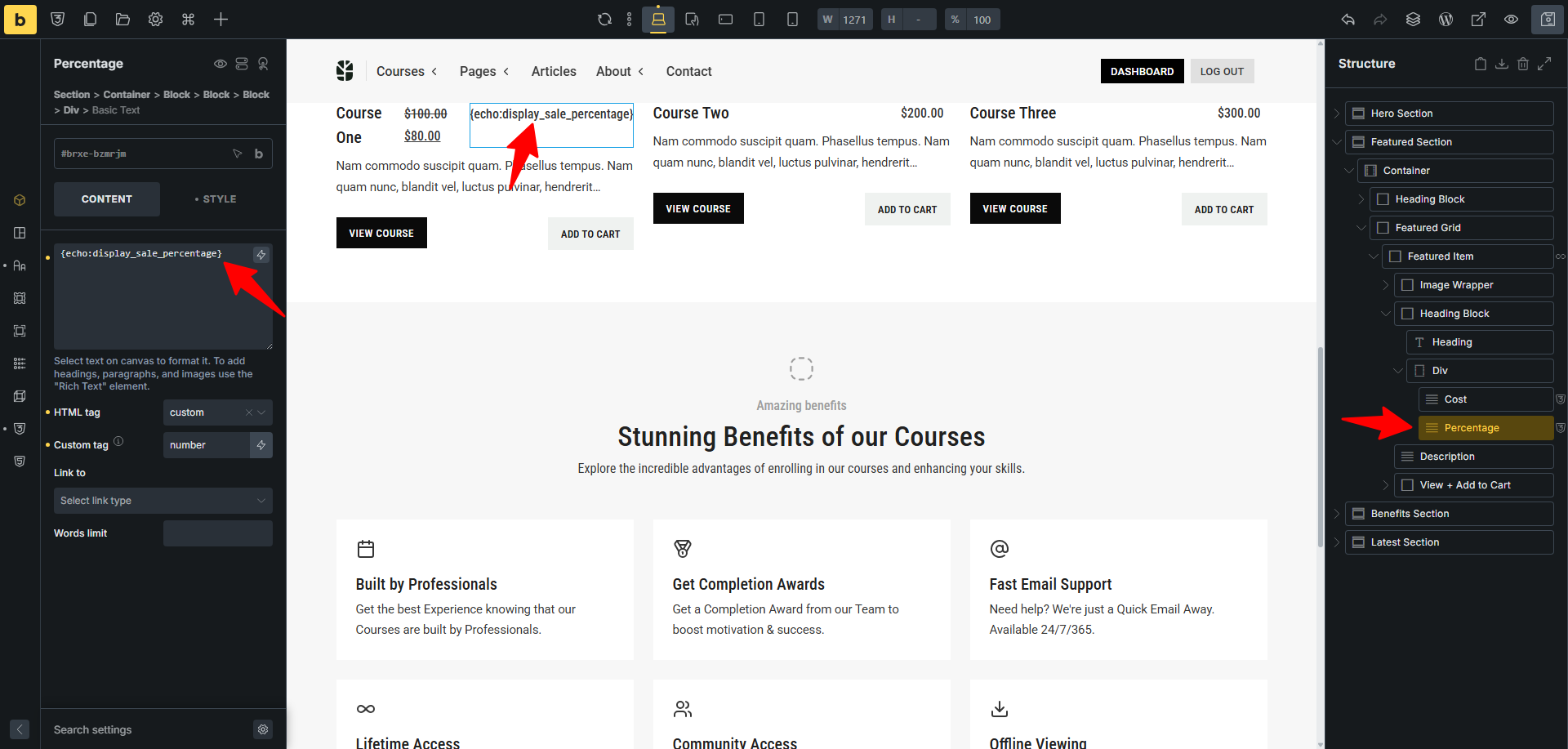
Then you echo out that function like this – as well, as the custom function to your Bricks filter.
{echo:display_sale_percentage}
add_filter("bricks/code/echo_function_names", function () {
    return [
        'display_sale_percentage',
    ];
});
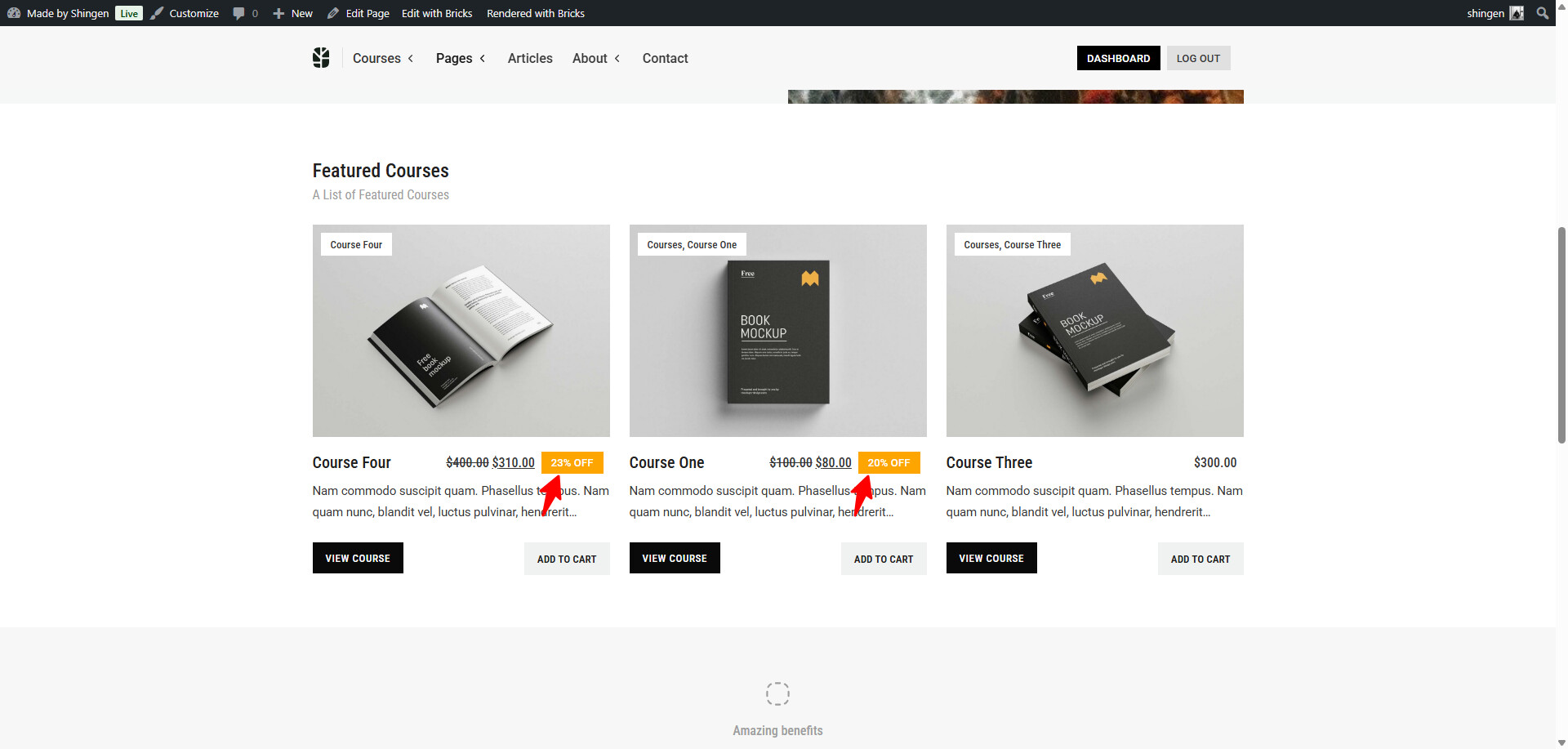
Some CSS to style the percentage.
.sale-percentage {
  background-color: orange;
  color: #fff;
  padding: 0.15rem 0.75rem;
  font-weight: 500;
  font-size: 0.825rem;
}
The layout.