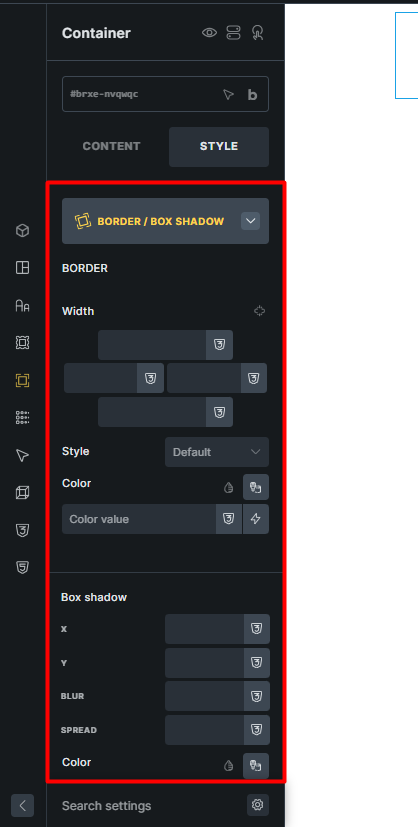
Hi bricks team,
Currently, in the Border / Box Shadow group of elements, the border and box shadow settings are in a pop-up. So to access their settings, we need to first open the pop-up and then apply the settings. As shown in the screenshot below, given the large amount of empty space in this section (especially on larger screens), I think it would be much better if the Border and Box Shadow settings were placed outside of the pop-up to make them quicker and easier to access.
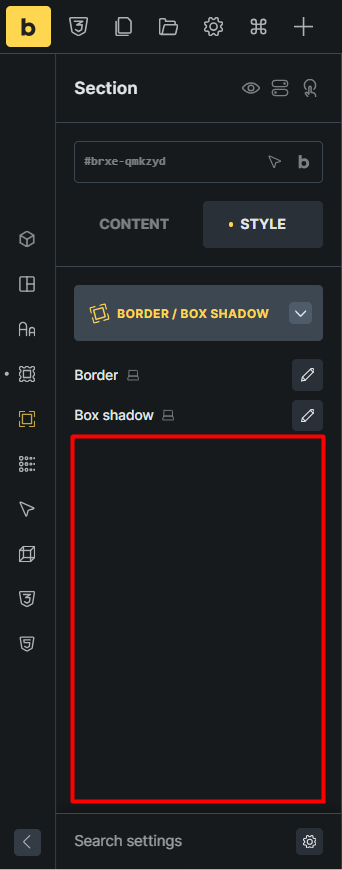
But the border and box shadow controls in the Elements Content tab are better left in the current way inside the pop-up, because the element controls will be cleaner there.
In general, the Border / Box Shadow group in the Styles tab will look like this: