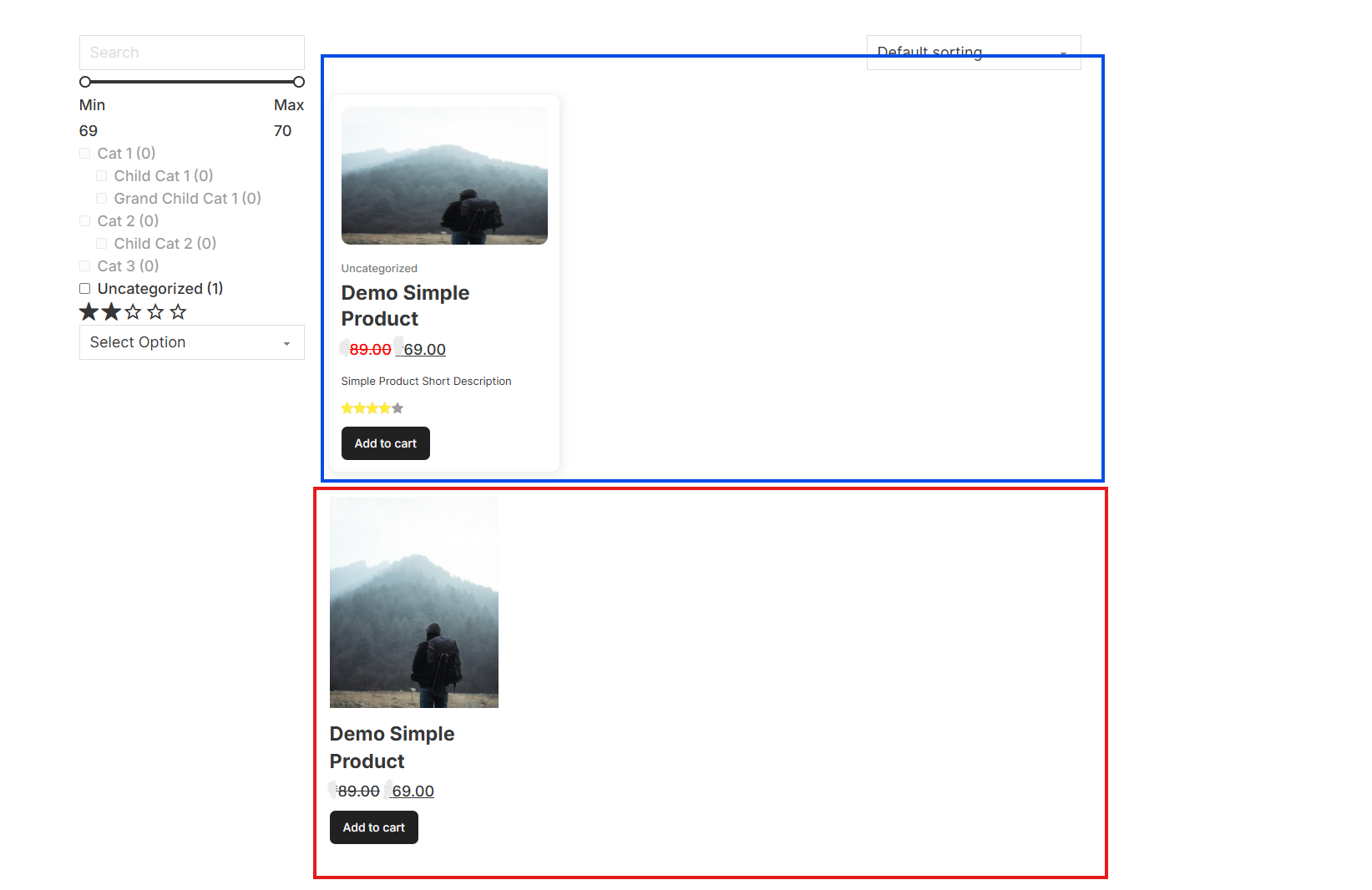
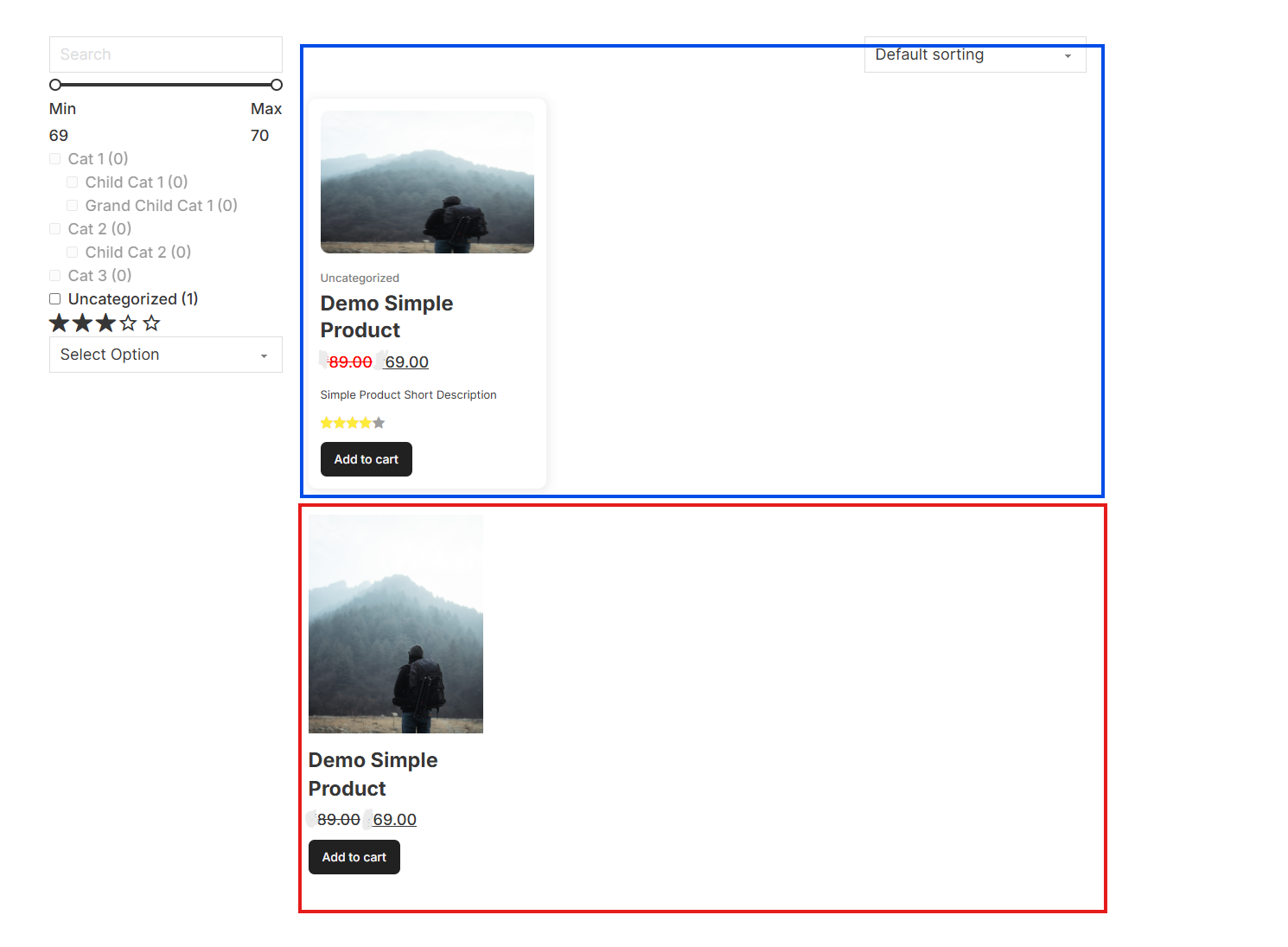
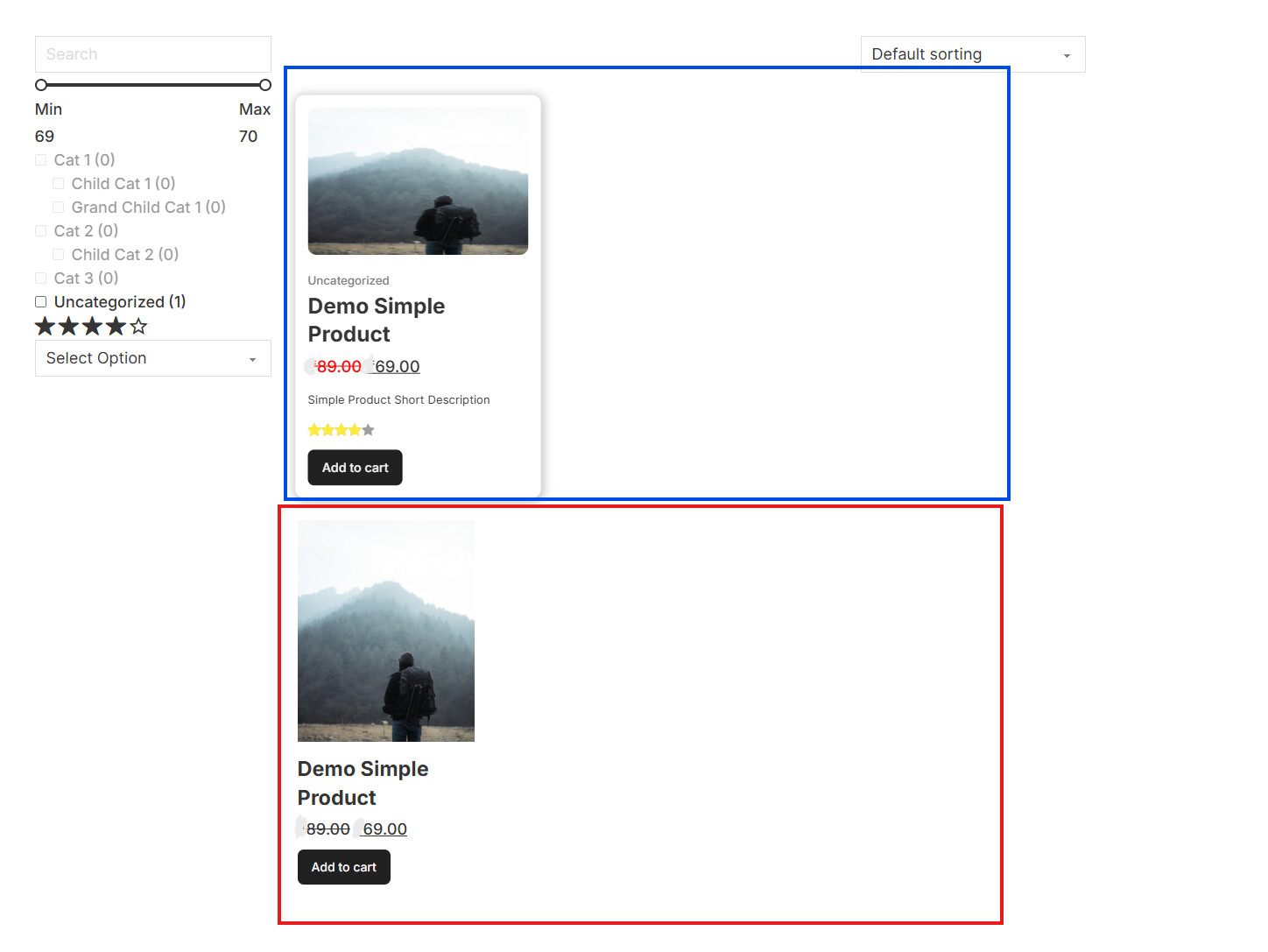
There seems to be a bug in the product ratings filter. When filtering products by rating, all filter options below the actual product rating are incorrectly matching the product.
Example:
If a product has a 5-star rating, it’s also being shown under 4-star, 3-star, 2-star, and even 1-star filter selections instead of showing only under filters that match or exceed its rating.
thank you for your report. I’ve moved it to the Feature Requests / Improvements , as it’s not really a bug, as this is how it was working since the beginning. However, it’s true that you don’t have a control to say, “Show only products with this exact rating.”, so I’ve created an internal improvement task for “Product filter” element and for “Filter - Select/Radio/…” as well.
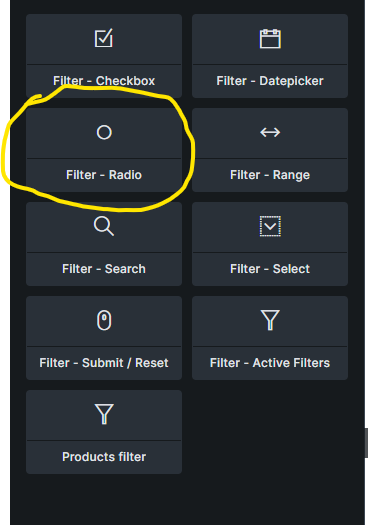
Thanks a lot for forwarding it. I have one more request to add. We have a feature of star rating in “Product filter” widget of bricks builder. Can this same be also added in “Filter - Radio” Widget to use it with ratings.
Hi @Escapshion,
by “star rating”, what exactly do you mean you need inside the “Filter - Radio” element? Because you can filter by product rating with it already.
Do you mean that the Filter - Radio should be able to show “stars”, just like the “Product filter” widget - if thats the case, then it’s best if you can add it to the idea board.