Browser: Chrome 110 OS: macOS / Windows / Linux / etc. URL: Link to a page that illustrates this issue Video: Short screen recording that illustrates this issue (free tool: jam.dev)
Hi,
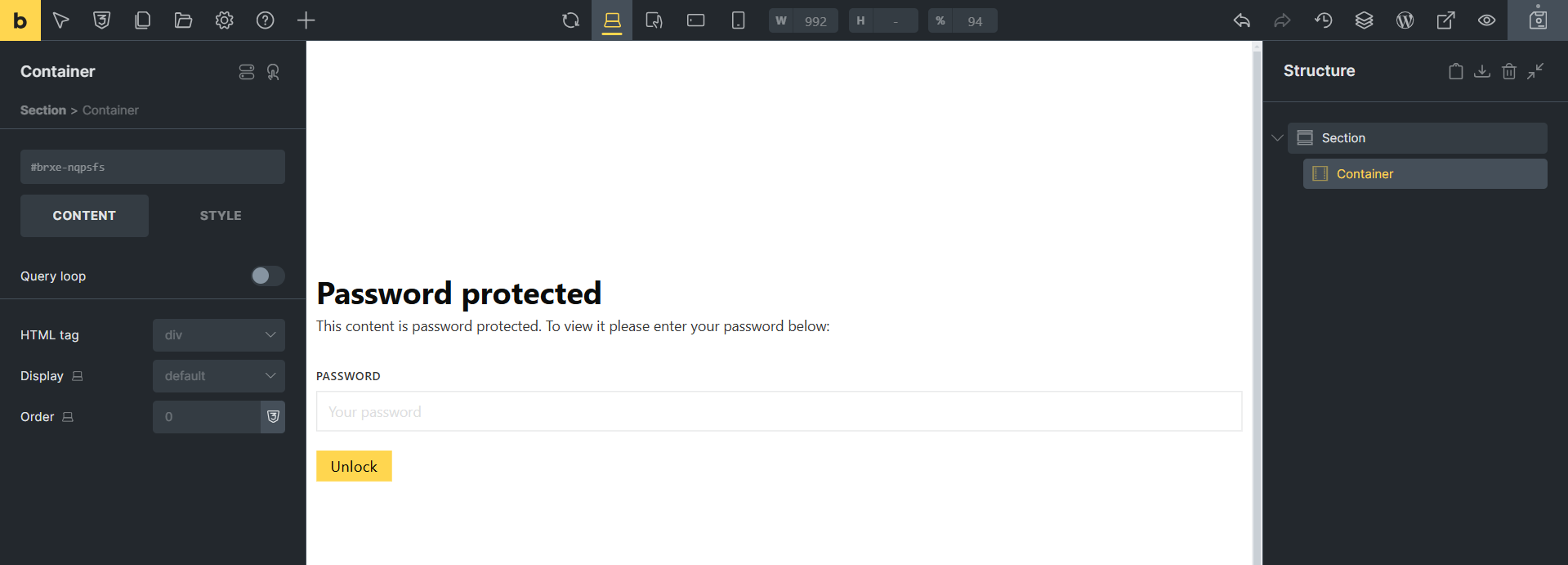
1- If we set password protection on a page or template, we cannot access the page content in the Builder. The builder loads, but the Password protection form appears and if we add any element, it is added, but not accessible in the builder. Also, in this situation, the layout elements face problems.
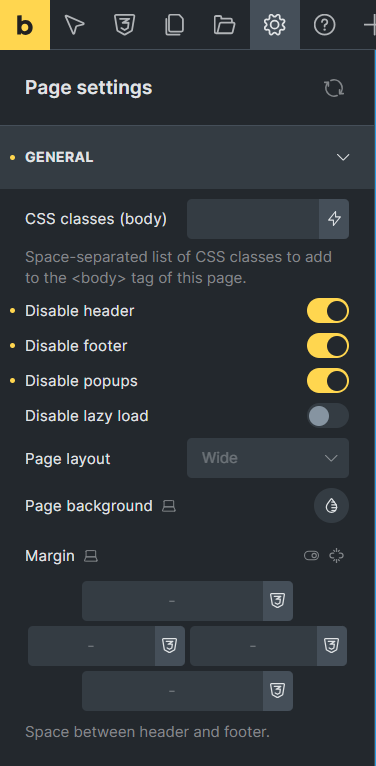
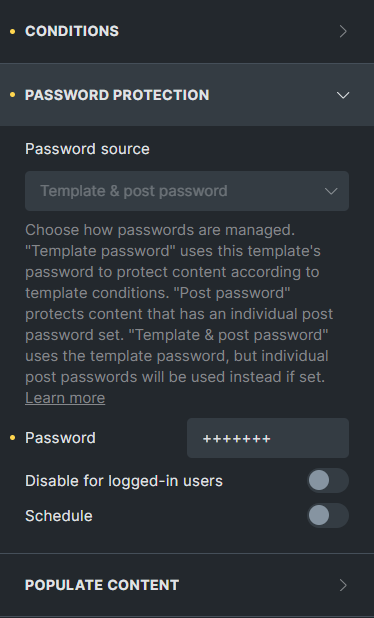
2- In Password protection, there are two similar settings for disabling header and footer. One in Password protection settings and the other in page settings.
As a suggestion, it would be interesting if the Disable popups option were added to the page settings and all three options were removed from the Password protection settings.
You can disable password protection for logged-in users right below the password field. It might be an improvement (not a bug) if, for example, admins could still edit the page in the builder, which could also lead to confusion…
The settings in the password protection template have a global effect. If they did not exist, you would have to activate them separately for each page to which the template is applied, which might be pretty tedious
You can disable password protection for logged-in users right below the password field. It might be an improvement (not a bug) if, for example, admins could still edit the page in the builder, which could also lead to confusion…
Yes, you are right. Thank you
The settings in the password protection template have a global effect. If they did not exist, you would have to activate them separately for each page to which the template is applied, which might be pretty tedious
No really! Disable header and footer in the password protection template settings > Page settings. It will apply to all pages.
Although not exactly a bug, we have decided to look into deprecating “Disable header/footer” under password protection settings and provide a new “Disable popups” page setting. I have updated the thread’s category & title accordingly.
Sorry for the late reply. No problem. I just wanted to point out that there are two options that work similarly. This can be confusing to some as to what the difference is between the two. What is the difference if we disable the header and footer from the page settings, or from the password protection settings.