Browser: Chrome 110 OS: macOS / Windows / Linux / etc. URL: Link to a page that illustrates this issue Video: Short screen recording that illustrates this issue (free tool: jam.dev)
Hi folks,
I’m rebuilding my Elementor site using Bricks, and I ran into an issue.
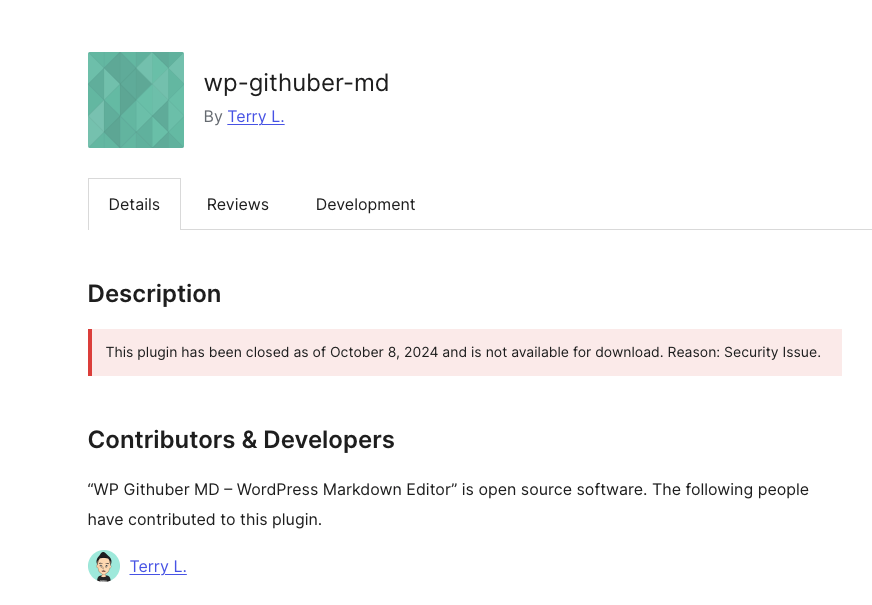
Just a heads-up — this plugin has been closed since October 8, 2024 due to a security issue. Because of that, I personally wouldn’t recommend using it anymore (it may have vulnerabilities), but of course it’s up to you.
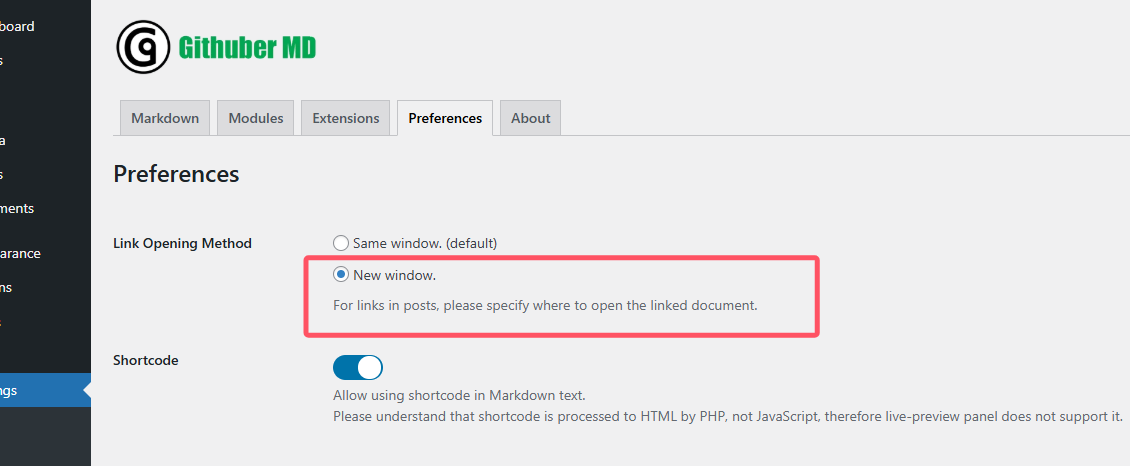
To make your links open in a new tab in posts, you have two options:
Add attributes manually
Use target="_blank" and rel="noopener" directly in your links. (Safer and more precise.)
Use a custom snippet
If you’d rather automate it, here’s a little snippet that forces all links in post content to open in a new tab and adds the rel="noopener" attribute:
<?php
add_filter('the_content', function ($content) {
    if (is_admin() || stripos($content, '<a ') === false) return $content;

    libxml_use_internal_errors(true);
    $dom = new DOMDocument('1.0', 'UTF-8');
    $dom->loadHTML('<?xml encoding="utf-8" ?>' . $content);

    foreach ($dom->getElementsByTagName('a') as $a) {
        $href = $a->getAttribute('href');
        if (!$href) continue;
        if (strpos($href, '#') === 0) continue;
        if (preg_match('~^(mailto:|tel:|javascript:)~i', $href)) continue;

        // open in new tab
        $a->setAttribute('target', '_blank');

        // ensure rel contains noopener (merge with existing)
        $rels = preg_split('/\s+/', trim($a->getAttribute('rel')), -1, PREG_SPLIT_NO_EMPTY);
        $rels[] = 'noopener';
        $a->setAttribute('rel', implode(' ', array_unique($rels)));
    }

    $html = $dom->saveHTML($dom->getElementsByTagName('body')->item(0));
    return preg_replace('~^<body>|</body>$~i', '', $html);
}, 20);
?>
This snippet works globally, so it’s not always ideal. Personally, I’d stick with adding attributes manually for more control.