Hello everyone, I’m trying to get Bricks to work with “YITH WooCommerce Dynamic Pricing and Discounts”, they don’t work well together. I’ll see if anyone can help me.
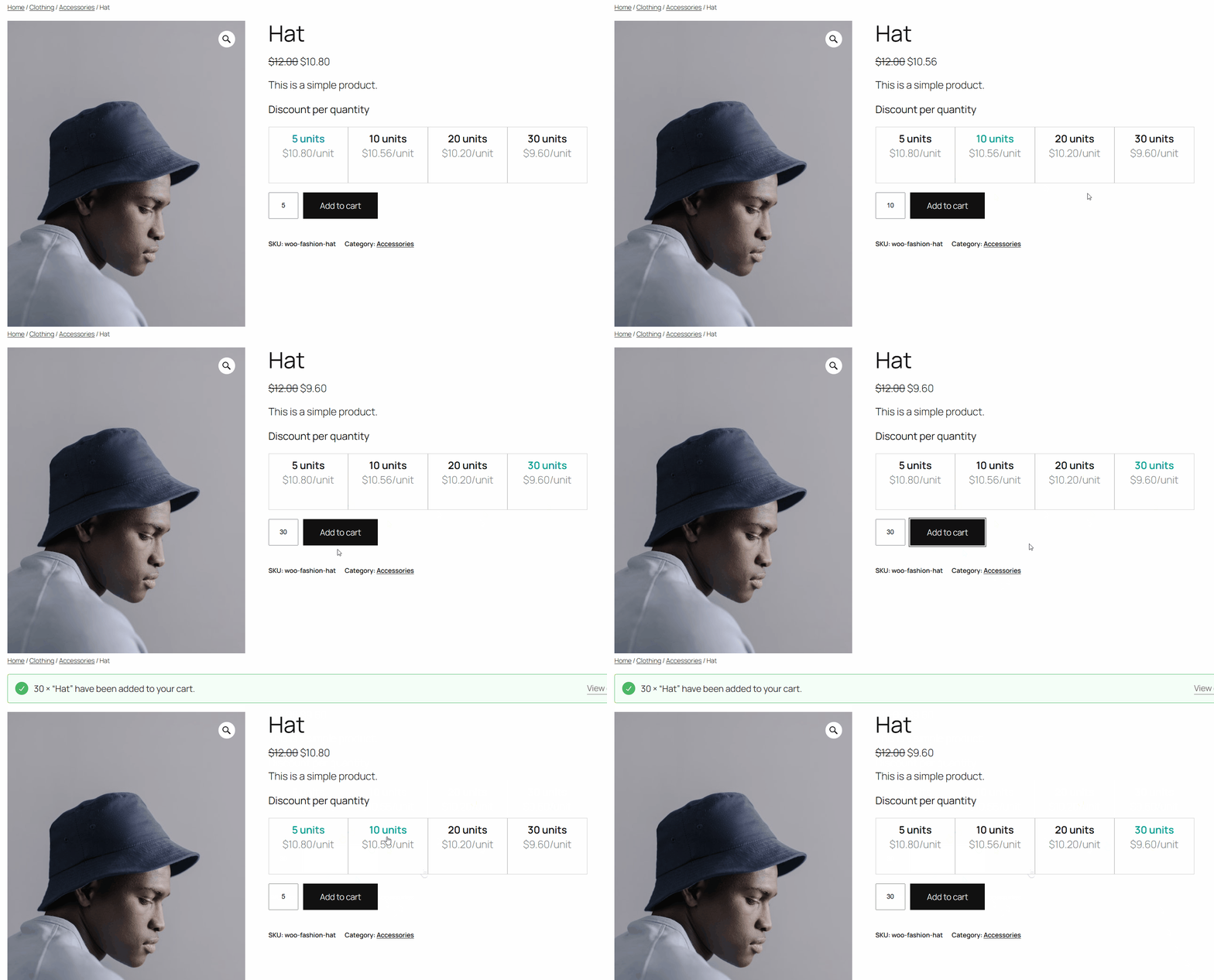
For the default theme, it works well, as shown in the image below.
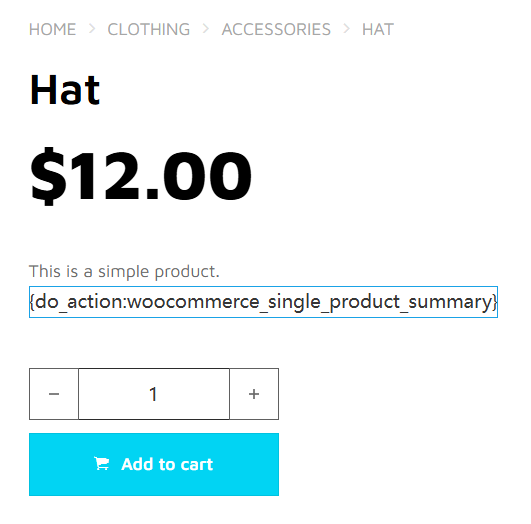
I activated the Bricks Theme (2.1.4) and created a single product template. After some time, I realized it requires “{do_action:woocommerce_single_product_summary}”, so I added it.
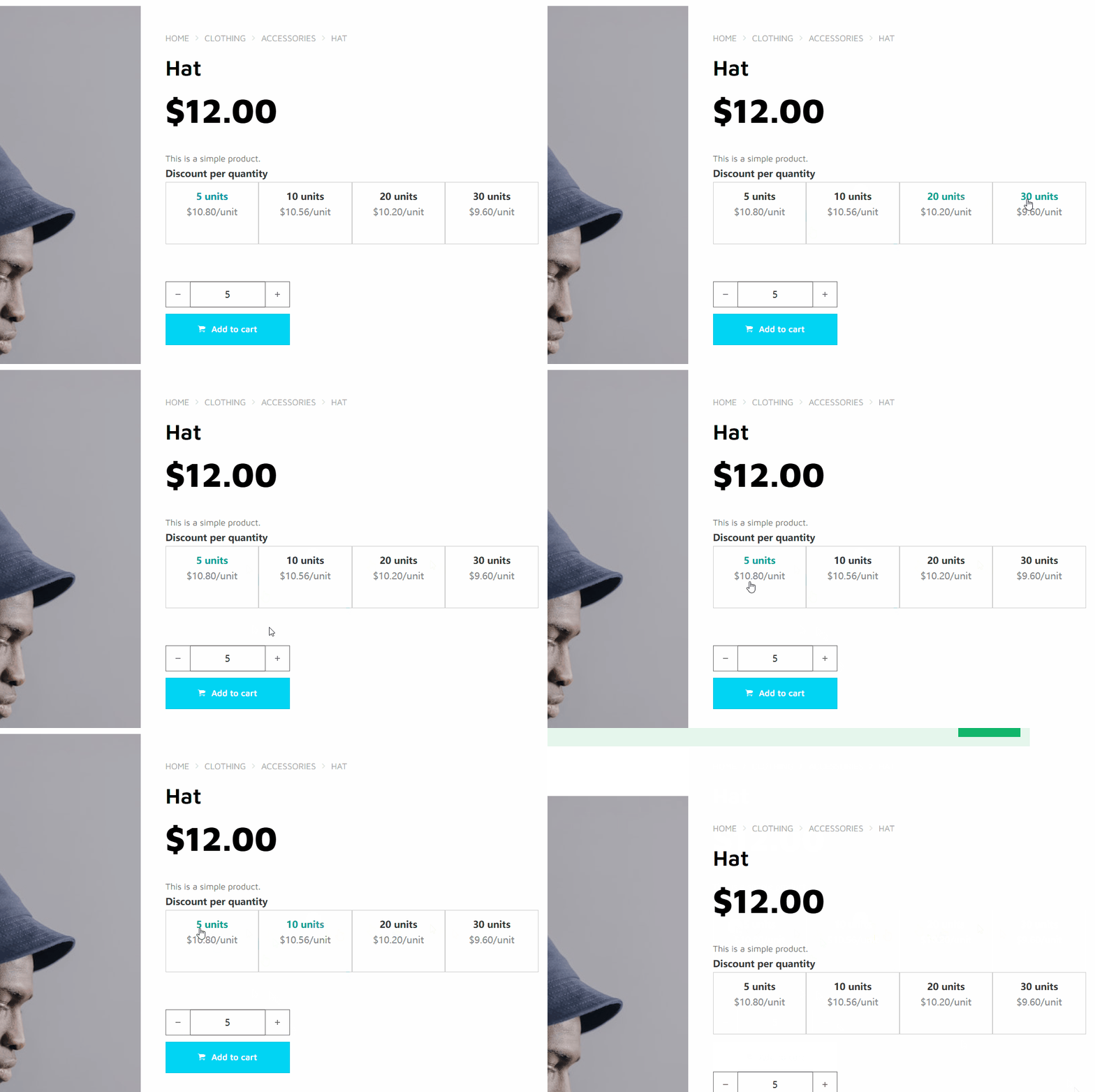
The product page now displays the discount list, but it’s not working. Both the price discount and quantity fields don’t update. As shown in the image below:
Here’s the link to my test site. Does anyone know how to fix this?
It looks like you fixed the main problem since then.
However, we can’t adjust the quantity with the buttons.
Did you use the shortcode instead of the action hook?
It might be interesting to share your solution for anyone else having this problem (I don’t have this plugin myself, but I tried to investigate the issue using an official archived source code on GitHub).
Using {do_action:woocommerce_single_product_summary} only shows the “Discount per quantity” table, but it isn’t fully functional. As you noted, it doesn’t update prices and quantities.
I also tried the shortcode “[product_page id=“”]” at the page’s bottom. It has full functionality, but the styling is difficult to customize.
Could you clarify what exactly is hard to customize?
That said, it’s still a third-party plugin, so there may be some limitations, but it’s achievable with some custom CSS.