I’m trying to use dynamic data from ACF fields in the Map (Leaflet) element, but I can’t figure out how to connect them properly.
Here’s what I’ve tried so far:
In the Map (Leaflet) element settings, I see fields for latitude, longitude, address, etc., but they don’t seem to accept dynamic data tags.
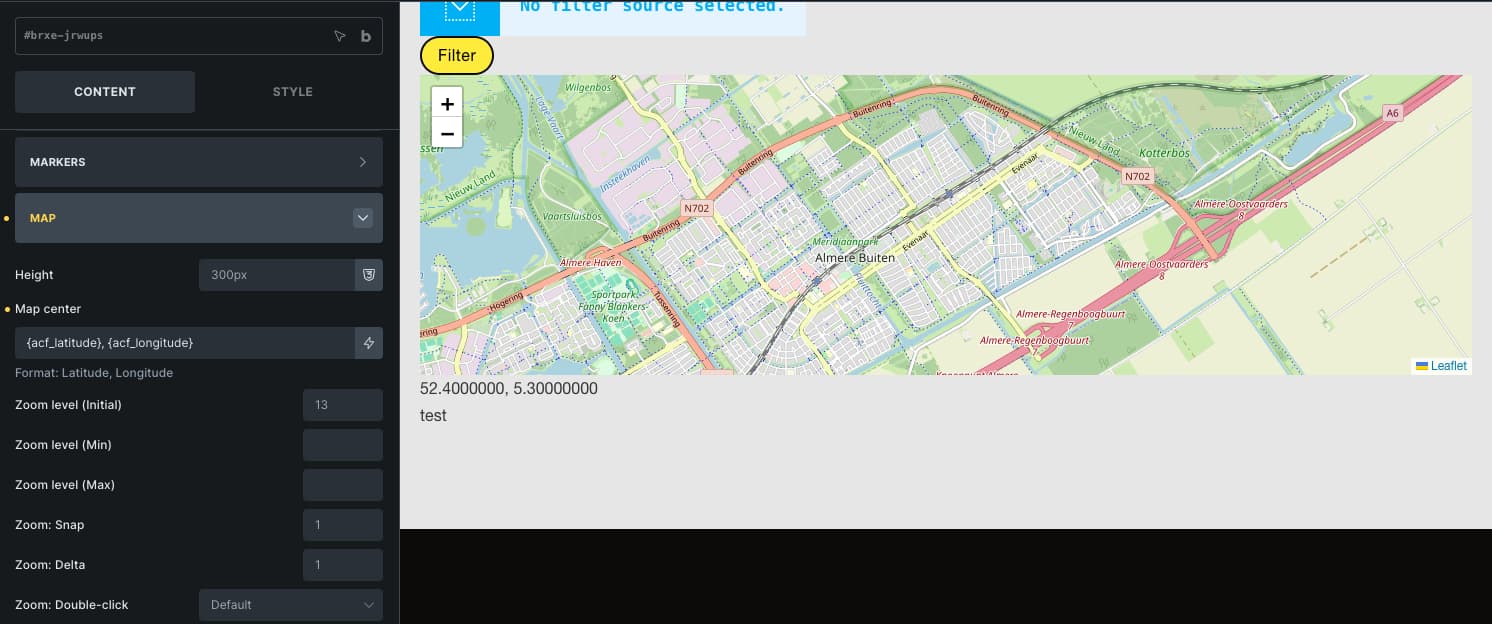
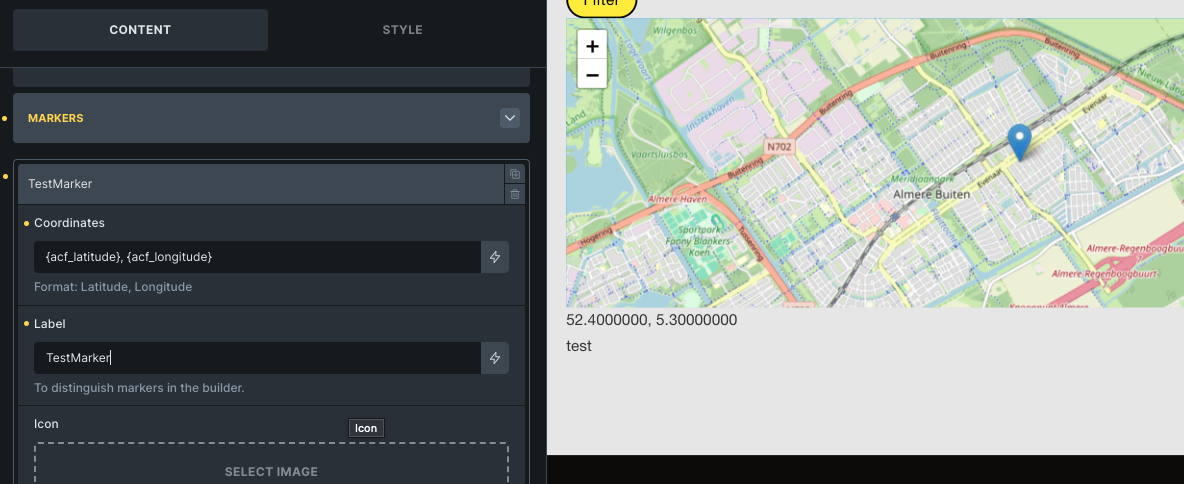
I tried using dynamic data tags like “{acf_latitude}, {acf_longitude}” in the Coordinates field, but the map doesn’t update or display correctly.
When I hard-code the coordinates and only use ACF fields inside the Popup (Text) field, the popup shows the variable names (e.g. {acf_address}) instead of the actual field values.
My goal:
Display a Leaflet map on a post or listing template, where the map automatically uses the coordinates stored in ACF fields.
Questions:
Is it possible to use ACF (or other dynamic) data in the Map (Leaflet) element?
If yes, what’s the correct way to reference dynamic fields for latitude/longitude or address?
If not currently possible, is there a workaround (e.g., custom code or dynamic data filter)?
The hardcode input is like 11.1111111111,22.2222222222 where the comma separates the long and latitude. So i assume, that’s how you should input it. So that space in your example might break it.
Try outputting it in a text field to see what happens combining those 2 values and see if they match the hardcode working version.
Some dynamic data filters that might help:
Thank you very much for your suggestions. Unfortunately, none of the approaches worked. I’ve tested all dynamic data filters, both with and without spaces. I don’t believe the space is the issue, as the example provided by Bricks Builder also includes one.
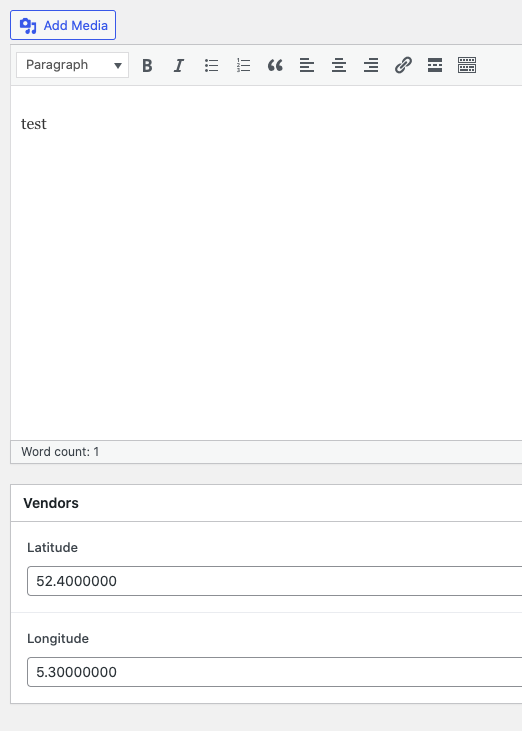
I tried using hardcoded numbers (52.5, 13.4) with and without spaces — both versions worked perfectly. However, when I copied the same values into an ACF text field, it still didn’t work.
Hopefully, someone will eventually create a video tutorial that clearly demonstrates how to implement this.
I also output the coordinates s text just to see them working.
Are you sure your coordinates are inside the the query ?
(explanation) to get data from some other place than hard coded, you need to pull it. Thats what a query does. So even though it may output just 1 result, it needs a query or a single post page because these link the posts data to be available for output.
That was an excellent tip — thank you! I had been wondering how to properly configure the query loop in the Map (Leaflet) element.
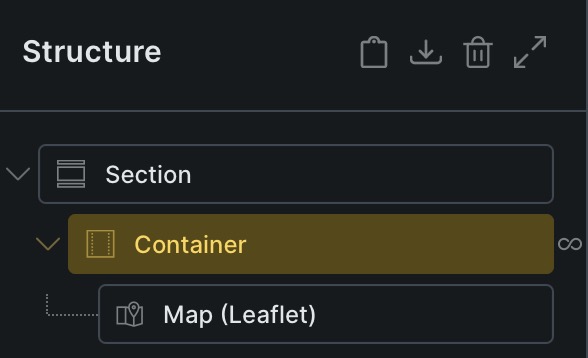
In the Map (Google) element, the query loop is configured via Map (Google) → CONTENT → ADDRESSES → QUERY LOOP. Since this option is missing from the Map (OSM) element, I assume that the query loop likely needs to be configured within the parent container of the Map (OSM) element instead.
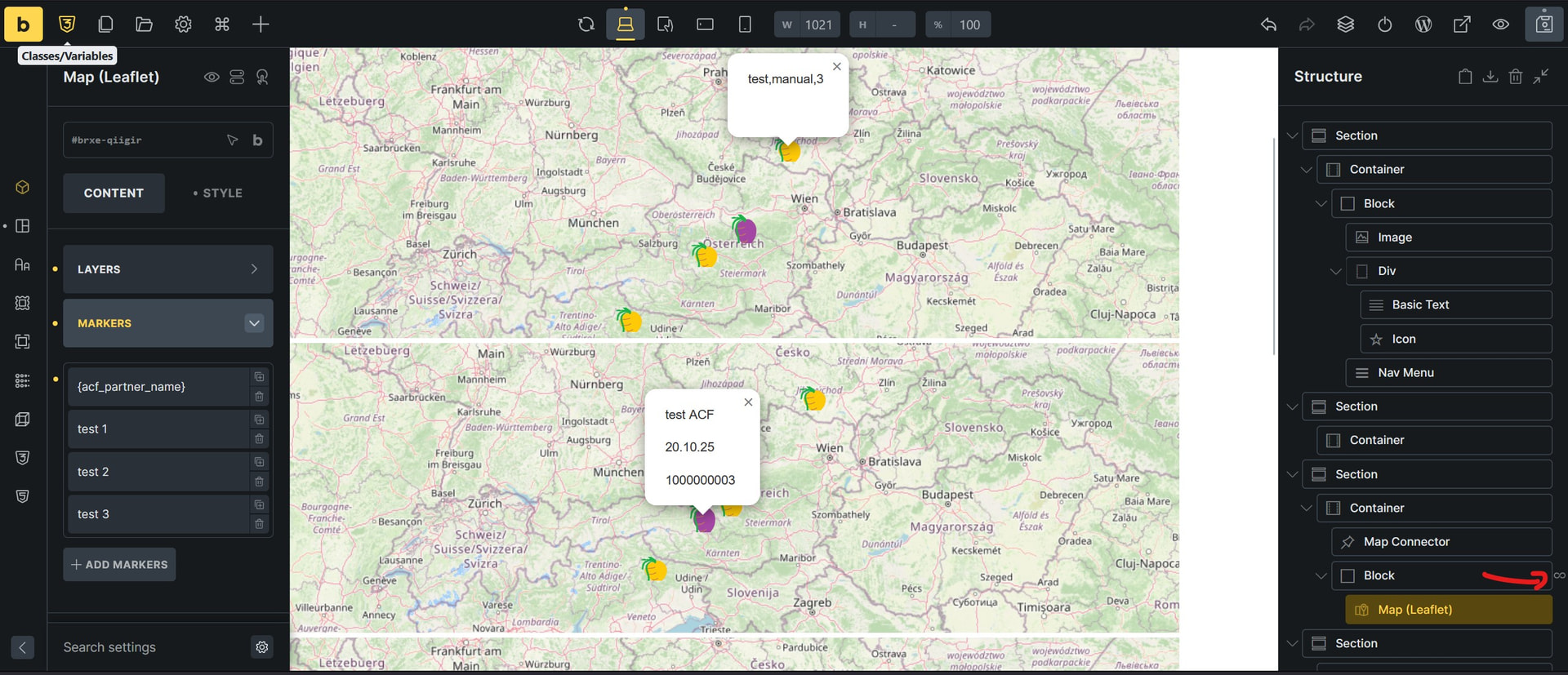
I am currently testing this setup using a small ACF dataset containing five entries. It seems, however, that configuring the query loop at the parent level results in five map instances being rendered — each layered on top of the previous one — so that only the final database entry remains visible.
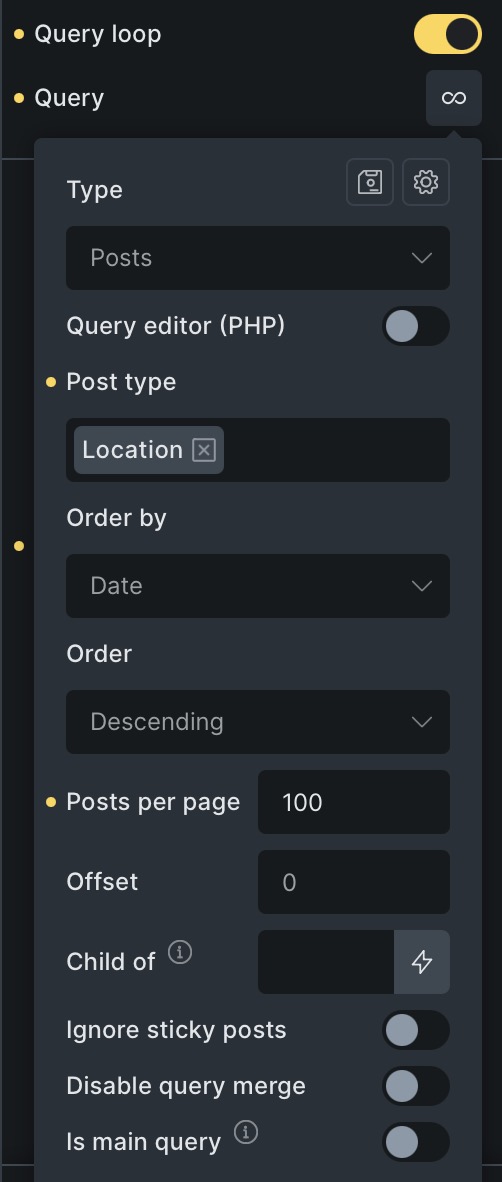
Here’s a screenshot of my current query loop settings.
By the way, my earlier assumption that the issue was caused by format incompatibilities was likely incorrect. It doesn’t appear to make any difference whether {acf_latitude} and {acf_longitude} are defined in the ACF database as text or number fields, nor does the presence or absence of a space after the comma affect the results — the behavior remains the same.
Thank you all very much for your patience! I’m still having a bit of trouble finding the right approach.
Several AI tools have suggested using an ACF repeater field (or custom JavaScript/PHP code) to handle multiple markers. However, since the repeater field is part of ACF Pro, I’ll continue using the Map (Google) element for now, as it already supports multiple markers out of the box.
I would generally prefer to use OpenStreetMap, but that doesn’t seem to be a practical option at the moment.
I’ll also submit a feature request to add similar functionality to the Map (Leaflet) element — it would be a great enhancement for future versions!
Now I’m getting confused. The topic title says leaflet map.
Repeater fields seem unnecessary as it only complicates things. Might be used for several markers. But long and latitude input will make it more difficult to query the results. If all markers go on 1 map you might be able to separate them with some tag, allowing a normal field to be sufficient.
Google Maps require an api with Google setup for credits the maps consumes.
Might even cost real money on heavy usage.
OpenStreetMap doesn’t seem to be built into Bricks and thereby requires an extra plugin or so. HTML can be embbeded as an iframe. (not a fan off). Not sure if you can easily connect it to an custom field for the marker.
OpenStreetMap does have nicer layouts.
Also, supporting normal addresses would be a nice option instead of coordinates.
For Google Maps, in the past it could be embedded without api hassle, but now if i look it up, it also needs an api. (maybe there are other ways, not sure, but for the API i would go for a free map instead).
Dit you get the leaflat map working with long and latitude input by custom field?
Apologies — my initial question may not have been precise enough. I was referring to the official Bricksbuilder Map (Leaflet) element, which was introduced in version 2.1.
Could you please clarify which OpenStreetMap element you were referring to? I’m very interested in switching from Google Maps to OpenStreetMap for several reasons.
I completely agree — OpenStreetMap with clustering looks much more elegant than the clustered Google Maps version.
Once again, many thanks for your support, and apologies for the earlier confusion.
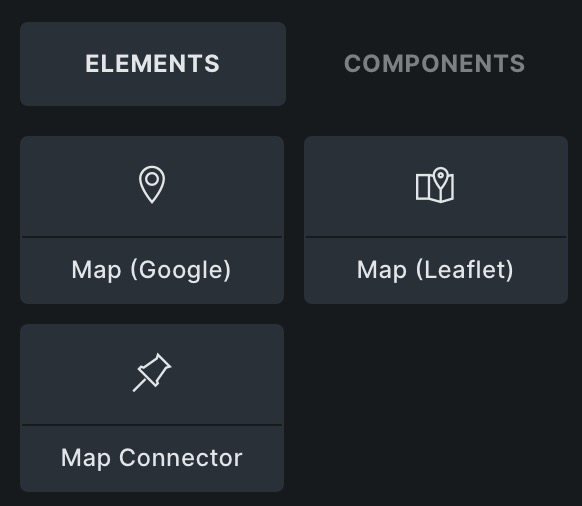
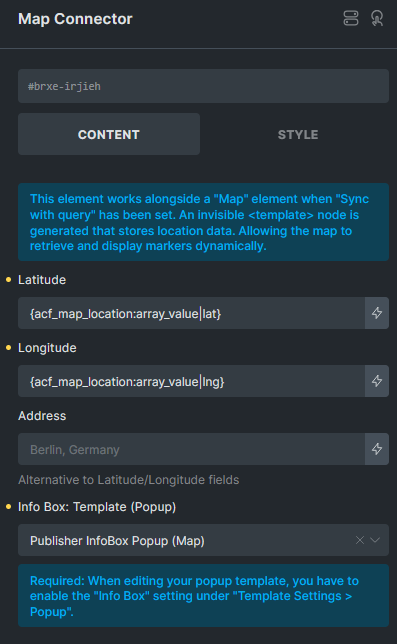
The “Map connector” element seems to be able to translate an address to coordinates and has marker options so might be worth to check out.
I havent, but i will as this can save a lot of coordinate pinpointing and maybe even translate a customer address to its coordinates.
Leaflet would be my preferred option as i don’t want the Google API hassle.
Leaflet map to grayscale is easy as adding this code to its cssbox
%root% {filter: grayscale(1);}
I was wondering if you have the coordinates from the acf fields working already as that was your main question?
I’m currently working on this too and am determined to solve it with OSM (or at least wo google)
What works for me:
As far as I can tell, inserting manual and custom field latitudes and longitudes works with the ‘Map Leaflet’ Element (with OSM standard map preset)
several manual input adress data on one map
What doesn’t work for me is
showing several custom field posts on one map / custom field query loop inside the map element. Best i got until now is parent element query loop where it creates a map for every custom post.
Tried to look into the ‘map connector’ element but couldn’t make use of it until now, i guess the setting ‘sync with query’ it requires just works with google maps?
Also couldn’t find any Tutorials neither on the connector element, nor on the Leaflet+OSM (without additional plugins)