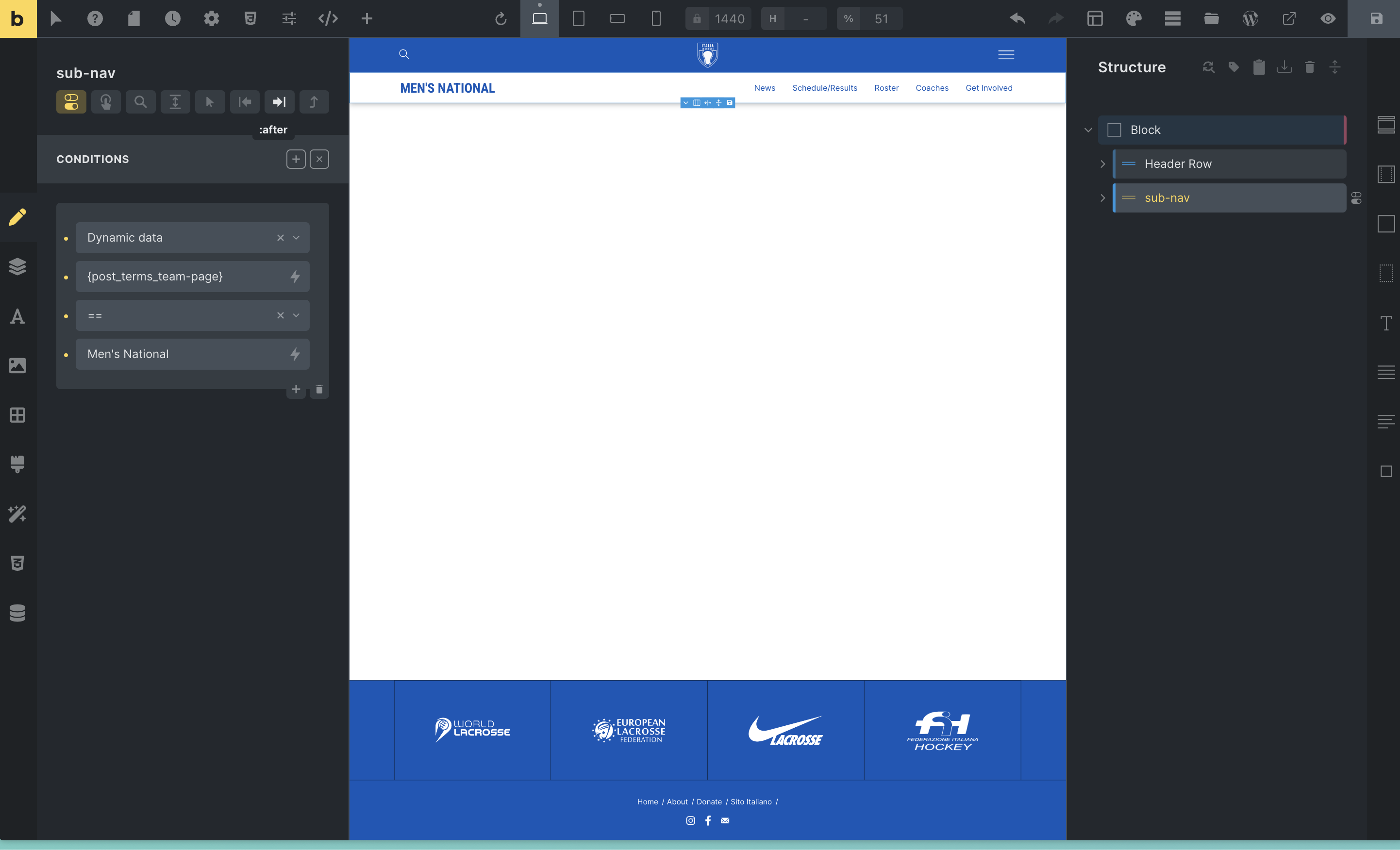
So I have a site with a few different pages for teams with children pages (roster, schedule, etc) and need to show a different sub-header for each page and its children. I am able to do this by creating a “Men’s Team” and “Women’s Team” header template which uses the same row for the main header has a separate row for the sub-navigation. This, however, is getting tiresome as I have to keep going back and making changes to all the different header templates for each team.
I created a taxonomy “Team Page” and added it to pages so I can tag the Men’s team pages with “Men’s Team,” however, for the life of me, I cannot get the sub-nav row to show up on the page.
I am trying the below method, but is this not correct?
My goal is to have all the sub-nav rows in the same template that just get hidden or shown based on the page that is being shown.
EDIT: I have been able to have it show up on all children of the main team page using Bricks Extras, but I still can’t figure out how to get it to show on the main team page which is the parent.