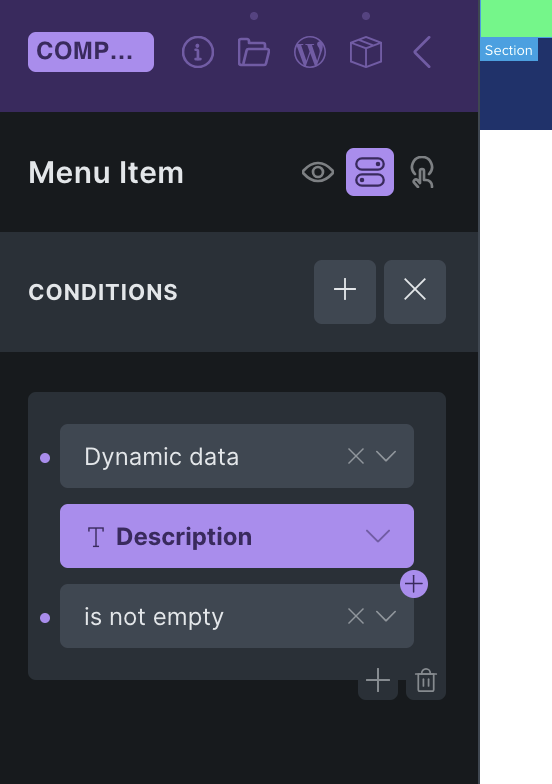
Hey, I would like to display a component only if an ACF field is not empty. Is that possible? Am I overlooking something?
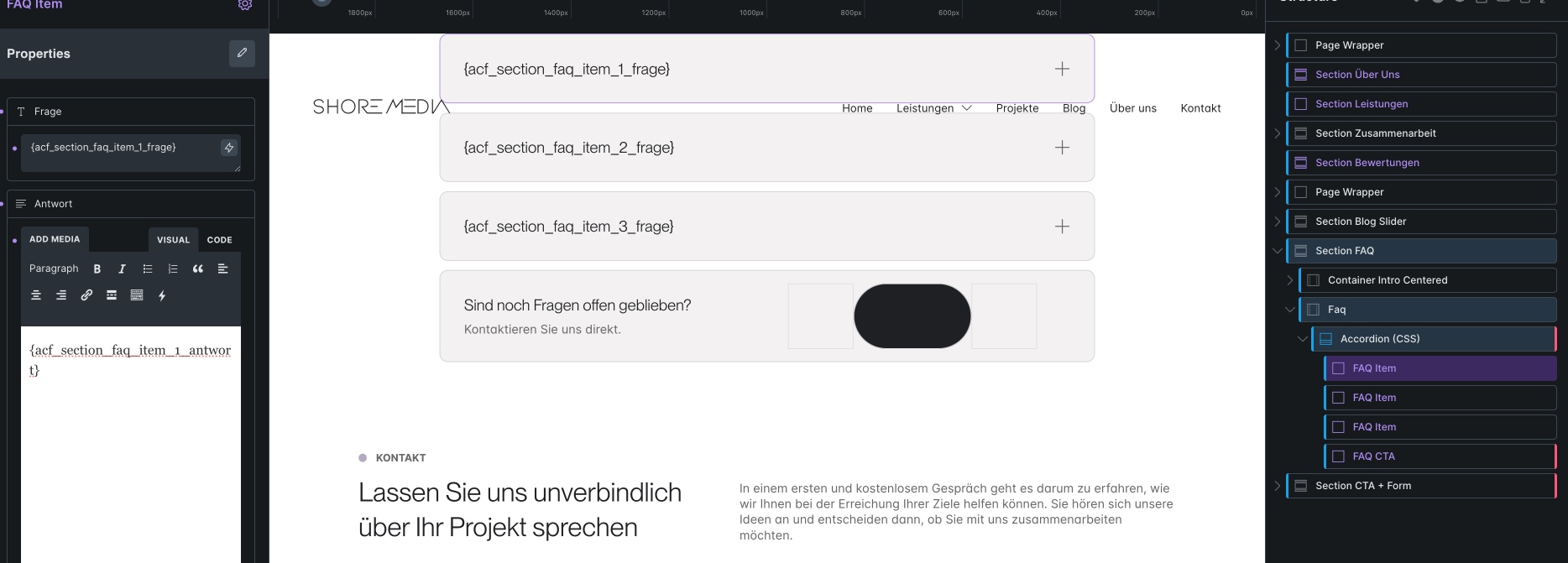
If you wrap it into a div, yes. If it can be a global component condition, yes.
You can use the new hide/show thing and pass a parameter to it.
Super obvious instead of having the usual conditions /s
I want to redefine the condition for each instance of the component. And I do not want to wrap the component in another div.
Hide/show does not work, as I can not connect it to ACF field.
There’s a property for it, check the docs. It is not obvious and a bad UX, but it is there
Damn, I can’t find it.  Can you send me a screenshot showing where I can find the conditions for a single component instance? I’m using 2.0 rc.
You need to add the specific property hide/show to your component.
It is not available in the usual condition menu.
(I already claimed some days ago, that exactly this happens with their implementation. Nobody understands it and assumes it is not there.)
Edit the component and right-click, see: NO BUG: No option to hide element when right clicking components - #2 by timmse
Yes, I know the toggle option. But how do I link it so that the instance is only displayed when the ACF field is filled in?