I am trying to make a small Whatsapp popup to let the client send a message to the website owner. I would like the message of the client to be filled in when redirecting. This is done via a query parameter when calling the Whatsapp URL.
My question is: How can I pass the text variable of the user? I have already tried to set the message ID of the form into brackets, but that does not seem to work.
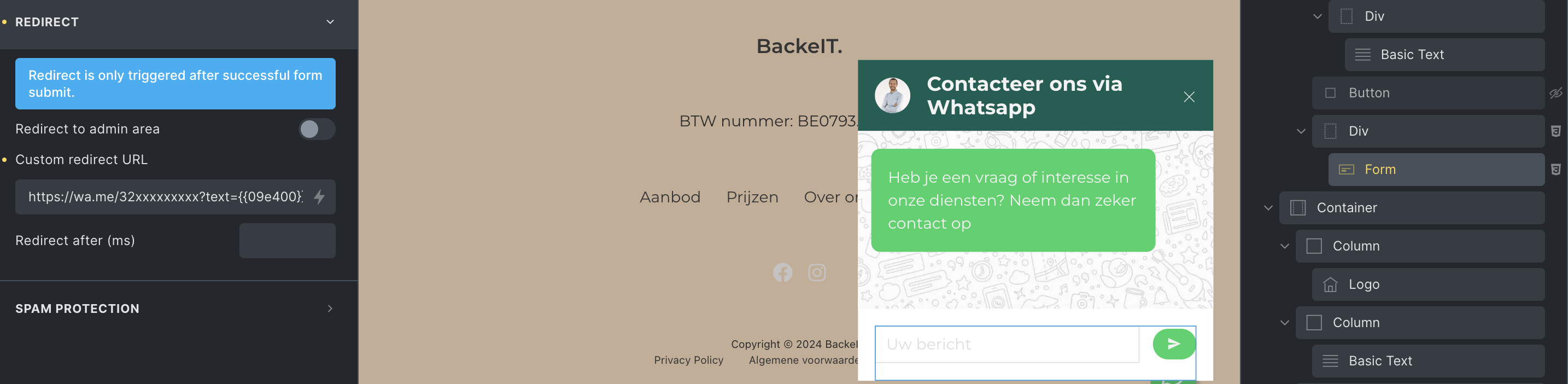
I am sharing this example code as we received a similar question via email support channel.
WhatsApp URL requires URL-encoded text, so we have to use a custom action to build the final URL and set the form result type as “redirect”
Hook Reference: Form Element – Bricks Academy
Solution: “Custom” action
With below snippet in your child theme.
add_action( 'bricks/form/custom_action', function( $form ) {
$form_data = $form->get_fields();
$form_id = $form_data['formId'];
// Only target the form with the specific ID (change 'shhvft' to your form ID)
if( $form_id !== 'shhvft' ) return;
// Get values from fields
// My form has a text field with ID '11aa17' and a textarea field with ID 'a444e6', change these to your actual field IDs
$name = isset( $form_data['form-field-11aa17'] ) ? sanitize_text_field( $form_data['form-field-11aa17'] ) : '';
$message = isset( $form_data['form-field-a444e6'] ) ? sanitize_textarea_field( $form_data['form-field-a444e6'] ) : '';
// Build WhatsApp message
$text = "Submitter: {$name}\n\n";
$text .= "Message:\n{$message}";
// Encode message
$encoded_message = rawurlencode( $text );
// Target phone number (no + sign)
$phone = '60123456789';
// WhatsApp URL
$url = "https://wa.me/{$phone}?text={$encoded_message}";
// Redirect user
$form->set_result([
'action' => 'my_custom_redirect',
'type' => 'redirect',
'redirectTo' => $url,
'redirectTimeout' => 0
]);
}, 10 );
