Hi there. I’m fairly new to web design and don’t have a ton of experience with ccs or html. I have my website mostly built, but I can’t figure out how to make my videos play when the cursor enters the viewport and stop when it leaves. I also want to see if there is a way to change the icon once the mouse enters the viewport over the video. My videos are all uploaded to the site so they aren’t embedded from vimeo or youtube. Is this something that I need to add with Javascript or is there a way to make this work with the tools in Bricks or interactions? Thank you.
Hi @dswier82,
First of all, it is possible – but not working on all browsers due to their policy of blocking video elements to be auto-played.
But if a user has allowed it:
my (really quick an dirty but working) solution would be like this:
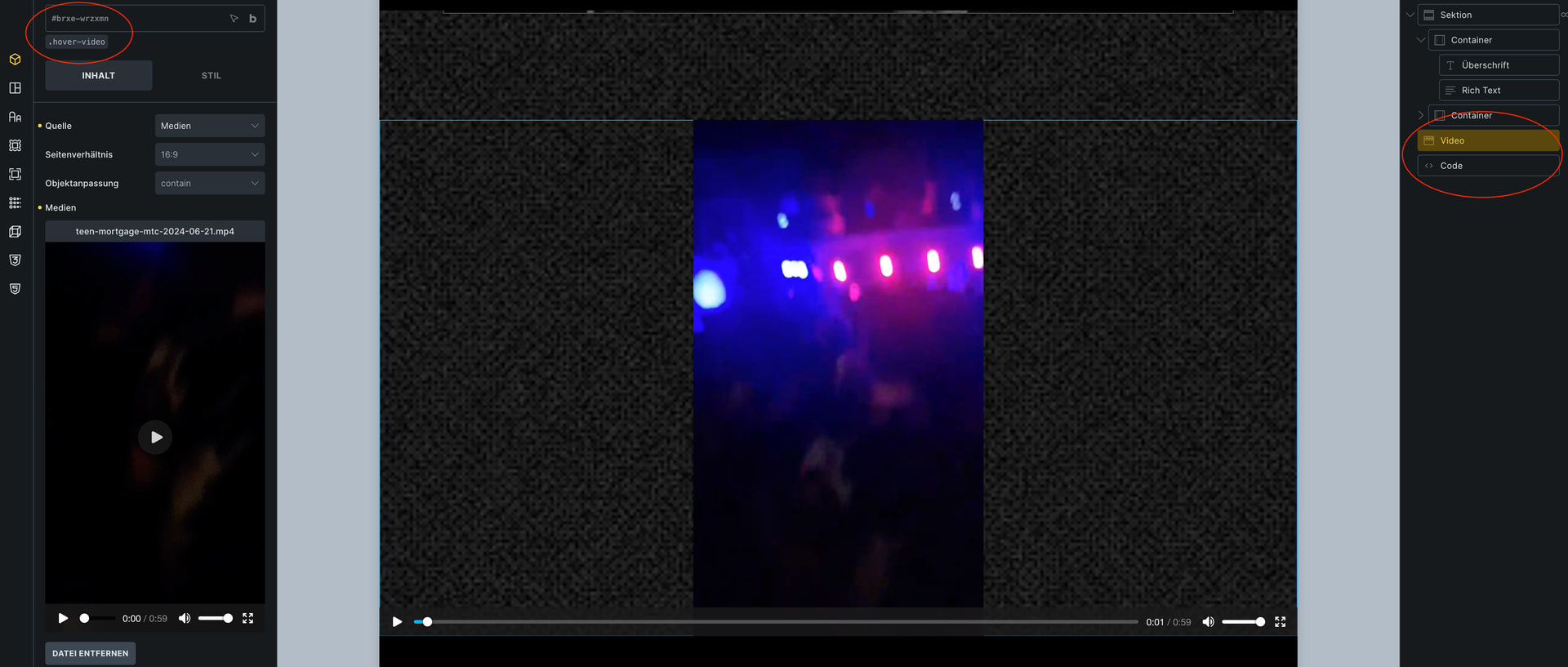
- Add a
videoelement. - Set its class to e.g.
.hover-videoby typing in the field and hit enter.
Note: we use a class here since IDs are unique and classes will work for multiple elements. - Add a
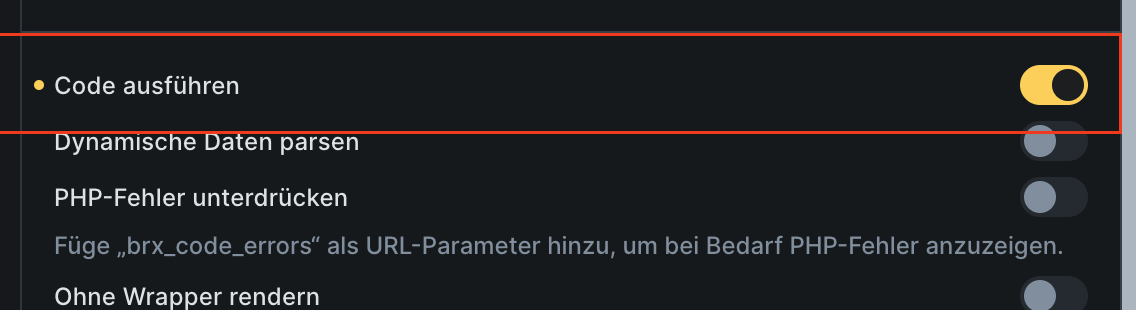
codeelement and paste the following code into the javascript area.
Important: allow code execution, otherwise you’ll see just the rendered code in your page’s preview.
(I think it’s “allow code execution” in english.)
// play on mouse enter.
// el: the hovered element
const playVideoOnMouseEnter = (el) => {

  // in bricks, <video> is always wrapped in a div, so we have to look for it inside the div
  const videoElement = el.target.querySelector('video');
  if(!videoElement) return;

  videoElement.play();
}

// pause on mouse leave
const pauseVideoOnMouseLeave = (el) => {
  const videoElement = el.target.querySelector('video');
  if(!videoElement) return;

  videoElement.pause();
}

const videoElements = document.querySelectorAll('.hover-video'); // use ".hover-video" to all you video elements that should behave like that

videoElements.forEach((videoElement) => {
  videoElement.addEventListener('mouseenter', playVideoOnMouseEnter);
  videoElement.addEventListener('mouseleave', pauseVideoOnMouseLeave);
});