Hi everyone, I’m building a product page with Bricks Builder.
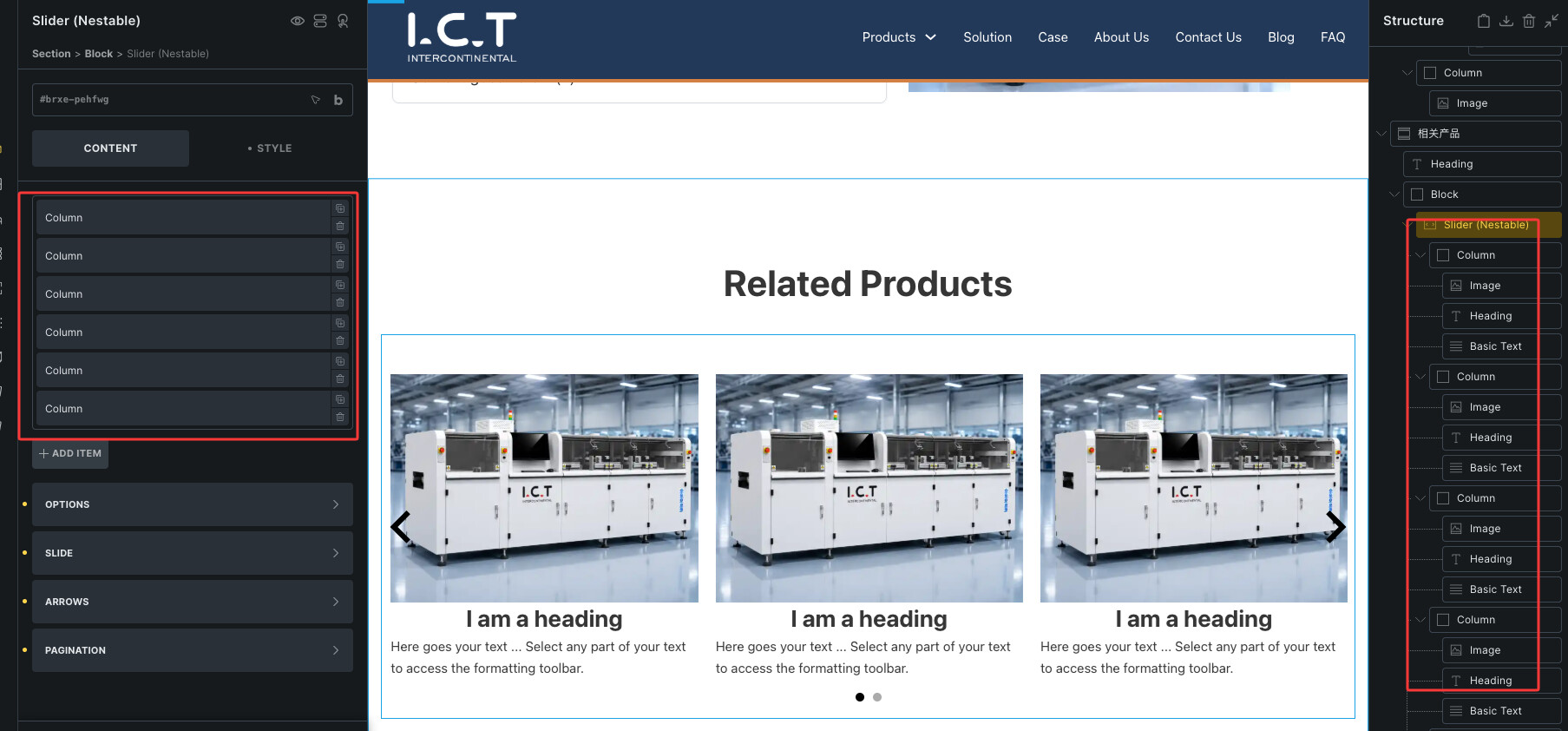
I want the related products section to work like a carousel, with left and right arrows so users can slide through more products.
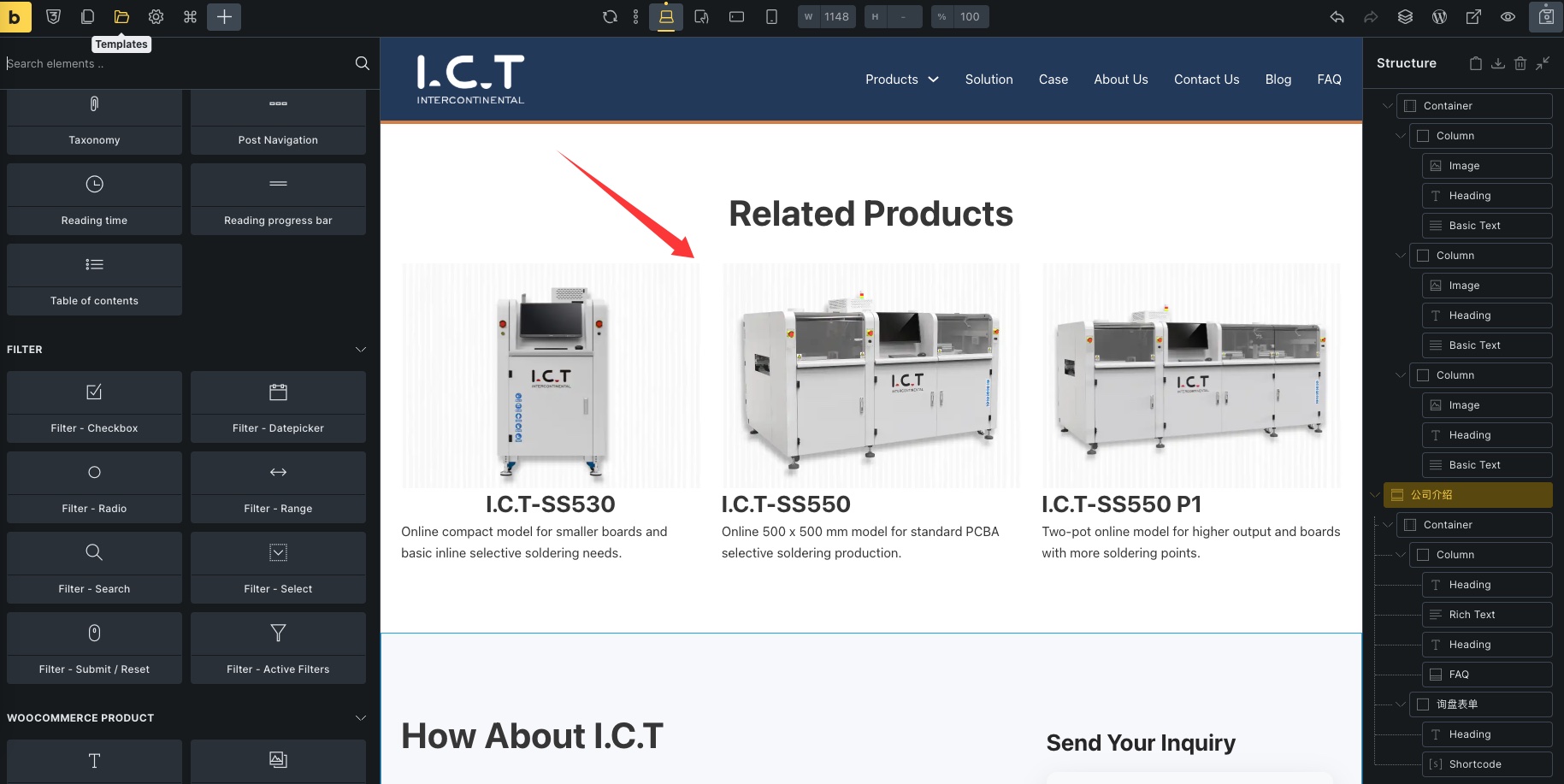
What’s the easy way to do this in Bricks Builder?
Thanks!
Hey Mark,
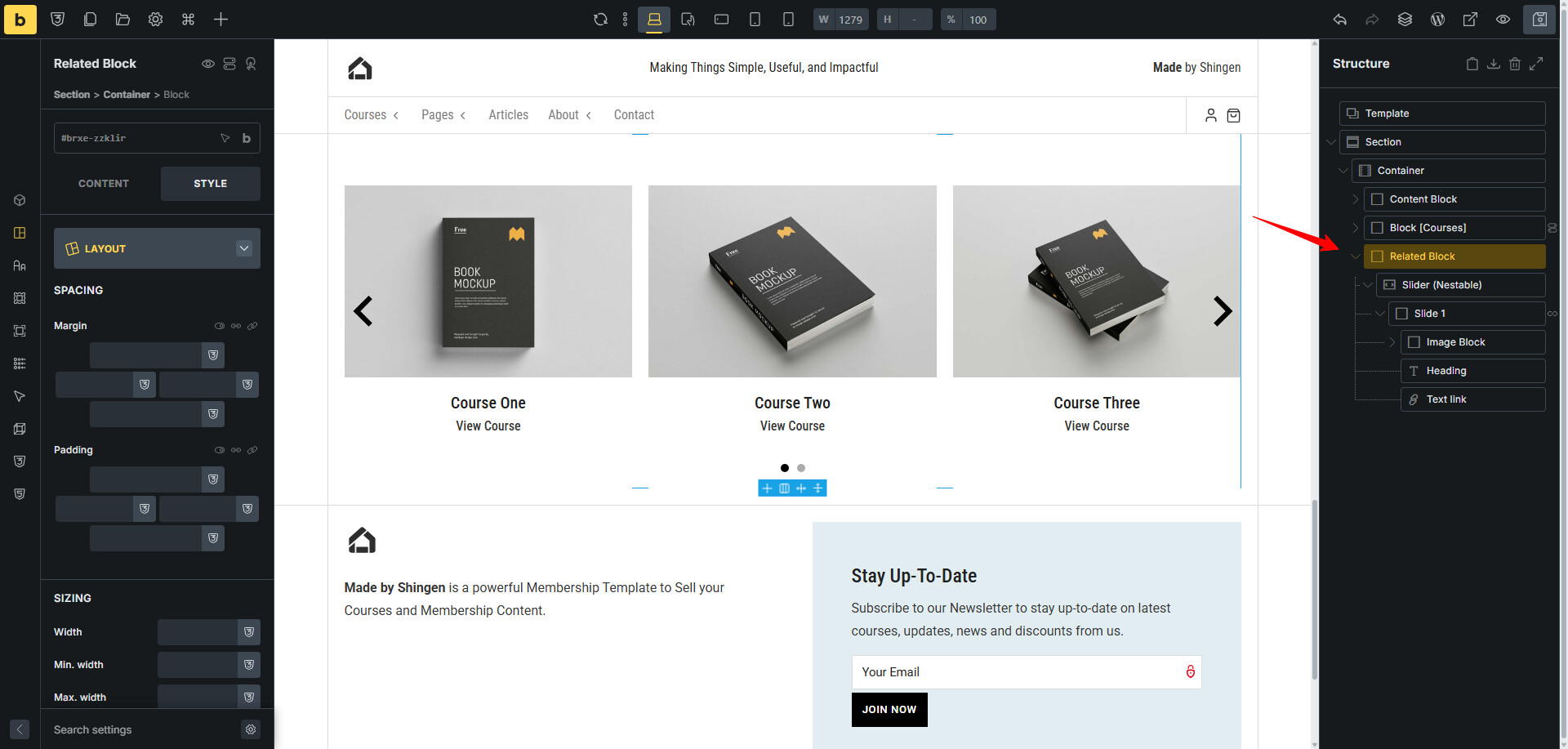
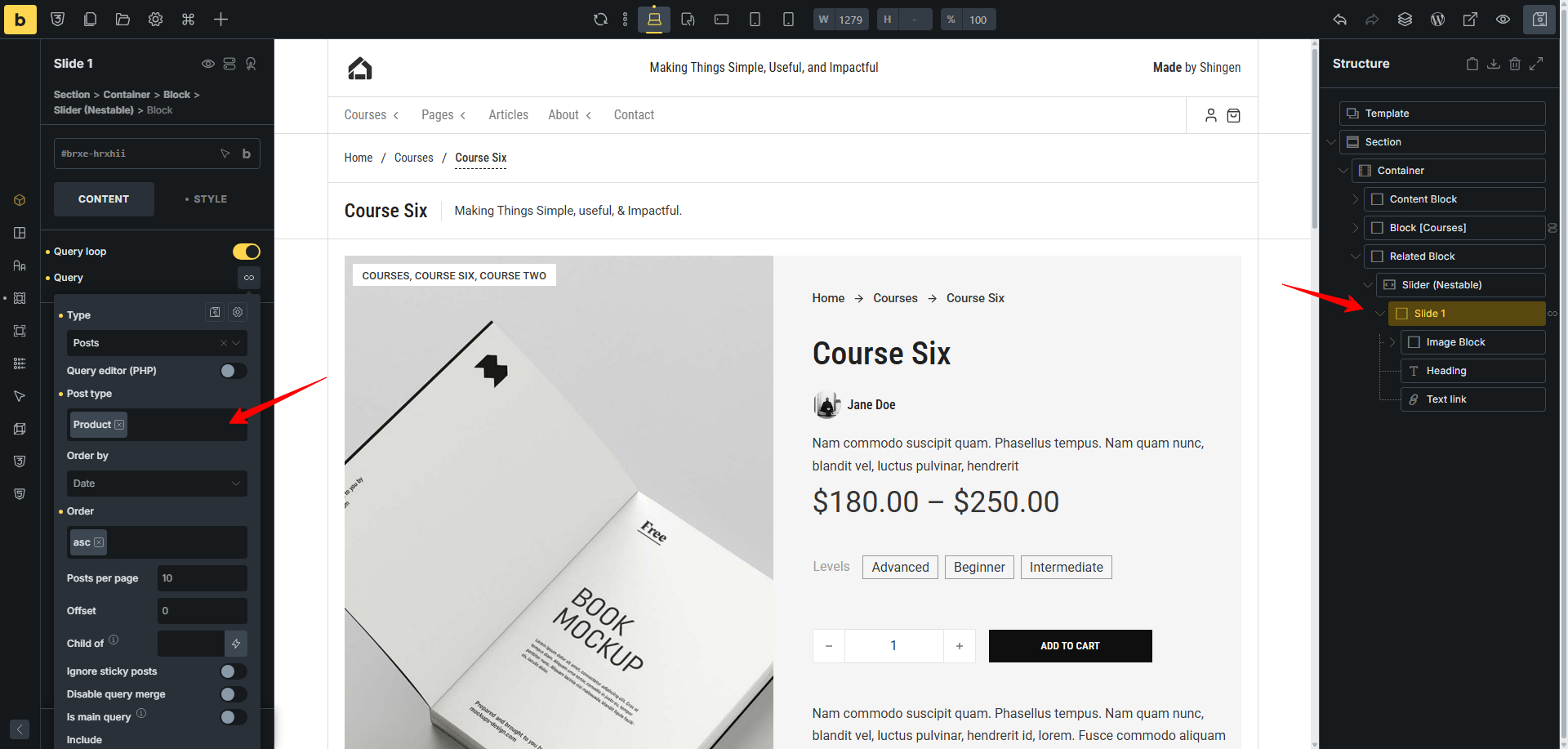
This is easy to do. You will create a Block and then add the Slider (Nestable) element within that Block. Because the slider will add three items within it, you can delete two of them, as we are going to query just one.
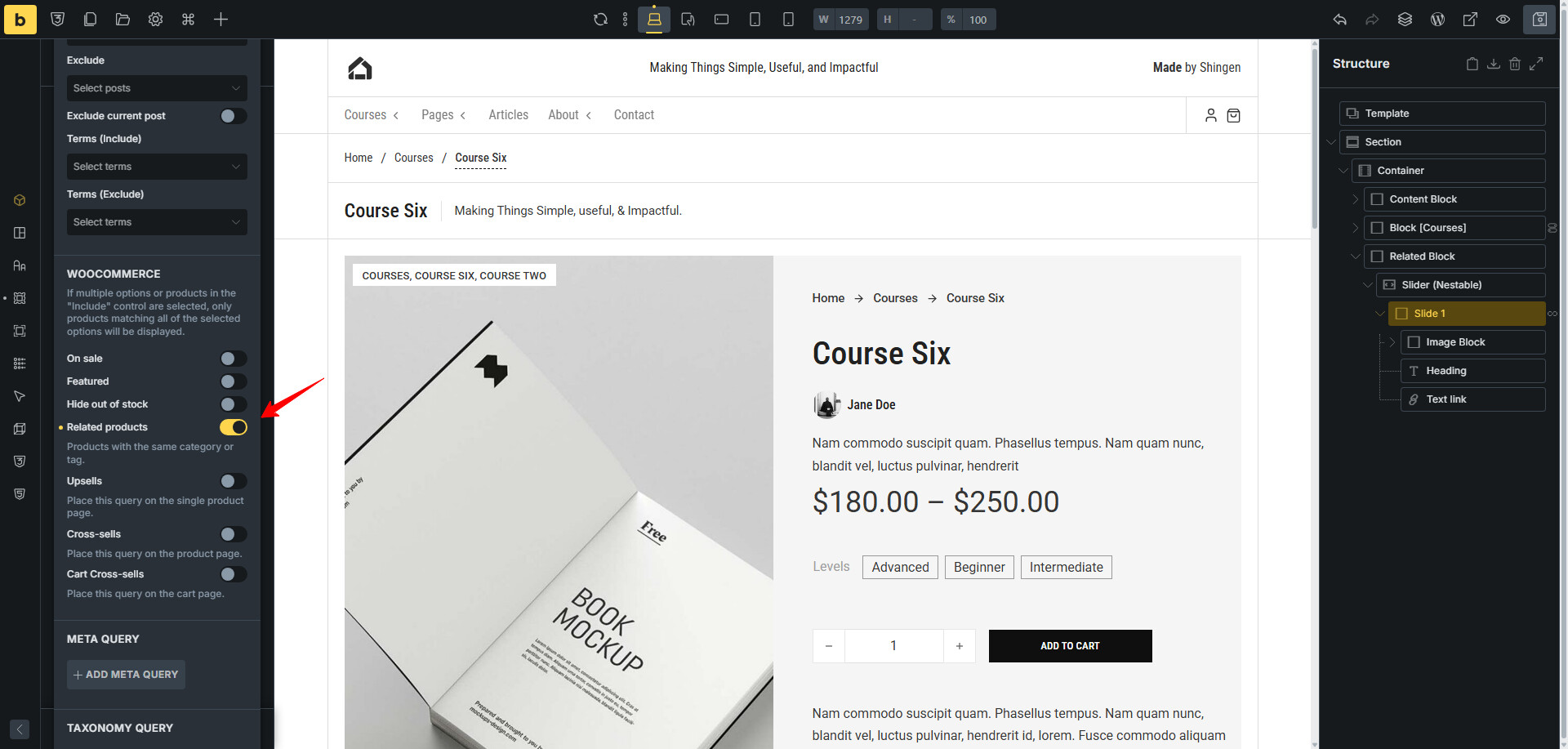
Below you will see how I add the slider then apply the query and the option to query through related products.
Hope that is what you were looking for.
Would you mind showing me how you created the product page? Are you using Woocommers for that? Can the product pages it creates be modified using the Bricks Builder?
My own website seems unable to be modified using Bricks, so I created the pages directly through Page. So, do you have any idea how I should handle this situation? It does not have an identical product catalogue.
Yes I can, stay tuned and I will create a video for you this morning. Cheers
Good morning Mark,
Ok, get the popcorn as you have a blockbuster show ahead of you. LOL =]
Video: https://drive.google.com/file/d/1jvuOCucxo0i-AsnlIhc_sxPfkxPZ1tSo/view?usp=sharing
Thank you so much for taking the time to prepare a dedicated 30-minute video to answer my question. I really appreciate your effort and support.
I will review it carefully, and if I have any further questions, I will consult you again later.
Thanks again — truly appreciated!
You’re welcome, happy building. =]
Excellent, I am glad that it all worked out for you. =]