Hello,
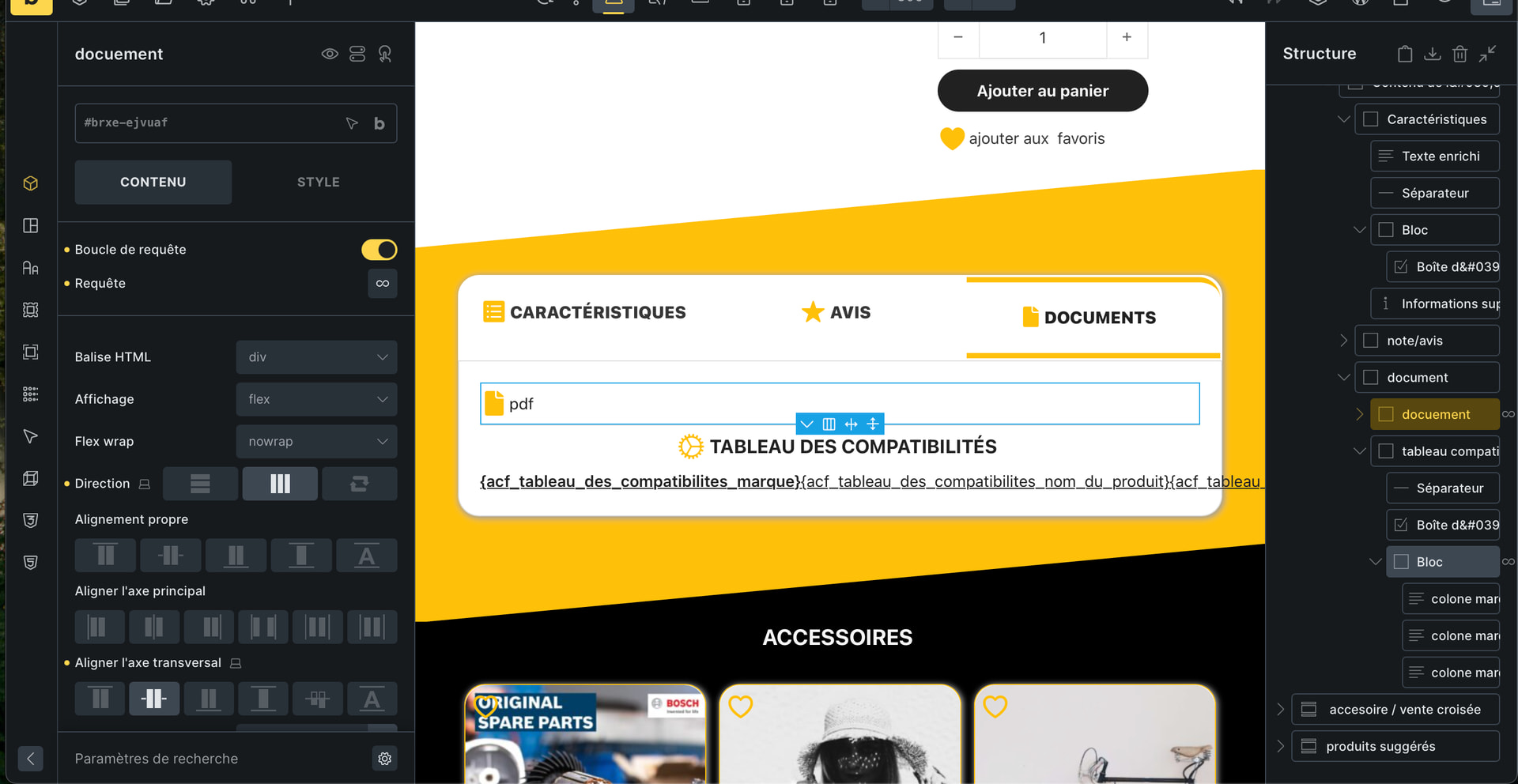
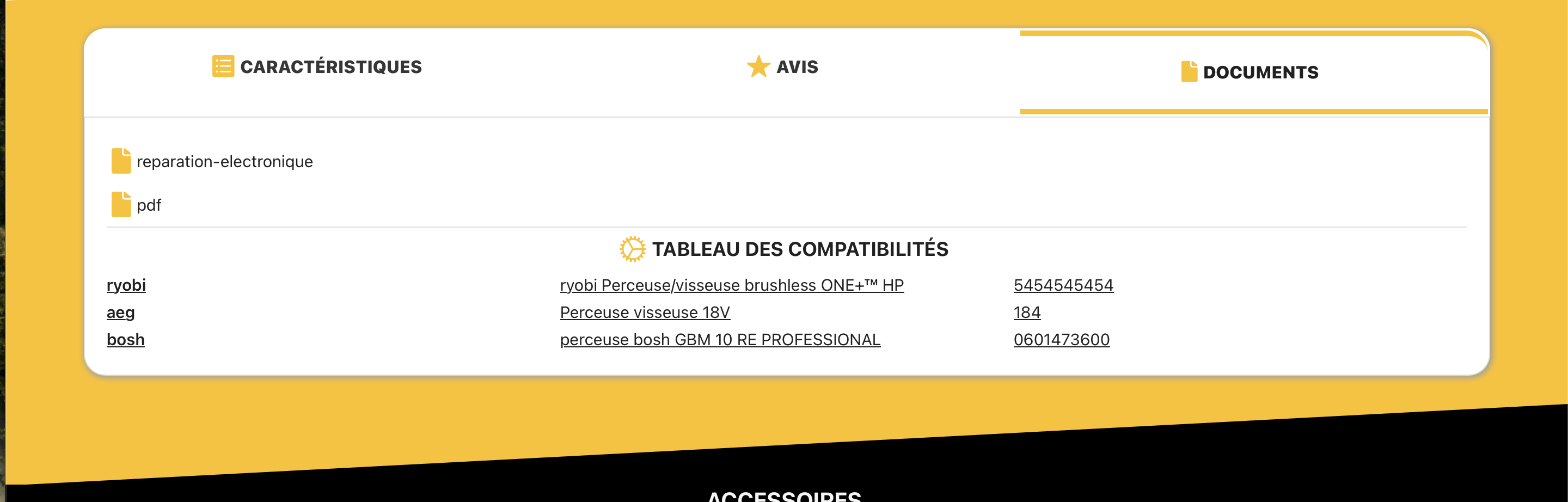
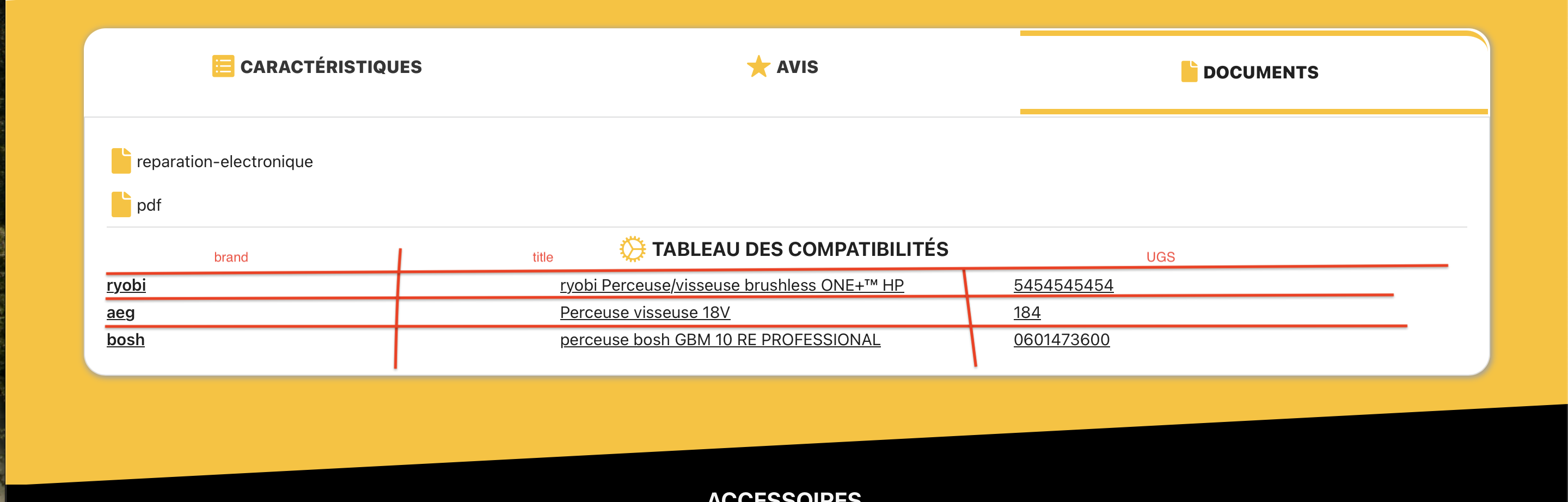
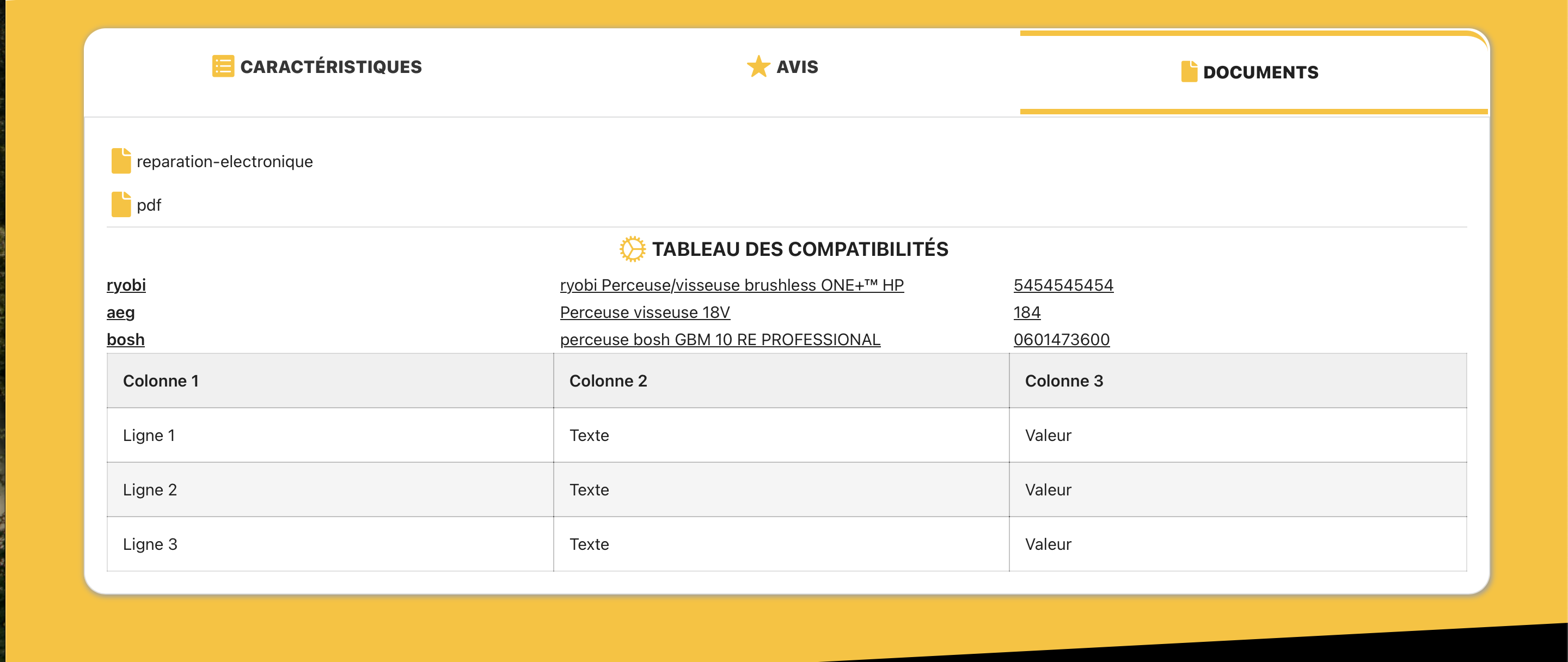
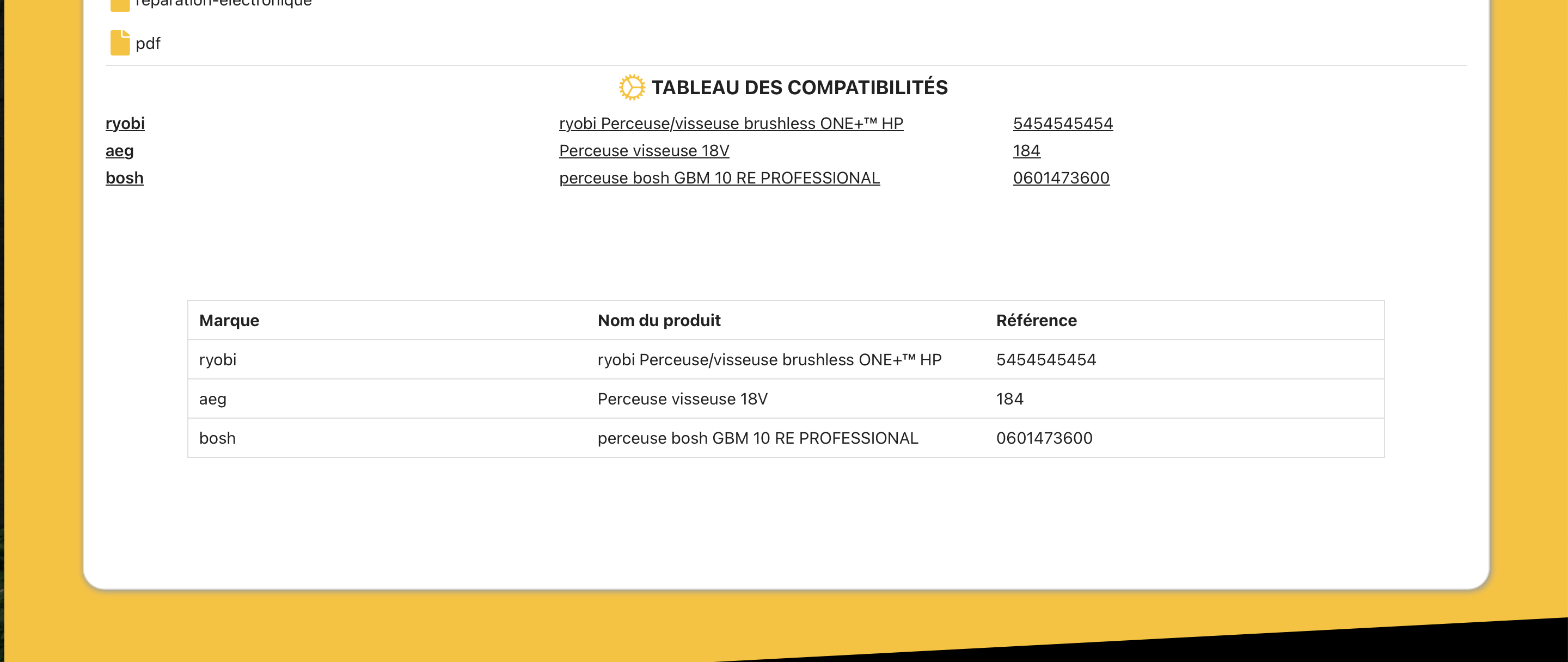
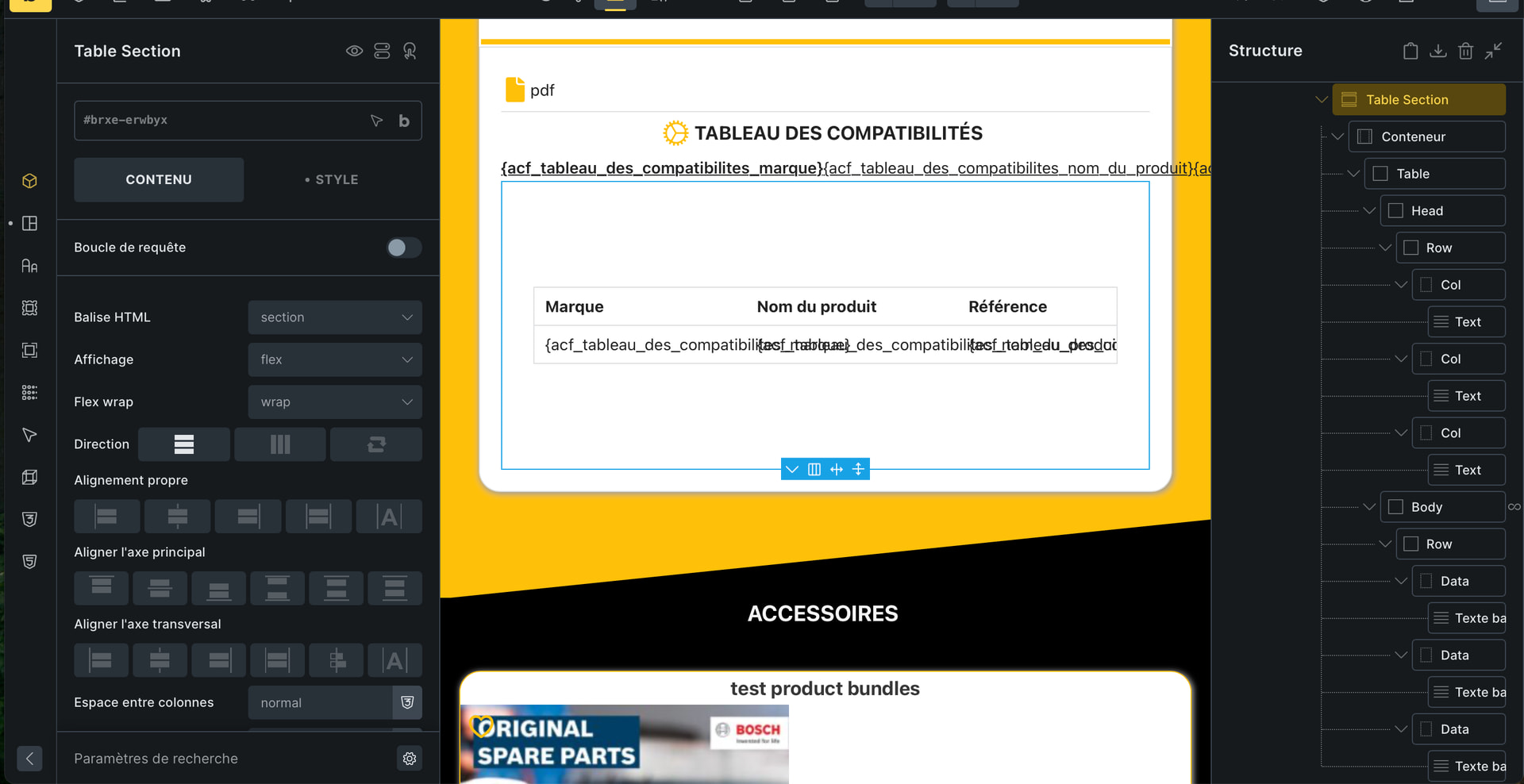
I would like to be able to manipulate the rows and columns.
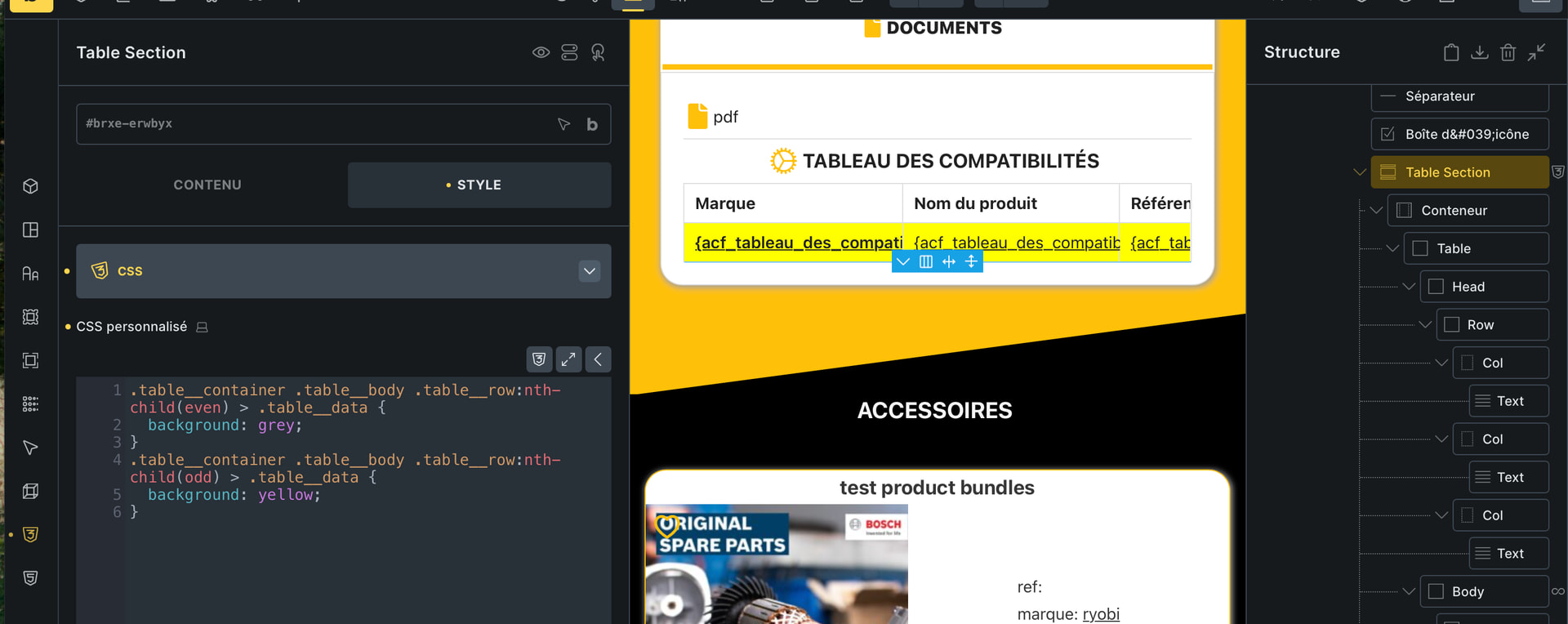
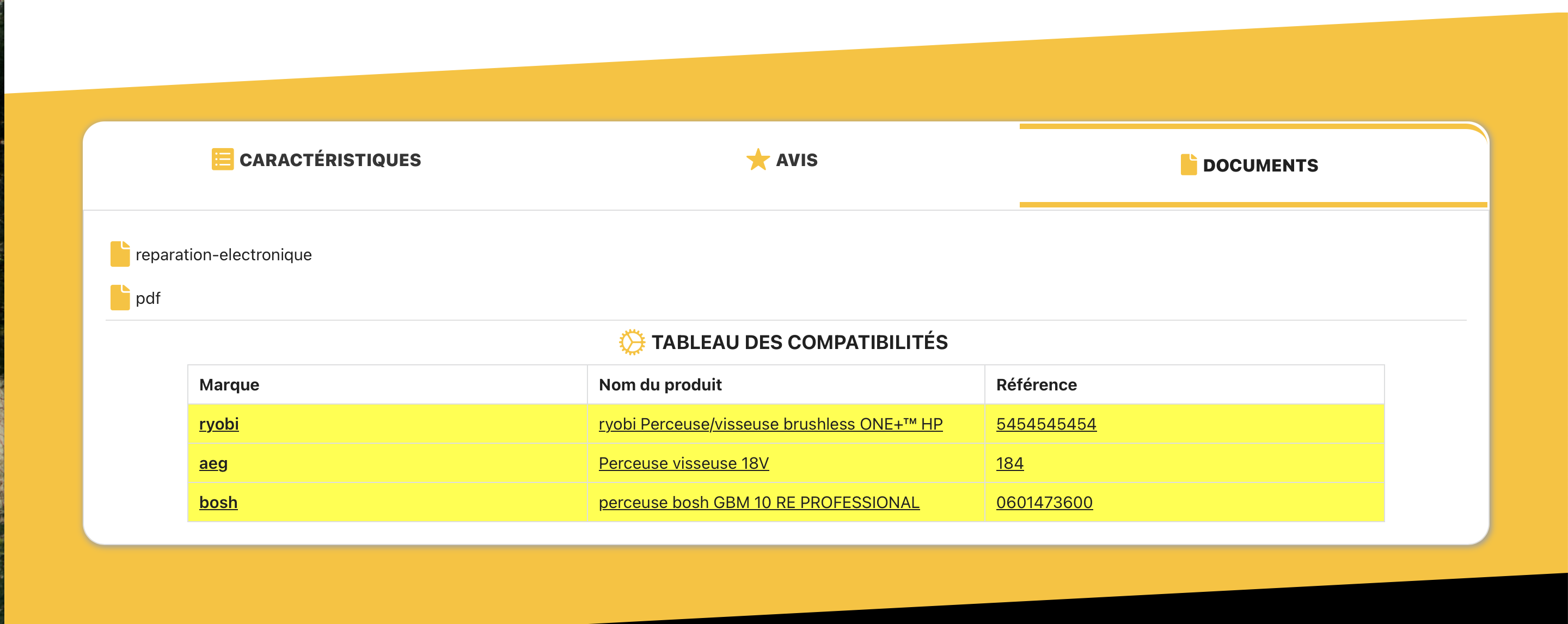
Secondly, I want every other line to be a different color.
I tried using chatgpt, but the fact that there’s a query loop complicates things. How can I fix this?
tibo
December 17, 2025, 1:31am
2
https://www.youtube.com/watch?v=BMVeU0LPWD4
Template can be copy/pasted into Bricks.
Good base, dynamic data / loop can be integrated, design changed.
1 Like
Thanks, it works.
tibo
December 17, 2025, 8:27am
4
normalement c’est de base dans le template (il a cree un pseudo sur la classe tr je crois), c’est explique dans la video. C’est juste un peu de CSS (CSS: even and odd rules )
j’ai chercher du css personnalisé mais j’ai pas trouver …
.table__container .table__body .table__row:nth-child(even) > .table__data {
.table__container .table > .table__body:nth-of-type(even) .table__row,
.table__container .table > .table__body:nth-of-type(odd) .table__row,
fonctionne