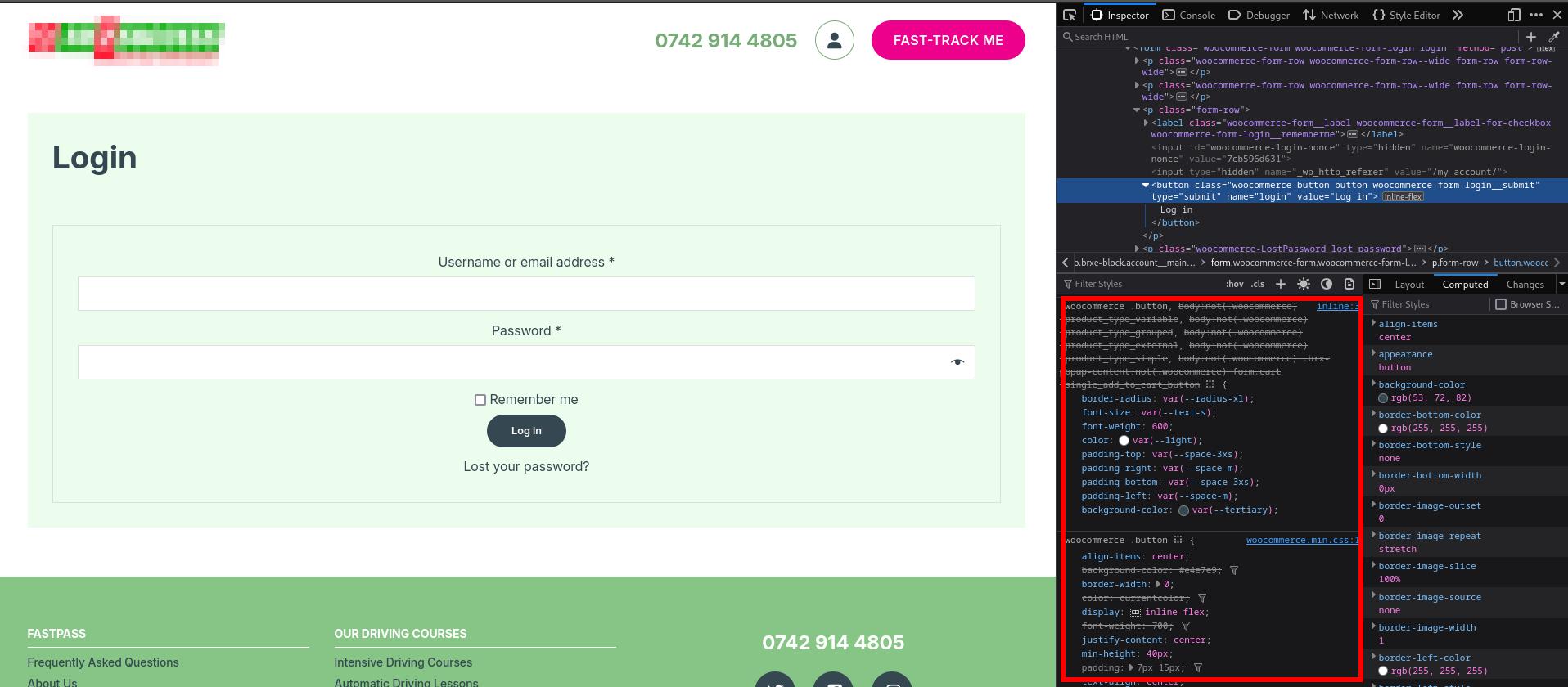
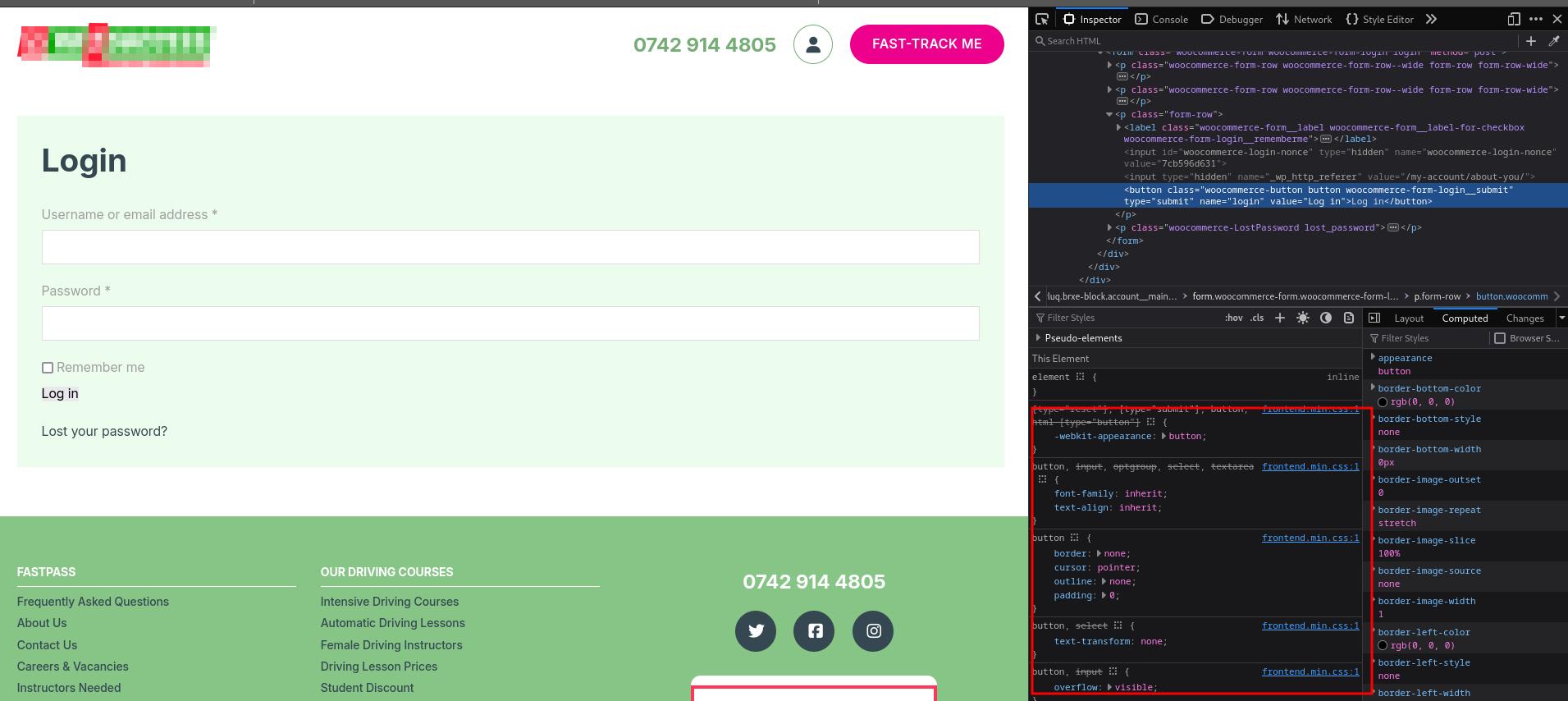
For my project, I need to add some extra page under my-account page like my-account/about-you. The issue I am facing is the login form lost is CSS style that came from woocommerce.min.css file. I can see the classes are in the HTML structure, but not classes loaded. Page source does show the that CSS file in link and loaded.
The issue here is outside woocommerce pages, these woocommerce-page woocommerce-account classes don’t load on the body tag and also woocommerce class in main tag. So after taking help from deepseek able to figure it out.
Here is the code I use
// Add WooCommerce classes to the <main> tag for specific pages
add_filter('bricks/content/attributes', function($attributes) {
// List of page slugs to target
$target_pages = array(
'about-you',
'availability',
'medical-conditions',
'personal-details',
'licence-address-details-edit',
'licence-details-edit',
'personal-details-edit',
'support'
);
// Check if the current page is in the target pages list
if (is_page($target_pages)) {
// Add the 'woocommerce' class to the <main> tag
if (isset($attributes['class'])) {
$attributes['class'] .= ' woocommerce';
} else {
$attributes['class'] = 'woocommerce';
}
}
return $attributes;
});
// Add WooCommerce classes to the <body> tag for specific pages
function add_woocommerce_body_classes($classes) {
// List of page slugs to target
$target_pages = array(
'about-you',
'availability',
'medical-conditions',
'personal-details',
'licence-address-details-edit',
'licence-details-edit',
'personal-details-edit',
'support'
);
// Check if the current page is in the target pages list
if (is_page($target_pages)) {
$classes[] = 'woocommerce-page';
$classes[] = 'woocommerce-account';
$classes[] = 'woocommerce-js';
}
return $classes;
}
add_filter('body_class', 'add_woocommerce_body_classes');