Hello,
I have a problem with my WooCommerce archive pages.
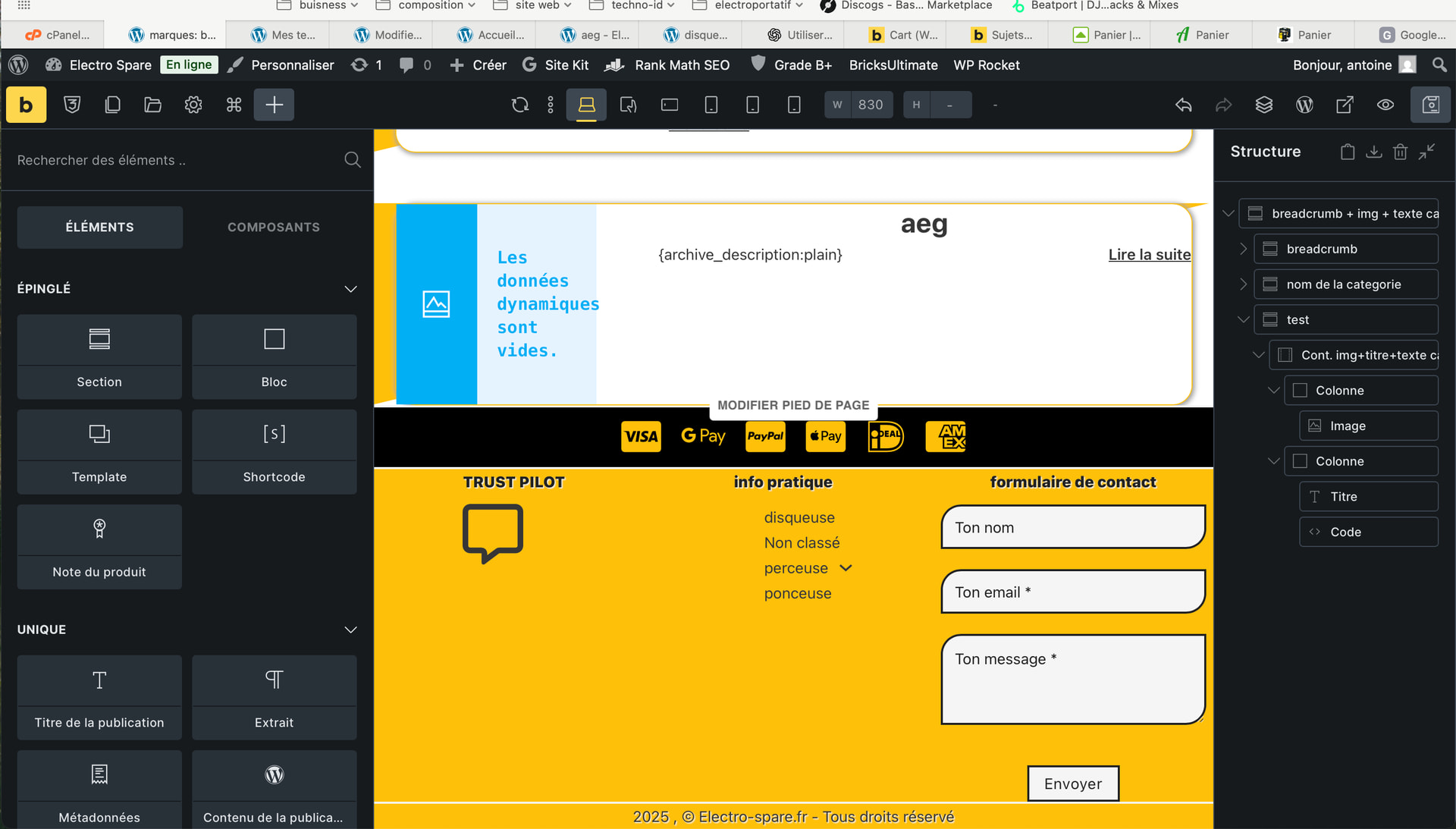
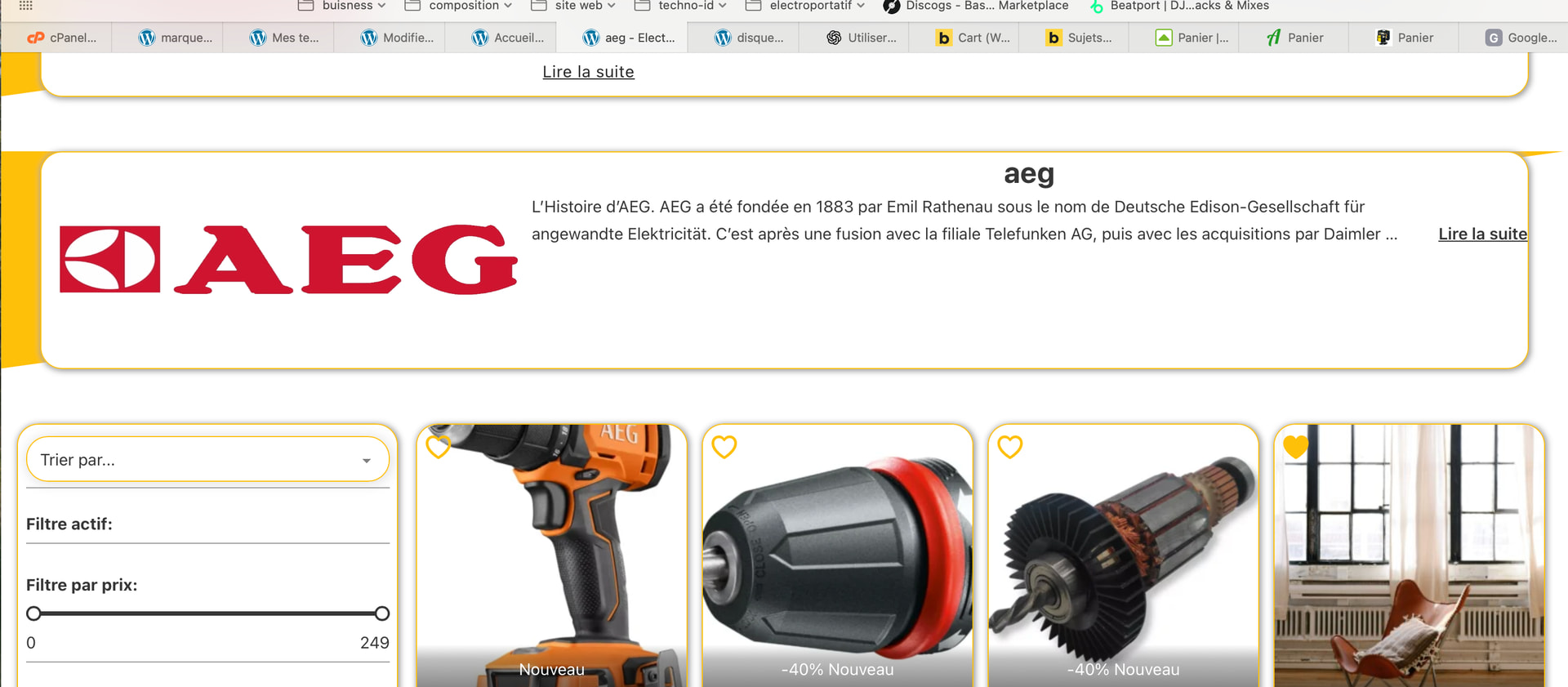
For the Brands archive, I’d like to create a container above the product image containing the archive text.
The text can sometimes be long, so I’d like to create a partially opened accordion so that the first few lines of text are visible, and then the entire text is displayed when expanded.
How do I create a partially opened accordion?
Is there a native way in Briks to do this?
I’ve tried several methods using Bricks elements, but without success.
I asked tchatgpt, and he gave me a solution that works, but it uses a coded element. So, depending on the break point, I have to create CSS code to modify the number of open lines.
I’ve attached the code in case it helps.
<details class="brand-more">
  <summary class="brand-more__summary">
    <span class="brand-more__text">{archive_description:plain}</span>
    <span class="brand-more__cta" aria-hidden="true"></span>
  </summary>
</details>
/* enlève la flèche native */
.brand-more summary::-webkit-details-marker { display: none; }
.brand-more summary { list-style: none; }

/* summary cliquable + place pour le bouton */
.brand-more__summary{
  cursor: pointer;
  position: relative;
  padding-right: 110px;
}

/* Texte : fermé => limité à X lignes, ouvert => complet */
.brand-more:not([open]) .brand-more__text{
  display: -webkit-box;
  -webkit-box-orient: vertical;
  -webkit-line-clamp: 4; /* <-- nombre de lignes visibles */
  overflow: hidden;
}

.brand-more[open] .brand-more__text{
  display: block;
  overflow: visible;
}

/* Bouton Lire la suite / Réduire */
.brand-more__cta{
  position: absolute;
  right: 0;
  bottom: 0;
  font-weight: 600;
  text-decoration: underline;
}

.brand-more:not([open]) .brand-more__cta::after{ content: "Lire la suite"; }
.brand-more[open] .brand-more__cta::after{ content: "Réduire"; }