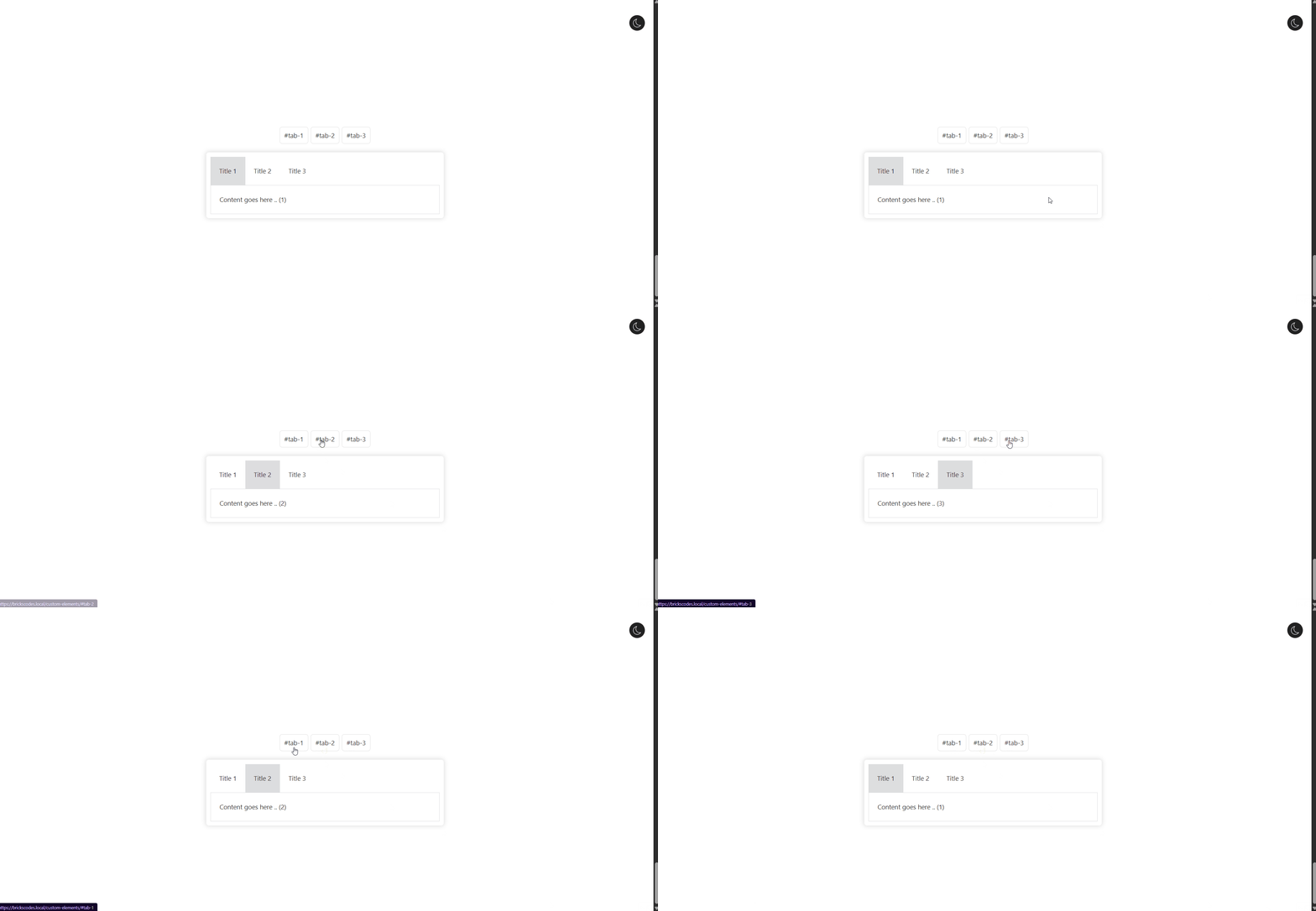
I’ve tried waiting for the DOM etc, but the final rendering of the tabs always seems to be delayed and the default selection of the first tab always seems to occur after my code is run.
How can I run my code AFTER the tabs element loading and rendering is complete?
Is there something like a ‘bricks/tabs/changed’ event like maybe ‘bricks/tabs/loaded’?
document.addEventListener('DOMContentLoaded', function() {
	let selectorId = new URL(document.URL).hash.slice(1);
	if (selectorId) {
		let contentEl = document.getElementById(selectorId);

		if (contentEl) {
			let targetContentId = contentEl.parentElement.id;
			if (targetContentId) {
				let targetTabId = targetContentId.replace('pane', 'title');

				let targetTabEl = document.getElementById(targetTabId);
				let targetContentEl = document.getElementById(targetContentId);
				let parentTabsEl = null;
				if (targetContentEl) {
					parentTabsEl = targetContentEl.parentElement.parentElement;
				}

				if (targetTabEl && parentTabsEl) {
					const className = 'brx-open';
					const children = parentTabsEl.getElementsByClassName(className);
					while (children.length > 0) {
						children[0].classList.remove(className);
					}

					targetTabEl.classList.add(className);
					targetContentEl.classList.add(className);
				}
			}
		}
	}
});
Using the above code, I have an id assigned to each of the tab content elements that can be added to the URL as a # followed by the tab content id… this actually does end up selecting that tab on page load. However, even though in the above code it first removes all ‘brx-open’ classes from any tabs in the tabs list that may currently be selected, the existing bricks tabs JS will then select that first tab AFTER my JS has run, and I end up with two tabs selected and open at once - the first tab (which is the bricks default) as well as the tab I specified in the URL.
Therefore it would appear that my code runs after the DOM is loaded, but the bricks tabs JS hasn’t finished running yet. And in fact if I set breakpoints in my JS and step through the code line by line, at the point that my JS is running I can see on the page that only the tabs have loaded, not the tab content… so using standard JS methods like DOMContentLoaded won’t work, as the bricks tabs JS is still running after that point, so I was hoping there was some kind of hook or event emitted by the bricks tabs JS functions that I can use to detect when it’s finished running.
I even tried a simpler test of just using the click method via javascript, to have it “click” the tab… this also works typing the command in from the console, but not on page load, as the tabs JS hasn’t finished running at the point of DOMContentLoaded
I’m trying to have a particular tab load via the “#tab-name” being added to the url link…
I have it working with BricksExtras Pro tabs element in this way… however I’m trying to do the same using native bricks nested tabs element.
Pro tabs is the only thing I’m using BricksExtras on this site for, so was hoping to be able to get the native bricks tabs working the same way and remove the need for yet another plugin
give all divs under tab menu uni1ue anchor ID. when page load with url https://your-domain.com/#tab-2, it will open this specific tab. Hash tab switching will work as well
Wow! haha I just had to do it the hard way huh
Pro tabs puts the ids in the tab content section, so I was trying to do the same, but yeah, adding it to the tab title just works