Hi
I need to hide section with ID “#brxe-rhtwsn” if ACF repeater fields are empty.
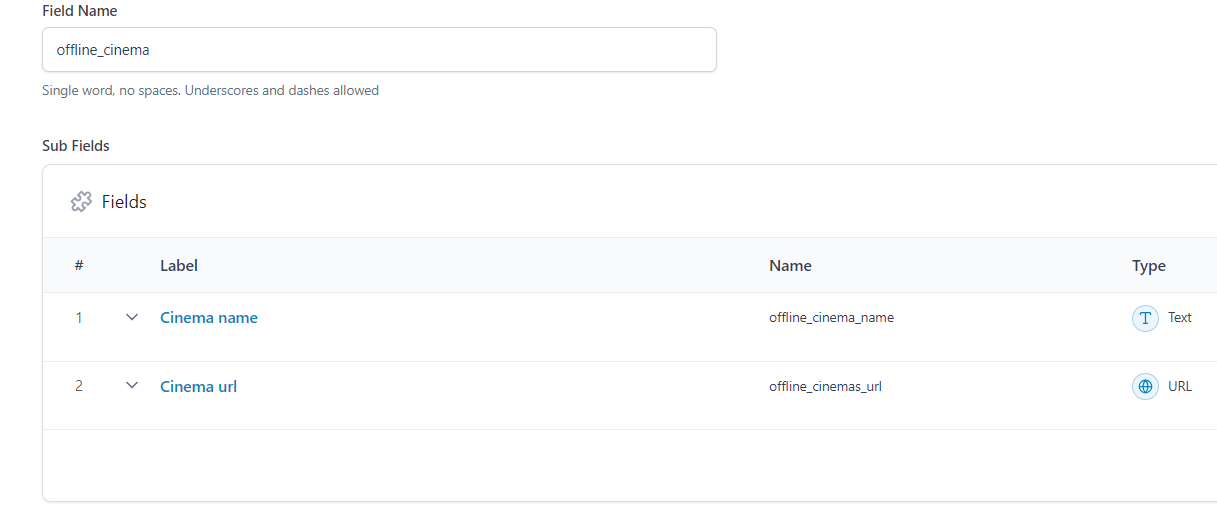
I have ACR repeater field - “offline_cinema” and 2 subfields - “offline_cinema_name” and “offline_cinemas_url”
I’ve found this article Filter: bricks/element/render – Bricks Academy Example 6 is something close to what I need, but I don’t understand how to change this example to apply in my case
Can anyone help please?
I know your post is old, but I found a solution today:
- Select the Container: Select the parent element (the
div, section, or container) that has the Query Loop set to your ACF Repeater field. This is the element you want to hide entirely.
- Add a Condition:
- Go to the element’s Conditions tab in the Bricks sidebar.
- Click Define Conditions.
- Add a new condition by clicking the + icon.
- Set the Condition:
- Field: Select the Dynamic Data icon on the left input field.
- In the Dynamic Data modal, look for the special tag for the query loop count. The syntax is typically:
{query_results_count:your-query-loop-id}.
- Important: If the element you’re trying to hide is the one with the Query Loop set to the Repeater, Bricks often uses a default way to check the count. You can try simply using the default element ID of the element you are applying the condition to, or the internal ID of the query loop. A common Bricks dynamic tag to check the count of the query loop is
{query_results_count:__element_id__} where __element_id__ is the element’s internal ID (without the #brxe- prefix).
- Comparison: Choose the operator
!= (Does not equal) or > (Greater than).
- Value: Enter the number
0.
The condition should essentially read: {query_results_count:xyzxyz} != 0 (or > 0), where xyzxyz is a placeholder for the element’s ID or loop name if needed, though in Bricks the loop result count of the current element is often accessible.
If the Repeater is set as the Query on this element, checking if the query_results_count is greater than 0 will ensure the element only displays if there is at least one row in the repeater.