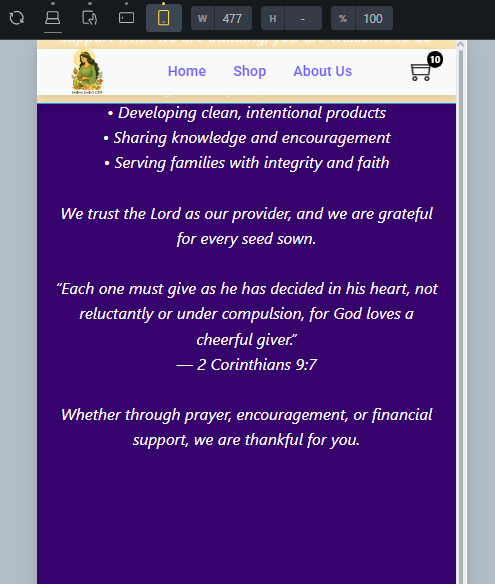
I have noticed on my mobile breakpoint’s that my header has ‘whitespace’ above and below it, on desktop it is covered by the header, so idk if its there or not.
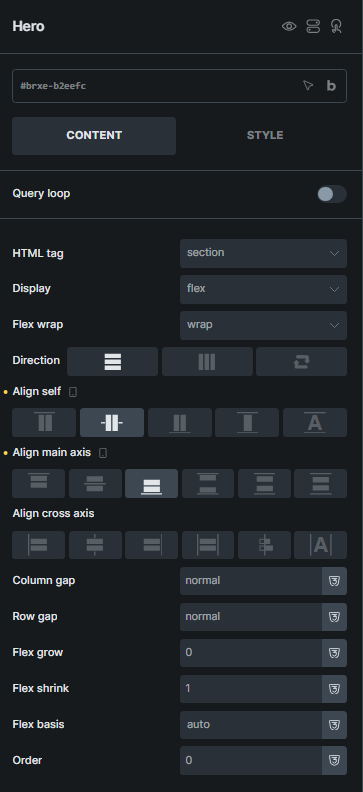
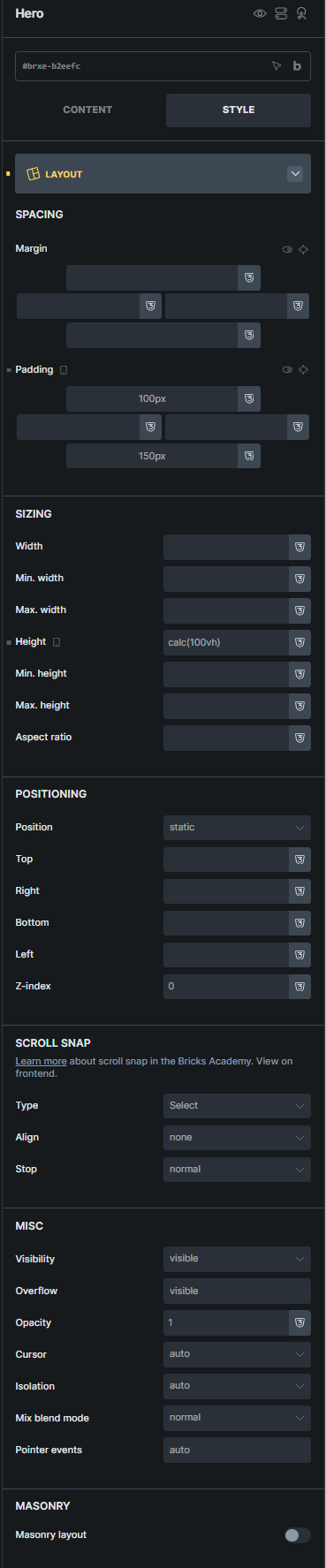
That said, when viewing a new page I made for donations, the text is going way above the header off the screen where it cannot be seen. I have played around with making the layout for the main ‘hero’ sticky etc, but then the lower content goes below the footer and is not scrollable.
None of my other pages have this ‘overflow’ issue.
Thanks for the guidence @timmse and @shingen . That helped for sure. I also found I for some reason on the mobile breakpoint had a 5 px padding on top and bottom for the menu.
I believe I have it all squared away now, except the menu does not want to be centered on mobile, but ill keep playing with padding/min width of each of the three columns.
The centering of your nav, look at your widths on all three blocks, as they all have a max-width set to them.
An example, in the console window look at it when it is max-width:767px; you have a max-width of 55%. If you uncheck that you will see your nav center – hopefully that points you in the right direction.