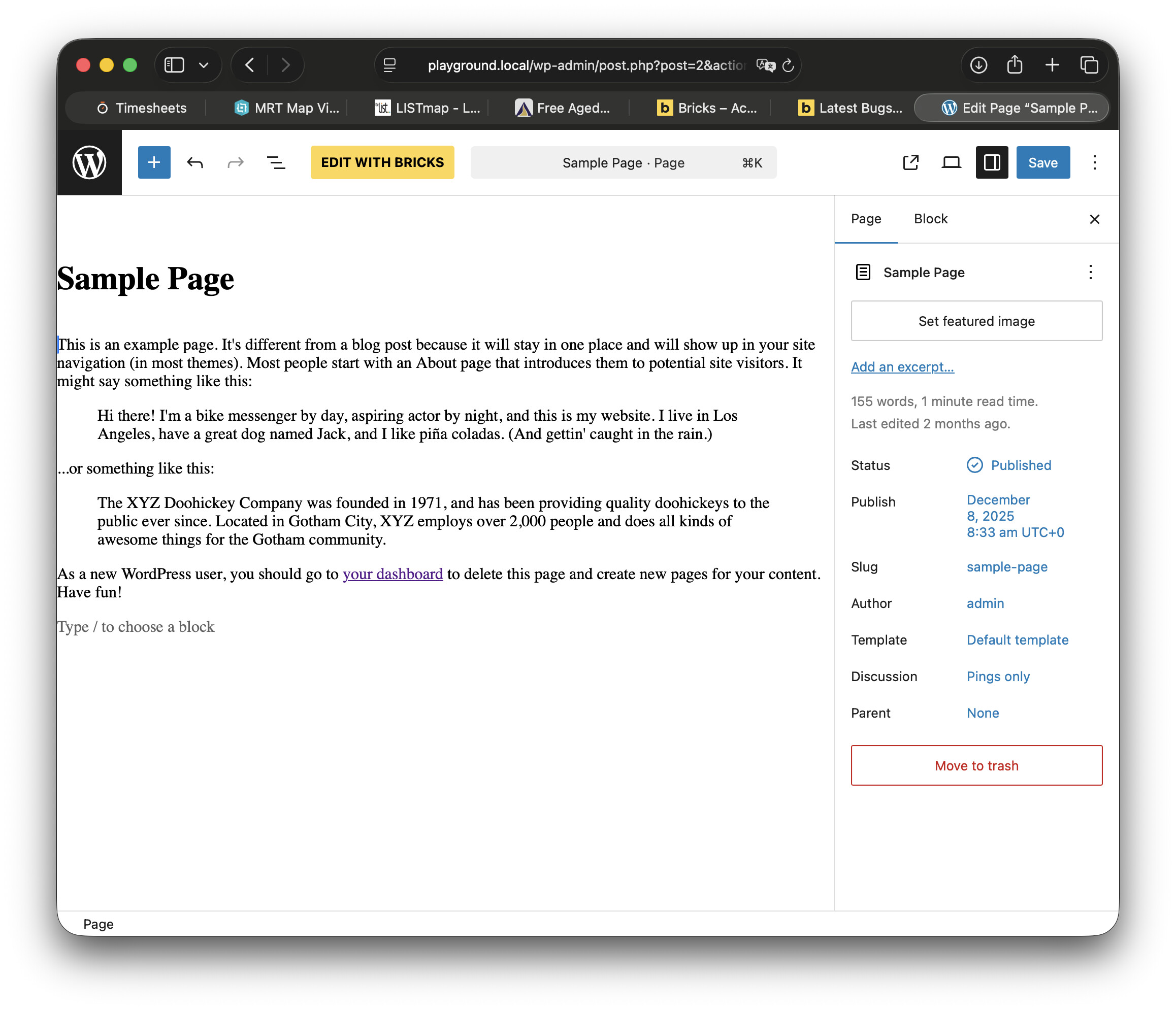
would like to use a theme.json to try and provide some basic text styling for content editors, but it doesn’t seem to work with Bricks. It seems to break Gutenberg entirely, and also some Bricks front-end styles (?).
FWIW though, as a dumb user, it feels like a bug that I can’t just create a partial theme.json and pop it in there, and have it integrate with the normal Wordpress system. theme.json should work in child themes, according to the WP docs. Maybe there’s some technical reason why it can’t work in Bricks? It seems like unexpected behavior. Anyhow, it’s nice that there’s a workaround.
Hi Joe,
Thanks for your report! I moved it to the “how to” category, as it is not a bug.
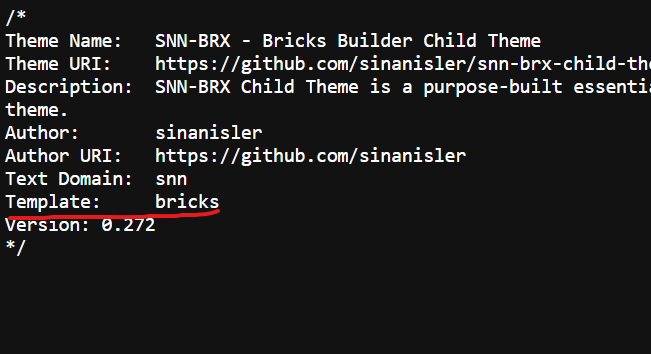
First and foremost, Bricks is not a block theme, but rather a “good old” classic theme. As a result, a theme.json is not expected and is therefore only supported in a very rudimentary way. As far as I know, this also applies to other “classic” themes, since block and classic themes are two different approaches. As far as I can see, there are no immediate plans to change this.
bricks builder more like a classic php theme then block theme.
it is possible to make site editor support for the bricks child theme but not a good idea!
site editor and bricks builder template hierarchy may conflict and you will have no idea how to even fix it.
i already gave you a good plugin that plugin is made by Core WordPress Developers if you want to learn and make a block theme use that and then convert it to a child theme BUT again you will most likely create conflict if you ever create or touch template hierarchy.
just creating theme.json is not enough to make/add a site editor support btw you need to learn more.