Hi everyone,
I’m currently building a frontend user system with Bricks and wanted to check if I’m on the right track with the overall setup.
My goal is to keep everything on the frontend without relying on the default WordPress backend UI.
Current structure:
Authentication
-
User registration is handled with a Bricks form (Create User action)
-
Login is also handled with a Bricks form (Login action)
-
Users never need to access the WordPress backend
Dashboard
-
After login, users are redirected to
/account -
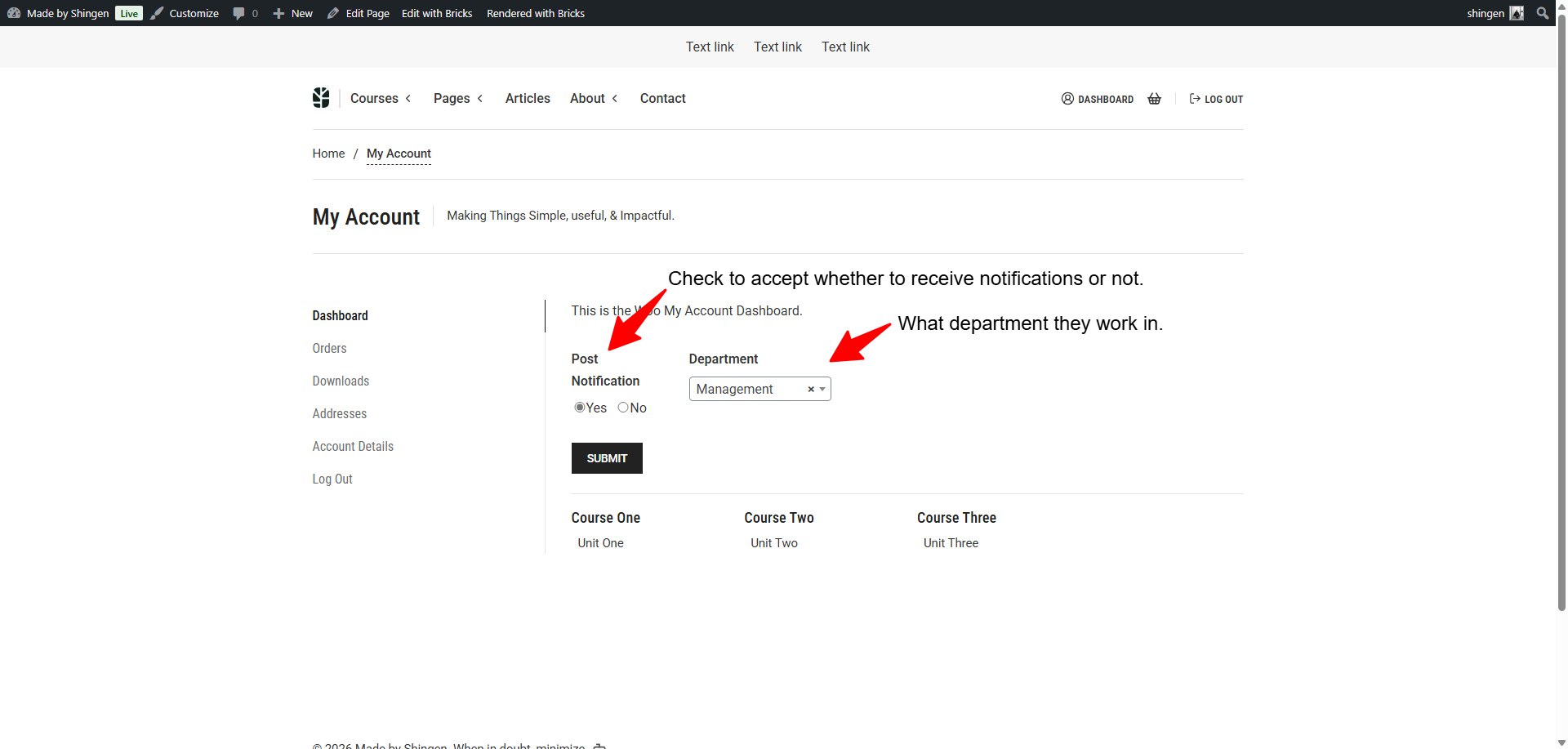
The dashboard is a single page with a sidebar navigation
Navigation system
-
Each section is controlled via query parameters, for example:
-
/account?tab=profile -
/account?tab=organization -
/account?tab=service-provider
-
-
Sections are shown/hidden using Bricks conditions based on the query parameter
Service Provider submission
-
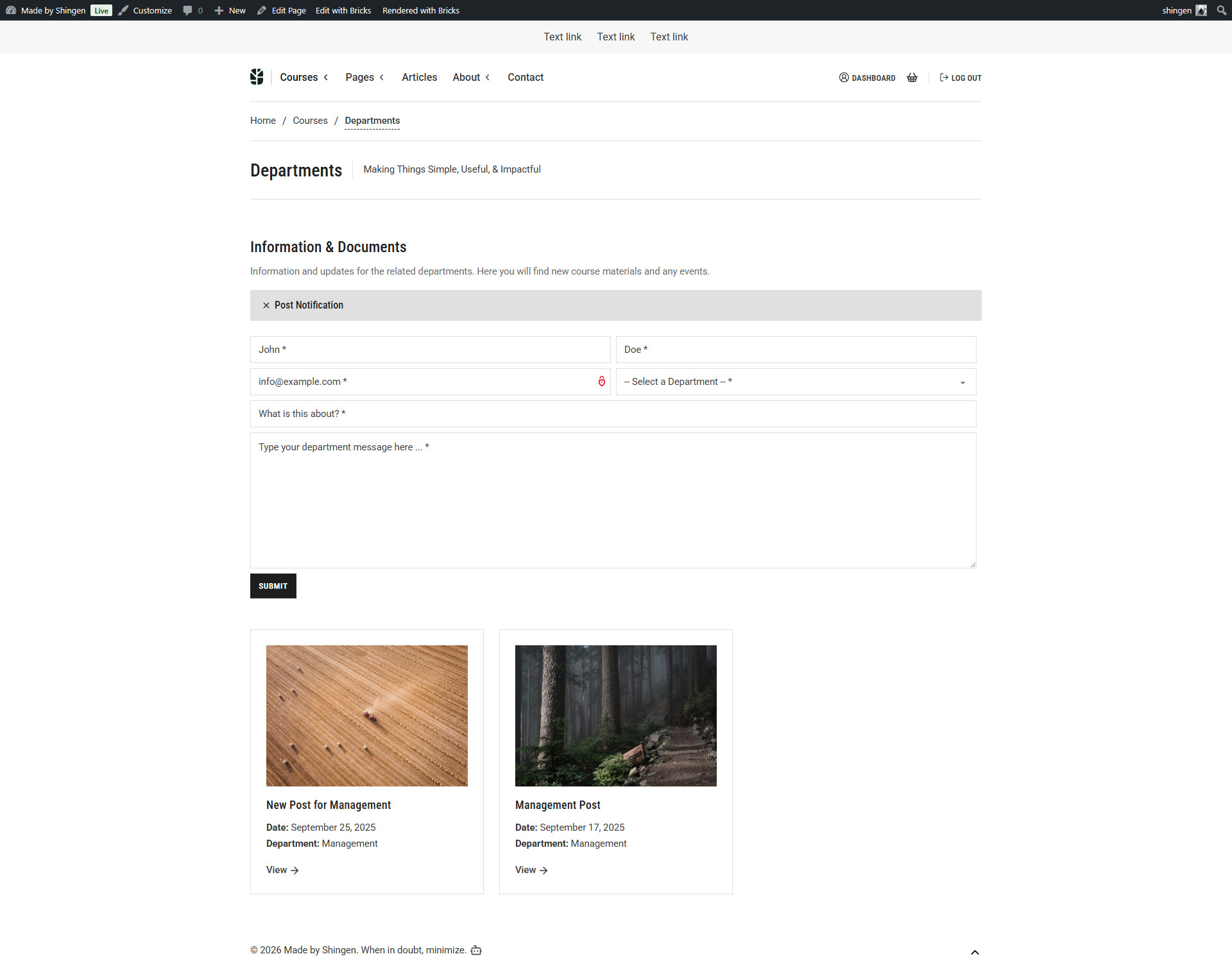
Users can submit a Service Provider entry from the dashboard
-
The form uses Bricks “Create Post” action
-
Post type:
service_provider -
Post author is set to the current user
-
Post status is set to
pendingfor admin approval
The idea is to build a small directory-style platform entirely with Bricks forms and conditions.
Does this architecture make sense when building a frontend dashboard system with Bricks, or is there a better pattern I should consider?
Thanks!