I have configured my popup to open on page load if the URL contains a specific parameter by adding a condition to the popup container. My goal now is to load custom post field data using a URL parameter with the post ID, such as example.com/?postid=139, where “postid” represents the ID of a post.
I found a relevant Brickslabs post that does exactly what I’m trying to implement. However, a paid membership is currently not feasible for this personal project.
I would greatly appreciate any tips on accomplishing this functionality without the Brickslabs subscription. The post I referenced is here:
Please advise if you know of a way to load custom post data based on a URL parameter that doesn’t require the Brickslabs membership. Any guidance would be hugely helpful as I advance this personal project.
Put this code into functions.php or into a code snippet plugin like WPCodebox:
function read_post_id_from_url() {
  $postidkey = htmlspecialchars($_GET["post_id"]);
  if (!empty($postidkey)) {
  return $postidkey;
  } else {
  return false;
  }
};
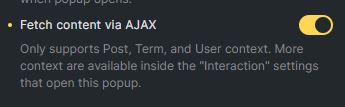
Create a pop-up and in the pop-up settings, select Fetch Content via Ajax
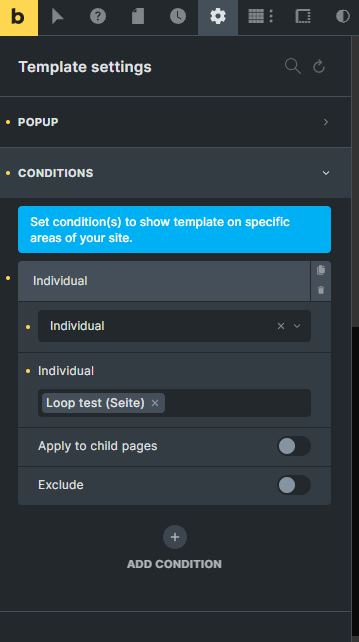
Don’t forget to add a condition for the Pop-up and chose on which pages you want the pop-up to appear, for example for an individual page. without this, the pop-up will not appear on the page.
Go to the page that shall have the pop-up. Create an interaction (for example with Trigger Content Loaded) and at the bottom of the interaction form, put this code line into the Context ID field:
{echo:read_post_id_from_url()}
and chose the desired pop-up as the Pop-up to be loaded (below the Target field).
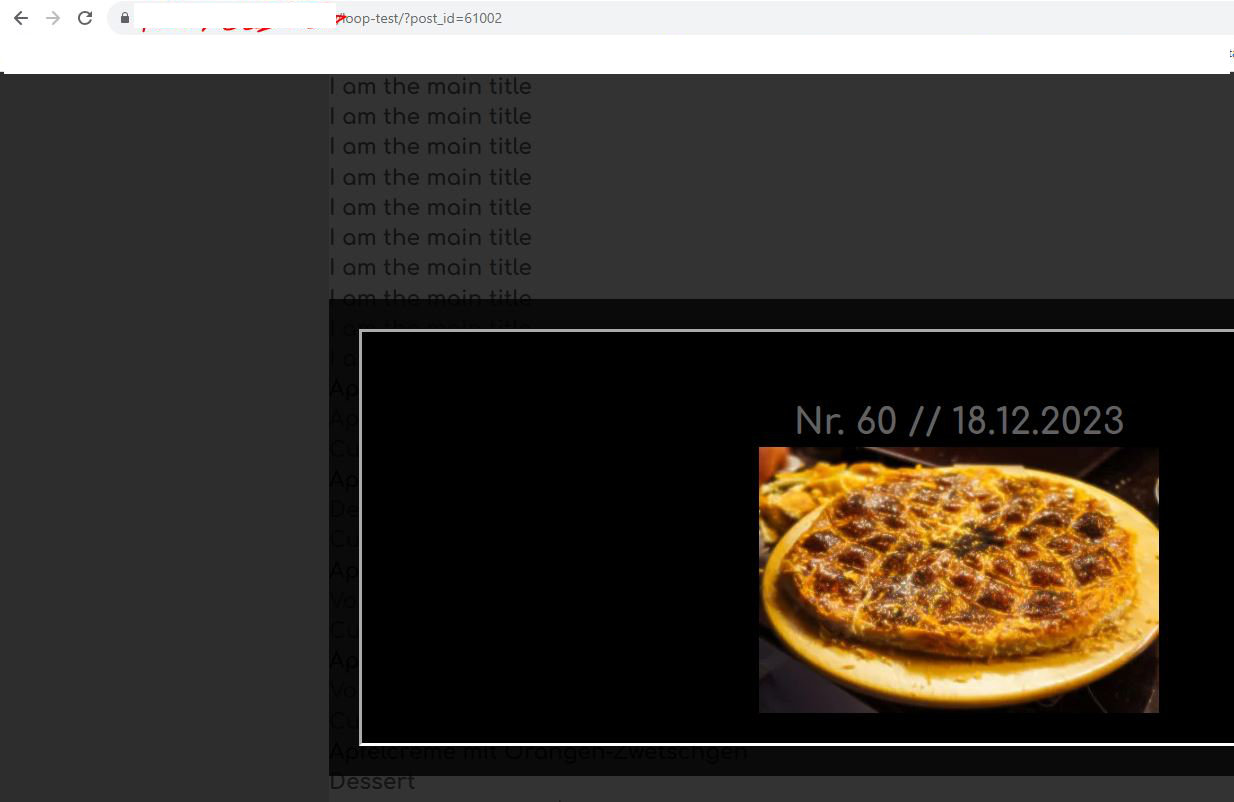
Now, when you open this page with “/?post_id=12345” after the page name, the page will be loaded and the pop-up will appear with the data from the post_id given in the url (for example: https://www.yourdomain.com/page/?post_id=12345 :
Thank you for your contribution, @Patric. I tried the solution from your referenced post earlier and it worked. However, it made designing the popup a bit tedious as it loaded all of my posts in the popup due to the query loop. Nonetheless, it worked as expected on the frontend. I also reached out to support and they provided me with a rather simple solution that worked for me. I am leaving it here in case someone else needs it.
Solution As received from Bricks Support
To open a popup via URL parameter, you have to write some custom JavaScript.
The core function is bricksOpenPopup
Example:
You must turn on the AJAX Popup
Place the dynamic data of the post that you wish to show inside the Popup template
Set condition to display this popup on your page
document.addEventListener("DOMContentLoaded", () => {
  // Get the ID from the hash
  let urlParams = new URLSearchParams(window.location.search);
  let postId = urlParams.get("postId") ?? false;

  if (postId) {
    // Your popup Id
    let popupId = 1234
    setTimeout(() => {
      // Open your popup with Context postId
      bricksOpenPopup(popupId, 0, {
        popupContextId: postId,
        popupContextType: "post",
      });
    }, 100);
  }
});
Very good script and solution from the Bricks support, as always.
So we have now 2 possible solutions. Great.
My solution in the last post is using a small PHP script instead of JavaScript.
The advantage of this in my view is that the pop-up ID is not hard coded into the code and that once you have added the PHP script to functions.php or a code snippet tool, you can just forget about it. All that is left to do is creating / adding the pop-ups.
I was a bit confused at this step. For my use case, the popup might appear in three places: the homepage, the taxonomy page, and the single post pages under related posts. Do I need to add an interaction to an element on all of these pages?
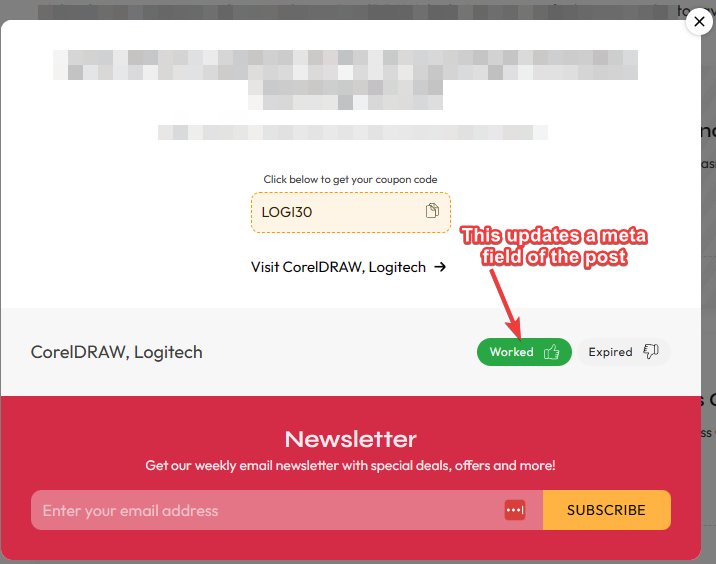
There is a form button in the popup that is supposed to increment a meta field of the post. It worked with your first suggestion, which used the query loop approach, but not with the current Ajax implementation from support. I want to see if it will work with your current solution.
Yes, you have to add the interaction, for example show the popup after content is loaded, on each page you want such a popup to appear. Also don‘t forget to add these pages in the condition setup of the popup. This is standard Bricks procedure and is necessary, because the popup ID is not hard coded into the script.
The script will take care of providing the post ID to be loaded in the popup.