Hello,
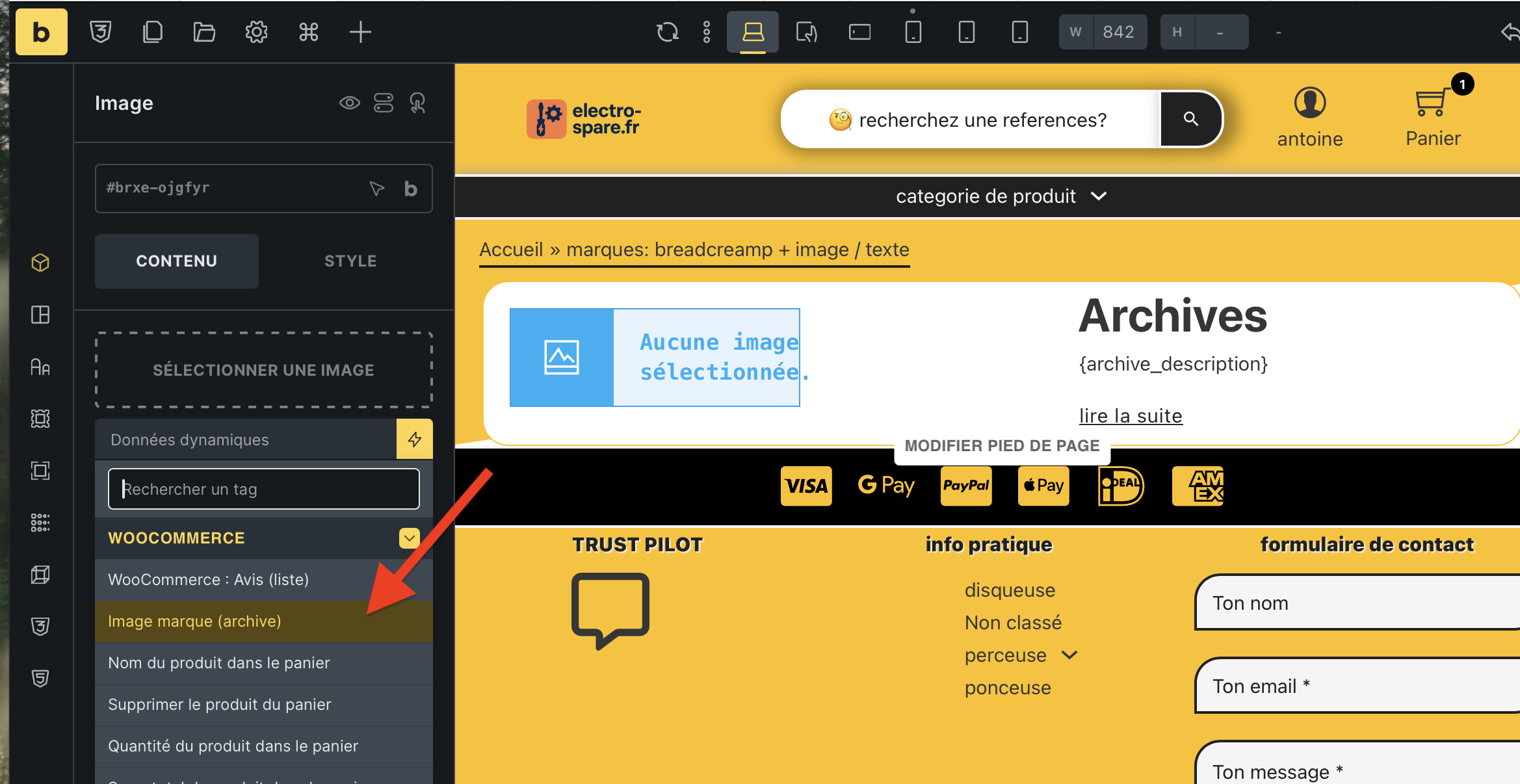
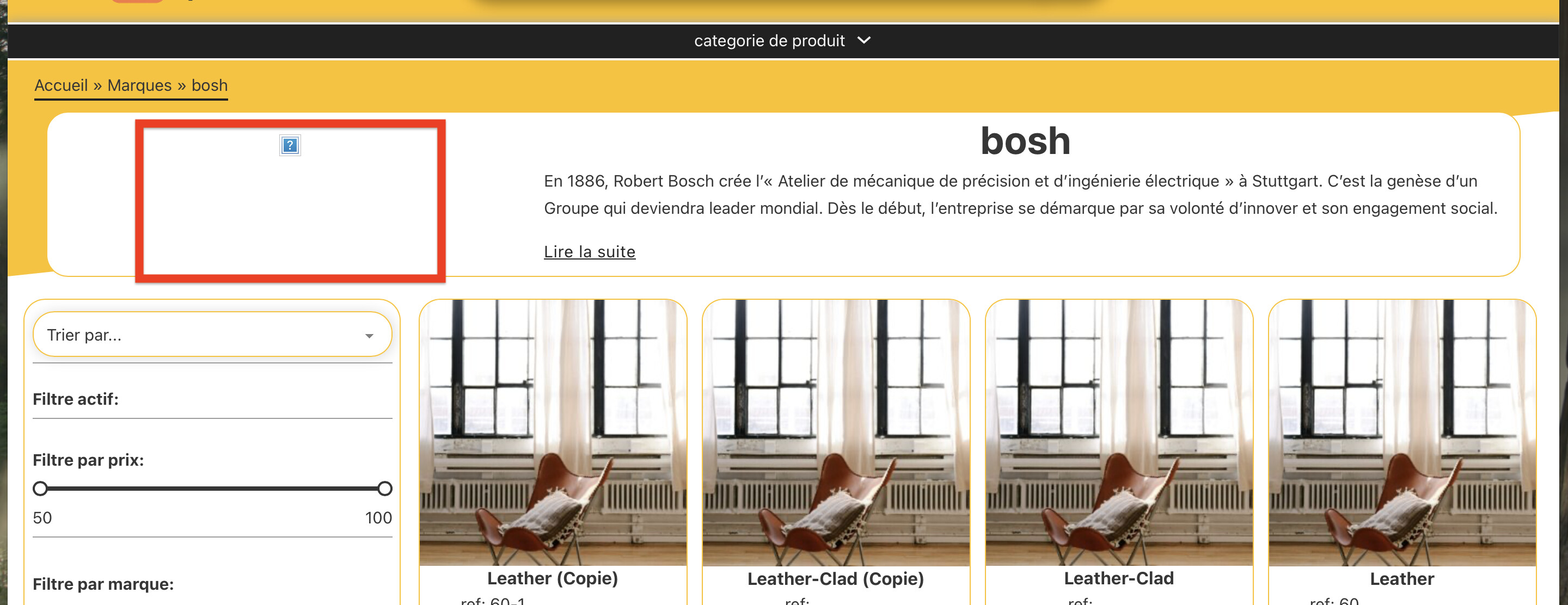
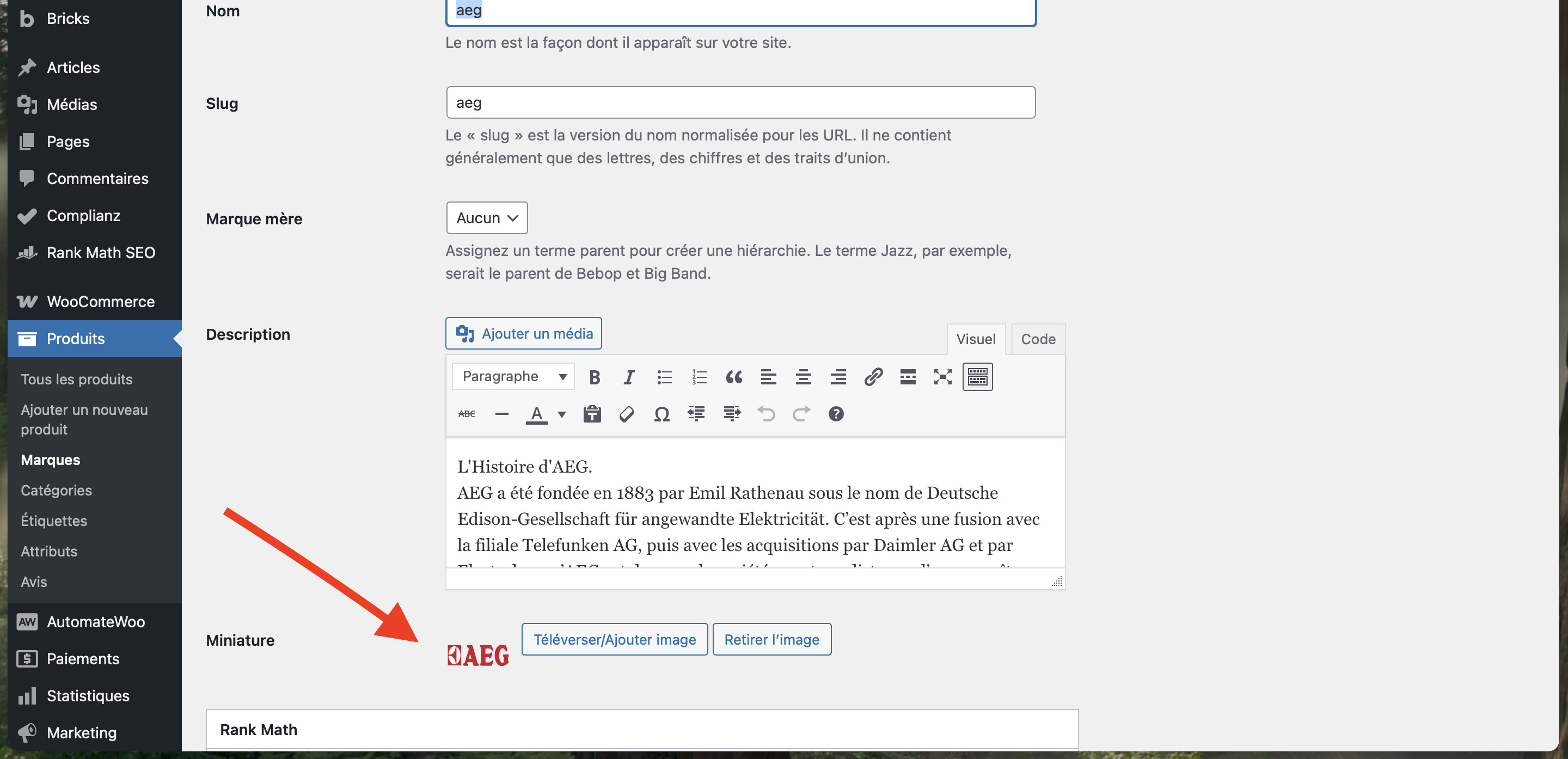
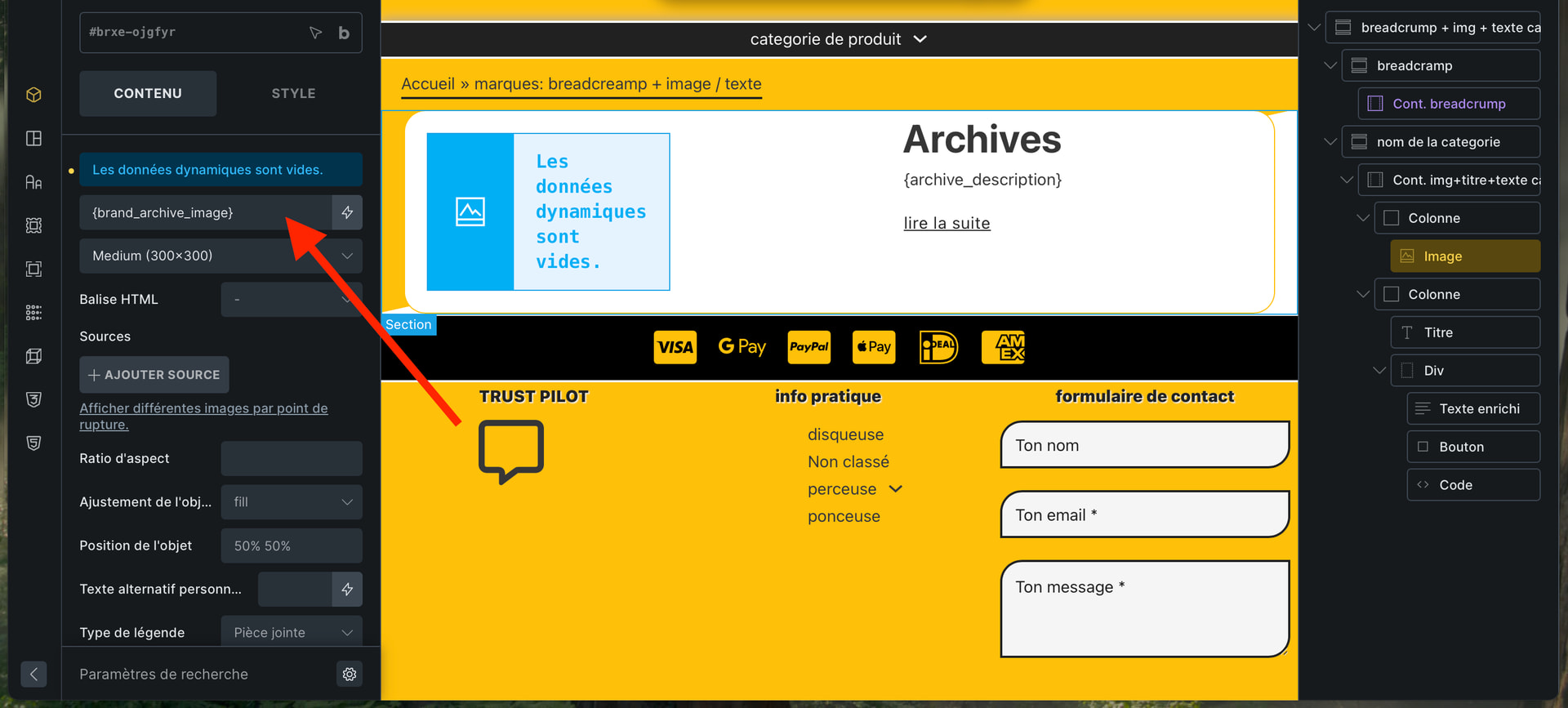
I would like to create dynamic data to display the image of a WooCommerce brand category.
Not knowing how to code, I use chatgpt, it usually works.
chatgpt code:
/**
- Tag dynamique Bricks : {brand_archive_image}
-
- Sur une archive de marque → image de la marque courante
-
- Sur une fiche produit → image de la première marque du produit
*/
- Sur une fiche produit → image de la première marque du produit
if ( ! function_exists( ‘my_bricks_add_brand_image_dynamic_tag’ ) ) {
// 1. Déclarer le tag dans Bricks
add_filter( 'bricks/dynamic_tags_list', 'my_bricks_add_brand_image_dynamic_tag' );
function my_bricks_add_brand_image_dynamic_tag( $tags ) {

	$tags[] = [
		// Nom du tag tel qu’il apparaîtra dans Bricks
		'name'  => '{brand_archive_image}',
		'label' => 'Image marque (archive)',
		'group' => 'WooCommerce',
	];

	return $tags;
}

// 2. Renvoyer la valeur du tag
add_filter( 'bricks/dynamic_data/render_tag', 'my_bricks_render_brand_image_dynamic_tag', 20, 3 );
function my_bricks_render_brand_image_dynamic_tag( $tag, $post, $context = 'text' ) {

	if ( ! is_string( $tag ) ) {
		return $tag;
	}

	// On enlève les { } pour comparer
	$clean_tag = str_replace( [ '{', '}' ], '', $tag );

	// On ne traite que notre tag
	if ( $clean_tag !== 'brand_archive_image' ) {
		return $tag;
	}

	// ---- Récupération du terme de marque ----

	$brand_term = null;

	// 1) On est sur une archive de marque ?
	if ( is_tax( 'product_brand' ) ) { // <-- change 'product_brand' si ta taxonomie est différente
		$brand_term = get_queried_object();
	}

	// 2) Sinon, on est peut-être sur une fiche produit : on prend la 1ère marque
	if ( ! $brand_term && $post instanceof WP_Post ) {
		$terms = get_the_terms( $post->ID, 'product_brand' ); // <-- idem ici si taxo différente

		if ( ! empty( $terms ) && ! is_wp_error( $terms ) ) {
			$brand_term = $terms[0];
		}
	}

	if ( ! $brand_term || empty( $brand_term->term_id ) ) {
		return '';
	}

	// ---- Récupération de l'image de la marque ----

	// Meta standard du plugin WooCommerce Brands : 'thumbnail_id'
	$thumbnail_id = get_term_meta( $brand_term->term_id, 'thumbnail_id', true ); // <-- adapte le meta key si besoin

	if ( ! $thumbnail_id ) {
		return '';
	}

	// On récupère l’URL de l’image en taille "full"
	$image_url = wp_get_attachment_image_url( $thumbnail_id, 'full' );

	if ( ! $image_url ) {
		return '';
	}

	// Pour un contrôle image Bricks, l’URL suffit
	return $image_url;
}
}