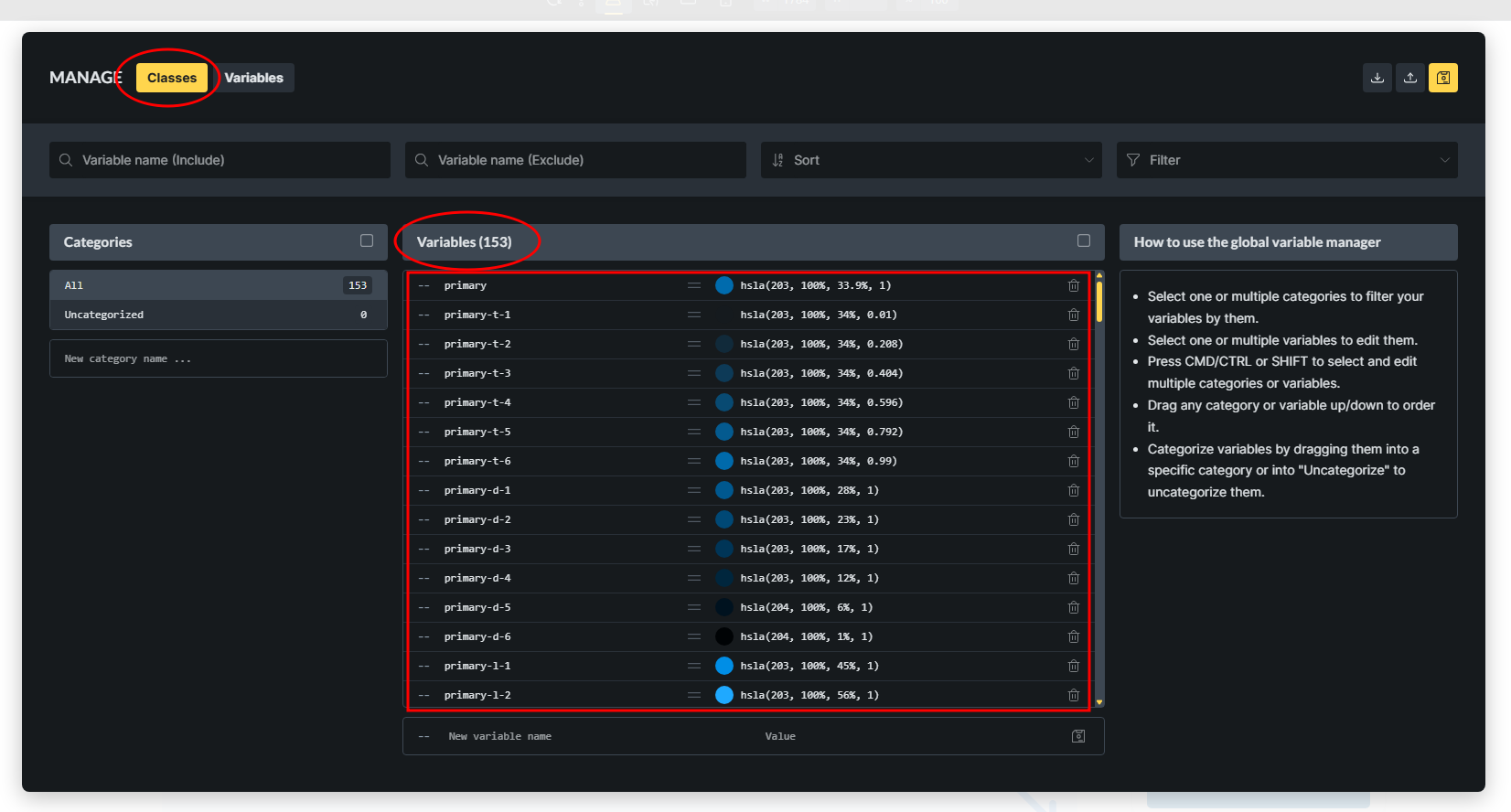
I tried deleting variables in every way I know. I started with the builder, without success. Then I deleted the “/wp-content/uploads/bricks/css/global-variables.min.css” file directly on the server and created a new, blank one, again without success.
I downgraded to version 1.12.5 and deleted the variables. Again without success.
When I refresh the builder page, all the variables return as if I hadn’t deleted them.
By the way, the “Classes” and “Variables” menus don’t work as they should. I have to click more than once to view the classes or variables.
this is really weird and should not be happening like this. After you delete the variables, can you also try to save the builder? Are the variables also back after you refresh it?
Maybe you can try to do one other visual change (change background color or add an element), just to confirm that the builder has saved correctly?
If that’s also not solving it, can you send login credentials to your test/staging website and a link to this topic to help@bricksbuilder.io using the email address you used during the purchase so we can take a look?
I’ll then attempt to delete variables, so that’s why please don’t send a live one
Hi @EuropaKing and @andrespereirabr you can test this as well. Can you try to delete just one variable, or multiple of them, but at least one variable should still stay in variable manager?
he podido eliminar todas las clases sin problemas ya que han actualizado el boton de la papelera que es de donde hay que borrarlas definitivamente para que no vuelvan a restaurarse automaticamente (no se si es fallo).
Las variables no tiene boton de papelera y la unica forma fue crer una unica variable sin contenido y luego si me permitió eliminar todas en lote. Pero al no tener boton de papelera no se pueden eliminar por completo. Hasta ahora siempre te queda una variable al menos.
The variables are unable to be deleted completely. Even if it’s deleted, ghost is still there. For example, I have a gap-m variable. Then I tried to use the scale function of Bricks to create a set of variables from gap-xs to gap-l. Then, I deleted the handmade gap-m variable created by myself. However, the handmade gap-m is still working on the live site. Maybe after some time it will be disappeared and go to heaven, who knows…
Hi guys,
Yes - it’s still a known limitation that you have to keep at least one variable. We already solved this for classes, and will improve this for variables as well. Our internal task is linked to this old thread, which we’ll update once it’s fixed: