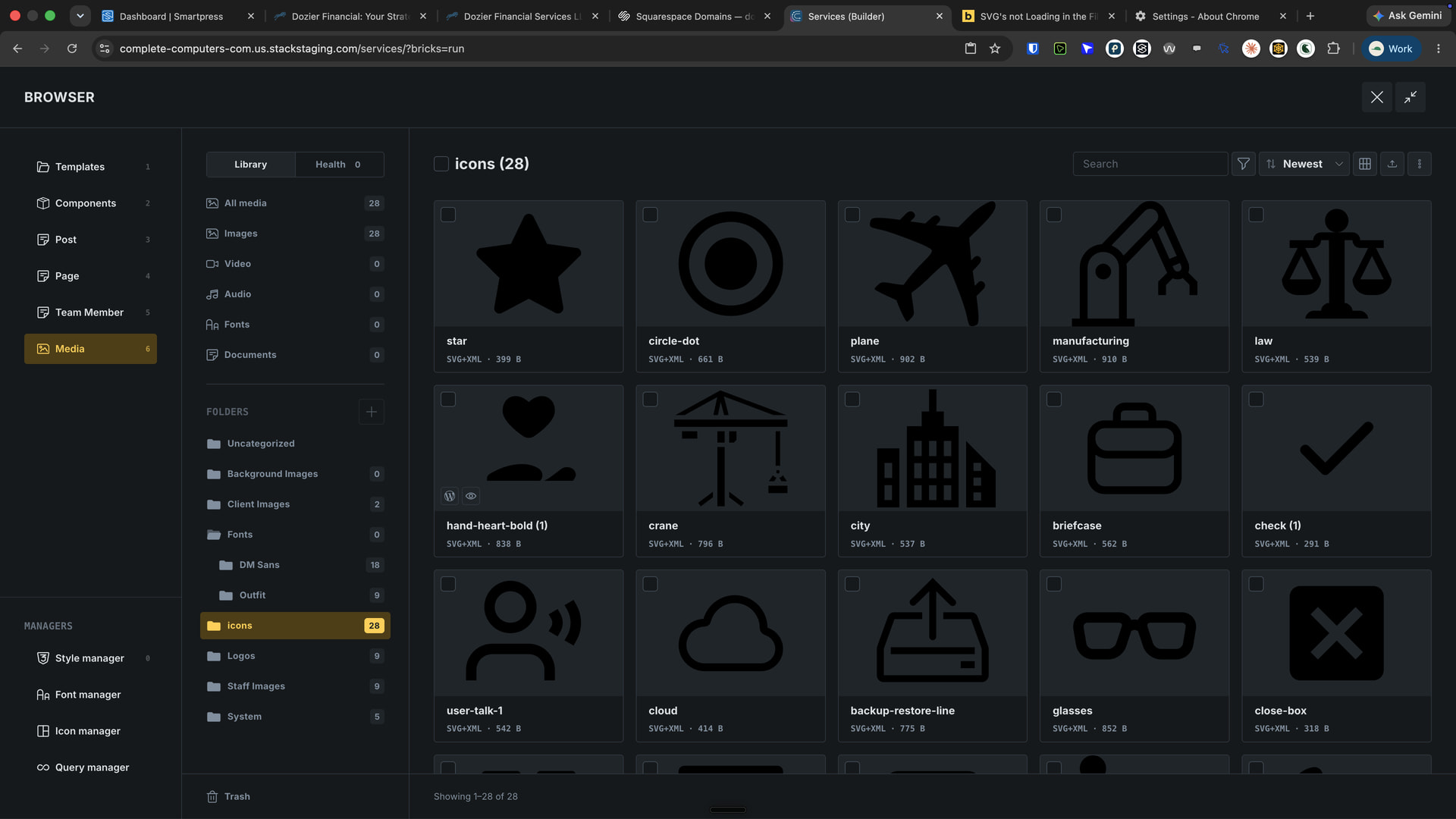
Browser : Chrome 153.0.8010.53OS : macOSURL : Internal Bricks Media LibaryVideo : CleanShot 2026-09-24 at 11.17.07 AM.mp4
Just noticed that when Trying to select an SVG from the new Bricks Media Browser, the SVGs in the WordPress Media Library are not loading or showing, even though they are present and used across other places of the site.
Whats odd is in the browser they show up, but not from the view when actually selecting a SVG file from the svg element.
Hi @HeightenCreative
Should be the same issue here.
Please follow the workaround.
Hey @simplecreative ,
a very simple workaround is this, meaning you can open HappyFiles and just click on “All Media”, then it will work:
Another solution, which might be even better, is to set “Default folder” to “All Files” inside the HappyFiles settings:
[CleanShot 2026-09-24 at 08.07.33@2x]
But if you want a .zip file with a fix, I can provide it via email, just please write to us and include this forum topic link.
Thanks,
Matej