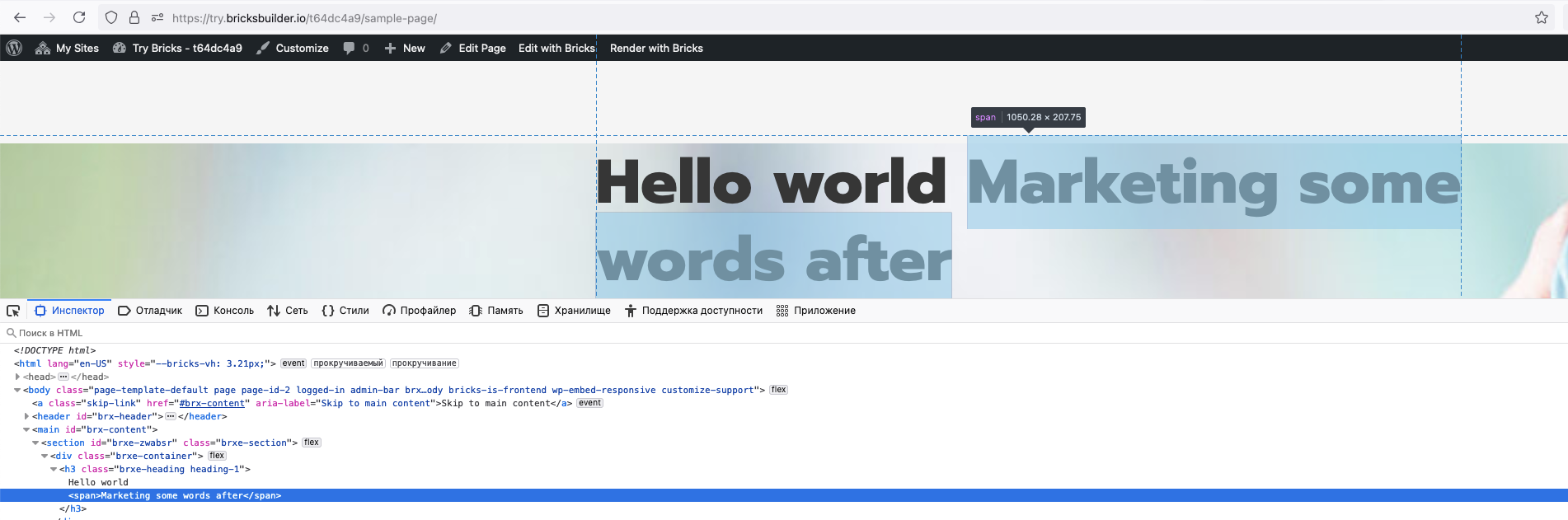
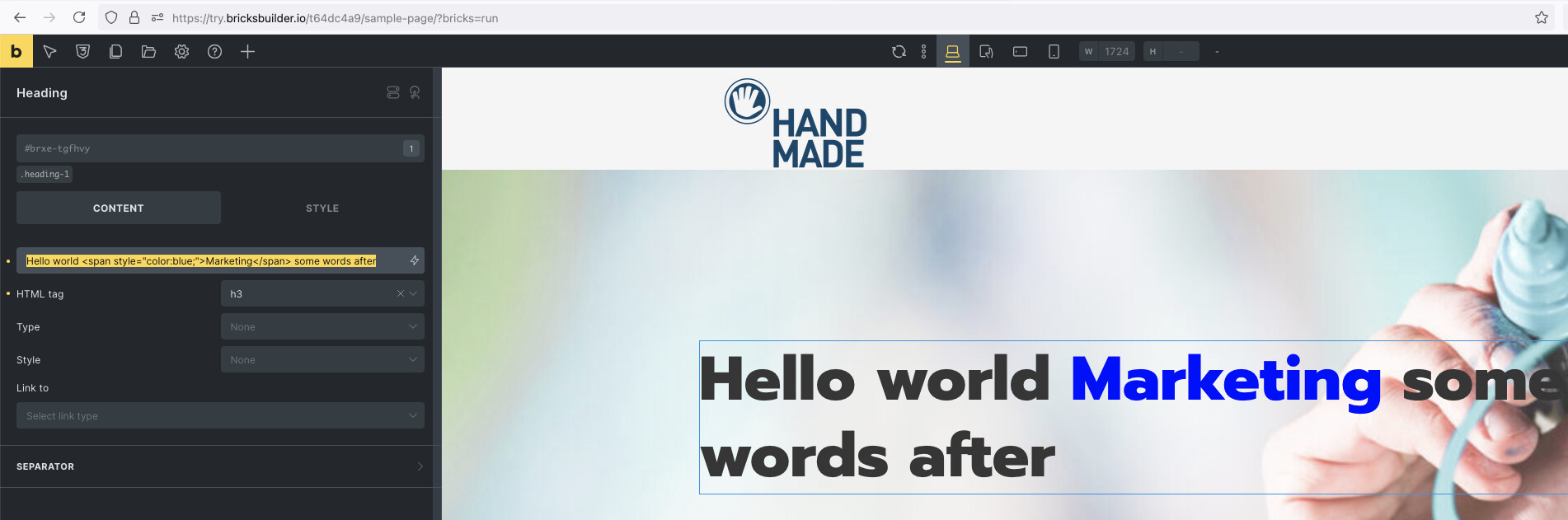
If you inspect element on front end you can see that inline contains not just “Marketing” word but everything after it and span is basically empty. Second screenshot is what happening in editor and being ignored.
I believe that this is solved in the latest 1.11 beta version, but on the playground, there is 1.10.3. And this happens because the user on the “Try Bricks” version does not have unfiltered HTML capabilities, so when you work locally, you will not have this problem, even with 1.10.3 version.
But please let me know if you can also reproduce this locally?
Hi @Matej thank you very much for your help. Unfortunately I have no Bricks yet (but going to buy) it was kind of pre-purchase test of everything we use as a team to change our pipeline to your nice software. I understand what you mean, so, Thank you, let’s mark this as resolved, HTML sanitizing makes perfect sense
thanks for understanding I’ll mark this topic as duplicate, and I’ve marked my answer above as a solution because it contains a link to the solved topic.
If you have any additional questions, let us know.