Hello, is there any way to get the meta fields of a cct entry that is on dynamic table inside a popup?
I tried to set the context id of the button that triggers the popup to this value {je_cct_live_auction_bids__ID}
But it doesnt populate (force ajax loading is enabled).
The strange thing is that inside this popup i have a form for comments that updates the cct entry and this one works.
yes i added it. The problem is with the population of the cct meta fields. My settings are exact the same as the guide with the only difference that for context id i use {je_cct_live_auction_bids__ID} . In the developer console the context id gets correctly the id of the cct but in the popup i cant display the meta field values of the cct item.
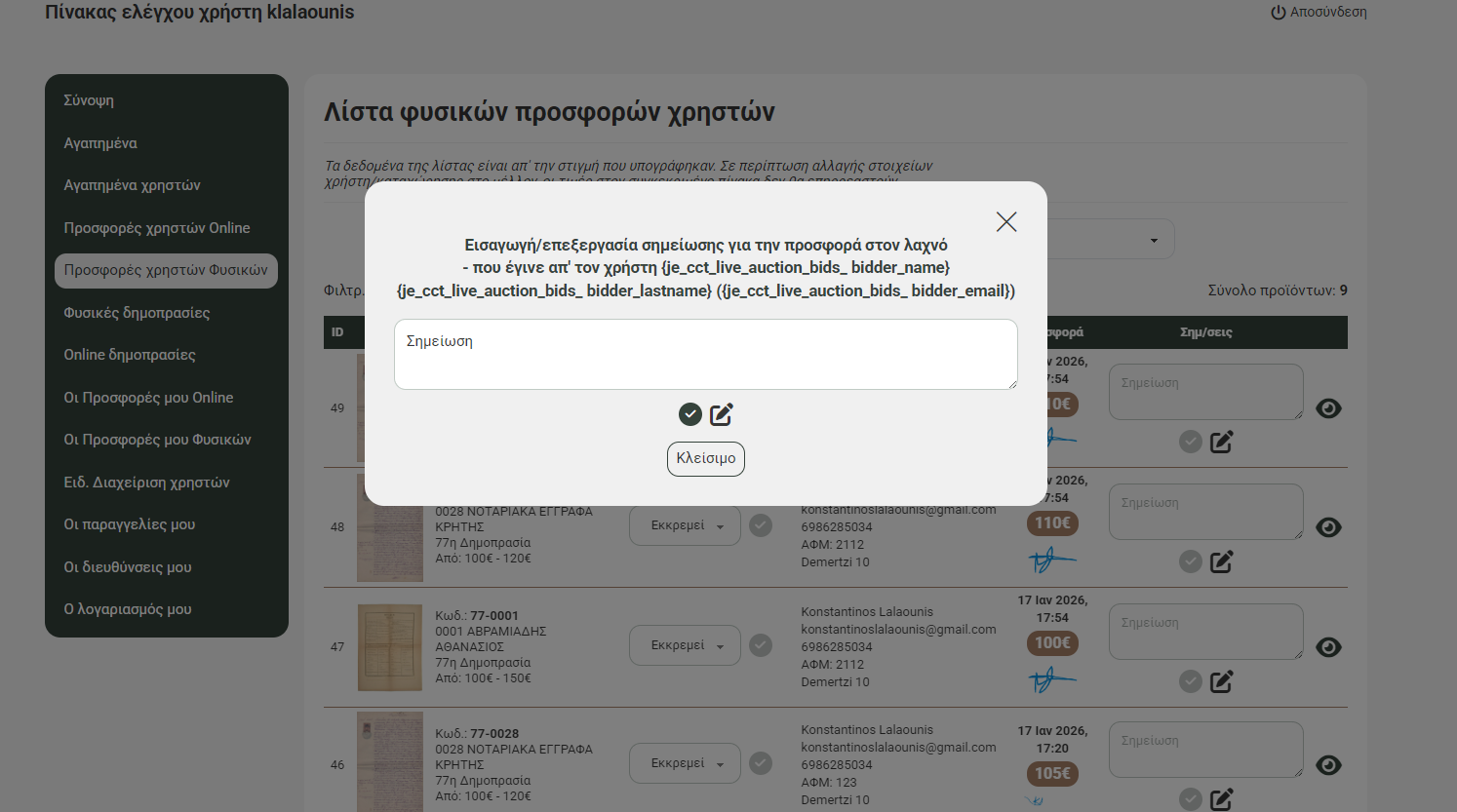
So I will share my pains and findings working strictly with Jetengine CCTs. The issue is that bricks popup doesnt support CCTs via their ajax.
it states what it supports in the menu
Fetch content via AJAX
Only supports Post, Term, and User context. More context are available inside the “Interaction” settings that open this popup. User is a type, so its wordpress Users
Jetpopup also doesnt support bricks. So I can tell you this there is no native solution, you just have to get your hands dirty with some custom code. I’ll be realistic, currently I have found a few options and have tried all.
To save some time if you are using single pages for ccts then you can also support it native via the single post. Bricks supports Posts, so you would use the single post id, pass it and then in the popup pull cct content via single post id. you would follow the bricks ajax popup method, but then use the single post id of the cct to fetch the cct data.
You would then use jetengine dynamic field with context cct of singlepost to show data or use it in jetformbuilder as cct of current post. Close to natively supporting ccts, but it limits you to using jetengine widgets so you can pass context, or you can also use jetengine macro generator and bricks jetengine dynamic data {je_macros:%your_macros_code%} to pass to bricks widgets, you cant use the dynamic fields directly, you need to pass context cct of singlepost. If you use single post, this is the easiest method to use.
Small javascript + bricks popup with bricks loop/listing + hidden jetsmart filter. Javascript that takes the cct ID and query id from the button via attribute. The button opens the popup, JS passes the ID to the hidden jetsmart filter, which then filters the query (querybuilder with a single result) to the id of the cct. You can now directly use the dynamic data inside this loop/listing to show what you want or use jetformbuilder preset and get id from current post. This is as close to native as you would get for now, it gives you almost “native” cct ajax popup with a bit of setup. you are basically using the filter + listing as an ajax loader. Currently my fav method as I dont use singlepost in my current project.
Data attributes + small-to-medium javascript to populate the form. Basically you pass the values you want via data attributes, the javascript gets that from the button and then populates the form/content with it using fieldnames or ids. The most direct approach but not as elegant as the one above, works better with forms than dynamic data, it also doesnt work for repeaters).