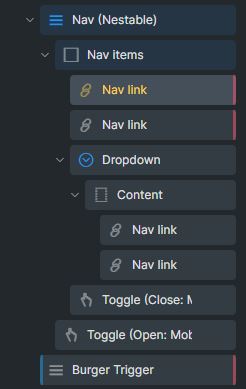
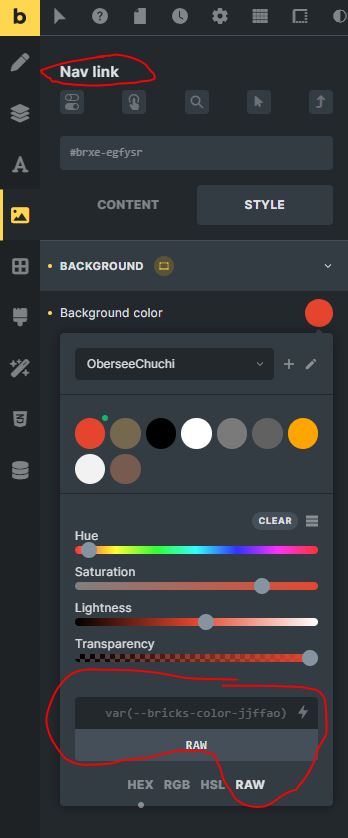
I want to use different background colors for my navigation. For this, I have created a field with ACF, and I can enter a color value for each page. I want the background color to be filled with this value. In the builder, I haven’t found any way to use these dynamic colors in the nav item. Can you please help with that?
Thanks for the tip, that looks simple and understandable. I tested it, and it works, but now I’m running into another issue in my case.
Let’s say I have five pages, each with an ACF field containing a color value. I want to design the navigation so that each navigation item reflects the background color of the respective page. So, it’s going to be a colored navigation Currently, all navigation items have the background color of the page that’s being viewed.
Maybe the approach is not right; are there better solutions for this endeavor?
I hope this isn’t too confusing, and I appreciate your help in advance
Thanks for the tip, I just tested it, but unfortunately, the result is the same. It always takes the ACF field from the header, which is also a page, and not the ACF field of the currently called page.
Thank you too. I’ve already thought about this approach and wrote a function that injects the following CSS into the header. With this, I’m trying to target individual pages.
Yes, you have to hard code the color of each menu item. But I assume the color always says the same, meaning page 1 & menu item 1 = blue background, page 2 and menu item 2 = red, for example.
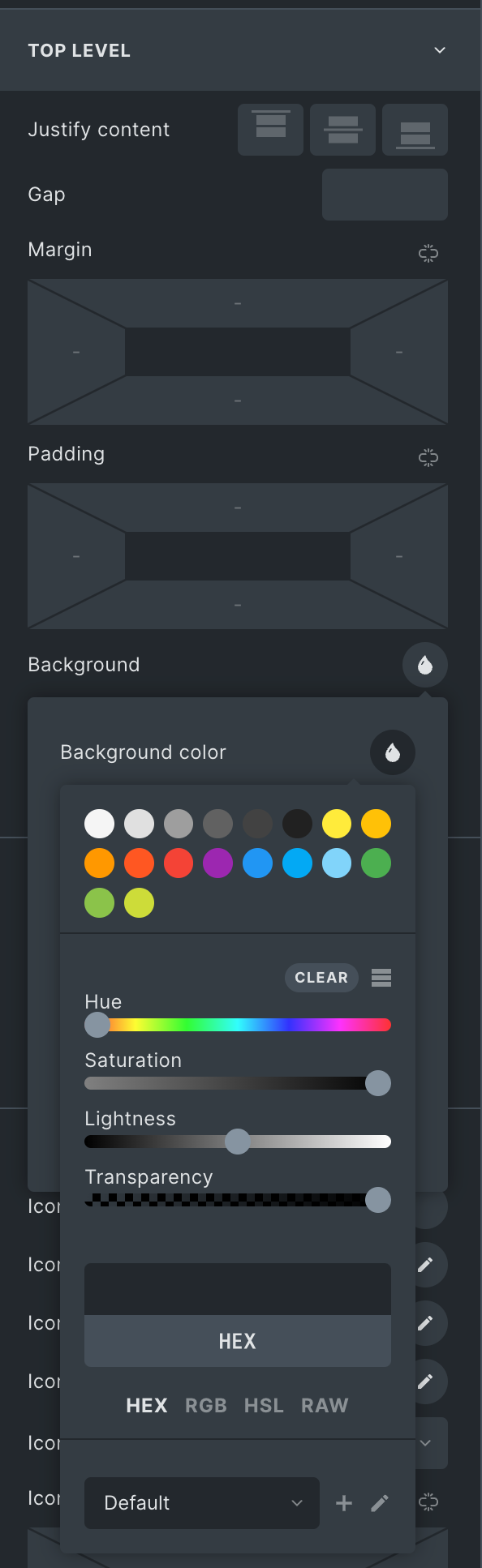
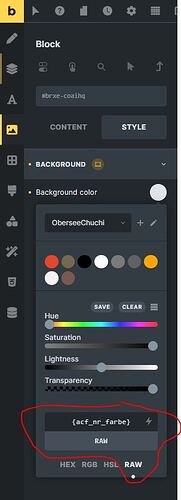
 Currently, all navigation items have the background color of the page that’s being viewed.