disabled external google font loading (GDPR issues)
my custom child theme (which has no effect yet)
My issue is:
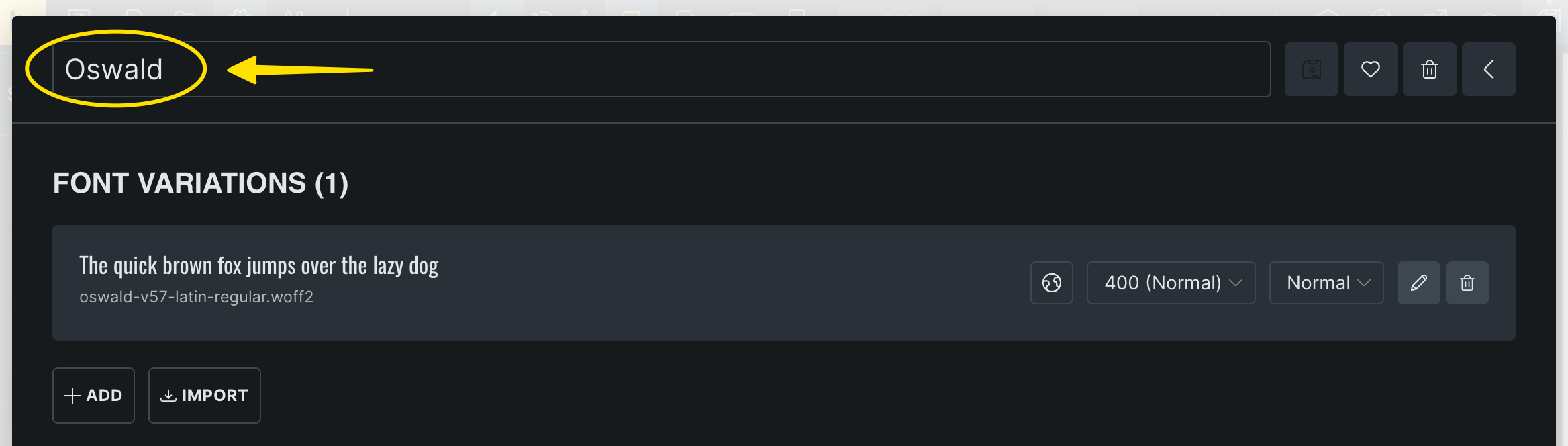
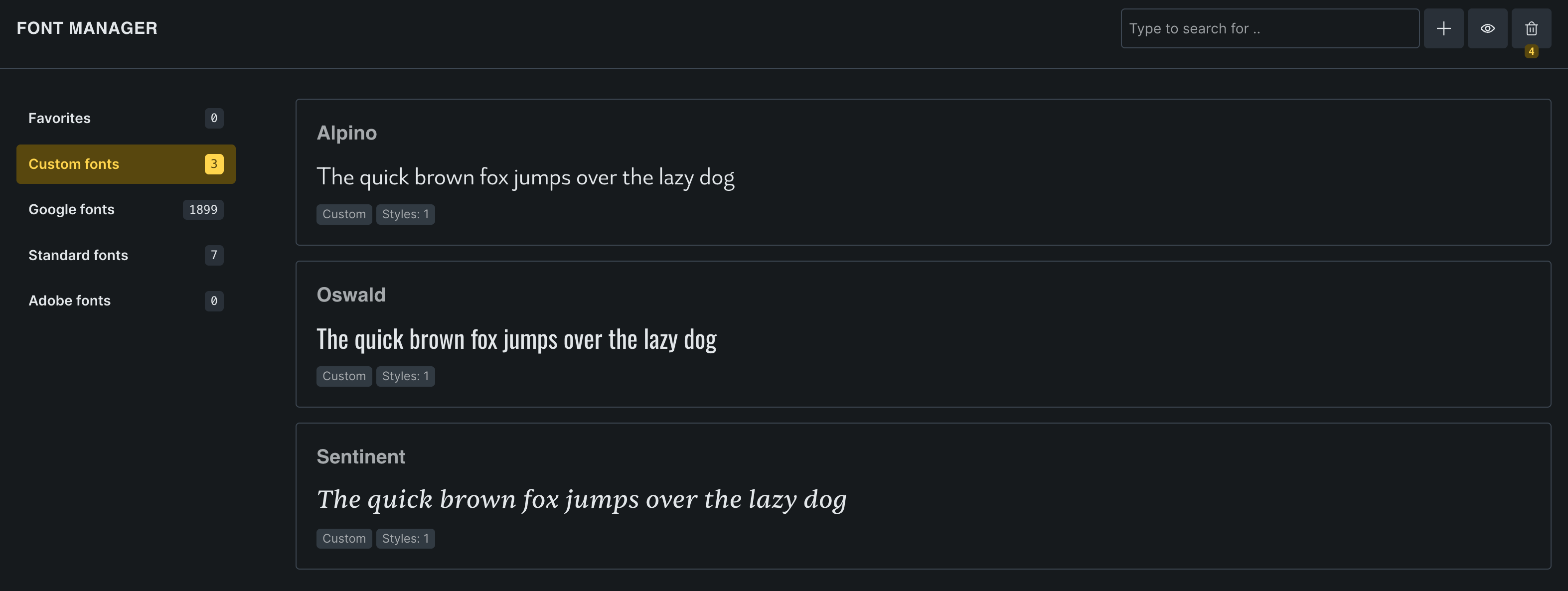
i’ve added font files through the fonts manager (as seen on screenshot).
Fonts are woff/woff2 format. (E.g. the ‘Oswald’ font is downloaded from google fonts so i assume it’s not corrupted).
why does the preview won’t show up?
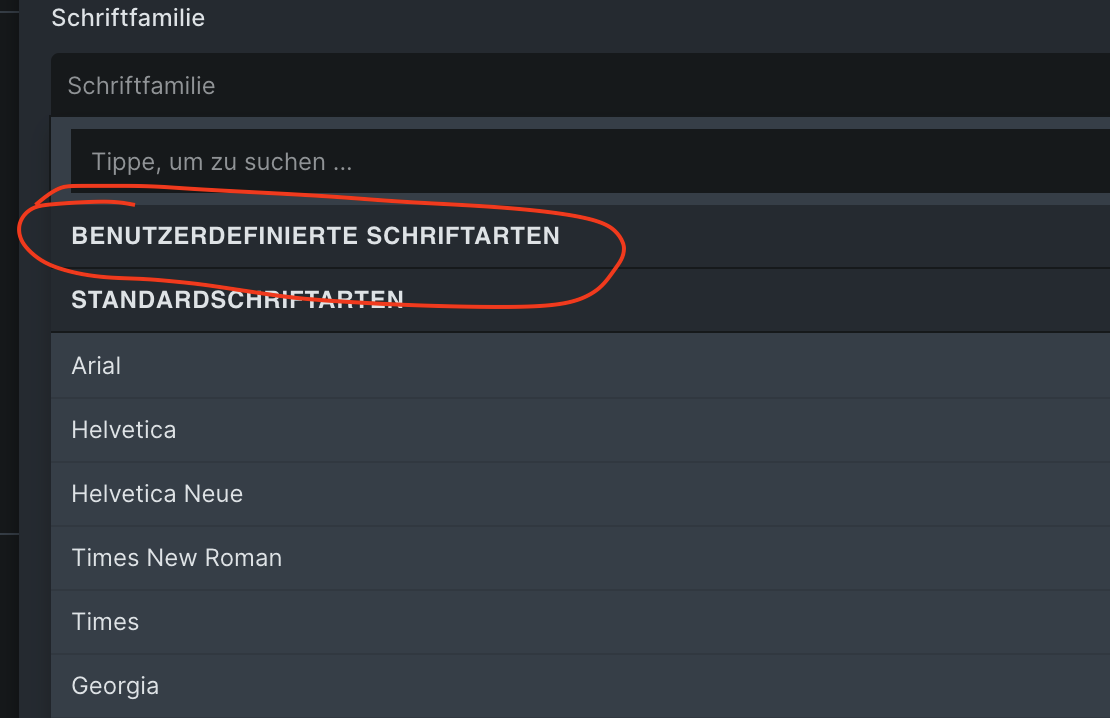
in an element’s font selection panel, no custom fonts are available and the list is empty.
Can you show me how you get the woff2 format on fonts.google.com? My download package only contains a ttf file, so I assume you used a converter to turn it into woff2. If so, that’s probably why it’s not working (these converters are mostly ).
Please try using the woff2 files from one of these sources to see if it works. Usually, they are pretty reliable:
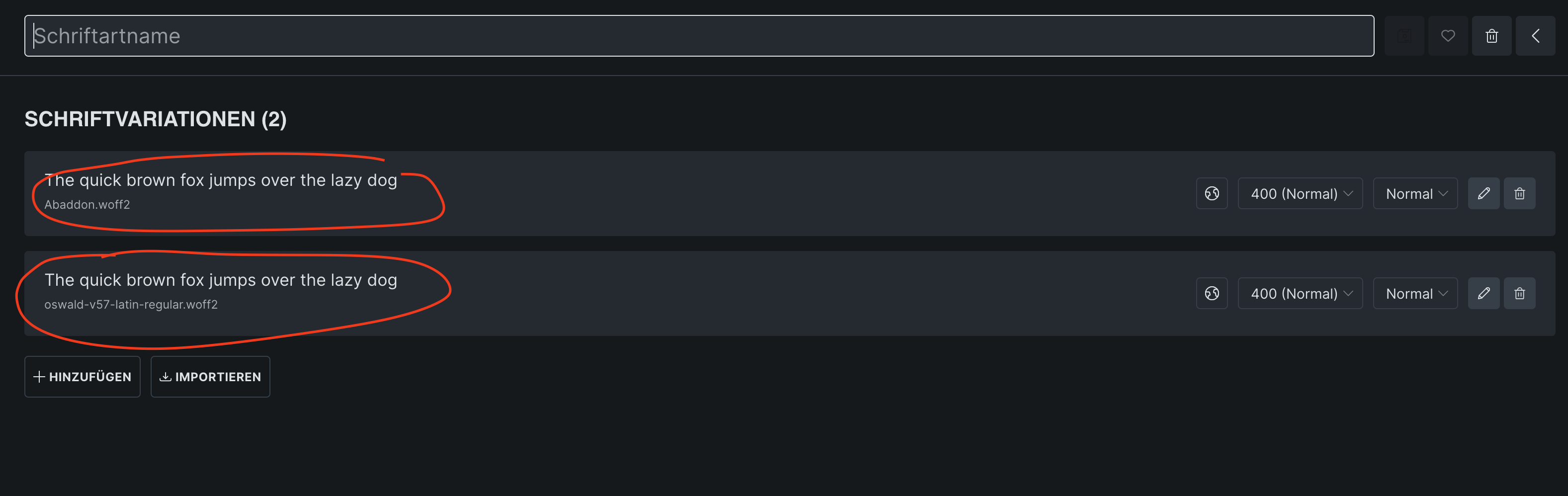
Mine too, and it works Looking at your screenshot again, the font name is missing—and you should create a separate font for each different font (one for Abaddon, and one for Oswald), rather than putting two different fonts in one.
 ).
).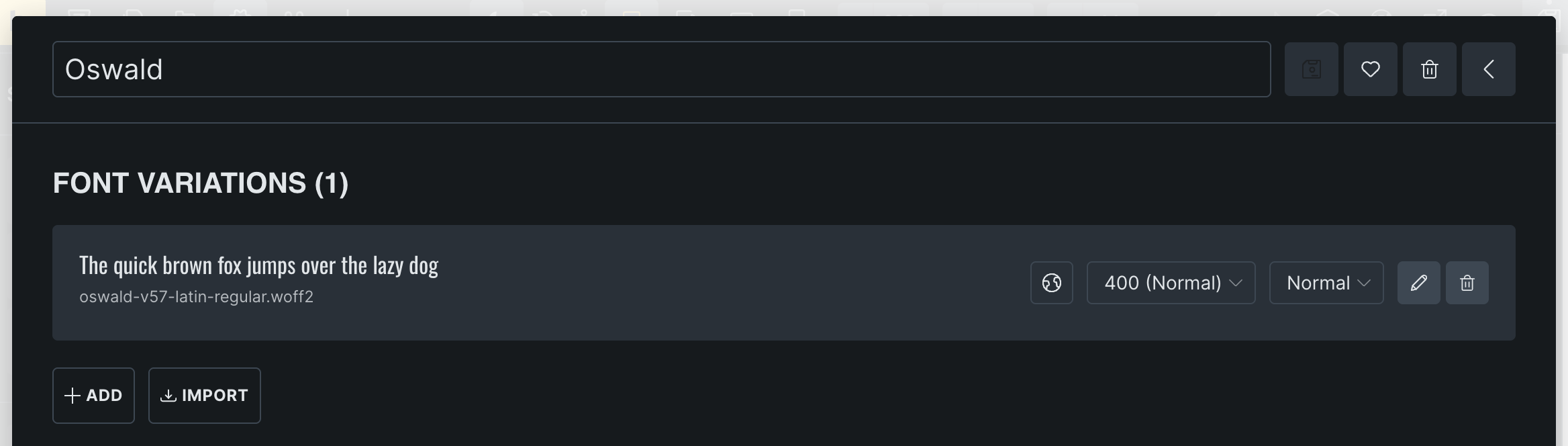
 Looking at your screenshot again, the font name is missing—and you should create a separate font for each different font (one for Abaddon, and one for Oswald), rather than putting two different fonts in one.