This is not exactly a bug, but it’s a somehow disorienting behavior of the editor.
While working on a site, I created a very minimal Page Template that contains just a section > container > Post Title + Post Content (source: WordPress).
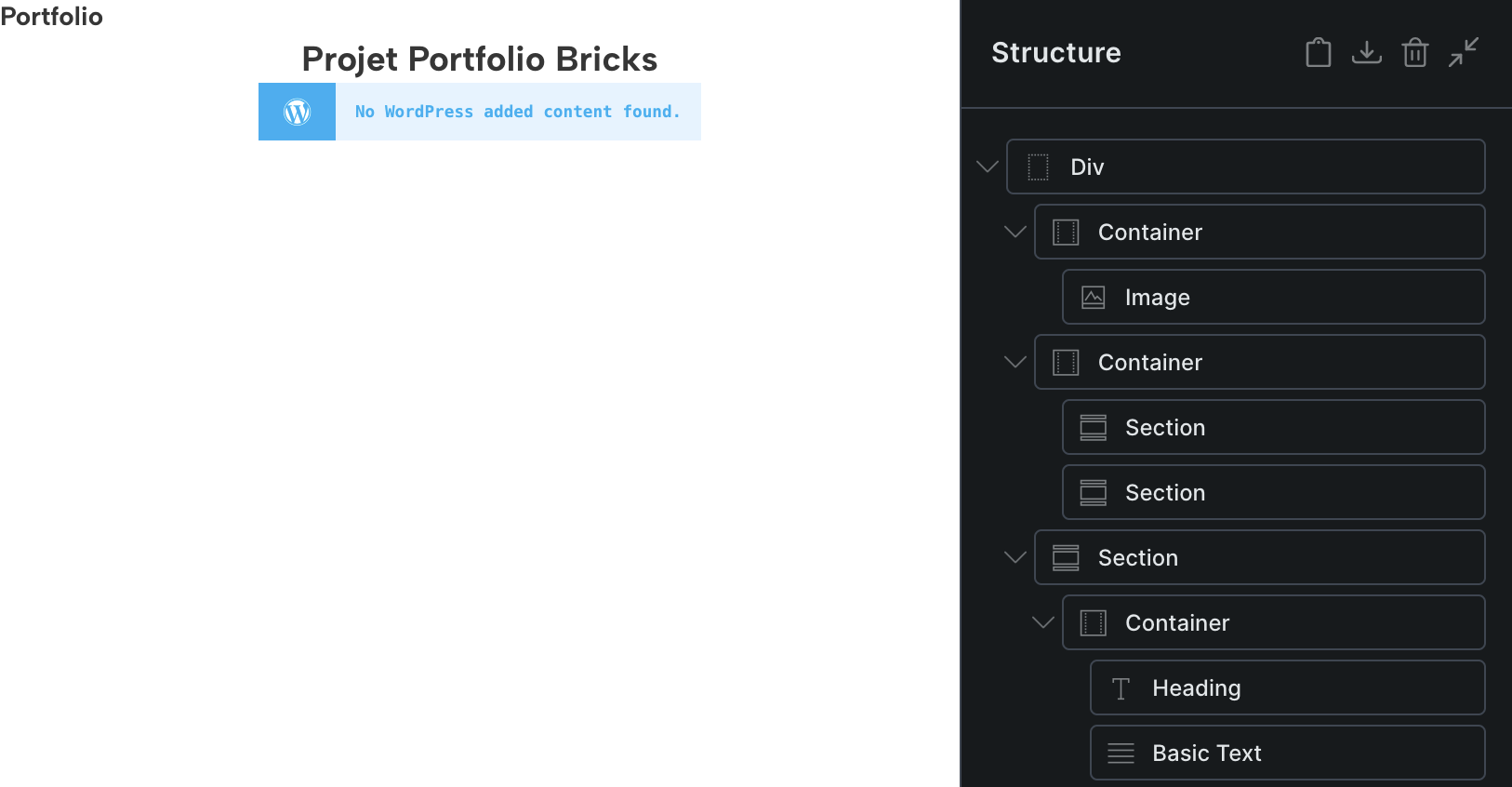
Result: all Pages that were edited with Bricks don’t show any content anymore. Instead of content, they display “No WordPress added content found”. However, the Bricks content blocks are still visible in the Structure side panel (see screenshot). 
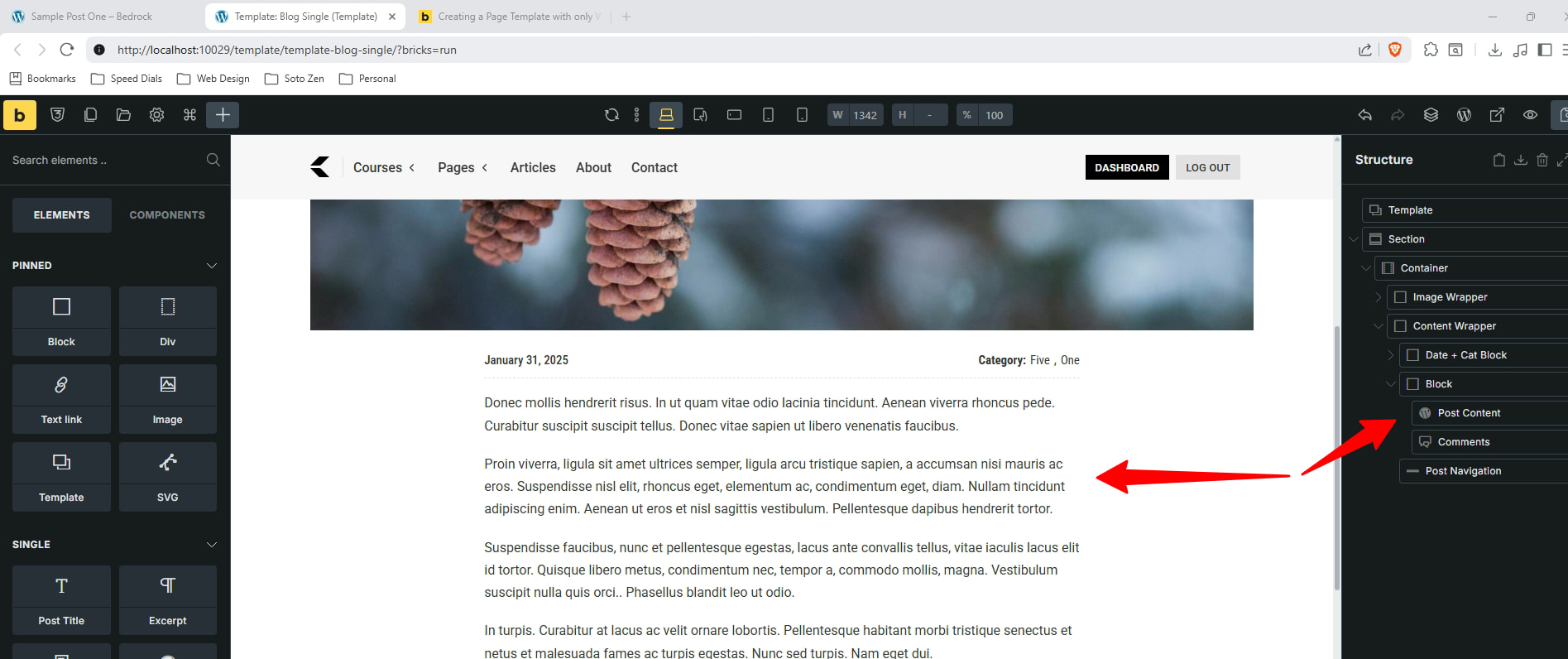
It took me some time to figure out that this behavior of the Editor was caused by the Page template and the Post Content block. I was able to solve it by adding to the template another Post Content block with its source set to Bricks.
Conclusion: the Bricks editor is dependent on the Page template having a Post Content block with the source set to Bricks.
Coming from classic WordPress theming, this wasn’t intuitive to me – in WordPress, the content editor for Posts or Pages isn’t directly linked to the Post or Page templates.
Well, it is not so much the template, but rather where you are rendering the content from. If the content is built within the builder, then that will be Bricks Rendered content. If the content is coming from the backend or the Wordpress native editor, then that is Wordpress Rendered content.
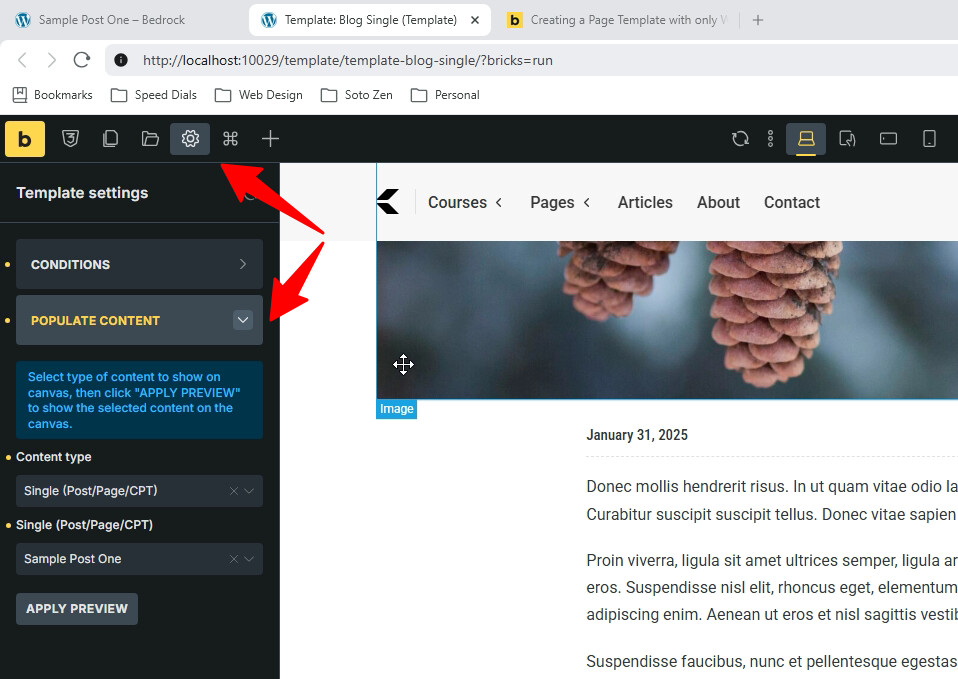
If you are building pages/templates that mix the two, then within the builder, make sure to populate the content to that specific template.
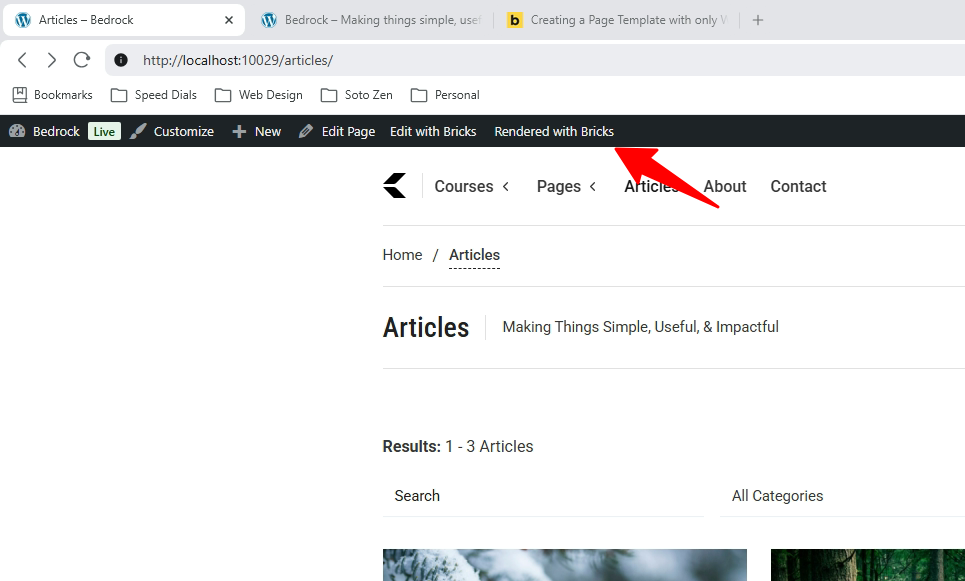
Also, you can see within your browser what content is being rendered.
1 Like
Thank you for your comments.
My issue was: when working with a blank Bricks theme, the default Page template is displaying both “Rendered with Wordpress” and “Rendered with Bricks” content. This gave me the impression that a simple Post Content block would be able to display both types of content.
An aside: is there a way to see what the default Bricks templates are made of? To turn them into editable templates, and use them as a starting point ? I think that studying them would be of benefit for Bricks beginners. It would help understand what blocks should go into a basic template.
Well, it is not really an “And” it is more of an “Or” … you choose the render function that then that content is displayed. Again, you can still see both areas of content (Bricks and Wordpress) by using the conditional population option I showed you.
Now, as for the templates. The “Page” template is the standard Wordpress page template that pulls in the content function (the_content() – Function | Developer.WordPress.org).
If you go into the theme under template-parts you will see how it works. But this is a Wordpress function and not a Bricks one.
If you want to make them editable templates, then use the Bricks native elements, create components that are then editable down the road. You can also use plugins such as MetaBox, ACF, etc to create customization even more granular.
Final note, if you see, Bricks is working on the ability to create blocks from components, which is what you are looking for. Now this is still an experimental option, but it is coming. For now, build your templates with components and you are god to go.
1 Like