Does anyone have any advice as to how I can bring in colors from a metabox custom “color” field and use them in the Bricks gradient/overlay section in styling?
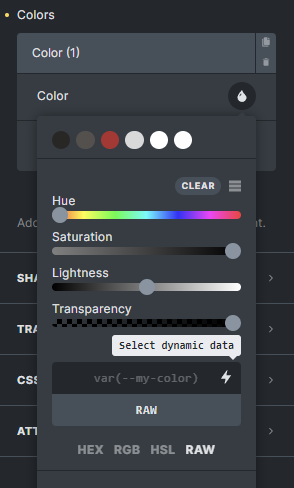
I have a “single” template attached to the CPT and in the gradient section color picker I have selected RAW, then targetted the custom color fields but Bricks just does not render the values at all.
I have inserted the dynamic data itself into the template as a “basic text” element and can see the proper #colour or rgba (for those with opacity selected) so there must be something I am doing wrong maybe?
I’m also struggling with this - I have an “overlay” gradient with 3 colours, one of which needs to be added dynamically. I’ve created a variable name for the colour and tried to pull that using the RAW field in the colour panel (result is blank), I’ve tried to create a text field with the colour data in the custom post data (both hex and hsl) and add that in the RAW field using the dynamic data icon (result is blank). At a loss.
@aLeighLikeMe are you using ACF?
For me it’s working with ACF color field.
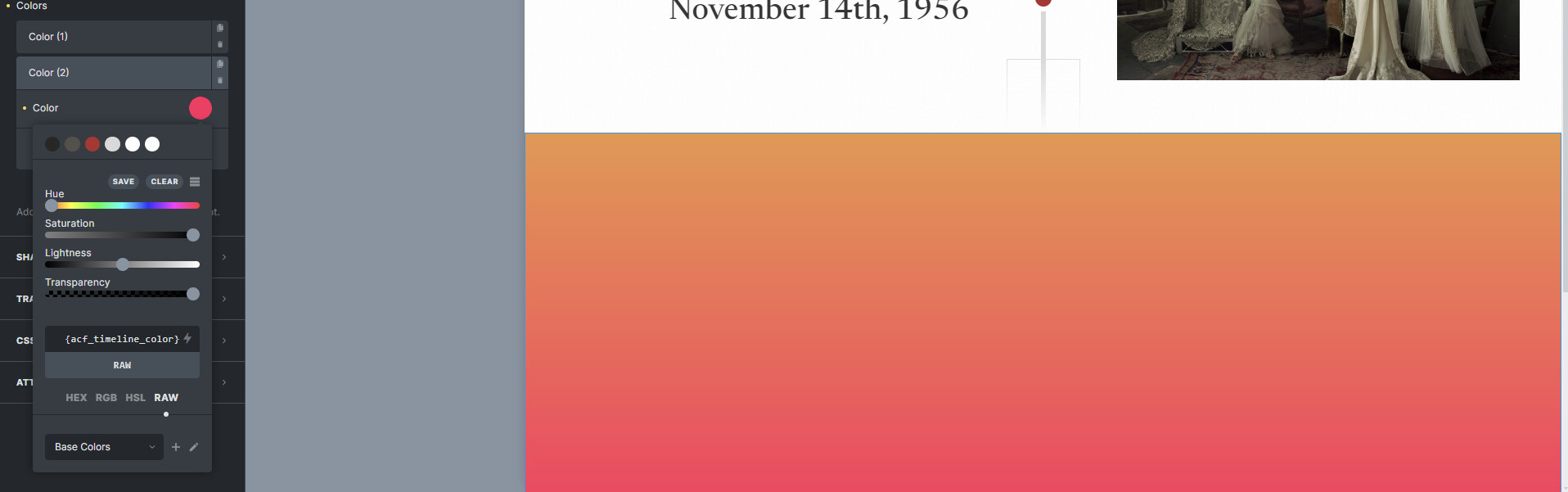
If you select raw the dynamic field icon and select your field it should work.
I tested out and it’s working fine for me.
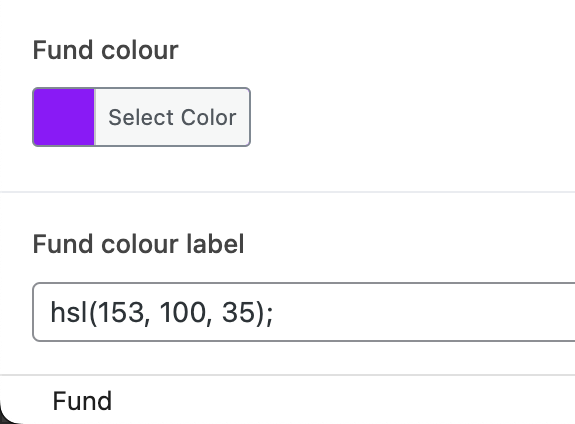
Yeah I am using ACF and not Metabox, but I figured it would be the same issue potentially? It’s not working for me at all. The white block that you see should have a purple to white gradient, but the dynamic colour just doesn’t appear. You can see it does exist in the field data for me as “Fund color”. (The “Fund color label” was just me trying different text inputs with colour values to see if I could get it to work that way.)
I see, and are you sure that the conditional logic is right?
By that I mean if you want to be displayed in the homepage the ACF location rule should reflect that.
If the ACF location rule doesn’t match the place that you want to display the colors it wont work.
You need to set the exact location, or you should create an option page. The settings there could be used in every page of the website.
I tried it and worked for me.
Hello! Thanks for the suggestion, my logic actually WAS wrong, but that didn’t solve the problem unfortunately. I’ve gone with just using a div that has the dynamic colour underneath a div that has gradient with a transparent corner so that the dynamic colour shows through there and it looks like one gradient. Not ideal, but working for now.