Control which sizes are shown in the images "sizes" dropdowns

Hi, posted this question on Facebook before i saw there was a forum, so it’s probably better to ask my question here !

I would like to control which sizes are shown in the images “sizes” dropdowns for the Bricks elements (image, carousel, …) like this is the case on the Wordpress admin.

I don’t use the default WP sizes, only my custom ones, with the “image_size_names_choose” filter. But Bricks doesn’t take this filter into account.

I was able to solve this by updating two functions :

  • get_image_sizes_options() in includes/setup.php
  • get_image_metadata() in includes/ajax.php

Is it possible for you to implement that ?
Can add the code here if interested.

Thanks for reading.

2 Likes

I’m also using custom image sizes. In this case I’m adding two image sizes. I’m seeing all the registered image sizes when adding an Image element. Here’s the code I’m using.

//  Add image sizes
add_action( 'after_setup_theme', 'irw_add_image_sizes' );
function irw_add_image_sizes() {
	add_image_size( 'irw_medium_plus', 600 ); 
	add_image_size( 'irw_medium_large', 800 );
}
//  Register the image size names for use in Add Media
add_action( 'image_size_names_choose', 'irw_custom_size_names' );
function irw_custom_size_names( $sizes ) {
	return array_merge( $sizes, array(
		'irw_medium_plus'           => __( 'Medium Plus' ),
		'irw_medium_large'          => __( 'Medium Large' ),
		)
	);
}

Hi @riderworks ,

Thanks for replying.
You are right, but the thing is, i want to show only my custom sizes. This is why I had to update the two Bricks files :confused:

1 Like

Hi mvuidev, I’m curious about how you implement your custom image sizes and the image sizes in your Settings > Media Settings.

Here’s what I do. I change the default Image sizes and add the code below to extend Image settings. I use 1200px as my general content width.

//  Remove image sizes
add_action( 'intermediate_image_sizes_advanced', 'irw_remove_default_images' ); 
function irw_remove_default_images( $sizes ) {
	unset( $sizes[ 'medium_large' ]);
	unset( $sizes[ '1536x1536' ]);
	unset( $sizes[ '2048x2048' ]);
	return $sizes;
}

// Change size of Scaled image
add_filter( 'big_image_size_threshold', 'irw_check_image_size',10,3 );
function irw_check_image_size($imagesize, $file, $attachment_id) {
	return 2400;
}

//  Add image sizes
add_action( 'after_setup_theme', 'irw_add_image_sizes' );
function irw_add_image_sizes() {
	add_image_size( 'irw_medium_small', 300 );
	add_image_size( 'irw_medium_plus', 600 );
	add_image_size( 'irw_medium_large', 800 );
	add_image_size( 'irw_large_plus', 1600 ); 
}

//  Register the image size names for use in Add Media
add_action( 'image_size_names_choose', 'irw_custom_size_names' );
function irw_custom_size_names( $sizes ) {
	return array_merge( $sizes, array(
		'irw_medium_small'		=> __( 'Medium Small' ),
		'irw_medium_plus'		=> __( 'Medium Plus' ),
		'irw_medium_large'		=> __( 'Medium Large' ),
		'irw_large_plus'			=> __( 'Large Plus' ),
		)
	);
}

// Increase the maximum image width to be included in a 'srcset' attribute.
add_filter( 'max_srcset_image_width', 'irw_increase_max_srcset_image_width' );
function irw_increase_max_srcset_image_width( $max_width ) {
	return 2400;
}
1 Like

Hi riderworks,

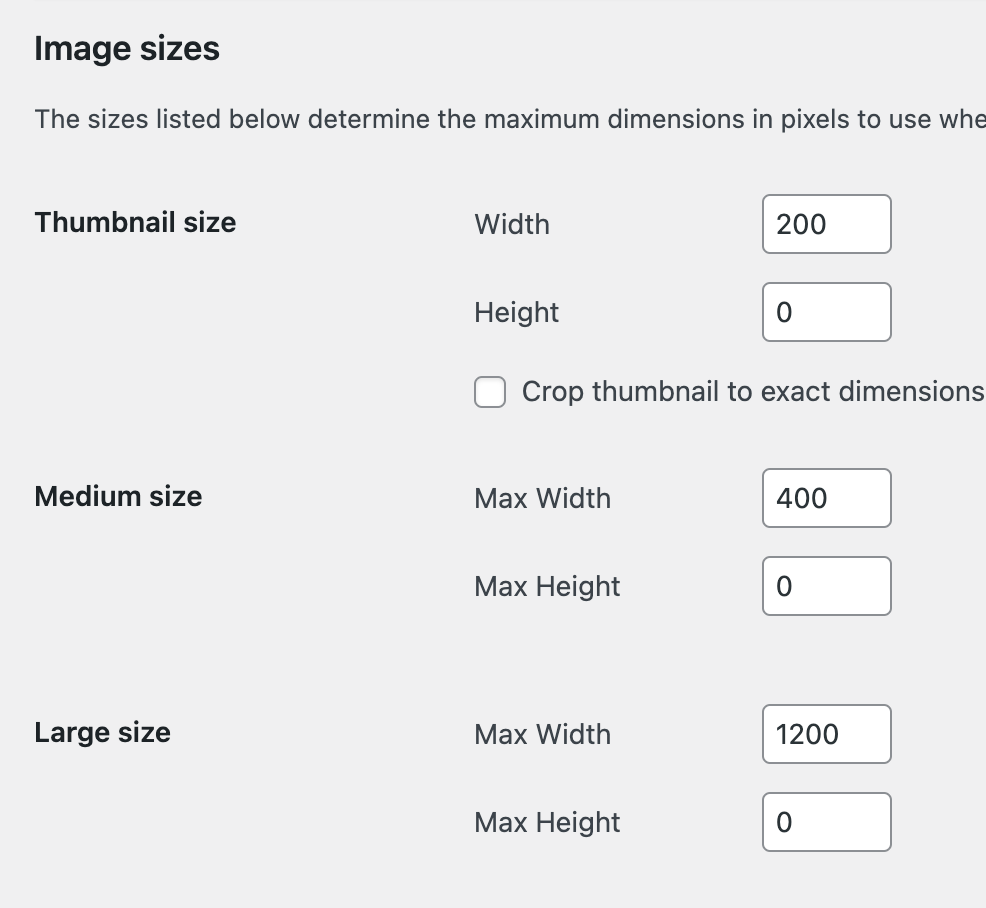
The same way, but i remove all the default sizes (except the thumblail).
Then for my custom sizes i use my own resizing/optimizing API.
Currently with Bricks, all the sizes are shown in dropdowns (thumbnail, medium, large + custom sizes).
What i’d like is that Bricks take into account the image_size_names_choose filter, so i can choose which sizes are selectable.

3 Likes

I 2nd that - Bricks should respect the user’s image size settings