Hey folks,
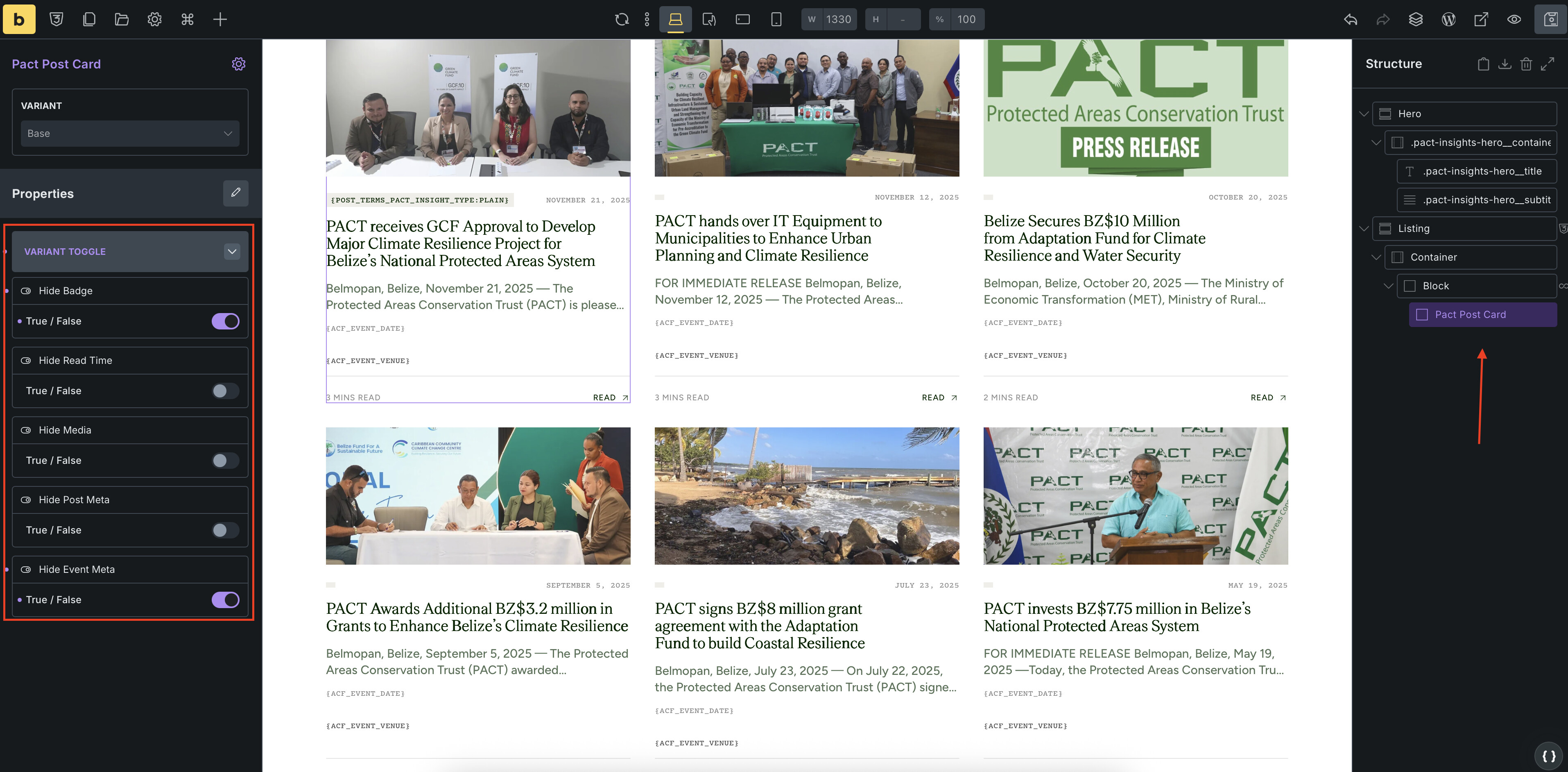
Hoping to get some help here. I created a Post Card component, which I find, if possible, can use me for 3 different variants, twice in one CPT and once in another CPT.
Currently, I CAN get the desired output I want using the toggle properties for different elements based on where I am using this card.
Ideally, what I am trying to do and I cannot figure out no matter how much videos or forum posts I’ve read is:
I want to click/select a variant, go to the element, click on element I want to remove from DOM and have it saved to the component so that when I choose the variant I want to use where I need to use them, those items are automatically removed and I don’t have to do this at the property level option every time I use.
this means, the component is set where they are set and I only have to change the source of truth once.
Is this technically possible right now?
thanks !!