I created a component that has the option to show or hide a “Read more” button. For this I use the “Toggle”. Now I also want to give the component wrapper the attribute: expandable="true" to use some specific styling.
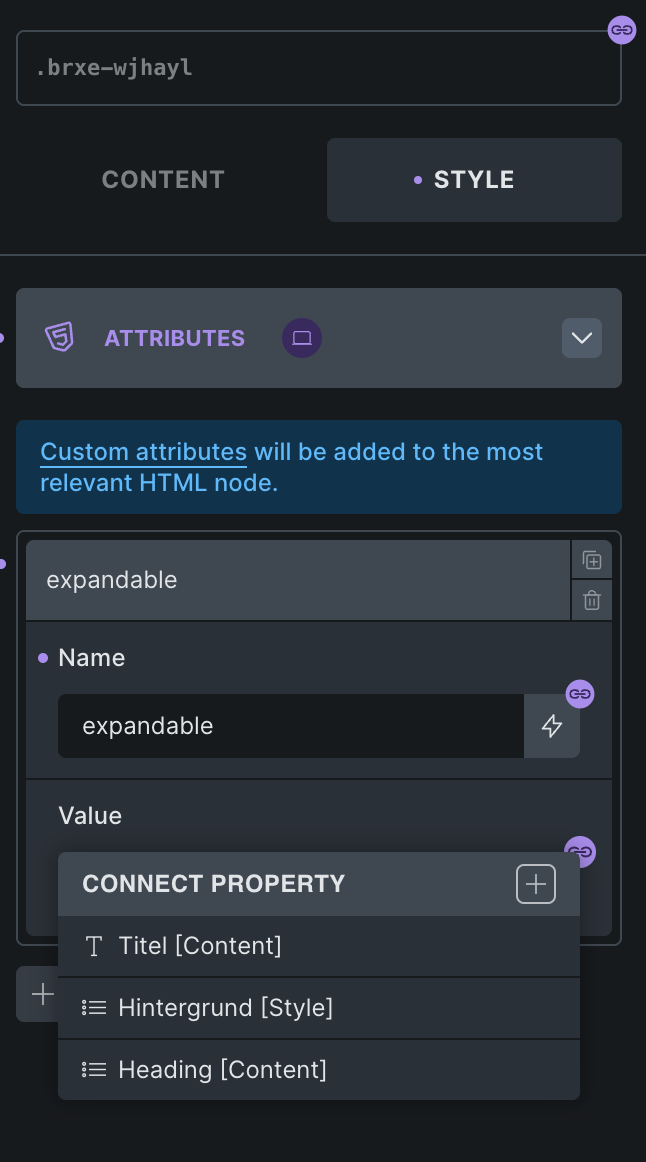
The value obviously should reflect the state of the Toggle. Unfortunately I can’t select the Toggle as source for my dynamic attribute value.
Also I need the option to show or hide something based on one Toggle.
For example:
Toogle="false": show Button A and hide Button BToogle="true": hide Button A and show Button B
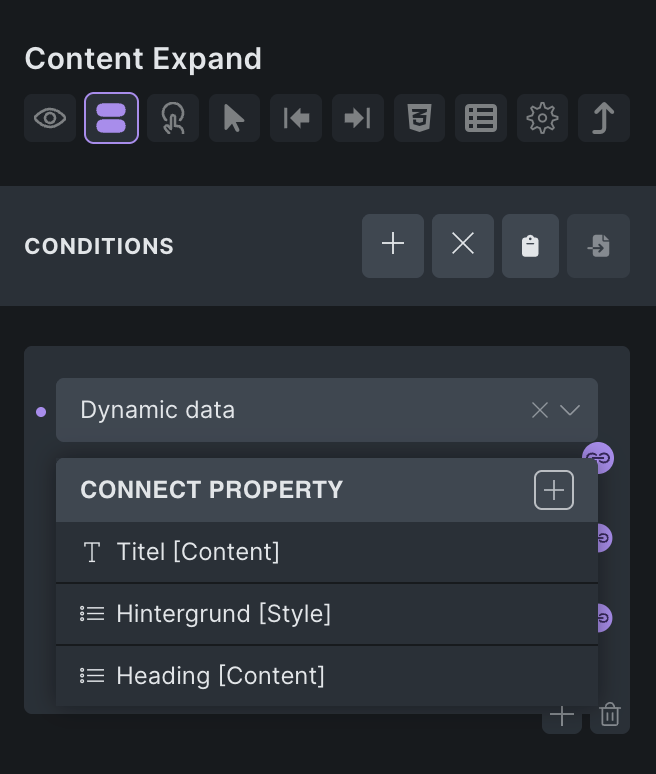
Achieving this would be easy if I could use the Toggle value in Conditions:
6 Likes
Agree, I’ve needed to use a toggle as a generic true/false multiple times and was disappointed that it couldn’t be done. This would be a big help for certain situations.
1 Like
One more addition.
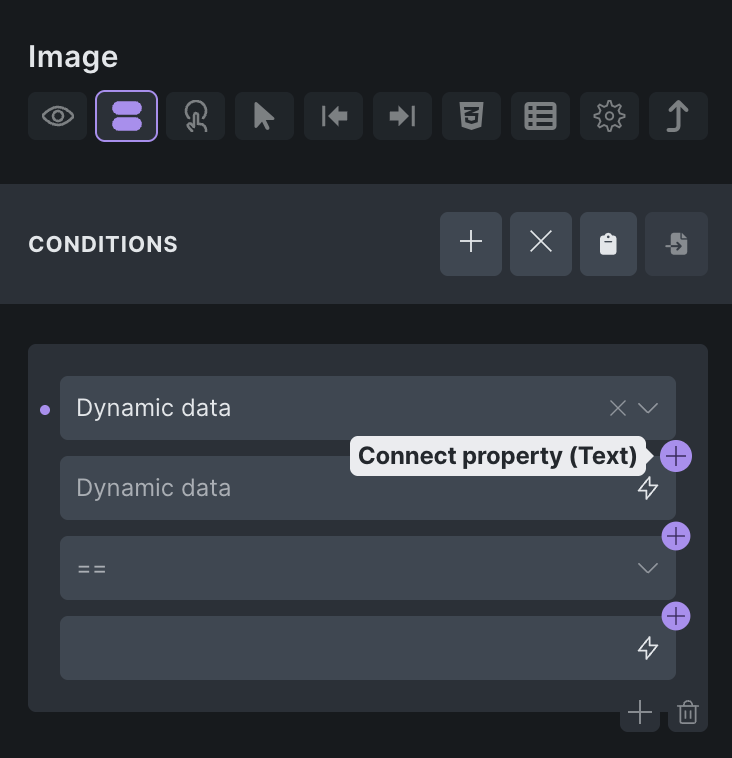
I wanted to use “Conditions” to hide an element in case the image field has no value. For some reason the conditions only accept text fields. Is there a reason why you do not allow simply any component field to be used everywhere?
I mean I can’t even use the toggle or select field to show or hide an element based on its state.
Also I would like to use an Component Image as a background Image – which is also not allowed.